 New to Shopify? Free trial, then $1/month for your first 3 months. Start free trial →
 Where is your store?
Ryviu works with both – pick yours to continue.








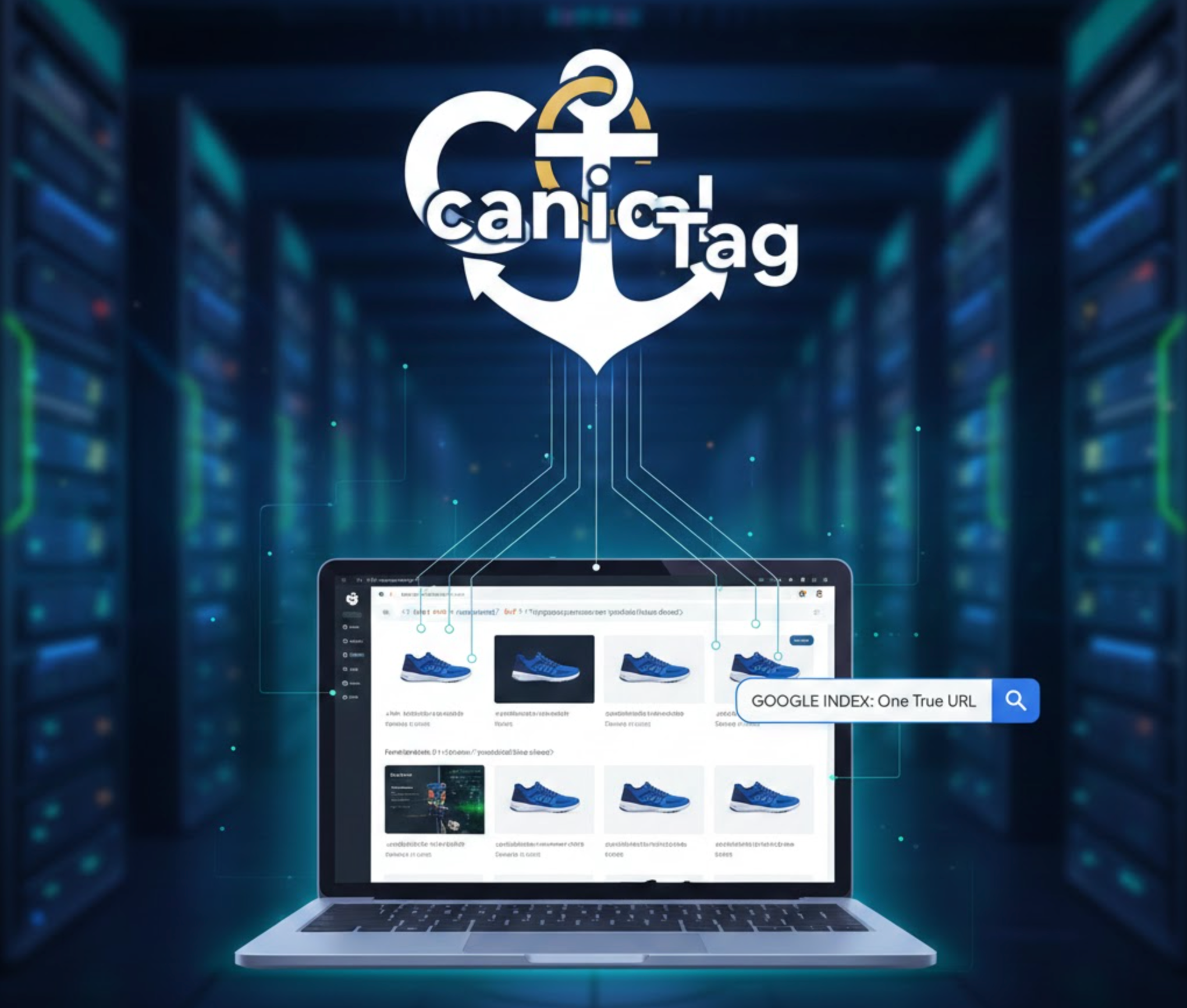
Canonical tags are essential for guiding search engines toward the correct version of a webpage, ensuring that duplicate URLs don’t harm your SEO performance. In Shopify stores, duplicate content is common due to features like collections, filters, product variants, and marketing parameters. Without proper canonical control, Google may index multiple versions of the same page, causing ranking signals to split, crawl budget to be wasted, and search visibility to decline.
By applying canonical tags strategically, you help consolidate authority, streamline indexing, and ensure search engines present the best version of your content. The following best practices explain how to manage canonical tags properly in Shopify, why each step matters, and how these choices contribute to stronger long-term SEO.
Shopify generates multiple URLs for the same product by design. These variations come from:
Even though these URLs lead to the same content, search engines treat them as separate pages unless instructed otherwise. This leads to diluted ranking signals, duplicate content issues, and inconsistencies in indexing.
Correctly implemented canonical tags help search engines understand which version of a URL should take priority. They centralize link equity, reduce index bloat, and ensure that your primary product or collection pages receive the visibility they deserve.
Shopify defaults to the clean product URL, /products/product-name, as the canonical version. This clean URL is usually the strongest and most stable option for SEO. If your theme accidentally overrides this and sets the canonical to a collection-based URL, your product may lose ranking potential outside that single collection.
Checking your theme code is crucial because some third-party themes or apps alter canonical tags without notice.
Go to: Theme → Edit Code → product.liquid
Replace: <link rel="canonical" href="{{ product.url | within: collection }}">
With: <link rel="canonical" href="{{ product.url }}">
This ensures your product pages always point to a single, authoritative URL.
Shopify’s filtering and sorting functions can create hundreds of URL variations for a single collection. These parameters don’t add unique SEO value and shouldn’t be indexed as standalone pages.
Canonicalize all filtered URLs to the clean base collection page, such as:
/collections/shoes
Filtered URLs grow automatically as your store expands, so avoiding their indexation keeps your site tidy and SEO-friendly.

Each product variant typically produces its own URL with a variant ID. Even though these pages show nearly identical content, search engines treat each as separate unless consolidated with proper canonical tags.
Point all variant URLs back to the main product URL without the variant parameter.
Variant consolidation is one of the simplest ways to boost the authority of your main product pages.
Shopify automatically creates paginated URLs for long collections. Many stores mistakenly treat each paginated URL as a unique page with a self-referencing canonical, which causes unnecessary duplication.
Even though pagination helps users browse large collections, only the primary version should compete for rankings.
Blog tags automatically generate new URLs that show partial groups of articles. These tag pages often lack unique content, making them less valuable to search engines.
Set the canonical of tag-filtered pages to the main blog page or apply a noindex tag.
Tag pages are useful for users, but from an SEO standpoint, they rarely provide standalone value.

When using page builders, funnel tools, or A/B testing platforms, it’s easy to create duplicate versions of landing pages. Without proper canonical tags, these copies may compete with each other.
This is especially important for stores running frequent marketing experiments.
Marketing campaigns often add parameters to URLs, such as: /products/product-name?utm_source=google
These parameters are useful for analytics but can create unnecessary URL variations.
Allow Shopify’s default canonical settings to handle these URLs and configure parameter rules inside Google Search Console.
Tracking parameters should never create separate canonical versions.
Canonical tags can shift unintentionally after theme updates, app installations, or code changes. Regular monitoring helps catch issues early.
Proactive testing prevents long-term SEO issues caused by accidental canonical changes.
Canonical loops happen when two pages point at each other. Canonical chains occur when multiple pages point to a sequence instead of directly to the primary URL.
Each canonical tag should point directly to one final, authoritative URL, never to another redirected or canonicalized page.
Clean, direct canonicalization is one of the simplest ways to keep your site SEO-friendly.
Canonical tags are more effective when internal links reinforce the same preferred URL. If your internal links point to filtered, collection-based, or variant URLs, Google may become confused about which version is most important.
Always link to the canonical version across:
Internal linking and canonical tags work together to guide search engines toward the correct structure.
Canonical tags are vital for maintaining a clean, scalable, and search-engine-friendly Shopify store. By controlling product URLs, managing filtered collections, consolidating variants, and preventing pagination issues, you create a more organized SEO framework. This leads to stronger indexation, healthier ranking signals, and better overall visibility.
When applied carefully, canonical tags eliminate duplicate content problems and ensure your most important pages receive full search engine value. Whether you’re optimizing a small store or managing a large product catalog, following these best practices will help keep your Shopify SEO strong, stable, and ready for long-term growth.




