 New to Shopify? Free trial, then $1/month for your first 3 months. Start free trial →
 Where is your store?
Ryviu works with both – pick yours to continue.








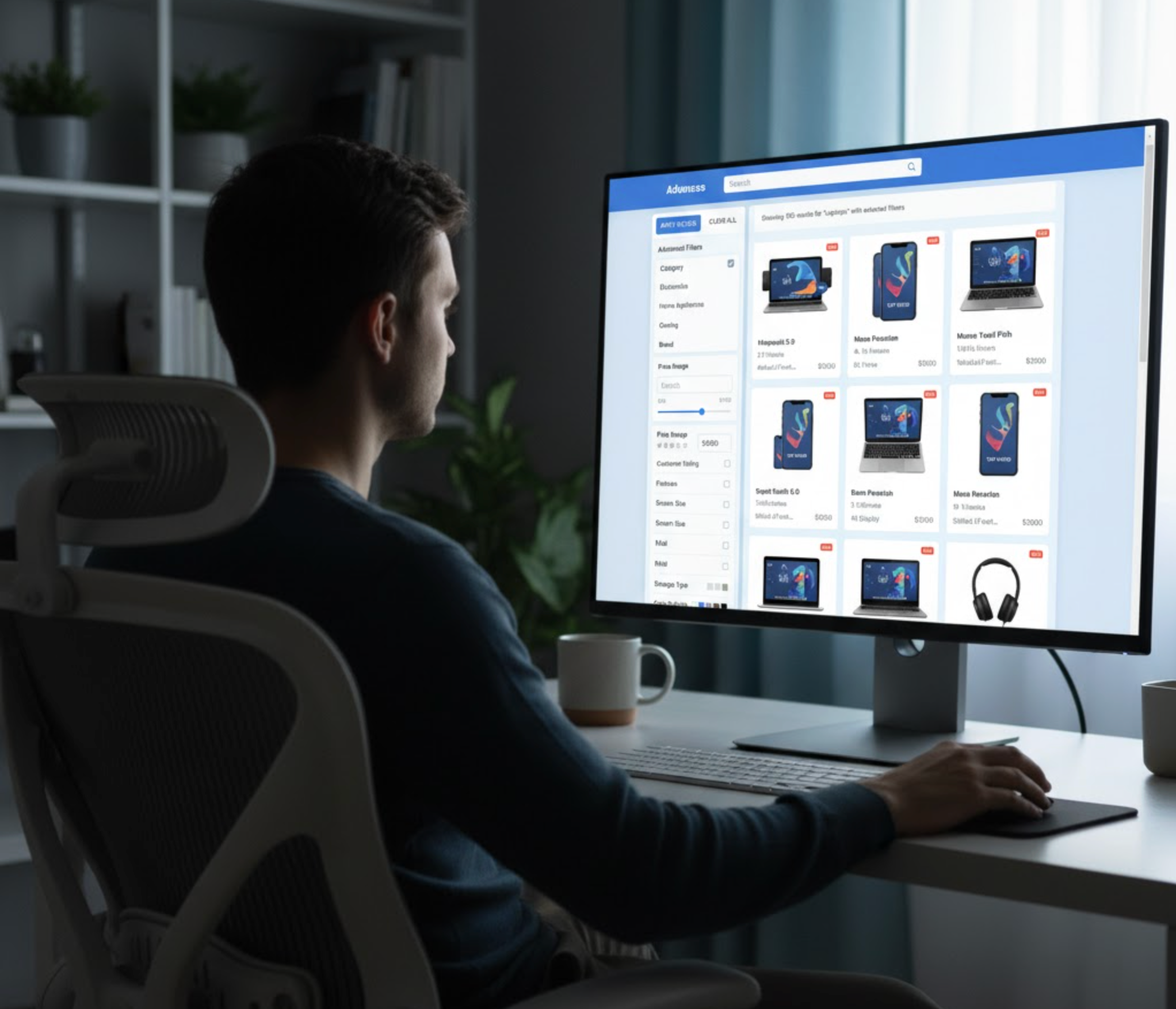
In the fast-paced world of online shopping, customers have little patience for long searches or endless scrolling. They expect to find the right product within seconds, not minutes. As online stores grow and product catalogs expand, it becomes increasingly important to make browsing simple and efficient. This is where advanced filtering plays a major role.
Advanced filtering allows shoppers to quickly narrow down products according to specific attributes such as size, color, brand, material, price, and even customer ratings. By helping customers find what they want faster, advanced filtering directly enhances their shopping experience, boosts satisfaction, and leads to higher conversion rates for store owners.
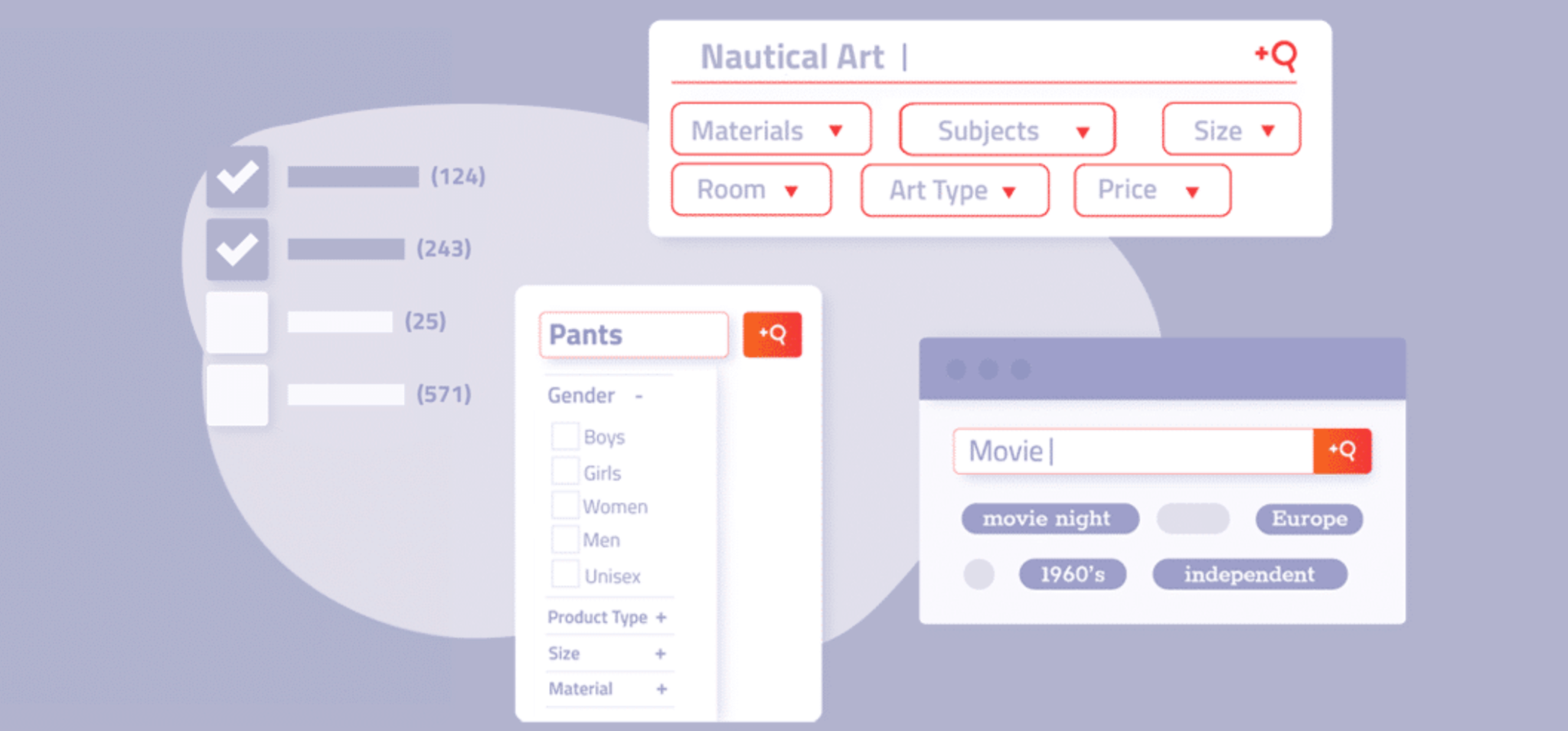
Advanced filtering refers to a dynamic and intelligent system that enables users to refine their search results based on multiple product attributes. Instead of forcing customers to scroll through hundreds of irrelevant items, filtering tools give them the power to instantly display products that match their exact needs and preferences.
For example, a fashion retailer might allow shoppers to filter by color, size, fit, style, and fabric type. Meanwhile, an electronics store might include filters for brand, specifications, screen size, memory capacity, or battery life. These filters allow customers to interact with your catalog in a more focused way, guiding them toward suitable options without frustration.
In essence, advanced filtering transforms browsing into a guided shopping experience. It reduces the effort required to explore a large inventory and helps customers make confident purchase decisions faster.
A well-designed filtering system is more than just a navigation feature. It is a critical element of user experience that directly influences how visitors perceive your brand and how easily they can interact with your store. Without effective filters, shoppers may feel lost or overwhelmed when faced with too many options. That frustration can quickly lead to abandonment and lost sales.
Here are a few reasons why advanced filtering is essential for every modern eCommerce store:
By offering users a clear, logical way to narrow down their choices, advanced filtering helps turn browsing into buying.
Advanced filtering can take many forms depending on the structure of your product catalog and the browsing habits of your customers. Each type of filtering uses specific features to make product discovery faster, more intuitive, and more personalized.
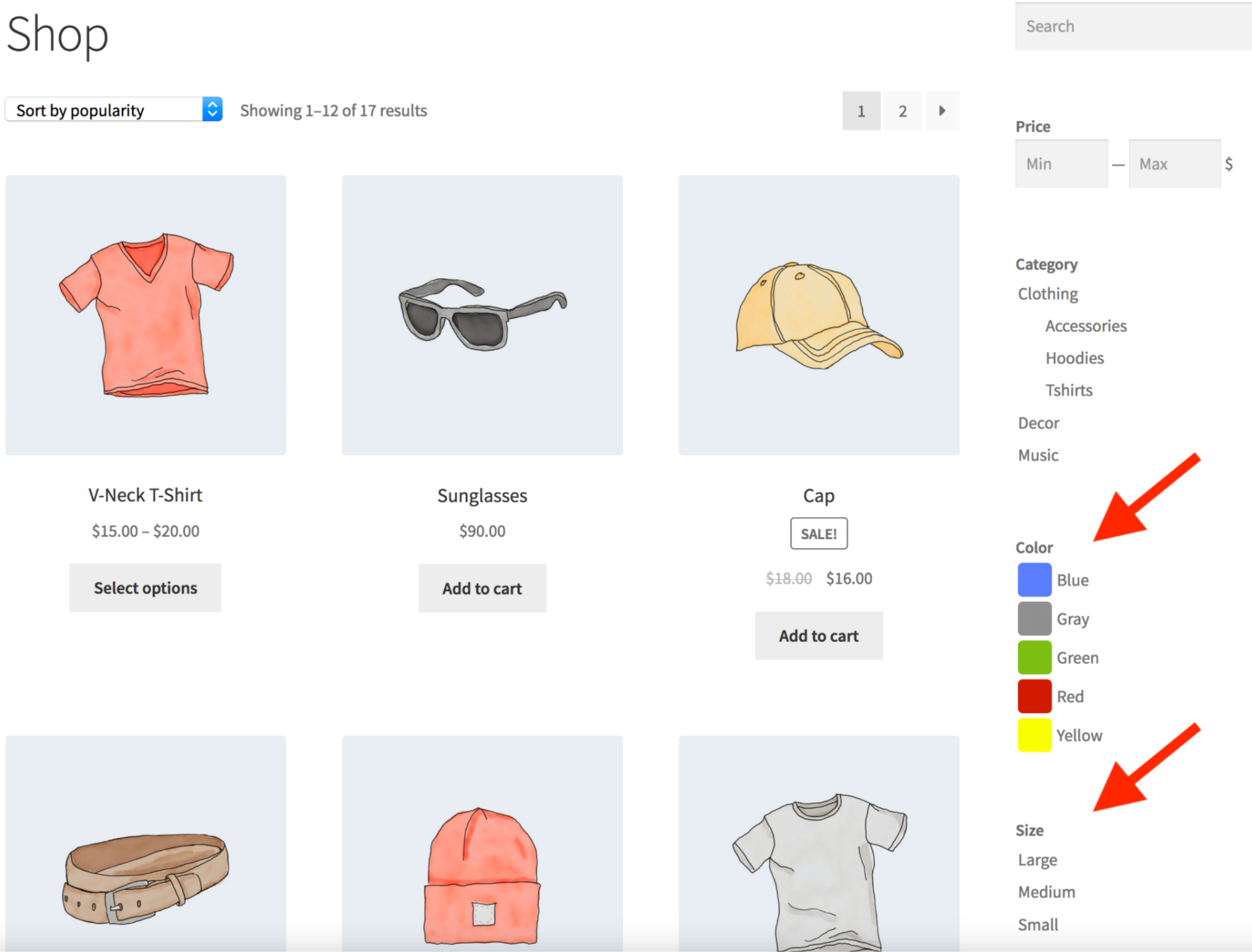
This is the foundation of most advanced filtering systems. It allows customers to refine search results by product attributes such as color, size, brand, or material. A clothing store, for example, might offer filters for size and fabric, while a beauty brand might allow users to choose products based on skin type or formula. Attribute filters make it easy for customers to pinpoint items that meet their exact criteria without unnecessary scrolling.
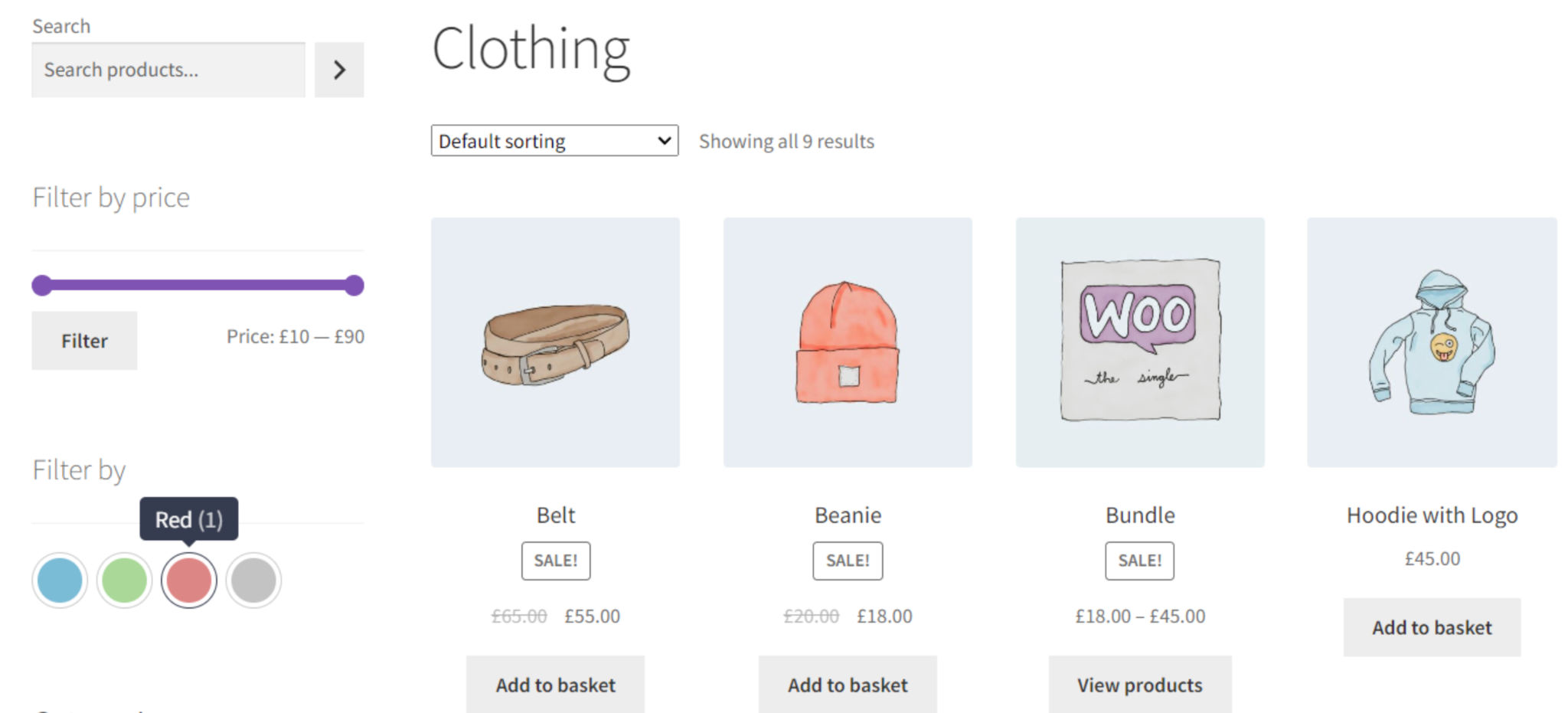
Price filtering helps shoppers define their budget limits by allowing them to view only items within a certain price range. This can be done through checkboxes with predefined ranges or an interactive price slider. Advanced systems let users adjust the range dynamically, so they have complete control over what they see. Price-based filtering is one of the most effective filters for converting visitors because it aligns products with what customers are ready to spend.
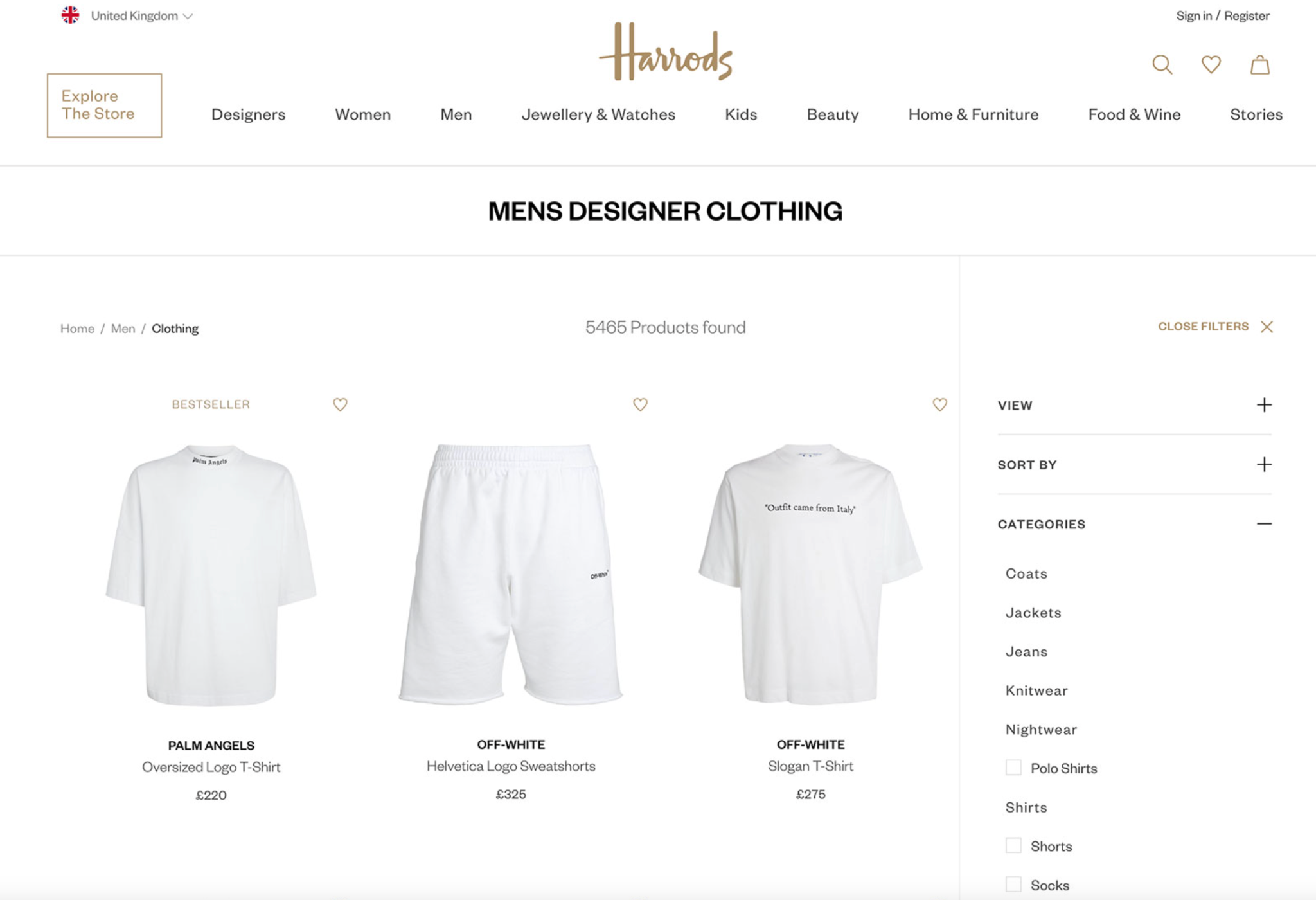
Category-based filtering helps organize large inventories by grouping products into logical categories or collections, such as “Men’s Shoes,” “Home Decor,” or “New Arrivals.” Category filters help customers start their shopping journey from a high-level view and gradually refine their search within each group. Within each collection, customers can apply more specific filters to narrow down their search even further. This type of filtering is ideal for stores with diverse product lines, as it provides a structured and progressive shopping journey.
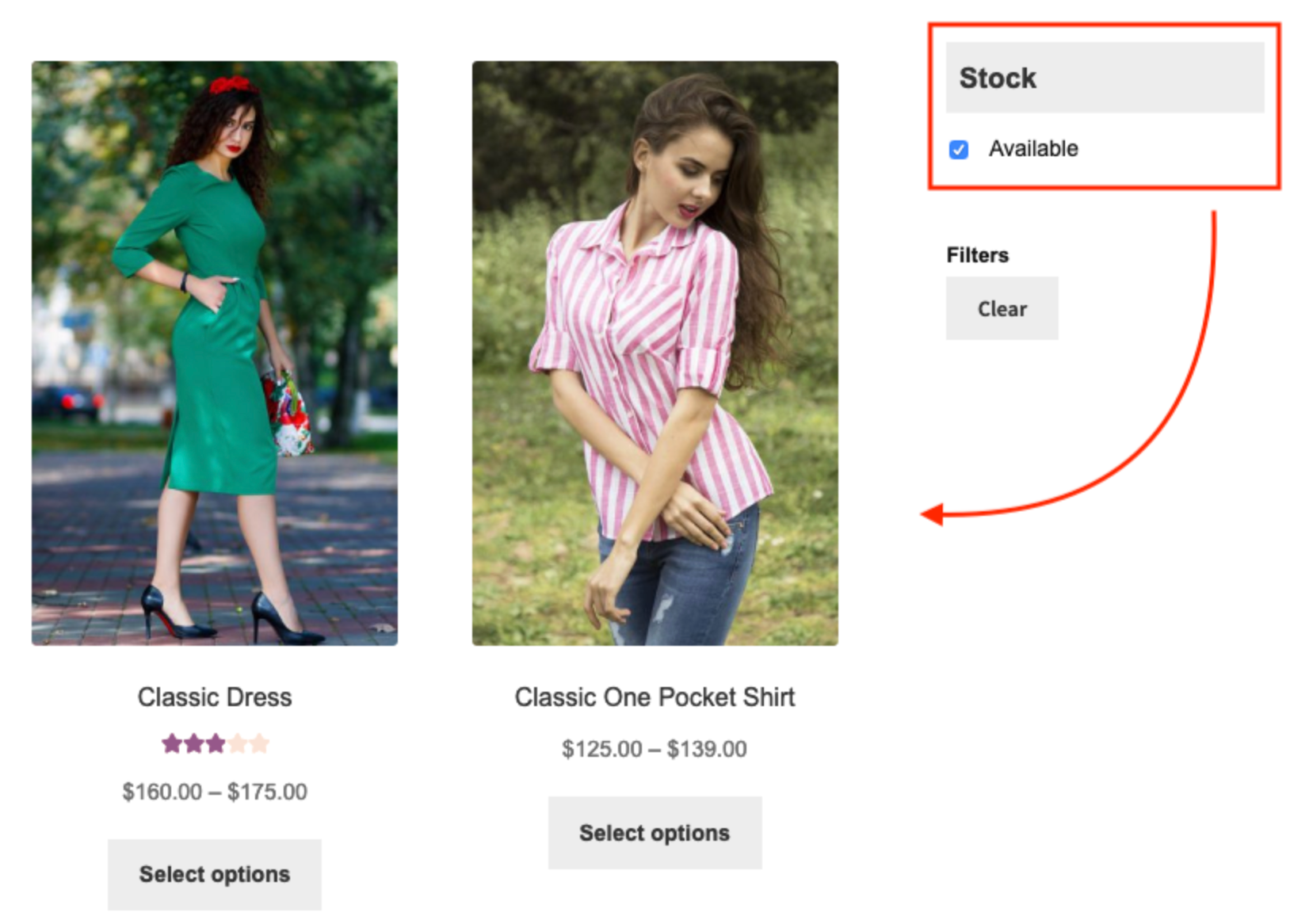
Availability filters ensure that shoppers see only items that are currently available for purchase. It can include options like “In Stock,” “Out of Stock,” or “Preorder.” By filtering unavailable products, customers save time and avoid frustration when they find a product they love but cannot buy immediately. It is particularly useful for stores with fluctuating inventory or seasonal collections.
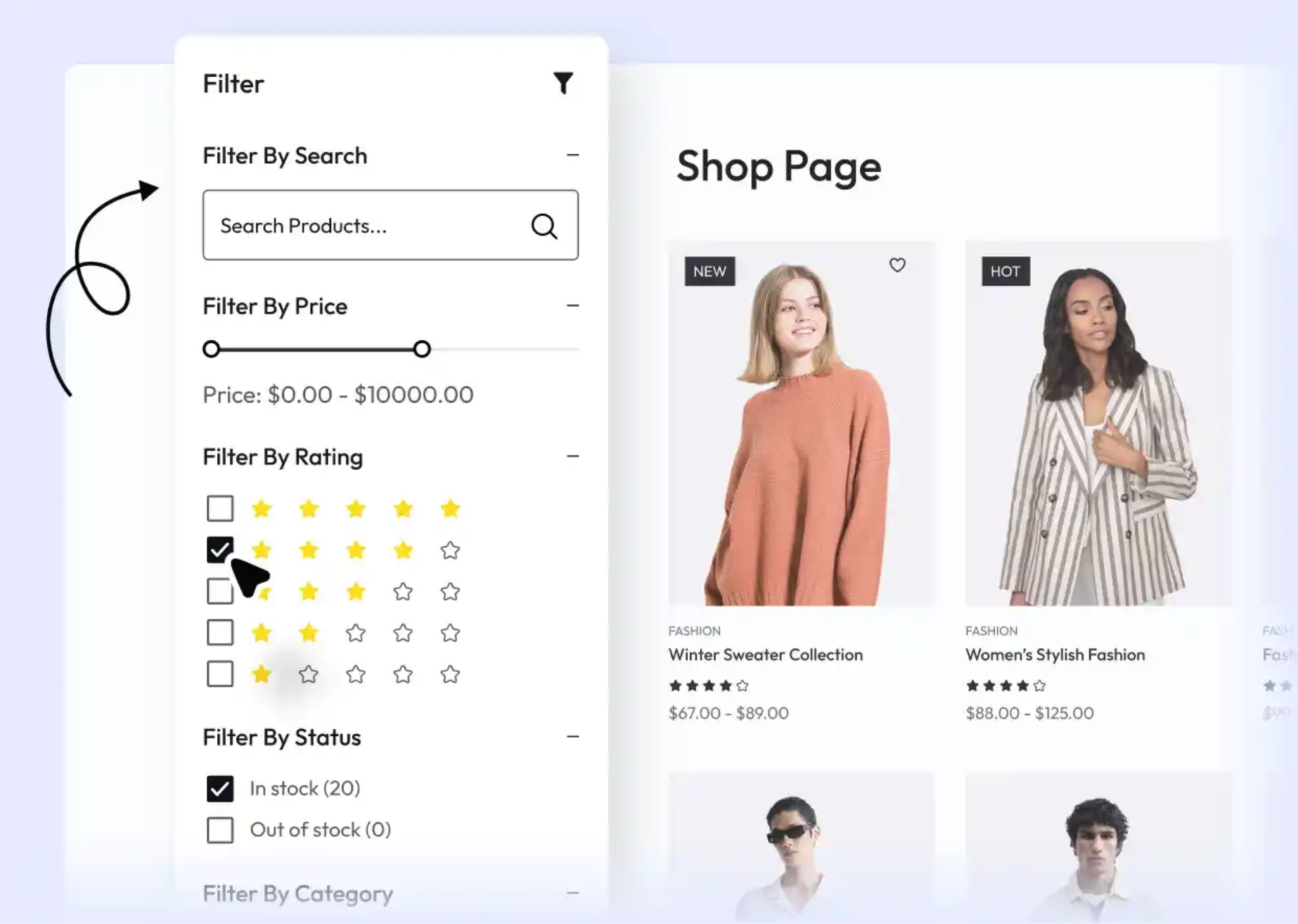
Social proof plays a big role in online purchasing decisions. Many customers rely on social proof before purchasing. Rating-based filters allow users to view only products with a certain star rating or higher, helping them quickly identify trusted and well-reviewed items. This enhances credibility and helps highlight your most popular or top-rated products.
To make this type work effectively, you need to collect reviews for your products. This process can be more easy if you use Ryviu, which allows you to import reviews from multiple sources. So that you can build trust for your store in a minute.
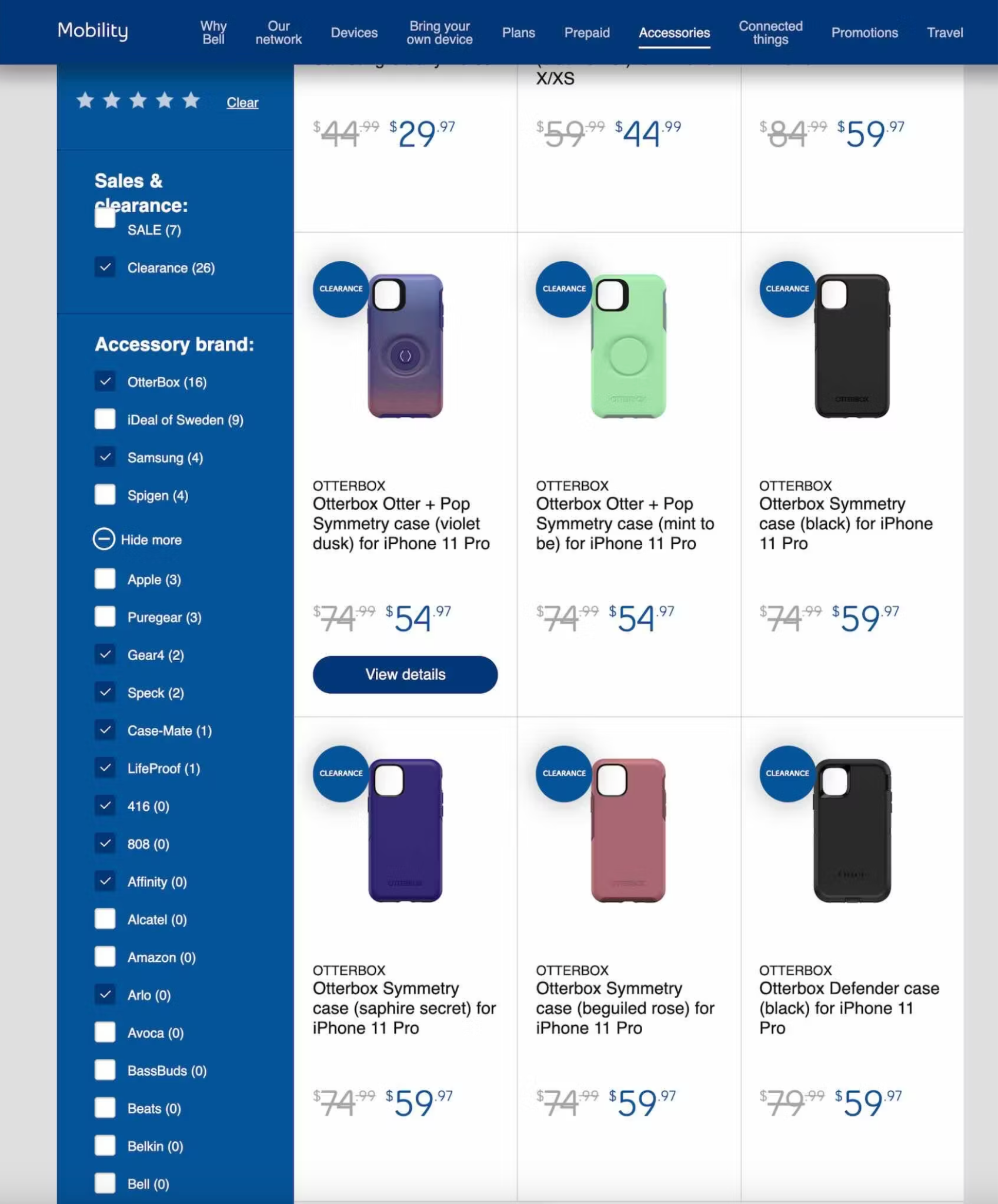
Many advanced filtering systems allow shoppers to select multiple filter values at the same time, such as choosing several colors or sizes. Dynamic filtering goes a step further by automatically updating the remaining options based on the selections made. This keeps filters relevant and ensures users are not shown unavailable or incompatible combinations.
Each type of filtering contributes to a more organized and enjoyable shopping experience, helping customers reach their ideal products faster and with greater satisfaction.
When advanced filters are applied, shoppers no longer need to browse through hundreds of pages to find what they want. They can easily narrow results by product type, price, or brand and instantly see only what matches their interest. For instance, a shopper looking for “black running shoes under $100” can find relevant results in seconds. This efficiency keeps users engaged and prevents frustration that might otherwise lead them to leave your site.
Advanced filtering also supports better decision-making by presenting information in a clear and structured way. When shoppers can easily compare products based on size, price, material, or reviews, they can make faster and more confident decisions. This eliminates hesitation and reduces cart abandonment since customers feel more assured that they are selecting the right product for their needs.
Another important benefit of advanced filtering is that it naturally supports personalized shopping experiences. Returning customers may have consistent preferences, such as a favorite color or preferred brand. Advanced filters allow them to immediately narrow results according to those preferences, making their browsing faster and more enjoyable. Over time, this can build customer loyalty and trust in your store’s ability to deliver relevant results.
Shopping on mobile devices requires speed and simplicity. Advanced filters that are optimized for small screens allow mobile users to refine searches without struggling through long scrolls. Collapsible filter menus, easy checkboxes, and intuitive sliders make it much easier for customers to shop efficiently, even on limited screen space.
To get the most out of advanced filtering, store owners should focus on thoughtful design, intuitive placement, and user-friendly layouts. Well-designed filters not only make navigation easier but also guide customers naturally through your product catalog. Here are some key best practices to consider when designing your filtering system:
Filters should be placed in a location that is easy for users to find, such as a left-hand sidebar or a collapsible top panel. This ensures customers can access filtering options without interrupting their browsing flow. The easier it is to locate and adjust filters, the smoother and faster the shopping experience becomes.
Avoid technical or brand-specific jargon that could confuse customers. Instead, use straightforward and descriptive terms like “Color,” “Price,” or “Brand” so users can immediately understand what each filter does. Clarity in labeling builds confidence and prevents shoppers from feeling overwhelmed by too many unfamiliar terms.
Identify which filters your customers use most frequently, such as price range, product size, or availability. Place these high-priority filters near the top of your filter list to help users find them quickly. Prioritizing popular filters ensures that the most relevant options are visible without requiring unnecessary scrolling.
Include an easily visible “Clear All” or “Reset Filters” button that lets users start fresh with one click. This option gives shoppers flexibility if they want to adjust their preferences or explore a new set of products. A simple reset feature prevents frustration and makes the overall browsing experience more enjoyable.
Your filtering system should function flawlessly across all devices, including desktops, tablets, and smartphones. Ensure that filters resize correctly, remain accessible, and load quickly on different screen types. A responsive and mobile-friendly design enhances usability and keeps customers engaged regardless of how they browse your store.
Regularly test your filters to ensure they perform as expected and respond to real user behavior. Track which filters customers use most often and whether certain filters cause confusion or slow down product discovery. By using analytics and customer feedback, you can fine-tune your filtering system to deliver a consistently optimized shopping experience.
Advanced filtering plays a vital role in improving navigation, usability, and product discovery within an online store. It helps shoppers move smoothly from browsing to buying by showing them products that match their preferences and needs. When implemented thoughtfully, advanced filtering enhances customer satisfaction, increases conversion rates, and gives your store a polished, professional image.




