 New to Shopify? Free trial, then $1/month for your first 3 months. Start free trial →
 Where is your store?
Ryviu works with both – pick yours to continue.








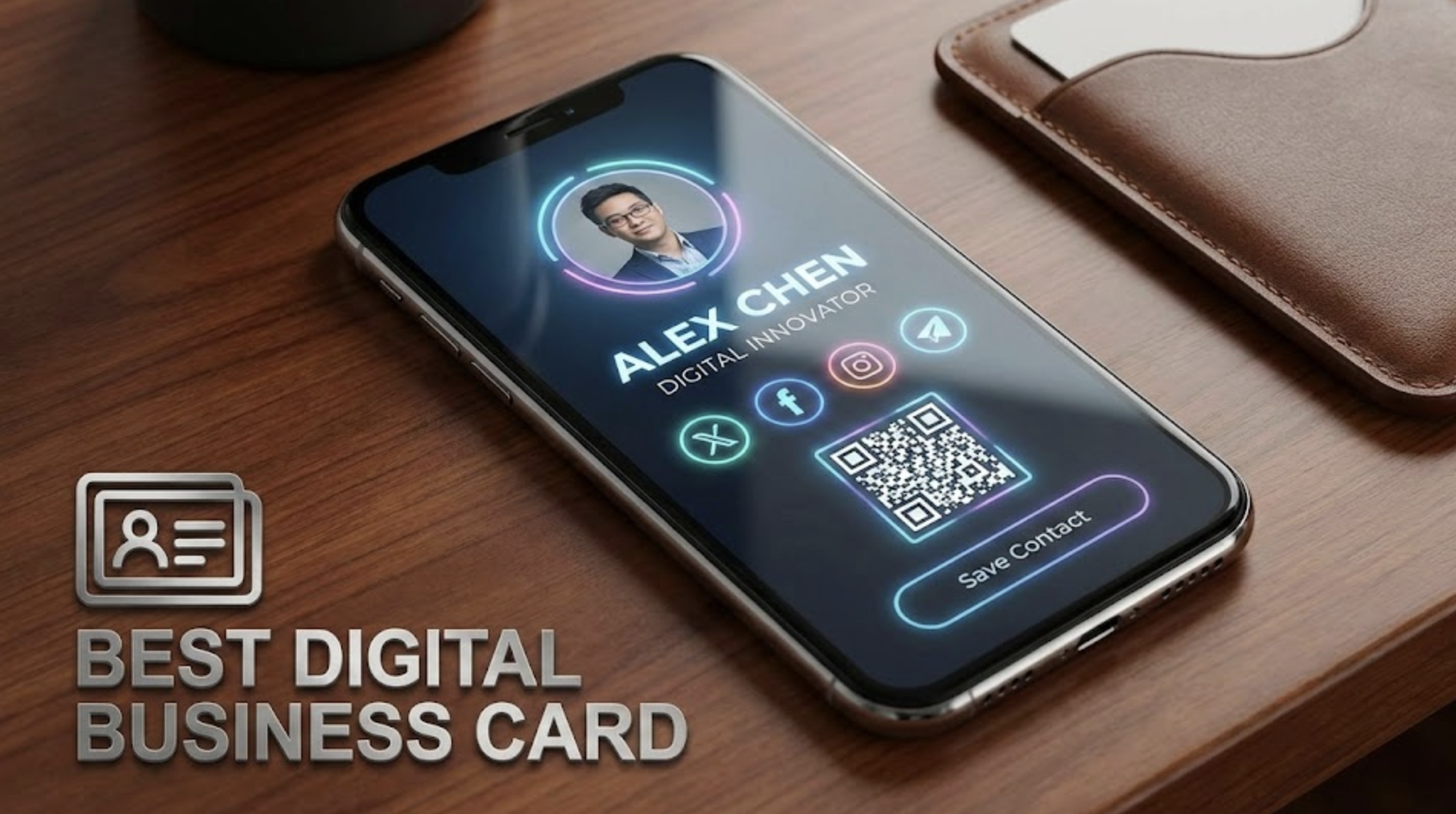
When was the last time you actually used a paper business card someone gave you? Be honest.
If you are like me, that card probably ended up in a drawer. Or worse. It ended up in the trash can outside the coffee shop.
I realized a few years ago that paper cards were hurting my networking. They are static. They get lost. They require someone to manually type my number into their phone.
That is too much friction.
Enter the digital business card. These tools let you share your info instantly. No typing required. You just tap or scan, and you are in their contacts forever.
But not all digital cards are built the same. Some are full platforms. Others are just design tools.
I tested the big names to see which one actually helps you close deals.
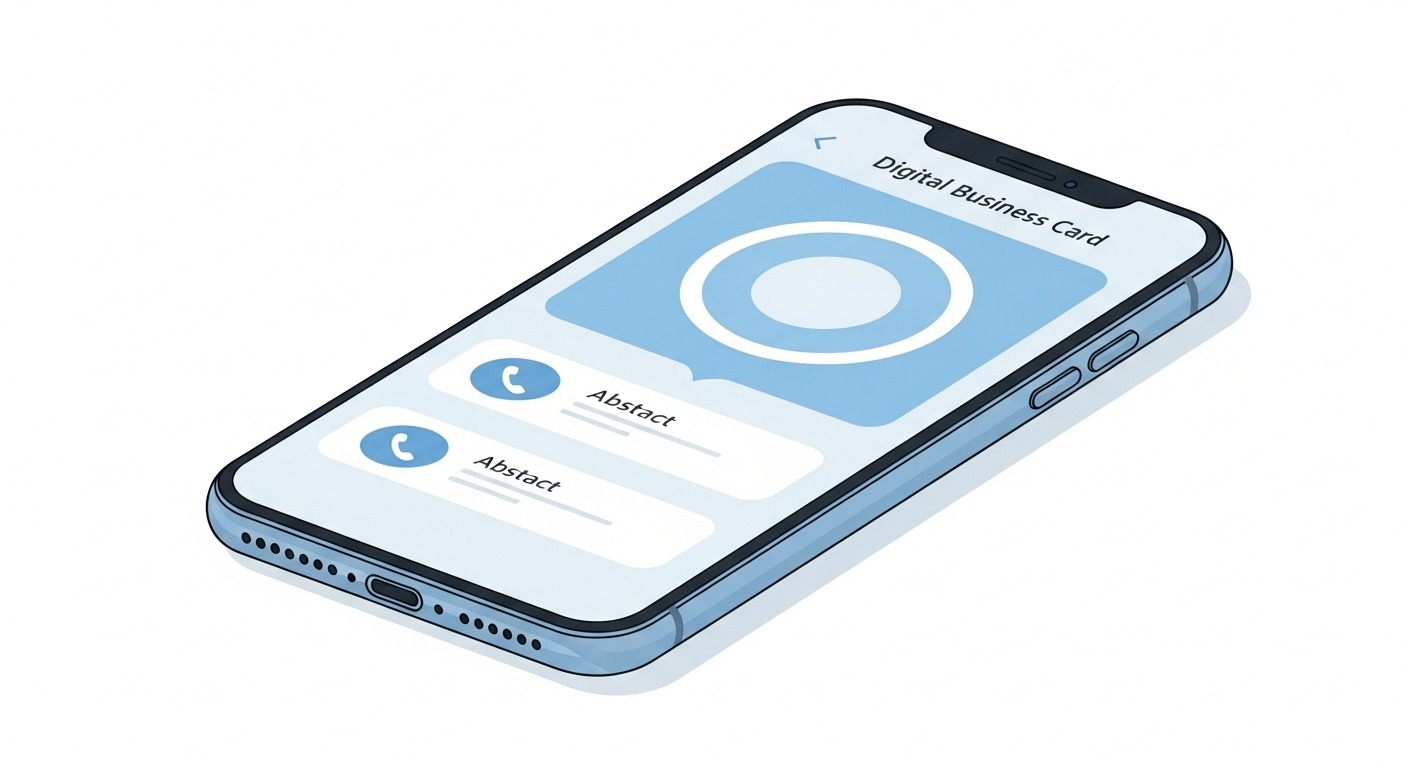
Modern smartphone mockup displays sleek blue/white digital business card app interface with profile photo & contact buttons.
Wave Connect is my top pick because it is a dedicated networking platform. It isn't just an image on a screen. It is a smart profile that lives on your phone.
It is built for founders and sales teams who need results. You can share your profile via a digital wallet, QR code, or even an NFC product.
I love the focus on utility. It does not try to be a graphic design tool. It tries to be a networking tool.
The user experience is smooth. When someone scans your code, the "Exchange Contactt" button actually works. It downloads your full vCard file instantly. That is the most important part of the whole process.
If you want a completely custom artistic background with crazy fonts, you might find the design options a bit strict. It prioritizes readability over artistic flair.
This is the best tool for serious professionals. If you want to grow your network and ensure people actually save your number, get Wave Connect. I've also tried their Wave For Teams product for large companies. And I can definitely say it's very comprehensive and has all the features you need to create and manage digital business cards for your team members.
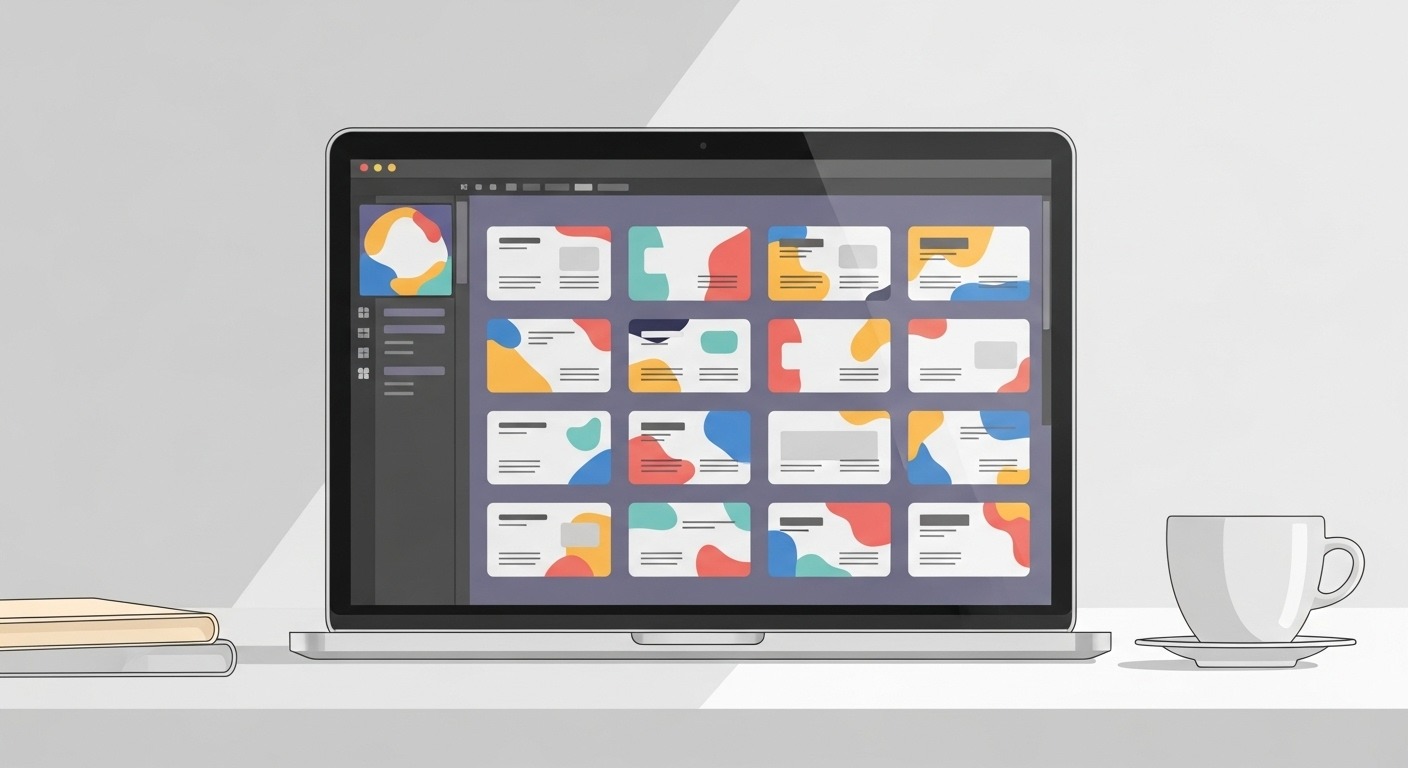
Laptop showing Canva business card templates (colorful grid). Creative desk setup with coffee cup.
Everyone knows Canva. It is the king of DIY design. While it isn't a dedicated business card "platform" like Wave, it is an amazing tool for creating the visual asset.
You can use Canva to design a digital card that you save as an image or PDF. You can then host that image or link to it.
The creativity is unlimited. You can make your card look exactly how you want. If you are a graphic designer or an artist, this freedom is amazing.
It is also very easy to use. You do not need to know Photoshop to make something look pro.
Canva creates files, not dynamic profiles. If you send someone a JPG, they cannot click "Save Contact" to add you to their phone. They have to type it manually. I wouldn't really say that Canva offers a digital business card, but they do have business card capabilities. Let's put it at that.
You also lose out on analytics. You won't know if someone looked at your card.
Use Canva if you are a creative who cares more about the visual vibe than the functional networking data.
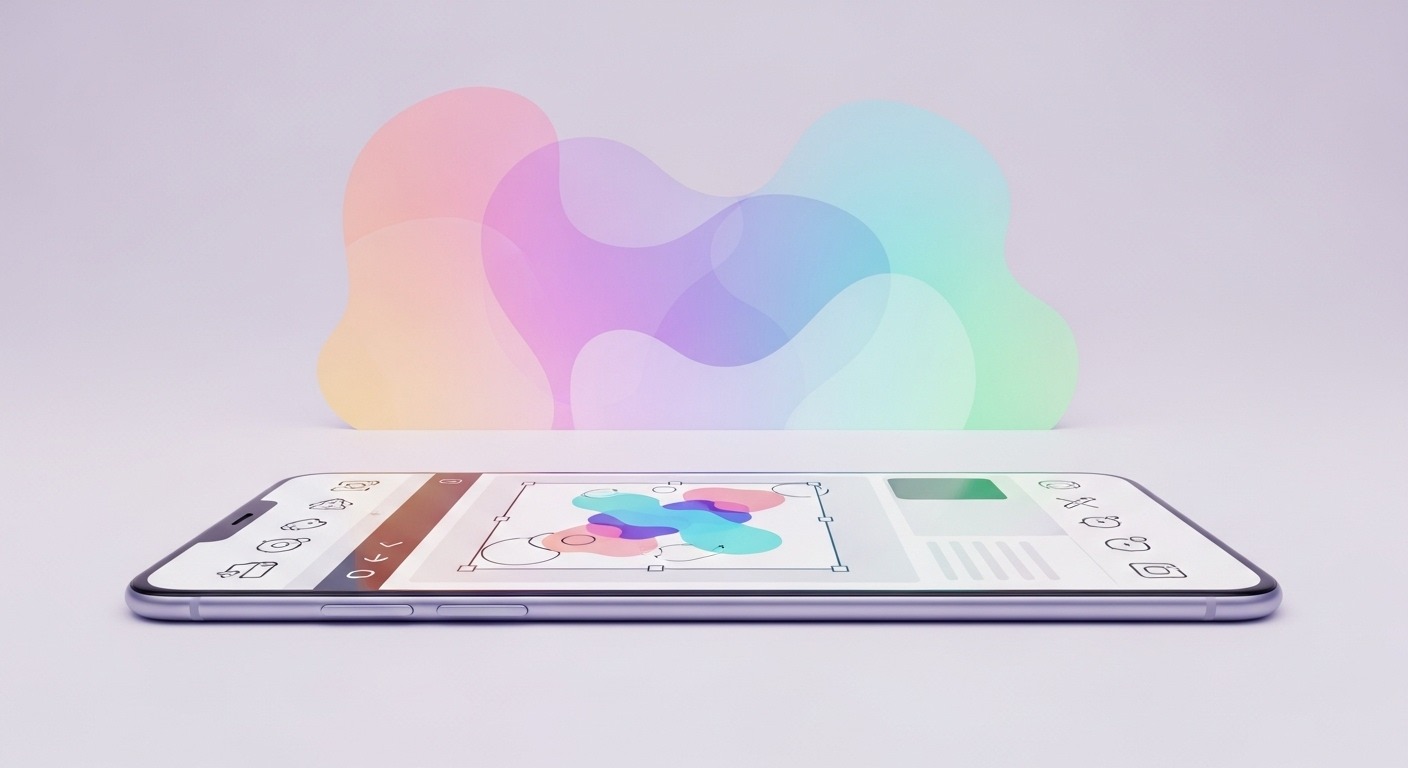
Smartphone with Adobe Express app designing colorful graphic card. Creative tools, artistic background visible.
Adobe Express is similar to Canva but comes from the Adobe ecosystem. If you are already using Photoshop or Illustrator, this will feel very familiar.
It is a powerful tool for making virtual business cards that stand out visually.
The quality of the assets is top-tier. The fonts and stock images often look more premium than what you find on free tools.
It is great for making a "Link in Bio" style page that acts as a business card.
Like Canva, this is primarily a design tool. It creates a static asset or a simple webpage. It lacks the deep contact management features of a tool like Wave.
This is great for designers who want a quick, beautiful solution and are already paying for the Adobe Creative Cloud.
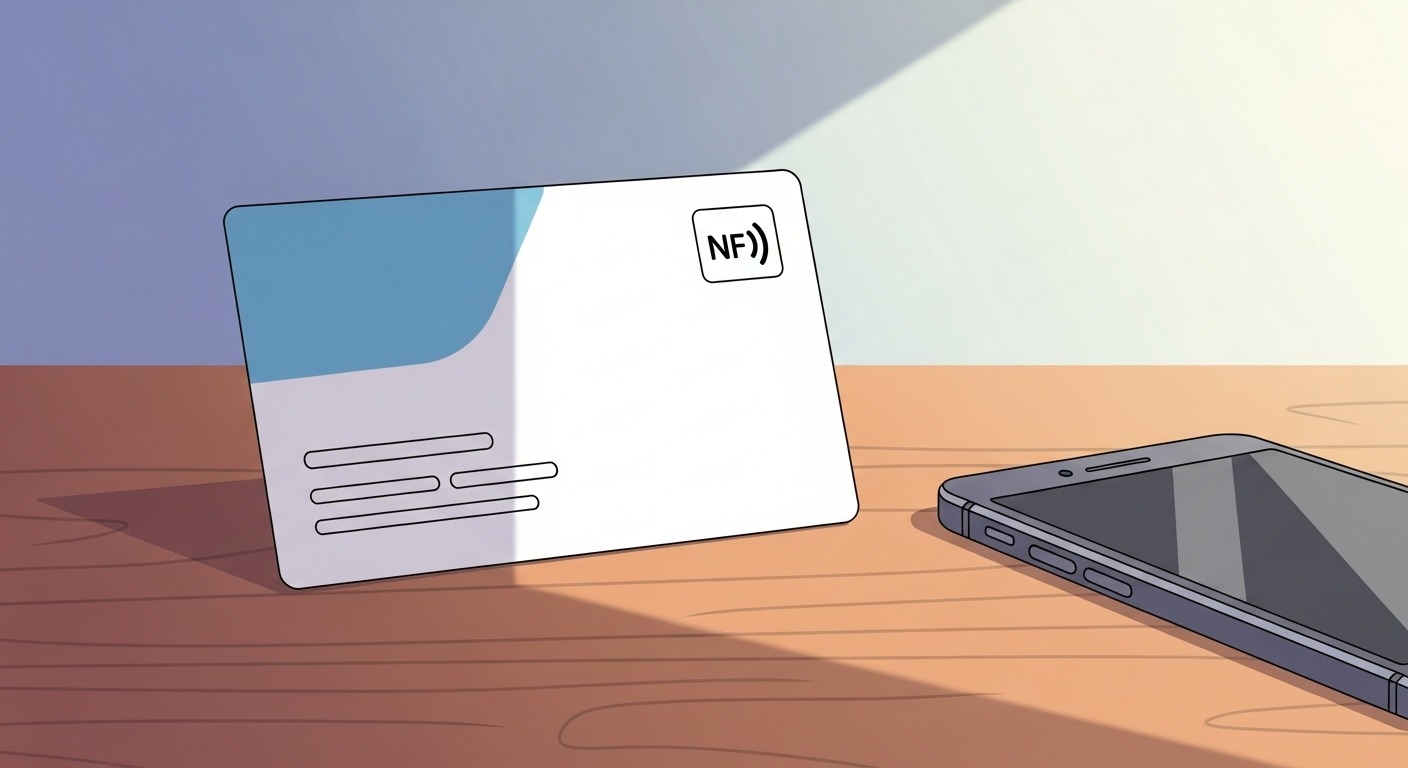
NFC digital business card with icon, next to a smartphone on a wooden table.
Vistaprint is famous for paper cards. But they have entered the digital game with their NFC cards and Vistaconnect service.
This is a good middle ground for people who aren't ready to give up physical cards completely.
It bridges the gap. You can hand someone a physical card, but they can tap it to get your digital info. It feels modern but traditional at the same time.
The setup is also very easy if you are already ordering prints from them.
The digital software feels a bit basic compared to dedicated tech companies. It is an add-on to their printing business, not their main focus.
Choose Vistaprint if you need to order 500 paper cards anyway and want to add a digital layer to them.
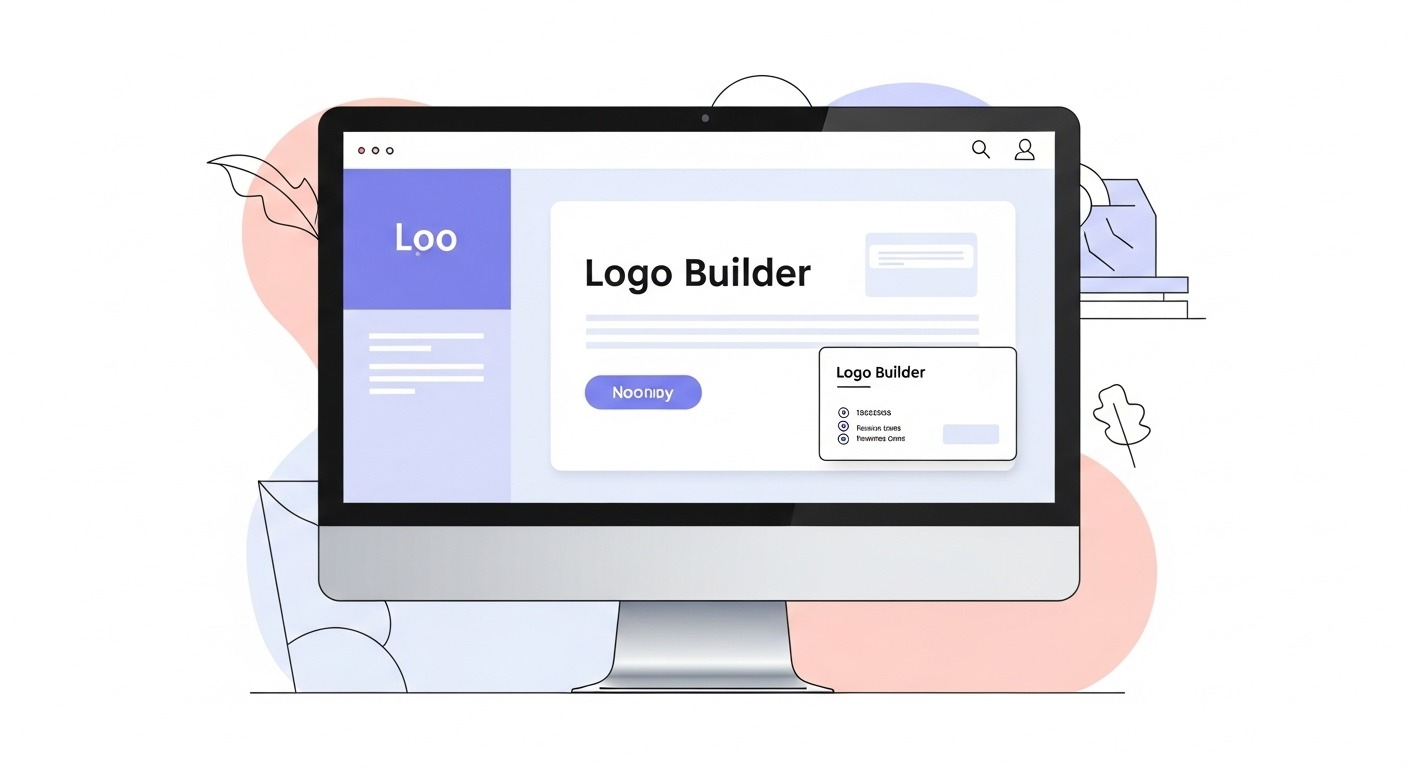
Design.com website on monitor: minimalist logo builder & business card layout.
Design.com is a straightforward builder. It is often used for logos, but they have a decent business card maker as well.
It is very simple and gets the job done if you need a visual identity fast.
It is fast. If you are starting a brand new business and have nothing, you can get a logo and a business card design in about ten minutes.
The consistency is nice. Your card will match your website header automatically.
It is very basic. It lacks the advanced sharing and tracking features of Wave Connect. It is also less flexible creatively than Canva.
Good for solopreneurs who need a logo and a card on day one and just want to get to work.
I have used a lot of networking tools. Here is my criteria for this list.
1️⃣ First, ease of sharing. If it takes more than 5 seconds to share my info, I won't use it. That is why I prefer dedicated tools like Wave over static images.
2️⃣ Second, first impressions. The card has to look professional on a mobile screen. It needs to load fast.
3️⃣ Third, functionality. Does the "Save Contact" button actually save the contact? You would be surprised how many tools fail this simple test.
Why Paper Business Cards Lost Their Edge
The world moves too fast for print.
If I change my phone number or my title, I have to throw away a box of 500 cards. That feels wasteful. It is also expensive.
Digital cards update instantly. You change your profile picture on Tuesday, and everyone who scans your code on Wednesday sees the new you.
Plus, the best digital business card tools give you analytics. You can see who viewed your card. You can even capture their leads directly into your CRM.
Paper can’t do that.
I looked at a mix of dedicated platforms and design tools. Here is what I found.
Do I need an app to receive a digital card?
No. Most good digital cards open in a web browser. Your new contact does not need to download anything.
Are digital business cards safe?
Generally, yes. You control what info is public. Dedicated platforms have good security measures in place.
Can I keep my paper cards?
Sure. I recommend putting a QR code on your paper card that leads to your digital profile. Best of both worlds.
Networking is about connection. The tool you use should remove barriers, not create them.
If you want a robust system that acts like a mini-CRM, go with Wave Connect. It is the most functional tool on this list.
If you just want a pretty image to text to people, Canva is your best bet.
Whatever you choose, just make sure you have a way to stay in touch. The best business card is the one that actually gets saved.




