 New to Shopify? Free trial, then $1/month for your first 3 months. Start free trial →
 Where is your store?
Ryviu works with both – pick yours to continue.








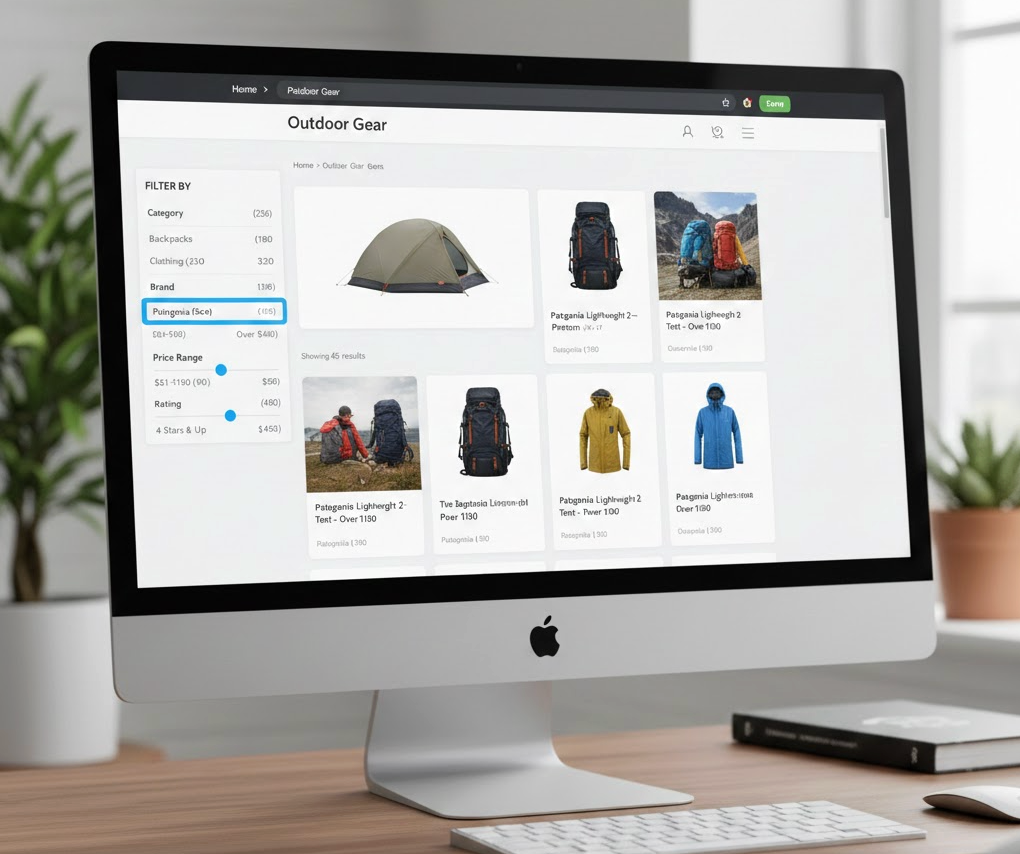
Faceted search has become one of the defining components of modern Shopify navigation, especially for growing brands with large catalogs, many variants, and shoppers who expect fast, personalized product discovery. Instead of forcing visitors to scroll endlessly through products or guess which collection contains what they need, faceted search allows them to refine results using highly specific filters such as size, color, material, availability, style, or price range. As customers narrow down the catalog, their path to finding the right product becomes much more focused and enjoyable.
But while faceted search improves UX, it also affects SEO, performance, merchandising, and internal data structures. This is why merchants should treat faceted navigation not as a cosmetic filter sidebar but as a strategic system that influences the shopper journey from start to finish. To help you build a high-performing filtering experience, this expanded guide walks through the best practices for faceted search in Shopify, supported with deeper explanations and transition sentences to improve clarity and comprehension.
One of the most important steps when designing faceted search is identifying which filters actually matter to your customers. Many stores add every possible attribute they can think of—hoping “more filters” equals “better navigation.” In reality, this usually overwhelms shoppers, slows decision-making, and makes the filter panel cluttered.
Customers typically rely on filters that directly influence buying decisions. For fashion stores, these are size, color, price, material, and fit. For electronics, specs like capacity, compatibility, and frequency range matter more. This means merchants must understand how customers think, not just what the product data contains. Transitioning into practical implementation, the goal is to allow customers to find the right products faster without exposing them to unnecessary options.
How to Apply This Best Practice
By prioritizing intentional, useful filters, you give customers an intuitive path to follow, creating a smooth transition from browsing to selecting products.
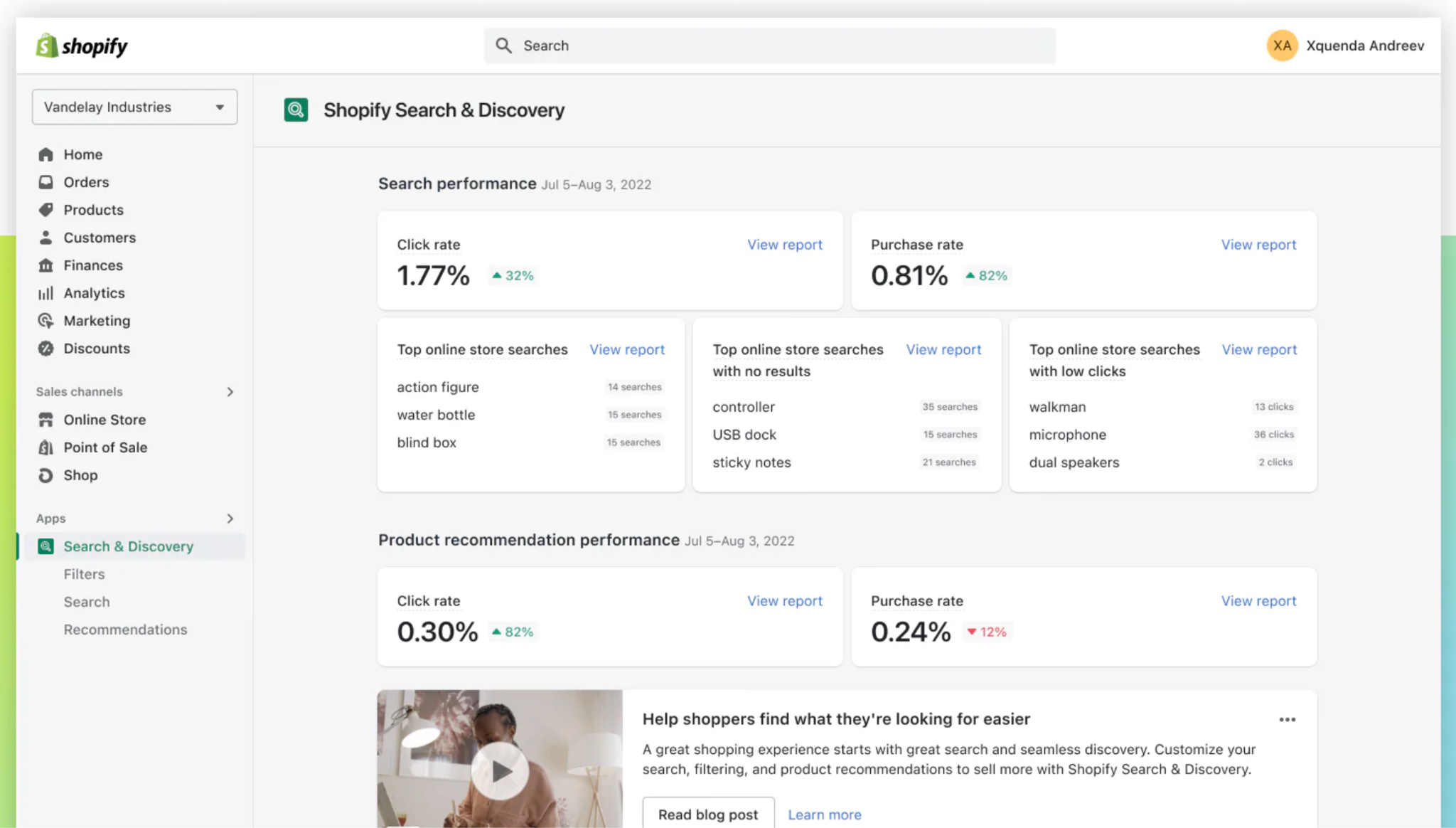
Shopify’s built-in Search & Discovery app provides a robust foundation for faceted search. Many merchants overlook how valuable native filters are because they assume third-party solutions are always superior. However, Shopify continues to enhance its native filtering features, making them highly reliable for the majority of store types.
Native filters are directly connected to product data via variants, tags, and metafields. This means they remain in sync with your catalog automatically. As you expand your product range, Shopify updates these filters without requiring constant manual cleanup or custom coding. Transitioning from the conceptual benefit to the practical one, using built-in filtering ensures that your store’s performance remains stable and maintains compatibility with Online Store 2.0.
Advantages of Using Native Filters
Because Shopify’s native filtering system is evolving, using it as your foundation provides long-term stability, even if you later extend capabilities with advanced apps.
While variants can power basic filters, metafields offer a more refined and structured approach to product classification. Without metafields, product data often becomes inconsistent. For example, a single color might appear as “Blue,” “blue,” “navy,” or “dark blue,” leading to messy filter groups that confuse shoppers.
Metafields allow you to create standardized attributes across your entire catalog. These may include technical specs, style preferences, fabric types, sustainability labels, or compatibility details. Having structured and consistent metafields ensures that your faceted filters remain clean, searchable, and informative.
This creates a smoother transition into structured navigation because metafields not only enhance filter quality but also improve your product taxonomy overall.
Why Metafields Improve Faceted Filters
Once metafields are created, merchants can connect them to filter groups inside the Search & Discovery app to create rich, user-friendly faceted filters.
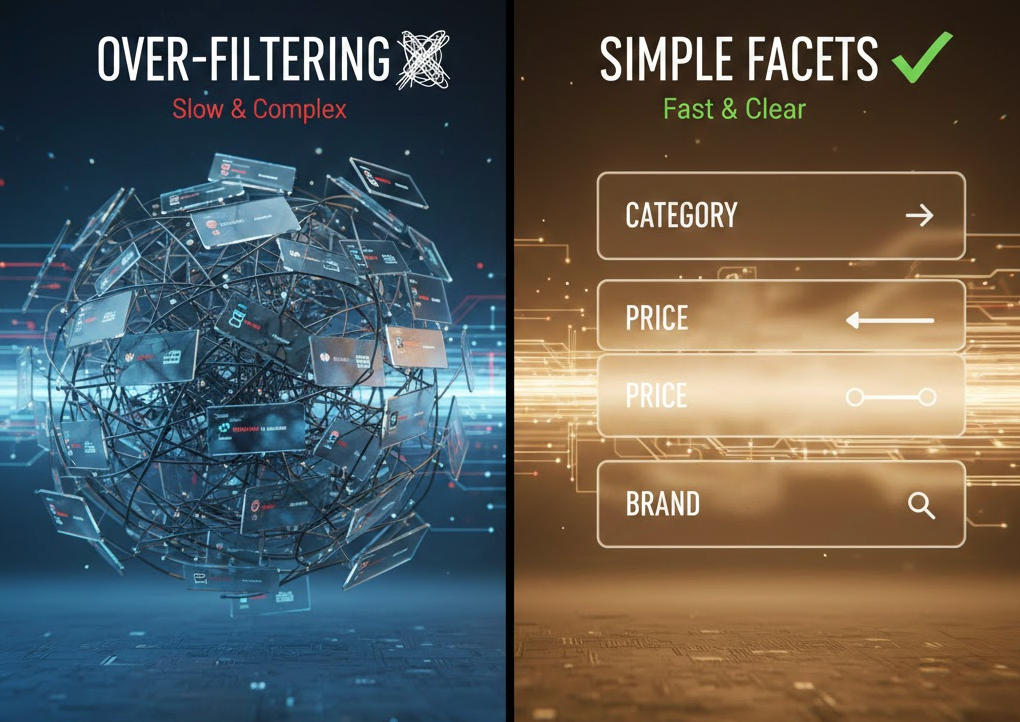
Although it may seem helpful to offer many filters, research consistently shows that users feel overwhelmed when too many options appear at once. Instead of helping them make decisions, excessive filters slow down product discovery and introduce friction.
Over-filtering also affects performance. The more filters you add, the more complex the filtering logic becomes, especially on mobile devices. Transitioning into best practices, the goal is to strike a balance between offering enough filtering options and maintaining a clean, fast experience.
Good UI Practices
A streamlined filter panel guides users without overwhelming them, helping them move naturally toward the right product selection.
The majority of Shopify traffic comes from mobile devices, making mobile optimization non-negotiable. Filter panels that look fine on desktop may become unusable on smaller screens if not adapted properly. This is especially true for stores with many variants or visual attributes.
Mobile shoppers expect filters to be easy to access, simple to expand, and intuitive to apply. As we transition into implementation, creating a mobile-first design ensures that your faceted search enhances, not hinders, the mobile shopping experience.
Mobile-Friendly Best Practices
A mobile-optimized filtering system significantly improves product discovery, reduces bounce rates, and increases conversions for mobile-heavy stores.
Faceted search affects more than just usability, it also impacts SEO. Every filter combination can generate a unique URL, which may lead to thousands of near-duplicate pages. When Google crawls these pages, it wastes crawl budget on URLs that don’t add value to search results.
This is why Shopify merchants must take deliberate steps to control how filter-generated URLs are indexed. Transitioning to technical considerations, the objective is to allow search engines to crawl only high-value filtered pages while reducing exposure to low-value combinations.
SEO Best Practices for Faceted Navigation
By managing your faceted navigation’s crawlability, you protect your Shopify store from indexing issues, duplicate content, and wasted SEO resources.

Speed is one of the most important factors in the filtering experience. Customers expect product grids to update instantly when they select filters. If the process requires a full-page reload, the interruption slows down product discovery and can lead to frustration.
Modern Shopify themes and filtering apps support AJAX-based filtering, allowing dynamic product updates without refreshing the entire page. Transitioning from UX to performance, this capability creates a smoother and more responsive experience that encourages deeper browsing.
When to Use AJAX Filtering
Real-time filtering makes customers feel in control, increasing engagement and improving overall satisfaction.
A common frustration in faceted search occurs when customers forget which filters they have applied. This leads to confusion, especially when too many filters result in empty or irrelevant product results.
To address this, your store should always display active filters prominently—usually as tags at the top of the product grid. Transitioning into functionality, this improves clarity and helps users retrace their steps easily.
Implementation Tips
By helping customers keep track of their filtering actions, you reduce frustration and improve the overall UX.
While faceted search helps refine product results, it works best when paired with an intelligent search engine. Shopify’s native search is decent, but many stores upgrade to advanced search apps for features that significantly improve product discovery.
Combining smart search with faceted filters creates a powerful dual-layer navigation system. Transitioning from filtering to search functionality, this synergy helps users find products even when they don’t know the exact attributes to filter by.
Recommended Enhancements
When search and filters work together, your store becomes significantly easier to navigate—dramatically improving user satisfaction and conversion rates.
Faceted search is not a static feature. Customer behavior evolves, inventory changes, and trends shift over time. This is why ongoing optimization is crucial for maintaining an effective filtering system.
Transitioning from designing to monitoring, merchants should regularly analyze filter performance and make data-driven adjustments based on real user behavior.
Tools and Methods to Use:
Continuous optimization ensures your filtering system evolves in alignment with customer expectations and catalog growth.
Faceted search in Shopify is far more than a simple interface element, it is a strategic component that shapes the entire shopping experience, influences SEO performance, and determines how efficiently customers discover your products. By applying best practices such as prioritizing customer intent, using structured metafields, controlling filter-generated URLs, and optimizing for mobile, you create a filtering system that feels natural, intuitive, and powerful.
When supported by smart search features, real-time loading, and ongoing testing, faceted search becomes one of the most valuable tools in driving conversions, growing organic visibility, and helping your store scale with confidence. With thoughtful implementation, your Shopify filters become an asset that not only organizes your catalog but also actively guides shoppers toward the right purchase.




