 New to Shopify? Free trial, then $1/month for your first 3 months. Start free trial →
 Where is your store?
Ryviu works with both – pick yours to continue.








You will have an overview of how Ryviu works and what is the benefit that it will bring to you.
The top concern of customers when deciding whether to buy products or not is the evaluation of the product. Should evaluate products really important. It supports increasing conversion rate to 30% with good product reviews app. And Ryviu is good choice and it’s free, why don’t try it?
It is very friendly and optimized for phone delivery
Let’s see what Ryviu App has.
Customer reviews are showing on each product with this feature. It includes many useful features like reviews comment, like button, disk like button and so on
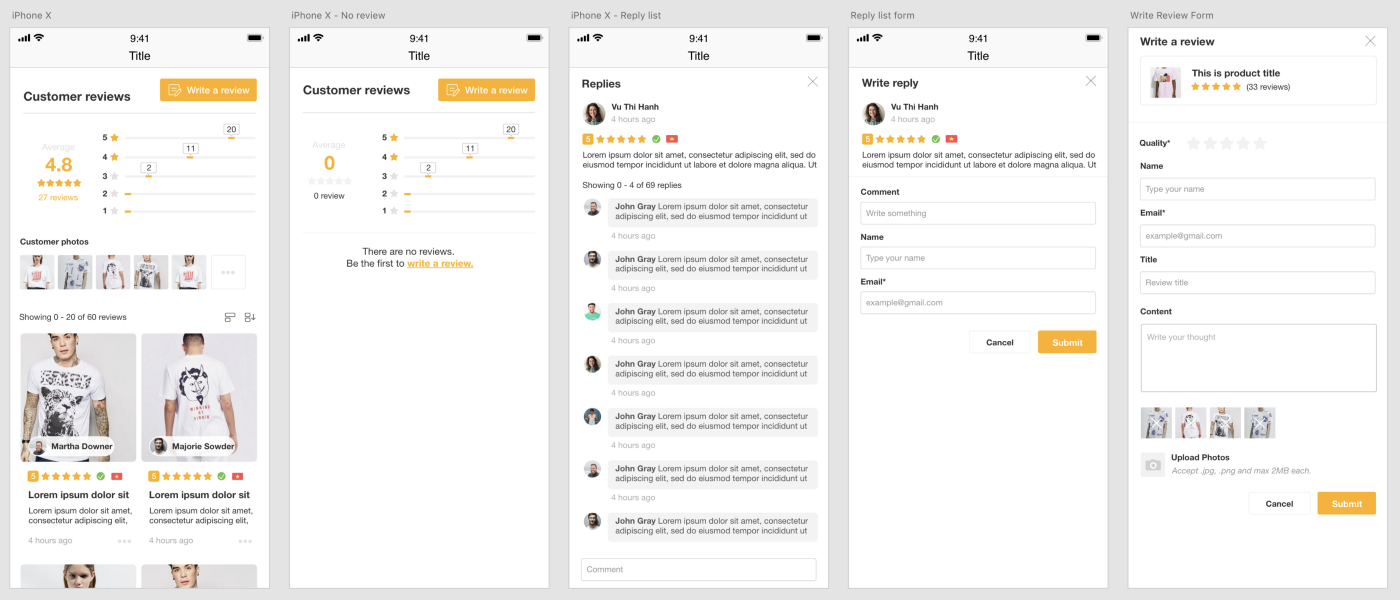
Most of the traffic comes from phones, so we are very interested in optimizing the interface on mobile
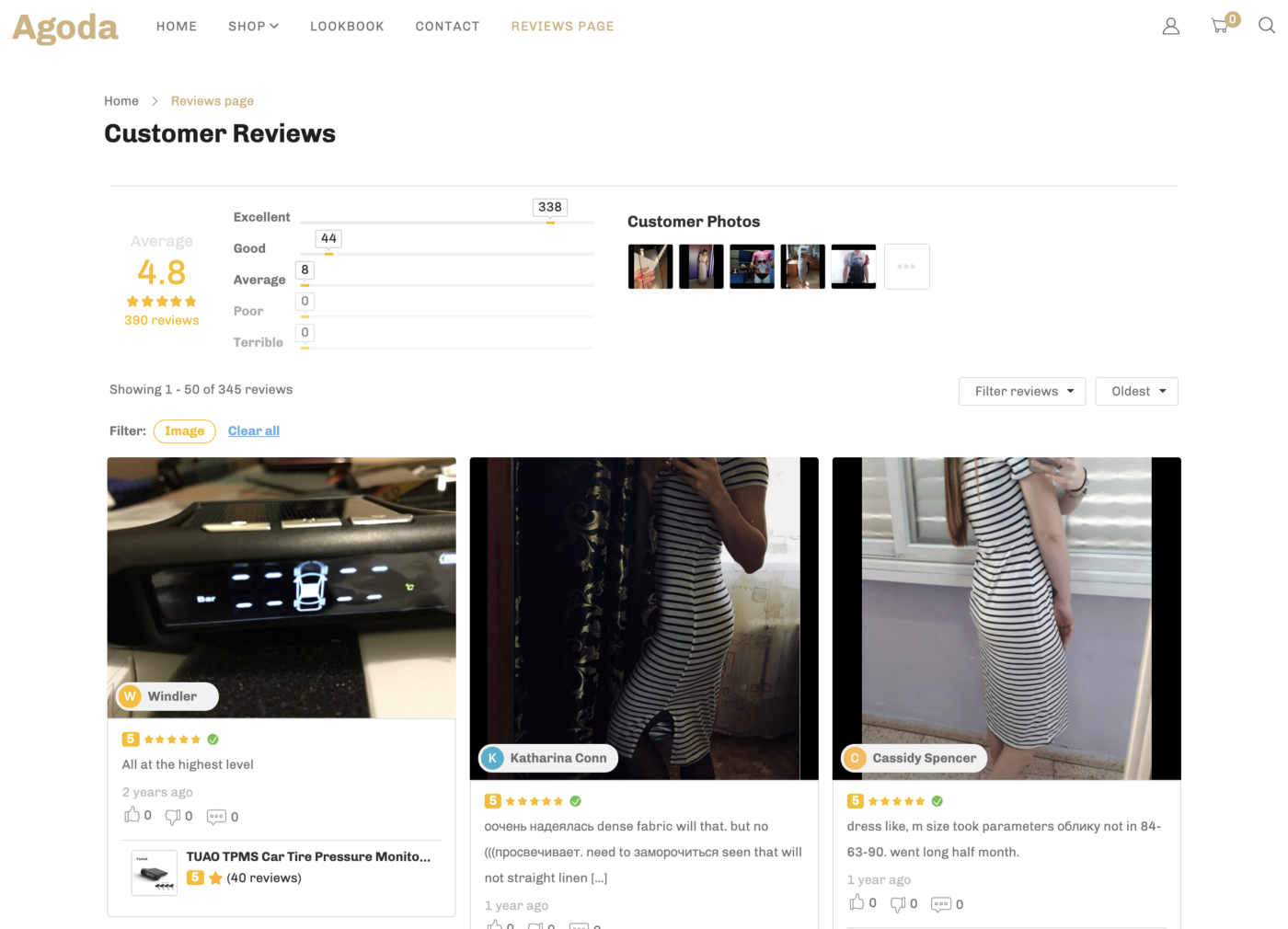
For increase your store’s trust, there is no easier way to display the entire store’s rating on a page.
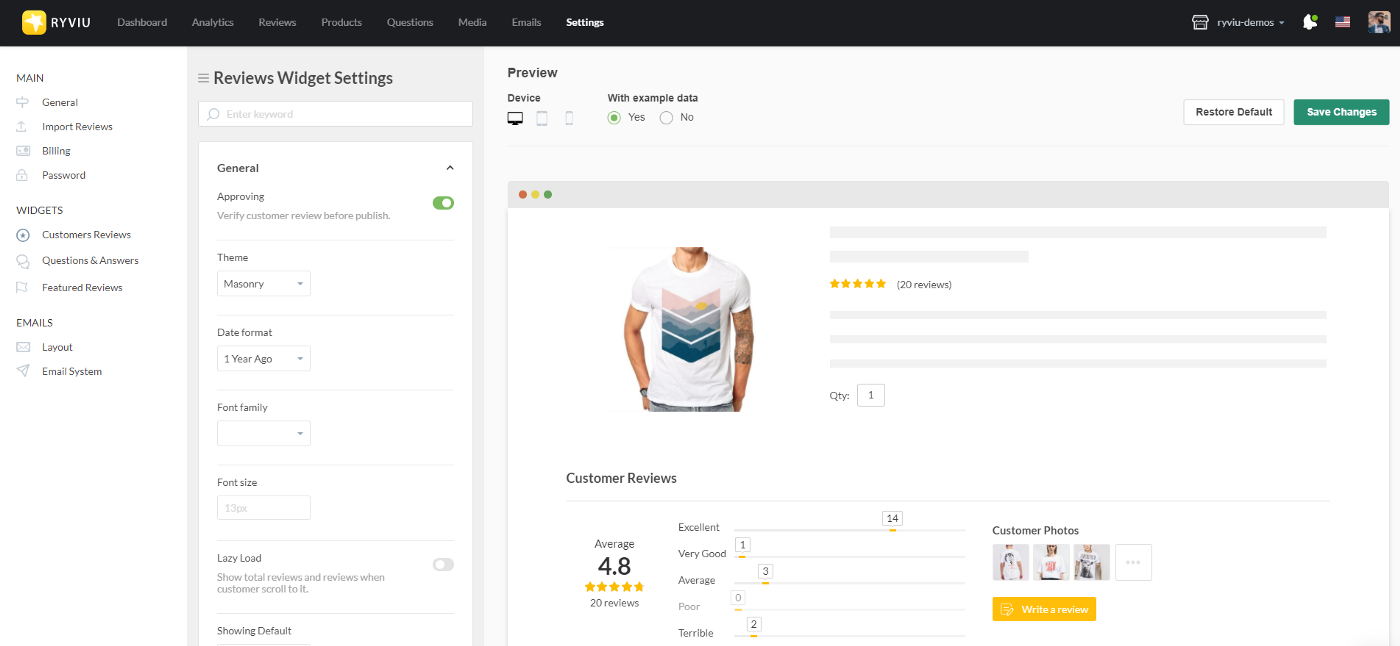
Easily to customize color, text, and theme to fit your design. You can see real-time of your changes on mobile and desktop.
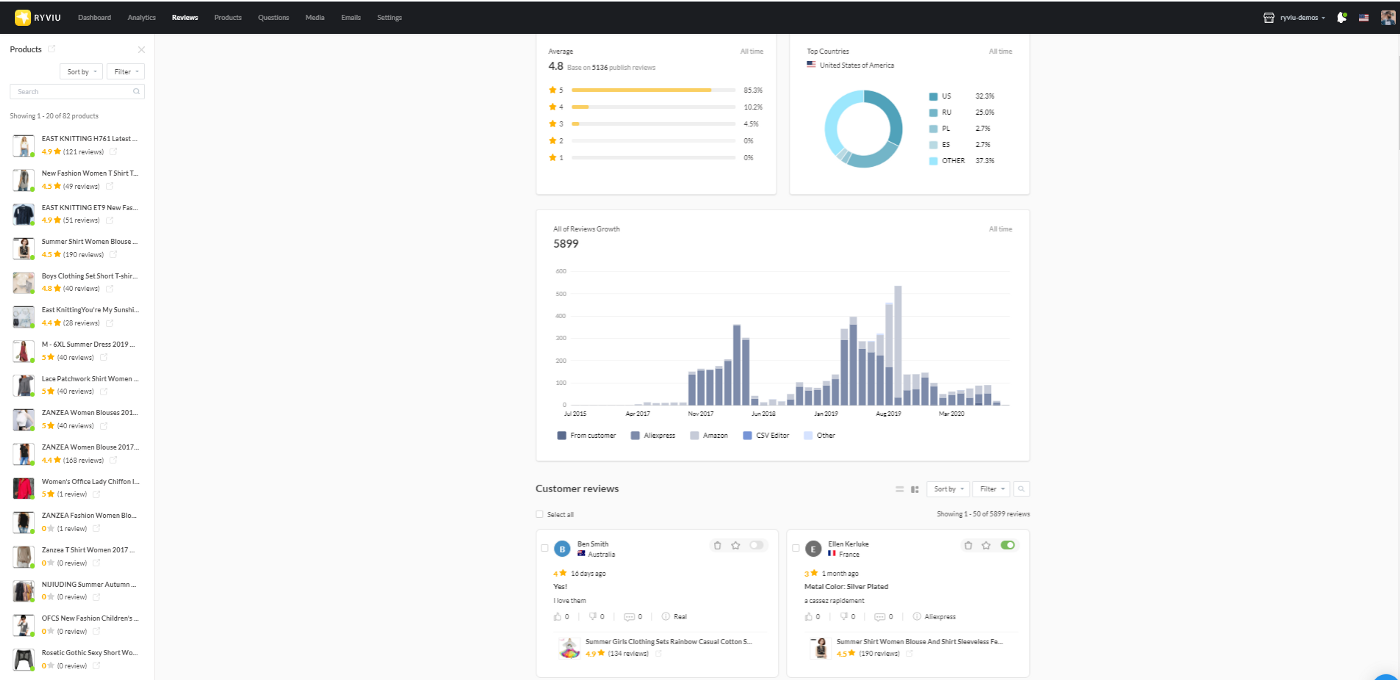
User-friendly interface and easy to use, you can easily manage the rating for each product or your whole store.
With free chrome extension, you can import reviews from Aliexpress or Amazon with few clicks, never easy like that.
Also, We built a system to import reviews from the CSV file.
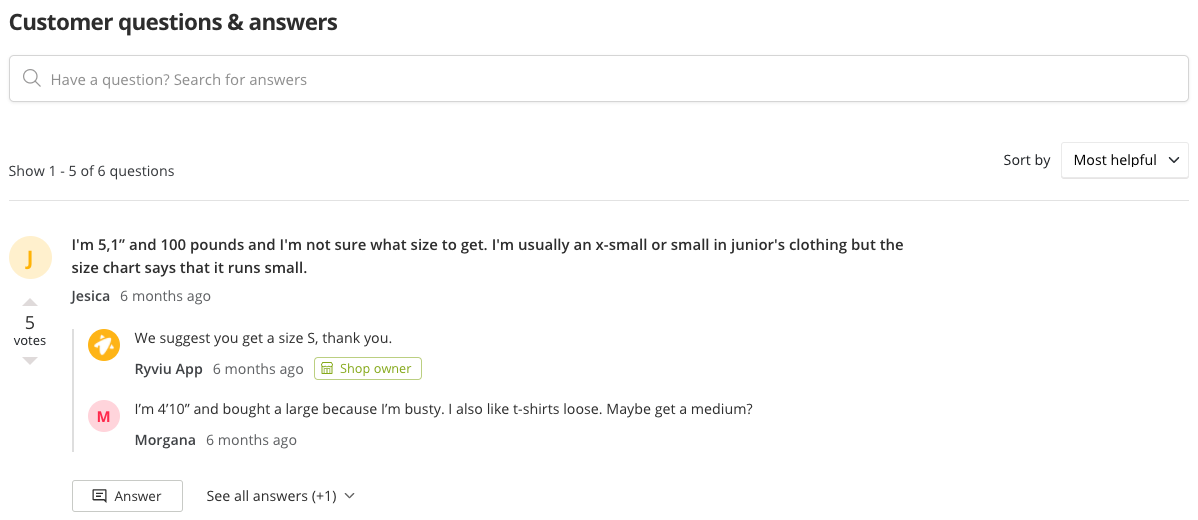
Sometimes customers will have questions, but you are away and let customers wait, you will lose them. With this feature, it displays frequently asked questions of customers and answers.
You will no longer have to worry about this issue anymore.
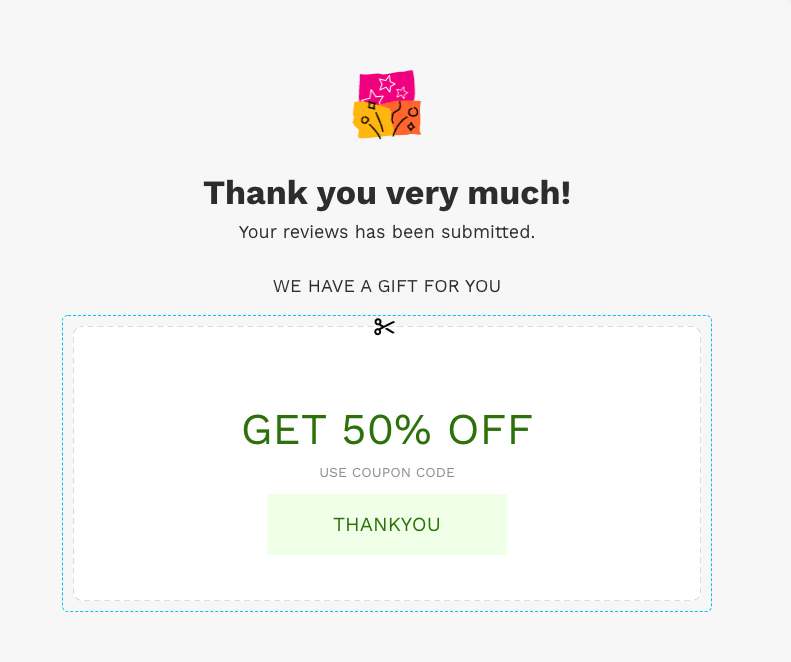
Our system will automatically send a request to reviews the product that the customer has purchased. You can manage the email list in the Ryviu dashboard, and offer your customers a discount code when they leave comments.
If you want to see more, let contact us on Ryviu Home Page.
Many features are coming!




