 New to Shopify? Free trial, then $1/month for your first 3 months. Start free trial →
 Where is your store?
Ryviu works with both – pick yours to continue.








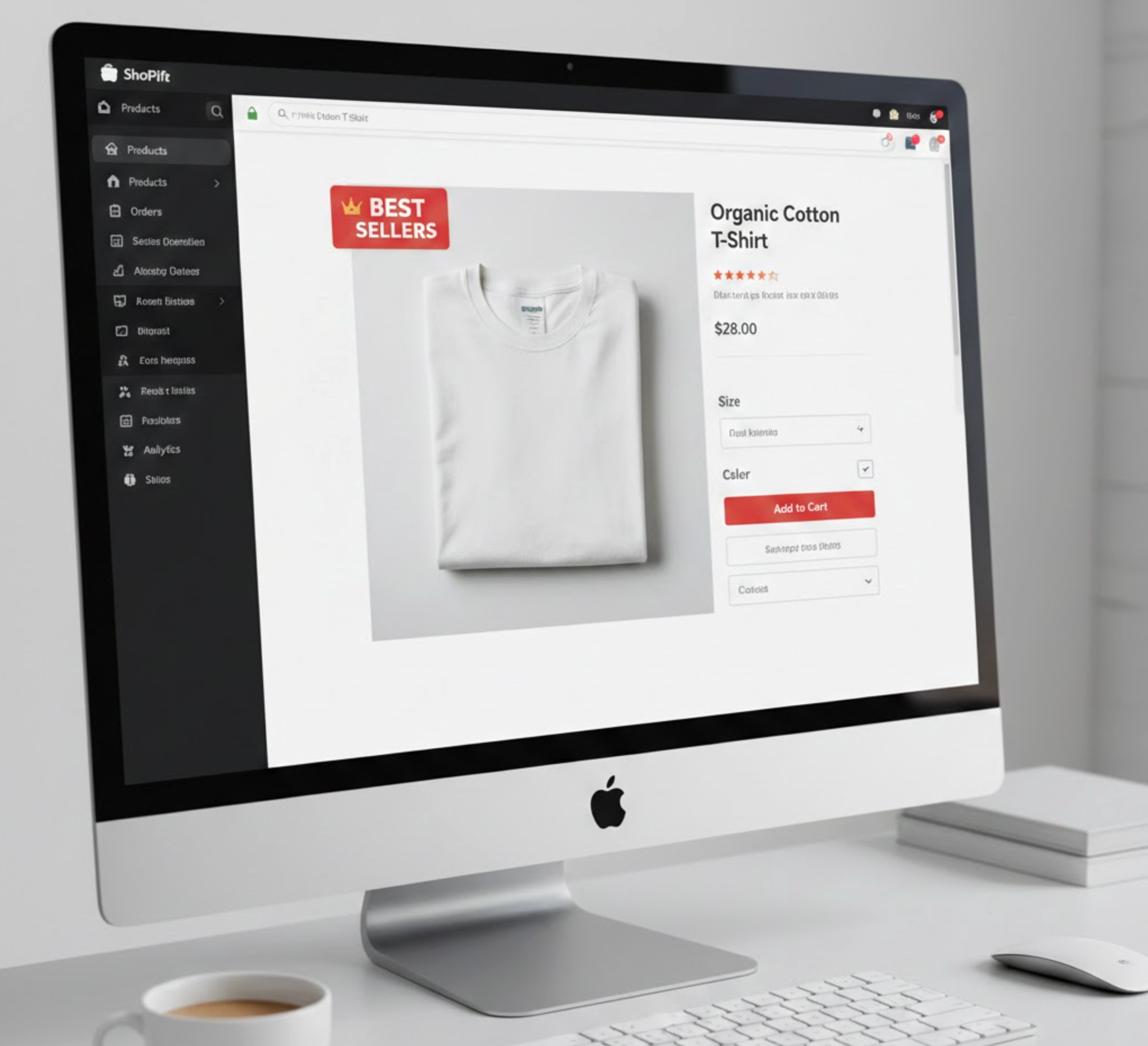
Adding a “Best Seller” badge to your Shopify store is a simple yet highly effective way to boost customer trust, highlight popular products, and increase sales. These badges act as visual cues that guide shoppers toward items that are already in high demand, creating both credibility and urgency. Many store owners overlook the power of such badges, but strategically using them can significantly improve conversion rates. In this article, we will explore why best seller badges matter, the methods to add them, and some best practices to maximize their impact.
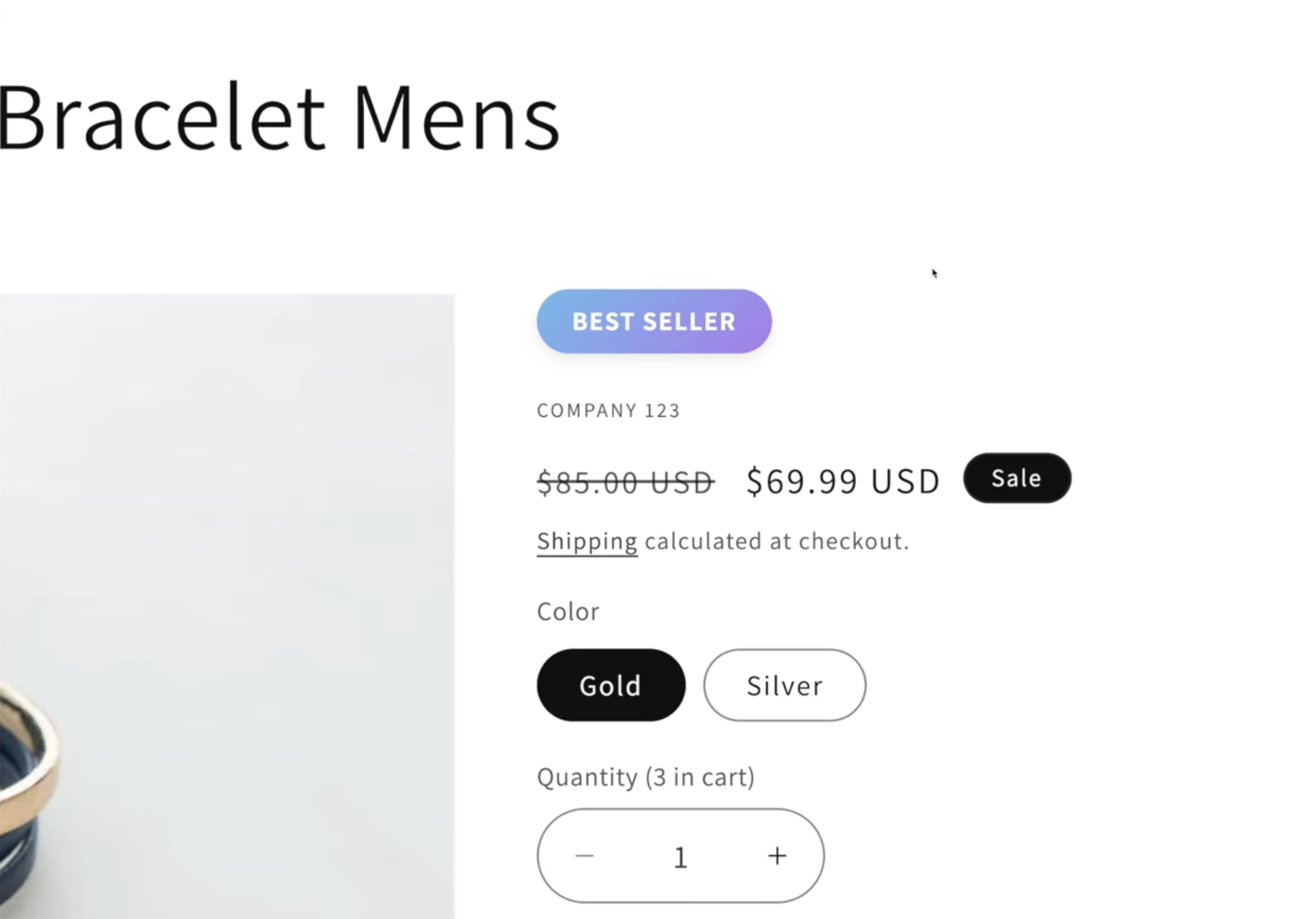
Before diving into the technical steps, it is essential to understand why adding a “Best Seller” badge can make such a difference. Badges are more than just decorative labels, they serve as social proof and subtly influence purchasing behavior. When a product is clearly labeled as popular, it signals to shoppers that others have already purchased and trusted the item. This reassurance can increase a visitor’s confidence in buying, especially for first-time customers.
Moreover, badges help your store stand out in competitive niches. While your website may have dozens or hundreds of products, highlighting a few best sellers can make it easier for users to navigate and find what’s truly popular. By strategically placing these badges, you create a sense of urgency, encourage impulse purchases, and even direct traffic toward higher-margin products.
Key benefits of using “Best Seller” badges include:
By understanding the psychological impact of these badges, you can use them strategically to improve both user experience and sales performance.
For store owners who are comfortable editing code, adding a badge manually provides full control over how the badge looks and where it appears. While this method requires more effort upfront, it allows you to customize the design to perfectly match your store’s branding.
The first step is to know which products deserve the badge. Shopify automatically tracks product sales. To find your best-selling items:
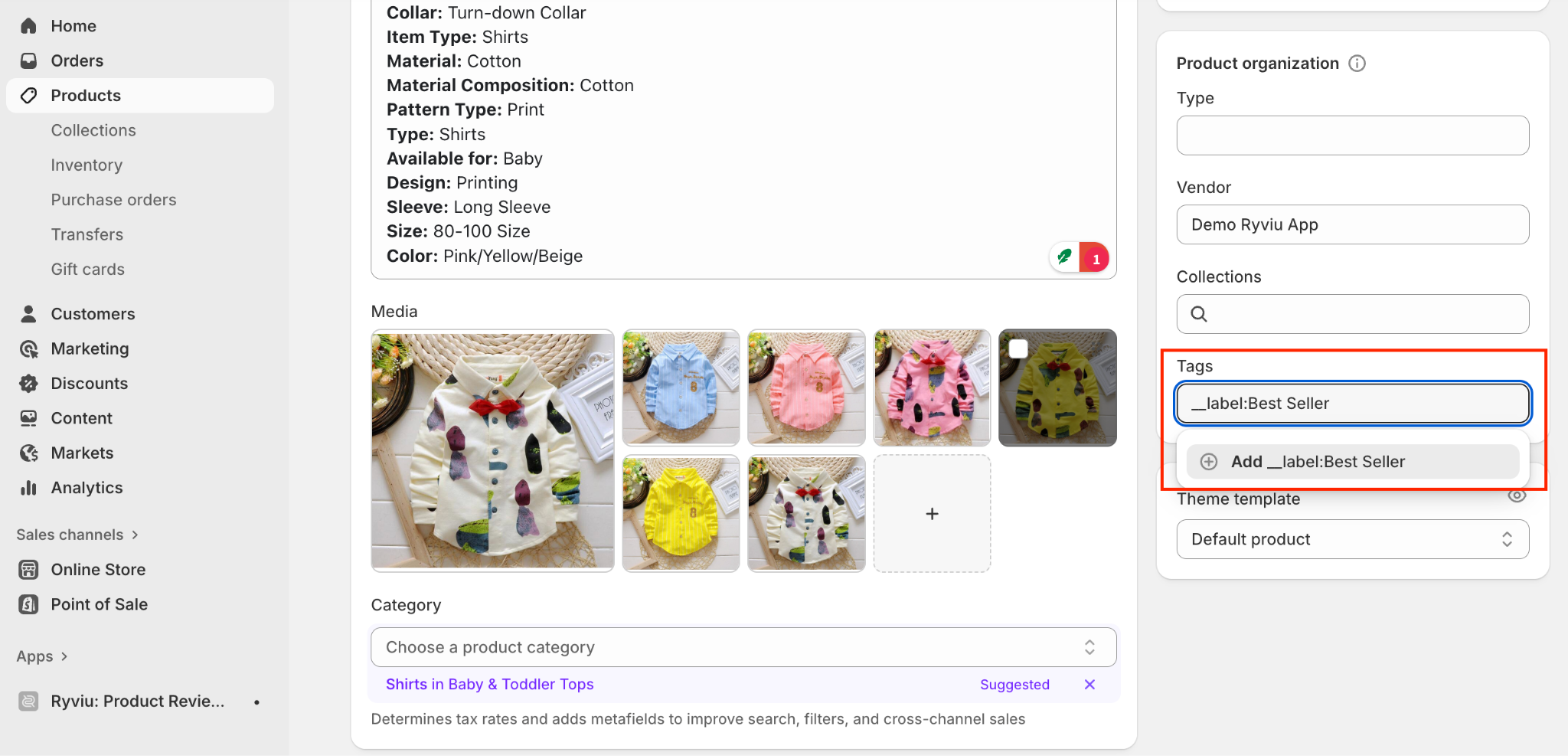
Once finishing, you just need to hit the Save button to update the Best Seller badge in your product page.
Adding a badge is only the first step. How you implement it can impact its effectiveness. Here are some best practices:
Following these practices ensures that your badges remain credible, attractive, and effective.
Adding a “Best Seller” badge in Shopify is a straightforward strategy that can greatly enhance your store’s credibility, guide customers toward high-demand products, and ultimately increase sales. Whether you choose the manual approach by editing theme code or a more automated method using Shopify apps, the key is to implement badges thoughtfully, maintain consistency with your brand, and update them regularly.
By strategically highlighting your top products, you not only create social proof but also subtly influence buying decisions, encouraging shoppers to act with confidence. When done right, a simple badge can significantly impact your store’s overall conversion rate, making it a small change with a potentially big payoff.




