 New to Shopify? Free trial, then $1/month for your first 3 months. Start free trial →
 Where is your store?
Ryviu works with both – pick yours to continue.









Online shoppers are becoming increasingly visual. They see an outfit on Instagram, a lamp on Pinterest, or a gadget on TikTok, and want to find it instantly. But typing the right keywords can be tricky. This is where Search by Image (also called Visual Search) comes in. It allows customers to upload an image and instantly find similar or identical products in your store.
In this guide, you’ll learn what Search by Image is, why it’s beneficial for your Shopify store, and how to add it step-by-step using easy no-code methods. You’ll also discover tips to optimize the feature for better engagement and sales.
Search by Image is an advanced eCommerce feature that lets users upload or take a photo to find visually similar products. Instead of typing keywords, shoppers can simply use a picture, from their phone, camera, or screenshot, to search your product catalog.
The system works by analyzing visual elements like color, shape, pattern, and texture in the uploaded image. It then compares those characteristics with your store’s product images to deliver the closest matches.
For example, a customer might upload a photo of a red floral dress they saw on social media. Within seconds, your Shopify store can display similar dresses available in your inventory. This technology uses artificial intelligence (AI) and machine learning (ML) to recognize patterns and make accurate visual comparisons, creating a faster, more intuitive shopping experience.
Visual search is revolutionizing how people shop. According to multiple retail studies, over 60% of Gen Z and Millennials prefer visual discovery over text-based searches. Instead of describing an item, they can upload a photo and find matching products instantly.
For Shopify stores, this feature offers several major advantages:
In short, Search by Image helps bridge the gap between inspiration and purchase, turning browsing into buying.
There are two main ways to implement Search by Image on Shopify, using a no-code app (the easiest method) or building a custom integration (for advanced needs). Let’s start with the no-code option that most merchants can do in minutes.
Shopify’s App Store offers various tools that can instantly add Search by Image functionality. Look for apps like ViSenze Visual Search, DiscoverAI Visual Search, or Searchanise (which combines AI search with visual features).
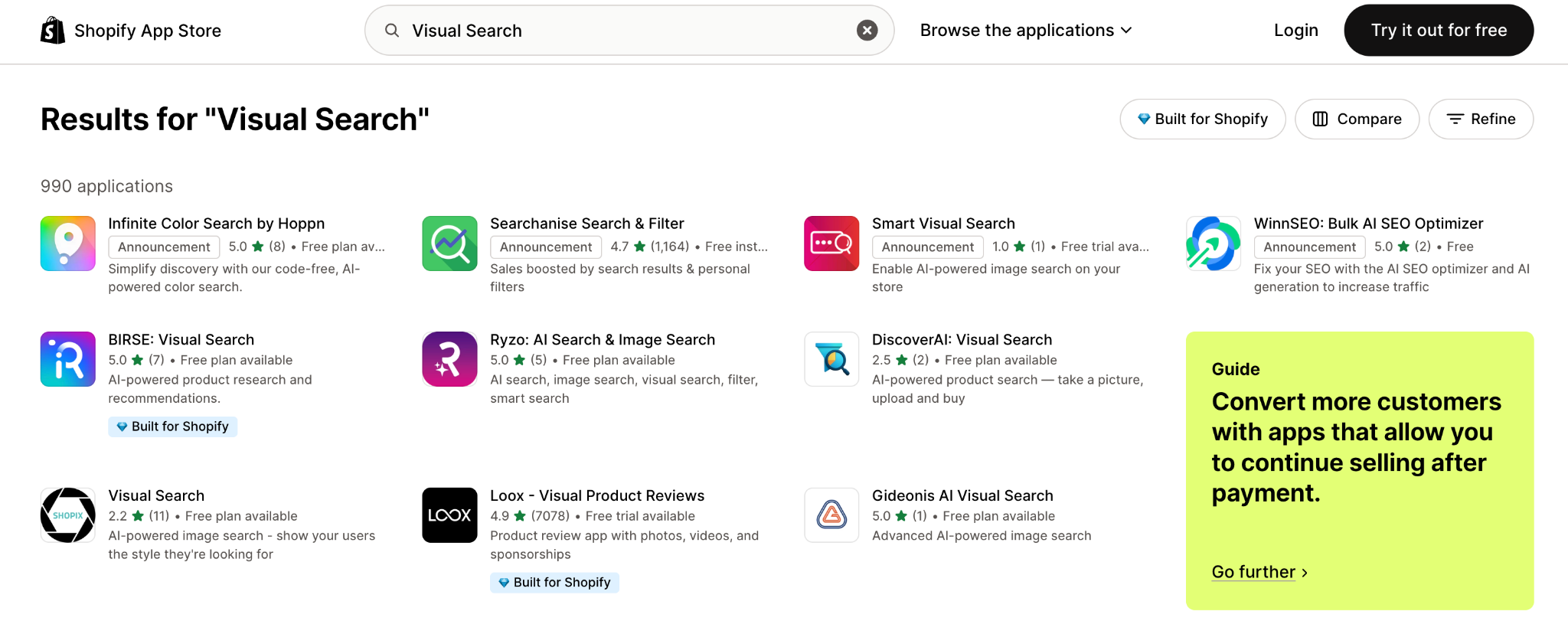
When choosing, compare features such as:
Once you find one that suits your needs, click Add App from the Shopify App Store and follow the installation instructions.
After installing the app, connect it with your product catalog. The system will scan and analyze your product images to understand their colors, shapes, and styles. This “training” step allows the app to accurately find similar items when a shopper uploads a photo.
Depending on your catalog size, the syncing process might take a few minutes to a few hours. Once completed, your entire inventory becomes searchable by visual similarity.
Most apps provide a customizable widget or button that shoppers can click to upload an image. You can place it:
Adjust the design, text, and color to match your store branding. A clear and visible placement ensures customers notice and use it.
Next, refine how the app interprets uploaded images. Many visual search tools allow you to prioritize what matters most, such as color, pattern, or shape. You can also combine visual search with filters like size, price, or category to improve precision.
For example, if you sell clothing, you might set the system to prioritize color and silhouette, while a furniture store might focus on material and shape.
Sometimes, an uploaded image won’t perfectly match any item in your catalog. Instead of showing “No results found,” set up fallback results such as “Similar styles you might like” or display your best-selling items. This keeps customers engaged and encourages further exploration.
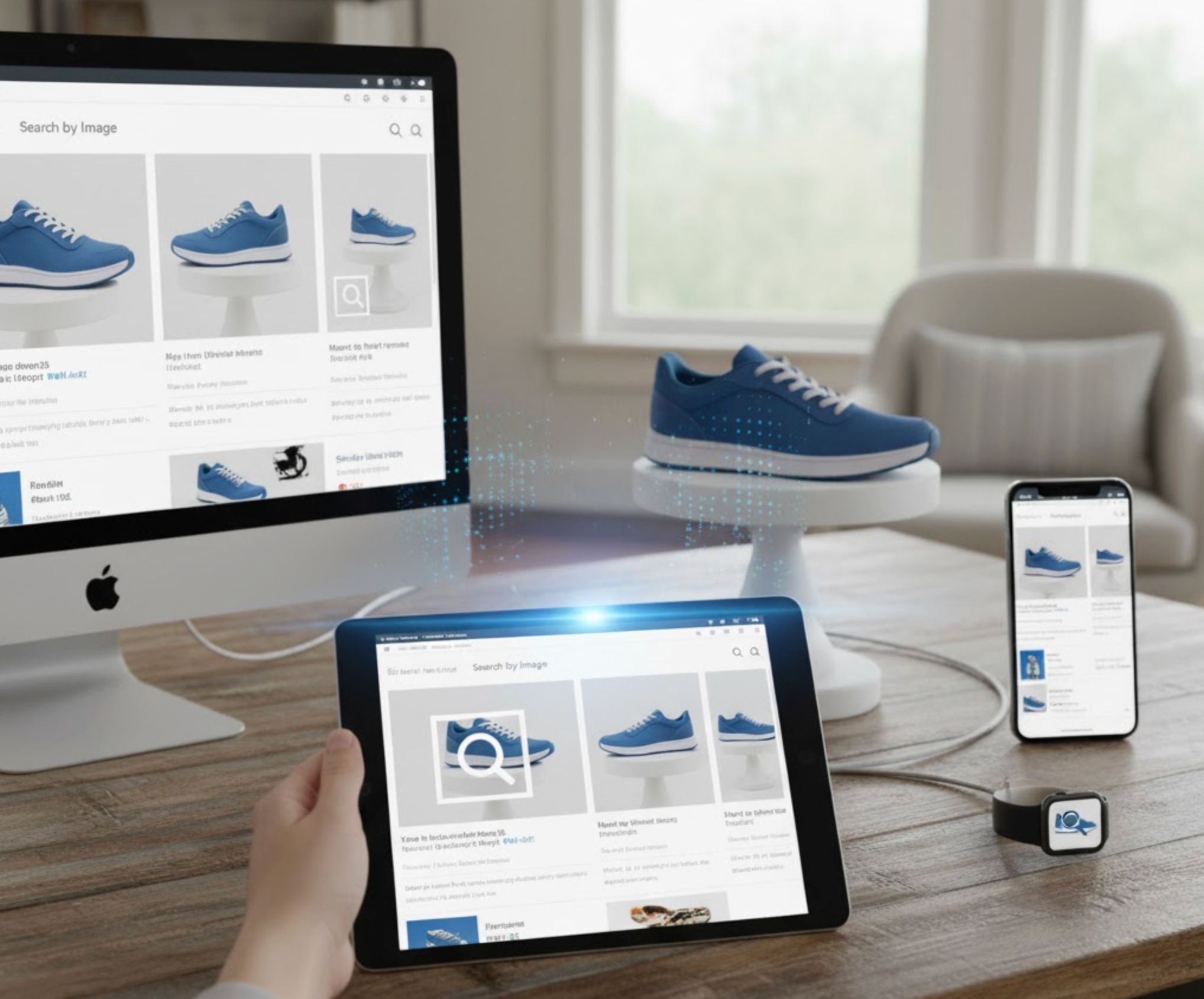
Before launching, test the image search feature on both desktop and mobile. Try uploading different image types, for example screenshots, real-world photos, and close-ups, to ensure the system recognizes various image qualities.
Check that the upload process is quick and that search results appear fast (ideally within one or two seconds). A smooth, responsive experience will make customers more likely to use it again.
Once live, track performance through your app’s built-in analytics. Key metrics include:
Use these insights to improve your catalog images, adjust matching rules, or tweak widget placement for better engagement.
To make the most of your new feature, follow these best practices:
A thoughtful, user-friendly experience can turn visual search into a core discovery tool for your store.
After implementation, keep monitoring your analytics to measure impact. Track metrics like:
By continually refining based on this data, you can maximize both customer satisfaction and revenue.
Search by Image is no longer just a futuristic feature, but it’s quickly becoming an essential part of modern eCommerce. For Shopify store owners, it opens a powerful new way for customers to discover and connect with your products.
Whether you choose a no-code app or a custom integration, adding this feature can dramatically improve the shopping experience. It reduces search friction, delights mobile users, and helps you understand your customers visually.
In a world where “a picture is worth a thousand words,” image-based search might just be the key to unlocking your next big conversion boost.




