 New to Shopify? Free trial, then $1/month for your first 3 months. Start free trial →
 Where is your store?
Ryviu works with both – pick yours to continue.









When a customer completes a purchase, the journey doesn’t have to end there. Your thank you page is one of the most valuable yet underused spaces in your eCommerce funnel. It’s a moment when customers feel most satisfied and emotionally connected to your brand. Adding social sharing buttons to this page gives them an easy way to share their excitement, helping you turn loyal shoppers into powerful brand promoters.
In this article, we’ll dive into why social sharing on the thank you page is so impactful, explore different methods to add these buttons, and share expert tips for maximizing their effectiveness. Whether you use Shopify, WooCommerce, or another platform, this guide will help you build stronger engagement after every purchase.
Many store owners stop nurturing customers once they’ve checked out—but that’s where opportunity begins. The thank you page is an ideal place to encourage continued connection, engagement, and sharing. Customers are already in a positive mindset, proud of their purchase, and often willing to tell friends about it. By adding social sharing buttons, you make that sharing simple, fun, and natural.
Adding social sharing buttons isn’t complicated, but the right approach depends on your platform, technical experience, and design goals. Whether you prefer no-code solutions or custom integrations, there’s a method that fits your store’s needs. The key is to make sharing feel seamless and aligned with your brand’s voice and aesthetic. Let’s explore the best ways to do it.
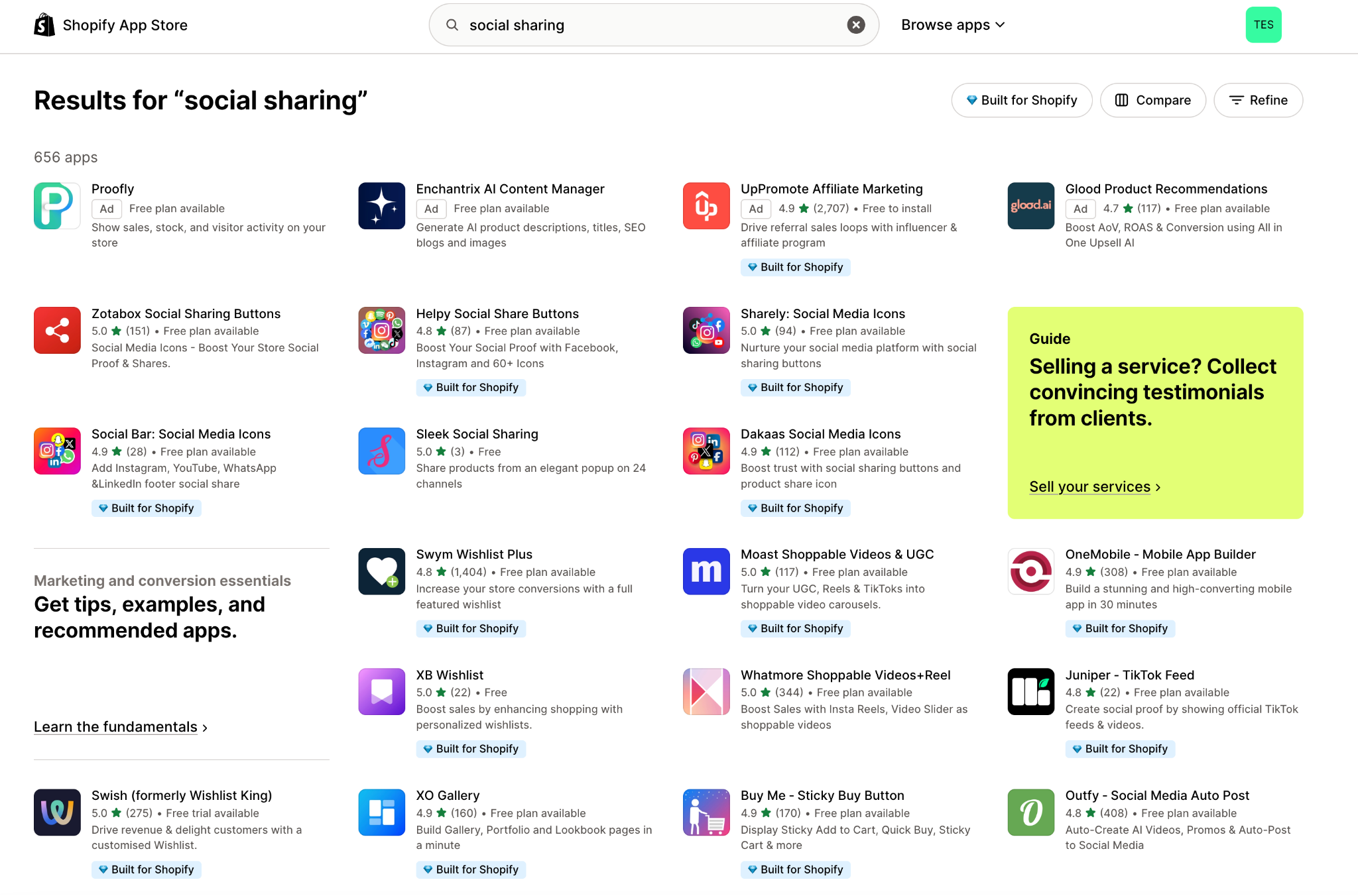
Apps and plugins are the fastest way to add social sharing buttons without writing a single line of code. For Shopify users, tools like AddThis Share Buttons, Elfsight Social Share, or ShareThis can integrate automatically into your thank you page. WooCommerce users can rely on plugins such as Social Warfare or Monarch to achieve the same effect.
If you prefer more control and minimal reliance on third-party tools, manually embedding code is a clean option. Services like AddToAny or ShareThis provide copy-and-paste snippets that support major social media platforms. With a bit of HTML or JavaScript, you can design a fully tailored social sharing section.
Social sharing buttons work best when paired with a thoughtful message. Instead of simply adding icons, prompt users with text that connects emotionally. A warm, friendly message, like “Love your new look? Share it with your friends and show them your favorite find!”, encourages engagement without being pushy.
People love rewards, and a small incentive can dramatically boost sharing activity. By offering a discount code for their next purchase or entry into a giveaway, you motivate customers to take that extra step. Just make sure the reward feels authentic and aligned with your brand experience.
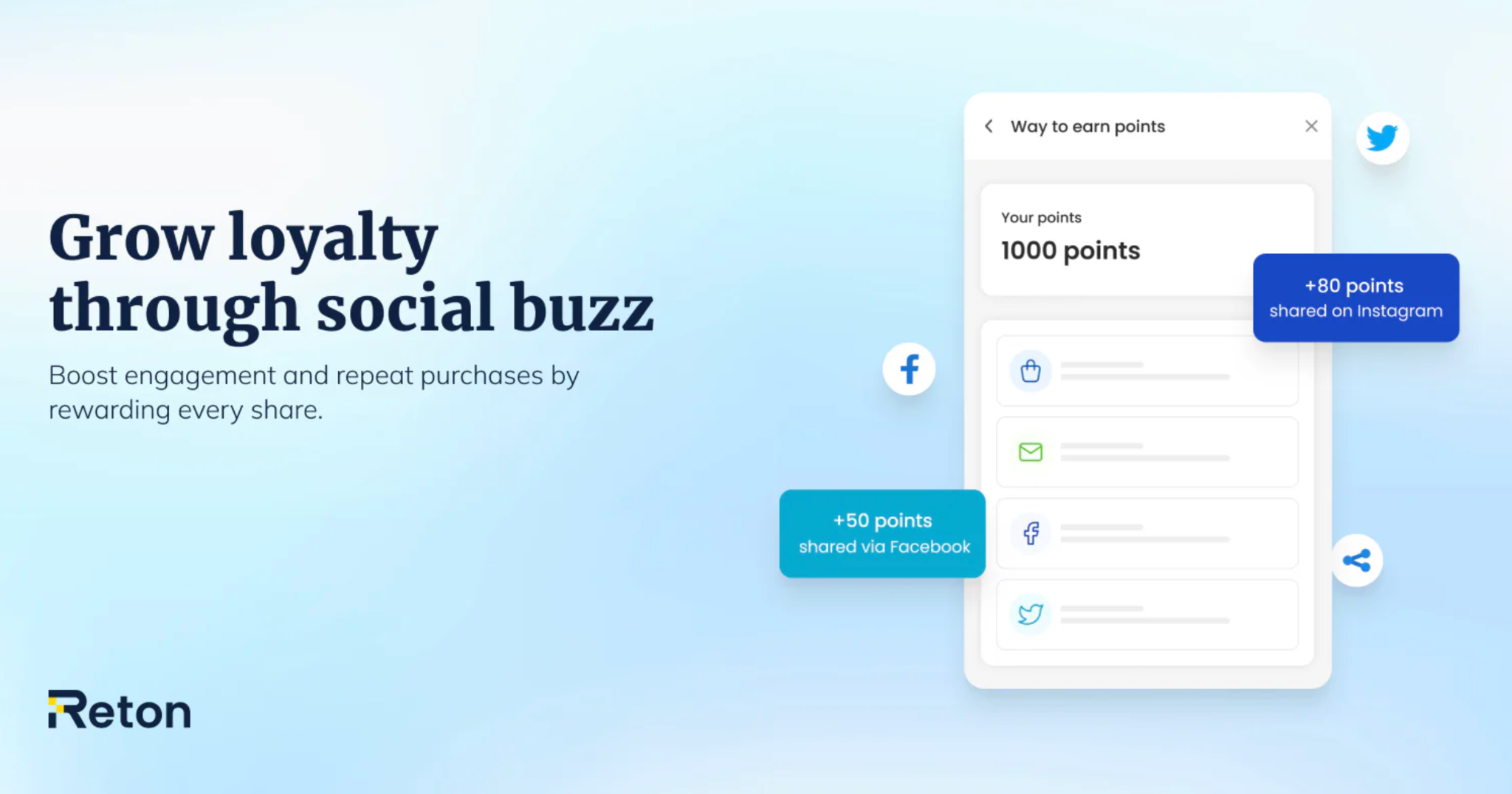
With tools like Reton, you can easily automate post-purchase incentives and encourage customers to share right from the thank you page. Reton allows you to reward social actions with discount codes or loyalty points, creating a seamless sharing experience. By combining automation with personalization, Reton helps turn one-time buyers into ongoing brand advocates.
Not all social platforms are equal, so choose the ones that best match your audience’s habits. For most eCommerce stores, a combination of visual and conversational platforms works best. The goal is to make sharing effortless on the channels your customers already use daily. Here are the most effective platforms to consider:
Even the best buttons can be overlooked if not designed or positioned effectively. Placement, size, and style all influence how many customers actually engage. Your goal should be to create buttons that blend naturally with the thank you page while standing out just enough to catch attention. Small tweaks in layout and design can dramatically increase click rates.
Adding social sharing buttons to your thank you page isn’t just a design tweak, but it’s a strategic way to grow your brand community. When done right, it turns your happiest customers into your most effective marketers. Every share spreads your brand’s message, drives fresh traffic, and strengthens long-term loyalty.
Start by adding share buttons to your thank you page, test your message, and monitor which platforms perform best. With tools like Lookfy or a few lines of code, you can unlock a powerful post-purchase engagement strategy that helps your brand reach new audiences effortlessly.




