 New to Shopify? Free trial, then $1/month for your first 3 months. Start free trial →
 Where is your store?
Ryviu works with both – pick yours to continue.








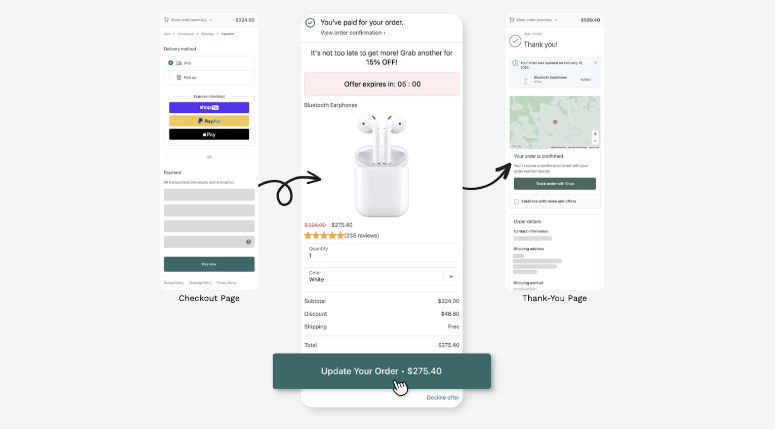
The checkout page is often underestimated. Most store owners think of it as the final step in the buying process, but in reality, it’s also the last—and most powerful—opportunity to boost revenue.
When customers arrive at checkout, their purchase intent is already high. They’ve browsed your store, compared options, and committed to a product. At this moment, they’re more receptive to relevant suggestions than at any other time. This is where upsells and cross-sells come into play. Not only do these strategies help increase your average order value (AOV), but they also make the shopping experience smoother by anticipating customer needs.
In this guide, we’ll take a deep dive into how to add upsells and cross-sells to your Shopify checkout page, which apps to use, best practices, mistakes to avoid, and real-world examples to inspire your strategy.
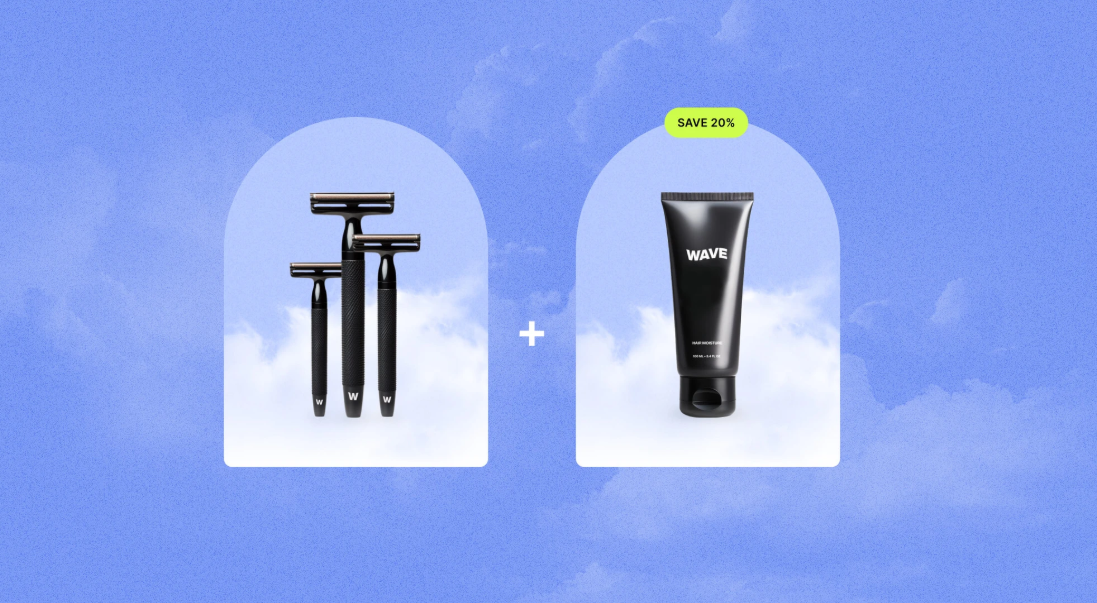
Before implementation, it’s crucial to understand the difference between the two techniques:
Both strategies are rooted in consumer psychology:
This is why Amazon credits 35% of its revenue to upsells and cross-sells. It’s not just about making more money—it’s about making the customer feel like they’re making a smarter purchase.
2. Why Upsells & Cross-Sells Matter at Checkout?
You may already have upsells on product pages or in-cart pop-ups, but checkout upsells have a unique advantage: they reach the customer at the point of commitment.
In short, checkout upsells and cross-sells turn a routine transaction into a value-packed shopping experience.
Shopify itself offers some upsell tools, though they’re limited unless you’re on Shopify Plus:
For smaller stores not on Shopify Plus, third-party apps are the most effective solution.
Third-party apps extend Shopify’s functionality and make upsells much easier. Here are some must-haves:
These apps vary in pricing and features, but all share one thing in common: they make upselling and cross-selling easy, scalable, and profitable.
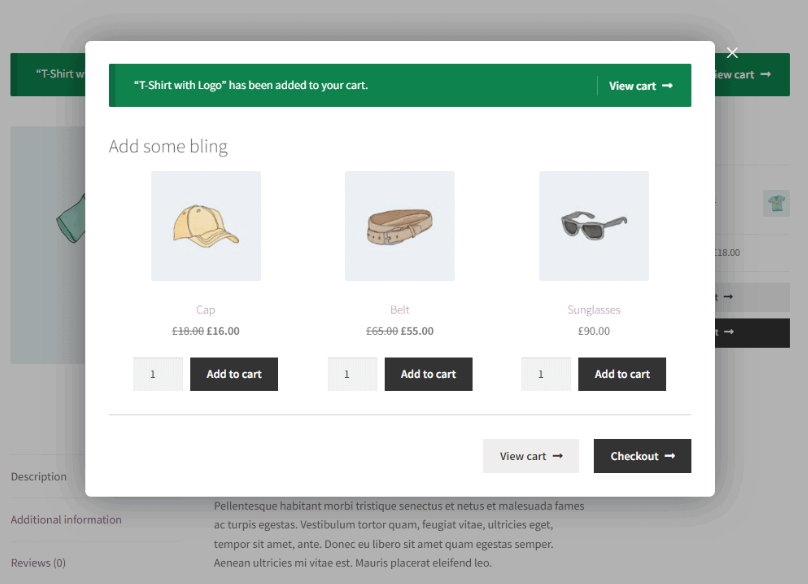
Here’s how to practically set them up:
Examples:
Here are strategies to make your offers more effective:
Think of these as guidelines for making your upsells helpful rather than salesy.
A Shopify skincare brand added a post-purchase upsell: “Add a travel-size cleanser for $5.” Over 30% of customers accepted, increasing monthly revenue by $10,000.
A fashion boutique used Honeycomb to recommend accessories like belts and scarves at checkout. Customers appreciated the styling help, and accessory sales grew by 22%.
An electronics store used Shopify Plus Checkout Extensions to offer warranties on high-ticket items. Not only did this generate more revenue, but it also reduced refund requests since customers felt more secure.
Upsells and cross-sells are far more than just sales tactics—they’re about creating a smoother, more helpful shopping experience for customers while driving higher revenue for your store. By implementing them at the checkout stage, you capture attention at the most decisive point in the journey. The right offers, powered by Shopify apps and guided by customer data, can transform your checkout page into a profit center.
Don't forget relevance and simplicity are key. Start small, measure results, and optimize over time. Done right, upsells and cross-sells don’t feel like sales pitches—they feel like great customer service that benefits both you and your shoppers.




