 New to Shopify? Free trial, then $1/month for your first 3 months. Start free trial →
 Where is your store?
Ryviu works with both – pick yours to continue.








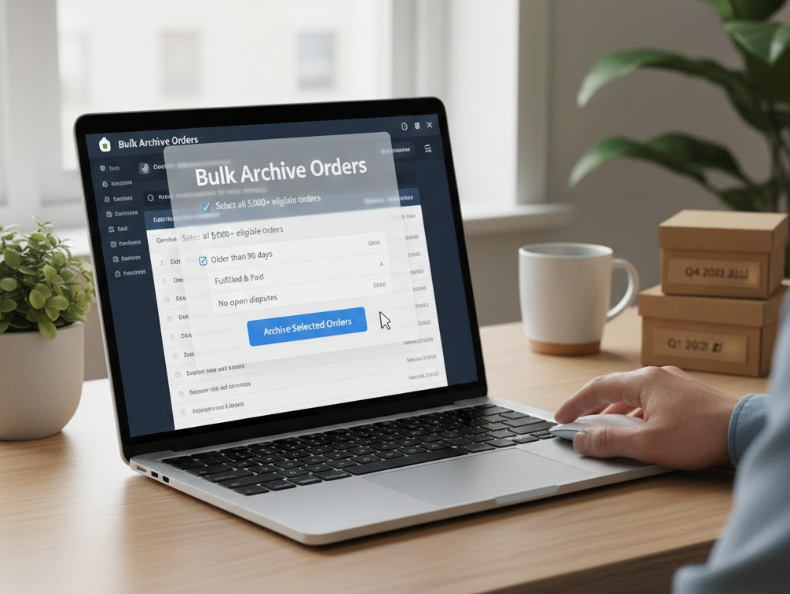
As a Shopify store grows, so does the number of orders in the admin dashboard. What starts as a clean, manageable list can quickly become cluttered with thousands of fulfilled, canceled, or completed orders. This clutter doesn’t just affect visual clarity—it can slow down workflows, make reporting harder, and increase the risk of overlooking active orders.
Bulk archiving Shopify orders is one of the simplest yet most effective ways to keep your store organized. In this guide, we’ll explore what archiving really means, why it matters, and the best ways to bulk archive Shopify orders efficiently and safely.
Archiving an order in Shopify does not delete it or remove it from your records. Instead, it moves the order out of your active order list and into an archived state. Archived orders remain accessible for reporting, accounting, customer support, and audits.
This distinction is critical for store owners who worry about losing data. Archiving is a housekeeping action, not a destructive one. It allows you to focus on orders that still require attention without compromising historical information.
Shopify does not allow order deletion in most cases, especially for completed orders, because they are tied to financial records. Archiving is the platform’s way of balancing compliance and usability.
Archived orders:
Understanding this difference helps store owners confidently clean up their order list without fear of data loss.
When your order list is filled with completed orders, finding new or problematic orders takes longer. Bulk archiving reduces noise in the admin panel, allowing your team to focus on what matters now.
For stores handling dozens or hundreds of orders daily, this small organizational improvement can save hours over time and reduce operational stress.
Clutter increases the risk of mistakes. Important orders may be overlooked, delayed, or accidentally archived late. A clean order view helps ensure that only unfulfilled, partially fulfilled, or flagged orders remain front and center.
Bulk archiving completed orders creates a clearer separation between past and present tasks.
As teams grow, clarity becomes even more important. When multiple staff members access the order dashboard, a well-maintained archive system prevents confusion and duplicated work.
Archiving becomes part of a shared workflow rather than an afterthought.
Shopify automatically archives orders once they are fulfilled and paid, depending on your store settings. However, this automation may not always align with your workflow, especially if you manage complex fulfillment or post-purchase processes.
Some orders may remain unarchived due to manual fulfillment, partial shipments, or payment issues.
Store owners often choose to archive orders after:
Knowing when an order is truly “done” helps avoid premature archiving that could interrupt service or communication.
Shopify provides a native way to bulk archive orders directly from the admin dashboard. This is the simplest method and requires no apps or technical setup.
To bulk archive orders:
This method works well for small to medium-sized stores with manageable order volumes.
While convenient, Shopify’s built-in bulk archiving has some limitations. You can only select a limited number of orders at once, and the process can be time-consuming for stores with thousands of historical orders.
Filtering options, while useful, may not cover all custom criteria, such as archiving based on tags or specific time ranges.
Filtering is key to safe and effective bulk archiving. Shopify allows filtering by fulfillment status, payment status, date, and more. Combining filters ensures you archive only the orders you intend to.
For example, filtering for “Fulfilled” and “Paid” orders older than 30 days helps isolate completed transactions with minimal risk.
Order tags add another layer of control. Many stores tag orders after delivery confirmation, refund completion, or quality checks. These tags can then be used as criteria for bulk archiving.
This approach creates a more intentional workflow and reduces reliance on manual judgment.
For high-volume Shopify stores, bulk archiving through the admin interface can feel inefficient. Selecting orders in batches becomes repetitive, especially when dealing with years of order history.
This is where automation or third-party solutions become more attractive.
Several Shopify apps are designed to handle bulk order management, including archiving. These apps often allow:
Apps are particularly useful for stores that want archiving to happen in the background without ongoing manual effort.
Automation transforms archiving from a task into a system. Rules can be set to archive orders after a certain number of days once they meet specific conditions, such as fulfillment and payment confirmation.
This reduces human involvement and ensures consistency across all orders.
While automation is powerful, it should be implemented carefully. Store owners should periodically review archived orders to ensure no active or problematic orders were archived incorrectly.
A balance between automation and manual oversight protects customer experience and operational accuracy.
One of the most common mistakes is archiving orders before all post-purchase processes are complete. Customer inquiries, delivery issues, or refunds may still arise after fulfillment.
Archiving too early can slow response times and frustrate customers.
Orders often contain internal notes or tags that indicate special handling. Bulk archiving without reviewing these signals can disrupt workflows and internal communication.
Taking a moment to refine filters prevents avoidable issues.
Archived orders still appear in reports, but some workflows rely on active order views for tracking performance or KPIs. Understanding how archiving affects your internal processes helps avoid confusion.
Archived orders should not be treated as forgotten orders. Store owners should know how to search, filter, and unarchive orders when needed, especially for customer support or audits.
Familiarity with archived order access ensures long-term usability.
Consistency is more important than frequency. Whether you archive daily, weekly, or monthly, a predictable routine keeps your admin organized and your team aligned.
Documenting this process is especially helpful as your team grows.
As your store evolves, your archiving needs may change. Reviewing your process periodically ensures it still supports your current order volume, fulfillment model, and customer service approach.
Small refinements can lead to significant efficiency gains.
Bulk archiving Shopify orders is a simple yet powerful way to maintain clarity and efficiency as your store grows. By understanding what archiving does, choosing the right timing, and using Shopify’s built-in tools or automation wisely, you can keep your order dashboard clean without sacrificing access to important data.
Whether you manage a small shop or a high-volume operation, a thoughtful bulk archiving strategy reduces errors, saves time, and supports smoother daily operations. In the long run, organized orders create a calmer workflow and a more scalable Shopify business.




