 New to Shopify? Free trial, then $1/month for your first 3 months. Start free trial →
 Where is your store?
Ryviu works with both – pick yours to continue.








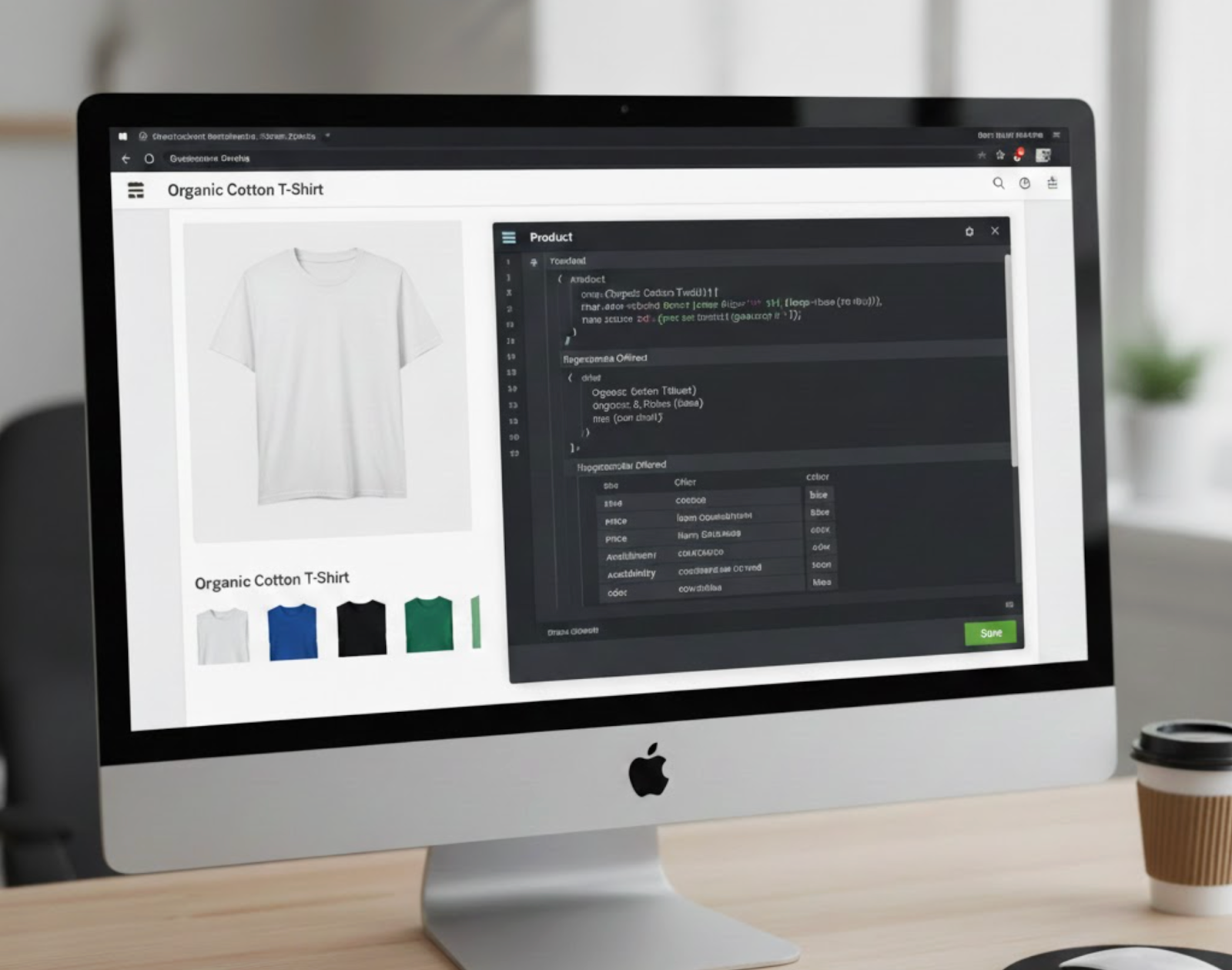
In the highly competitive world of eCommerce, simply having a Shopify store isn’t enough. If you want to stand out in search results and drive more traffic to your products, you need to ensure search engines understand exactly what your store offers. One of the most effective ways to do this is by using schema markup, also known as structured data. Schema markup provides search engines with detailed information about your content, helping them display rich results, such as product prices, reviews, availability, and more.
For stores that sell variant products, like different sizes, colors, or materials of the same item, proper schema implementation is even more critical. Each variant may have unique attributes, and without structured data, search engines might misrepresent your products, potentially harming both visibility and conversions. In this guide, we’ll break down why schema markup matters, how to implement it for variant products in Shopify, and best practices to follow for optimal results.
Schema markup is a type of structured data that communicates detailed information about your website content directly to search engines. Think of it as giving Google, Bing, or other search engines a roadmap to understand your products and their attributes clearly. Without schema, search engines have to infer details about your products, which can lead to inaccurate or incomplete search result displays.
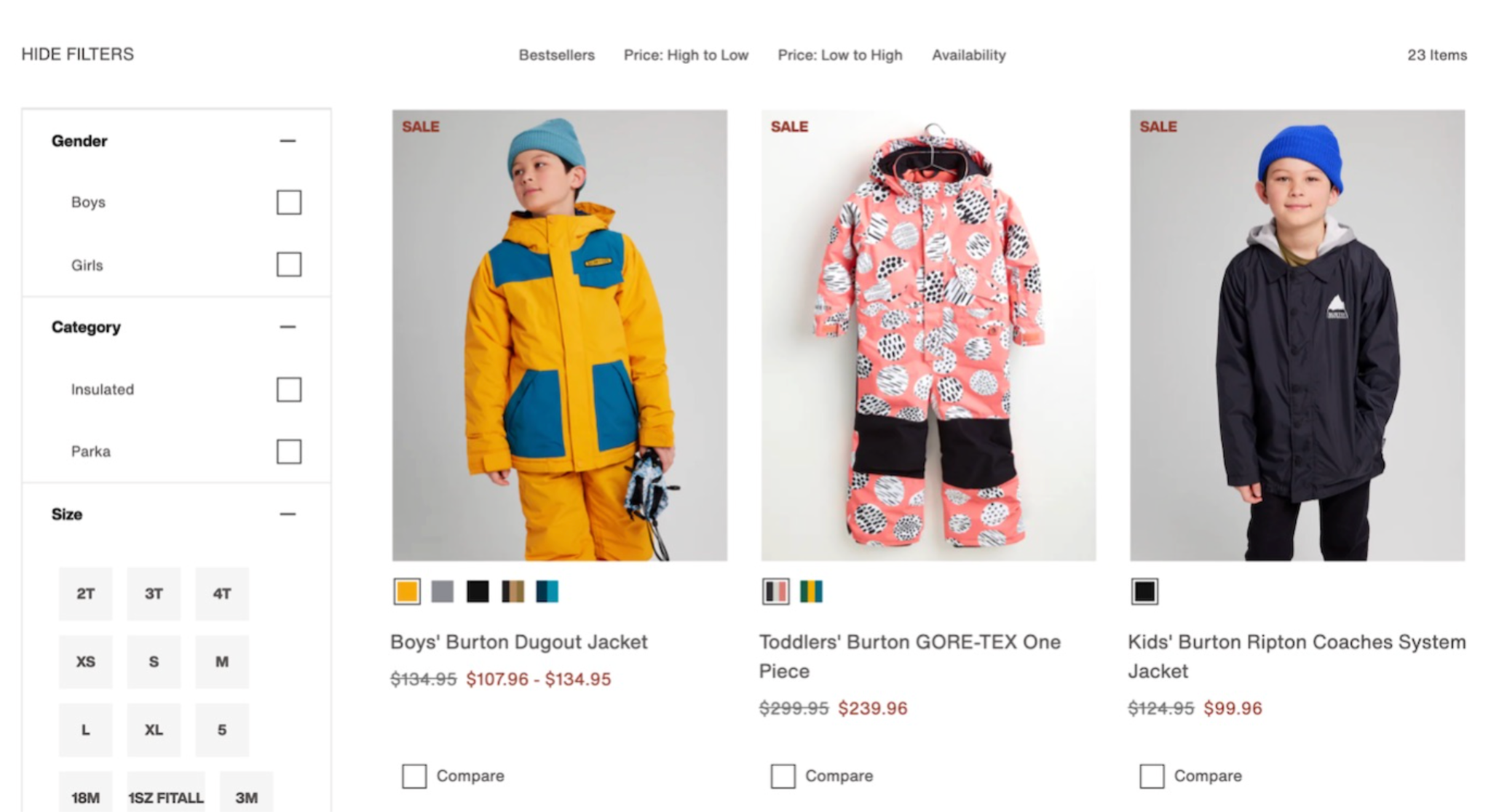
By adding schema markup, you make it easier for search engines to generate rich snippets in search results. This is particularly valuable for variant products, where price, availability, and SKU can vary between options. Variant products present a unique challenge in eCommerce SEO. When you sell multiple versions of the same product, such as shirts in different sizes and colors or shoes in different materials, search engines can struggle to display the right information for each variant. Proper schema ensures each variant is represented accurately, which increases the likelihood of attracting the right customers.
Without proper schema:
Using structured data and rich snippets for variants ensures that search engines know exactly what each option represents. This not only improves visibility in search results but also helps your customers make informed decisions directly from search listings.
Now that we understand the importance of schema for variant products, the next step is to carefully prepare and implement it in your Shopify store to maximize visibility and accuracy.
Implementing schema markup for variant products requires planning and attention to detail. Shopify dynamically generates product pages, and each variant may have its own unique attributes such as price, SKU, and availability. Follow these steps to ensure your schema is correctly implemented.
Before you can implement schema, you need a clear understanding of all your product variants. This includes:
Document each variant carefully, noting differences in price, SKU, or availability. This detailed list ensures your structured data accurately represents every option.
With a complete inventory of your variants, you can now create schema markup that ensures search engines see the full picture, avoiding confusion and maximizing your chances of rich snippets.
For variant products, the Product schema is the most appropriate. Shopify stores generally implement this using JSON-LD, a lightweight, easy-to-manage format that search engines prefer.
The main properties you should include for each variant are:
JSON-LD is advantageous because it does not interfere with your page’s HTML and can be easily updated when variant data changes.
Now that you’ve chosen the right schema type, the next step is generating accurate JSON-LD code that includes all your product variants without overwhelming search engines.
You can either create JSON-LD manually or use a Shopify app to automate the process. Here’s a simplified example of JSON-LD for a product with two variants:
{
"@context": "https://schema.org/",
"@type": "Product",
"name": "Classic T-Shirt",
"image": [
"https://example.com/image1.jpg",
"https://example.com/image2.jpg"
],
"sku": "TSHIRT001",
"offers": [
{
"@type": "Offer",
"sku": "TSHIRT001-BLUE-M",
"price": "19.99",
"priceCurrency": "USD",
"availability": "https://schema.org/InStock"
},
{
"@type": "Offer",
"sku": "TSHIRT001-RED-L",
"price": "21.99",
"priceCurrency": "USD",
"availability": "https://schema.org/OutOfStock"
}
]
}
Once your JSON-LD markup is complete, the next step is integrating it into your Shopify theme without breaking your site’s design or functionality.
There are two main methods to add schema markup to Shopify:
By integrating schema markup either manually or via an app, you ensure that every variant is correctly represented, setting the stage for improved SEO performance.
After adding schema markup, testing is essential to confirm that search engines interpret your product data correctly. Use Google’s Rich Results Test:
Regular testing guarantees that your schema markup functions as intended, ensuring that your products are displayed accurately and attractively in search results.
Implementing schema markup correctly is crucial, but following best practices ensures long-term SEO success and better user experience. Here are some detailed recommendations:
Following these best practices ensures your Shopify store remains SEO-friendly, variant-rich, and prepared to display accurate product information in search engines, ultimately driving more traffic and improving conversions.
Implementing schema markup for variant products in Shopify is a strategic SEO move that can improve search visibility, enhance rich snippets, and increase click-through rates. By carefully identifying all variants, selecting the appropriate schema type, generating accurate JSON-LD markup, integrating it into your Shopify store, and testing thoroughly, you ensure that search engines understand every aspect of your products.
Properly implemented schema markup not only improves the way your products appear in search results but also enhances the overall user experience by providing clear, accurate, and up-to-date information. For Shopify stores with variant products, investing time in structured data is an investment in better search performance, higher traffic, and ultimately, more conversions.




