 New to Shopify? Free trial, then $1/month for your first 3 months. Start free trial →
 Where is your store?
Ryviu works with both – pick yours to continue.









A fast-loading Shopify store isn’t just a technical detail, but it’s a business advantage. Shoppers expect instant access, search engines reward speed with better visibility, and a seamless experience keeps visitors engaged. Yet many merchants hesitate to optimize because they fear sacrificing design. The good news? You can achieve both: a visually stunning store and lightning-fast performance.
This guide explores practical steps to optimize Shopify speed without compromising design, showing how each action improves user experience, conversions, and long-term growth.
Today’s customers are impatient. A delay of even one or two seconds can cause frustration, increase bounce rates, and reduce the likelihood of purchase. Faster pages allow shoppers to browse smoothly, view products quickly, and complete checkout without unnecessary interruptions, making the entire journey more enjoyable.
Google includes speed and Core Web Vitals in its ranking algorithm. A store that loads quickly signals reliability, which helps it rank higher in search results. This improved visibility brings in more organic traffic, creating a cycle where better performance leads to more visitors and, ultimately, more sales.
Speed directly influences how professional your store feels. A site that lags appears outdated or unreliable, while a fast, polished experience encourages customers to stay longer and return again. This trust can be amplified when speed is paired with retention strategies such as loyalty programs, like those provided by the Reton loyalty app, which reward customers without slowing down the site.
Images are often the largest files on a Shopify store, and while they are critical for design and trust, they can easily slow down your site. By optimizing images intelligently, you preserve visual appeal while dramatically improving performance. Let’s follow the best practices for Shopify image optimization:
Apps bring powerful features, but too many of them or poorly optimized ones can slow down your store. Managing your apps wisely ensures you keep functionality and design intact without compromising on speed. How to handle apps wisely?
Your store’s theme is the foundation of both speed and design. Cleaning up code and avoiding unnecessary elements ensures your store loads quickly without losing its professional look. Below are some clean and efficient theme management:
Shopify provides a number of performance tools automatically, but many merchants overlook how powerful they can be. Leveraging these built-in features ensures your store looks polished while performing efficiently worldwide. Let’s take a look at some key features that boost speed:
Not everything in your store needs to load at once. By prioritizing what customers see first, you improve their initial impression and reduce the risk of early abandonment. Here are the best practices for content optimization:
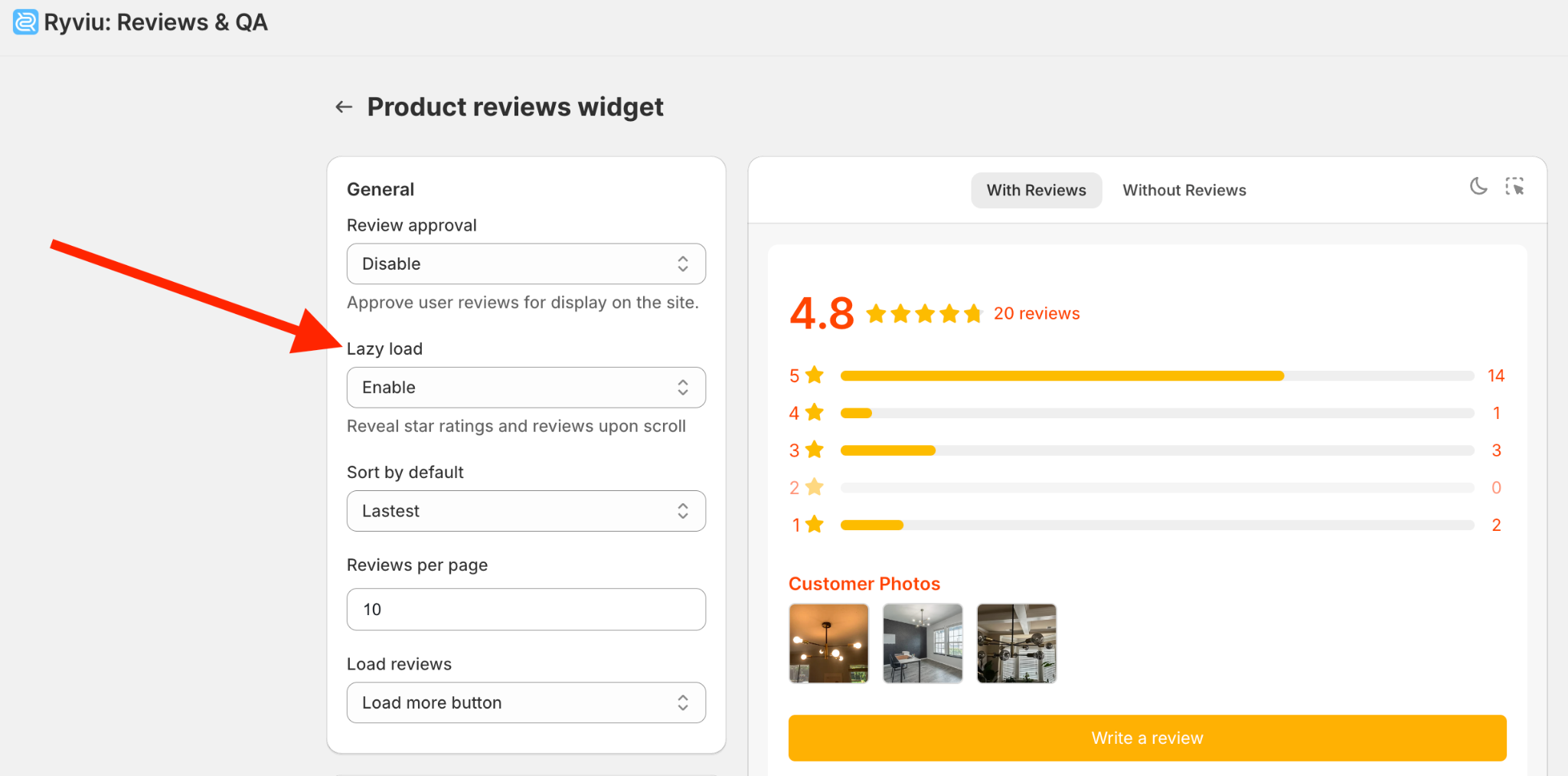
Reviews are essential for trust, but heavy review widgets can slow your store significantly. Choosing lightweight, flexible solutions lets you show social proof effectively without dragging down performance. Let’s follow the below practices to keep reviews fast and effective:

Speed optimization isn’t a one-time task. Constant monitoring ensures that as your store grows and evolves, it remains as fast and reliable as customers expect. Here are some tools for you to track Shopify store performance:
Design elements often determine how fast your store feels. By making careful choices, you can deliver a polished look that loads quickly and enhances usability. The following design tips can help you enhance speed.
Shopify merchants don’t have to choose between speed and design. By optimizing images, streamlining apps, cleaning theme code, and leveraging Shopify’s built-in features, you can maintain a visually impressive storefront that loads in seconds. Prioritizing critical content, selecting lightweight review and loyalty apps like Ryviu and Reton, and making thoughtful design choices ensure your store is fast, engaging, and trustworthy.
A store that is both beautiful and fast not only improves customer experience but also boosts SEO, increases conversions, and builds long-term loyalty. By following these practices, you’ll achieve the perfect balance between speed and design, making your Shopify store stand out in a competitive market.




