 New to Shopify? Free trial, then $1/month for your first 3 months. Start free trial →
 Where is your store?
Ryviu works with both – pick yours to continue.








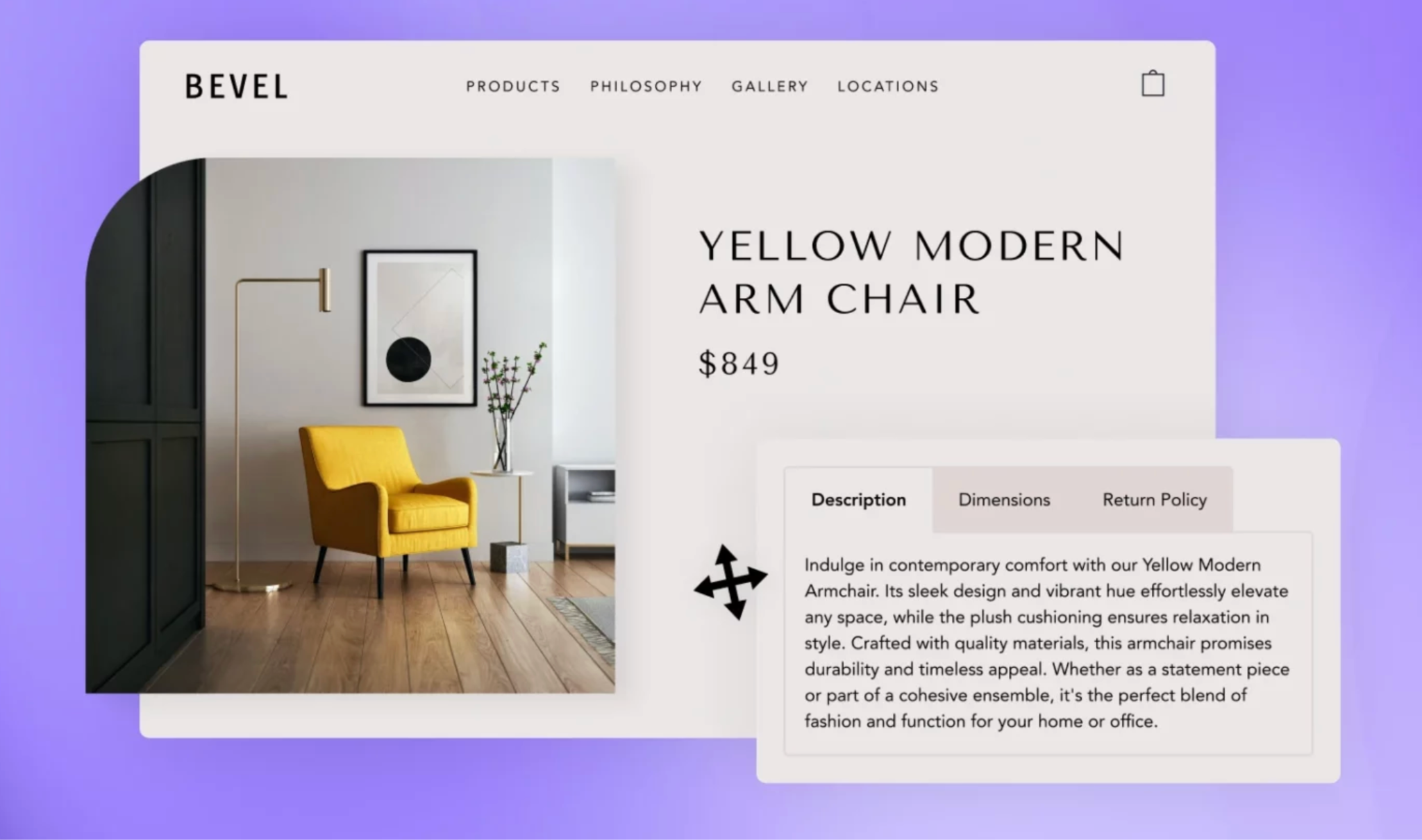
Increasing your store’s average order value (AOV) does not always require complex tools or expensive apps. One of the most effective and beginner-friendly methods is cross-selling, showing customers additional items that complement the product they are currently viewing. Normally, many merchants assume they must rely on third-party apps or custom code to implement cross-selling, but that’s no longer the case. With Shopify Online Store 2.0, your theme already includes the ability to place product recommendations directly inside custom tabs, all through drag-and-drop editing.
Custom tabs help organize your product page layout, and adding cross-selling inside these tabs allows you to keep your design clean, structured, and user-focused. More importantly, this method requires no coding whatsoever, and you don’t need to install additional apps that may slow down your store. Everything is done natively using Shopify’s built-in theme editor.
In this guide, we’ll walk through how this works, why it’s effective, and how you can implement it step-by-step in your own store.
Before diving into the setup, it’s helpful to understand why this technique works so well. Custom tabs are typically used to organize product descriptions, FAQs, and shipping policies, but they are also incredibly effective for displaying product recommendations. Here’s why.
One of the biggest challenges in designing a Shopify product page is managing large amounts of information. When all details are shown at once, descriptions, reviews, materials, shipping info, the page can become long and overwhelming. Custom tabs solve this by neatly grouping the information. Because tabs reveal content only when clicked, you can place your cross-sell items inside one tab without cluttering the main product description.
This gives shoppers a more curated and less overwhelming experience. It feels clean, modern, and thoughtfully designed.
Shoppers click tabs because they want additional information about the product, which means they are already engaged and curious. When a customer intentionally opens a tab labeled “Complete the Look” or “You May Also Like,” they are in an exploratory mindset. This higher user intent significantly boosts the likelihood that they will interact with the recommended products.
By placing your cross-sell items in a tab rather than at the bottom of the page, you ensure they appear at a moment when the shopper is paying closer attention.
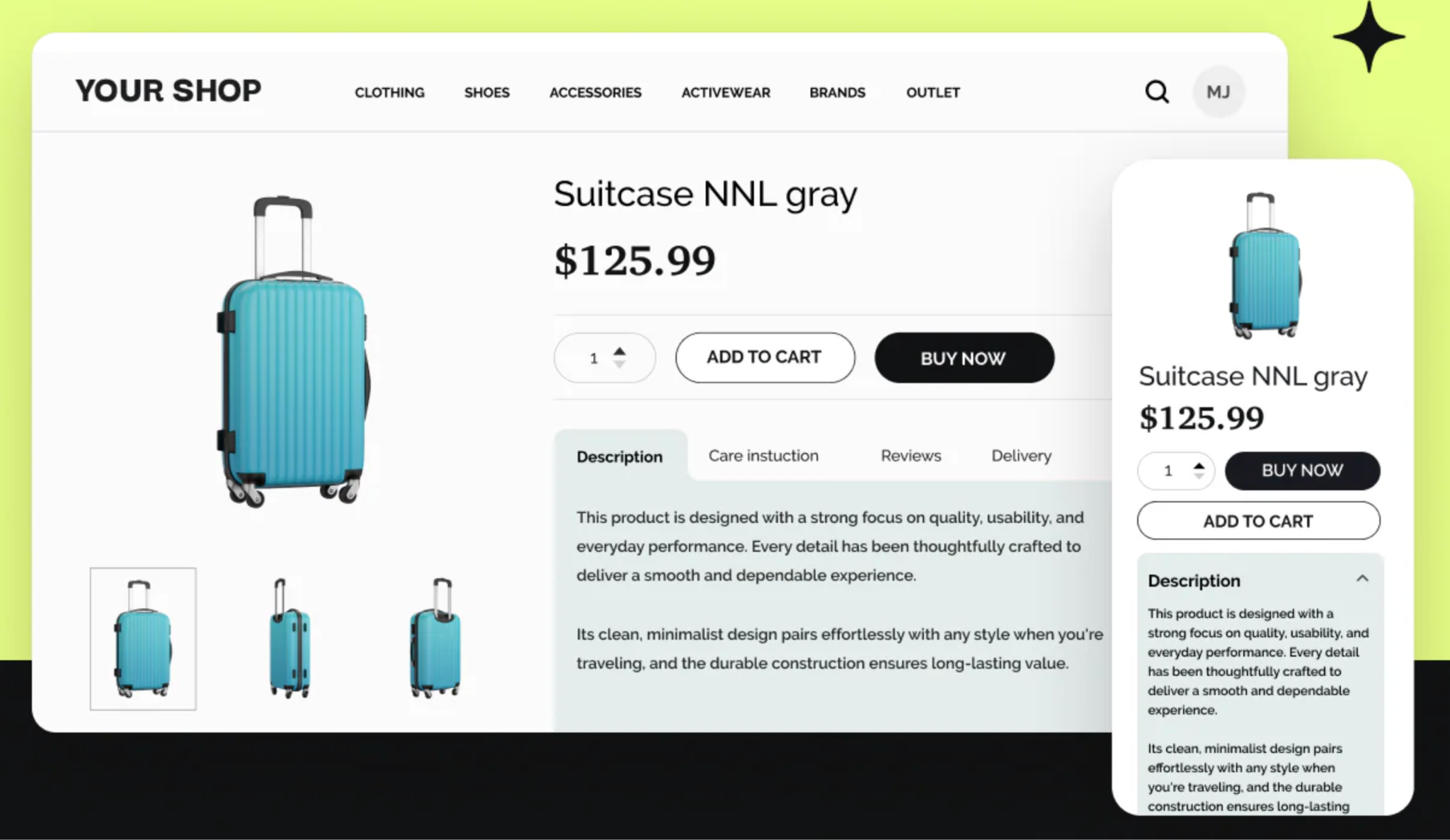
Mobile traffic represents over half of most Shopify stores’ visitors. However, mobile screens have limited space, and long pages require excessive scrolling. Custom tabs reduce scrolling drastically by organizing all secondary details inside collapsible sections. This also prevents cross-sell blocks from pushing essential content down the page.
By placing your cross-selling items inside a tab, you ensure they display neatly and consistently across all device sizes, making the shopping experience smoother and more enjoyable.
Another major advantage is consistency. Since everything is added using your theme’s built-in blocks, cross-sell products automatically match:
This keeps everything visually cohesive, something many apps fail to do. And because no app scripts are loaded, your store remains faster, which improves both user experience and SEO.
To implement this no-app, no-code method successfully, you only need:
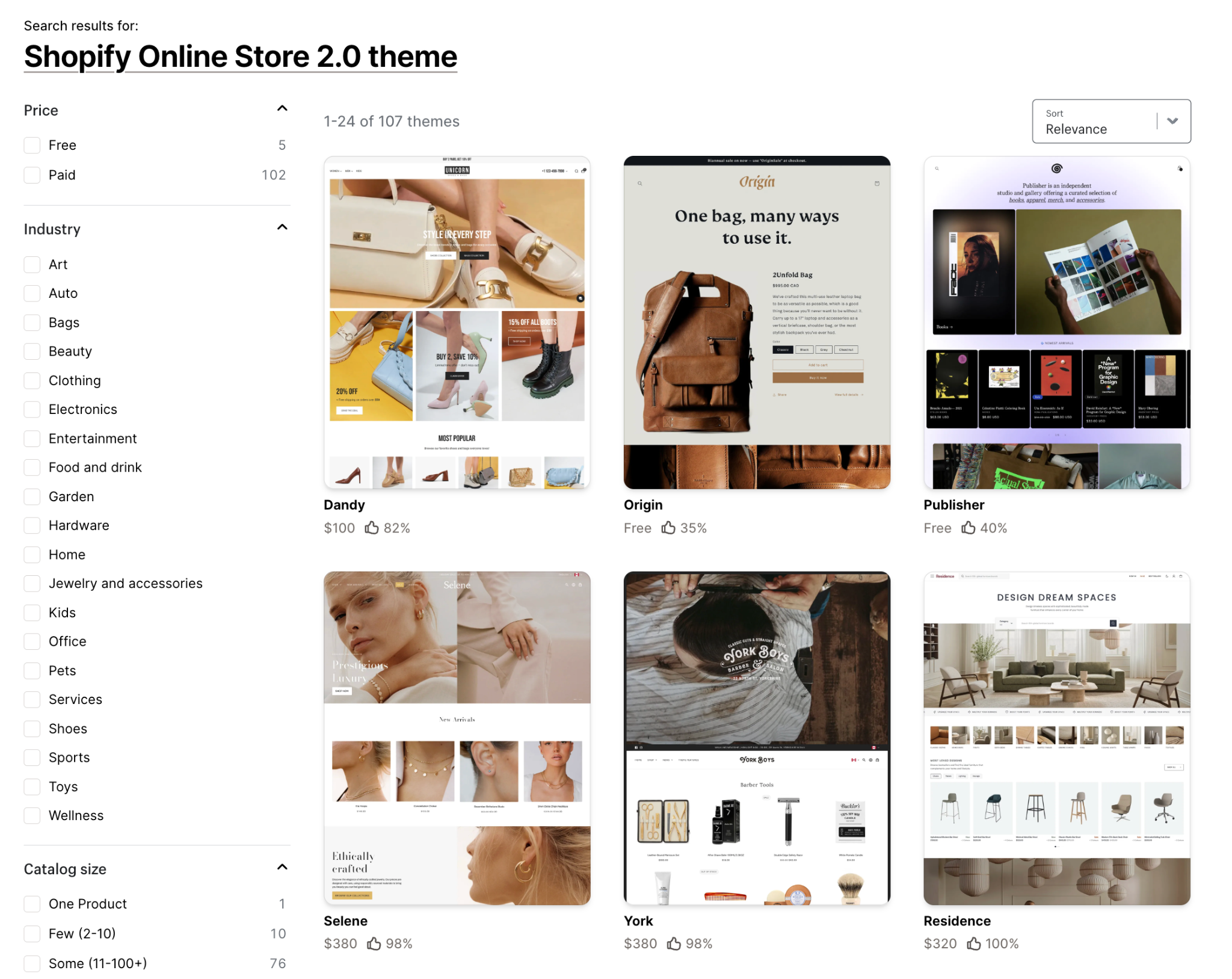
Nearly all modern Shopify themes support this, so you should be able to follow the steps immediately.
Now, let’s walk through the exact process. These steps use Shopify’s visual editor, so you simply drag, drop, and adjust blocks without touching any code at all.
Start by opening your theme in editing mode.
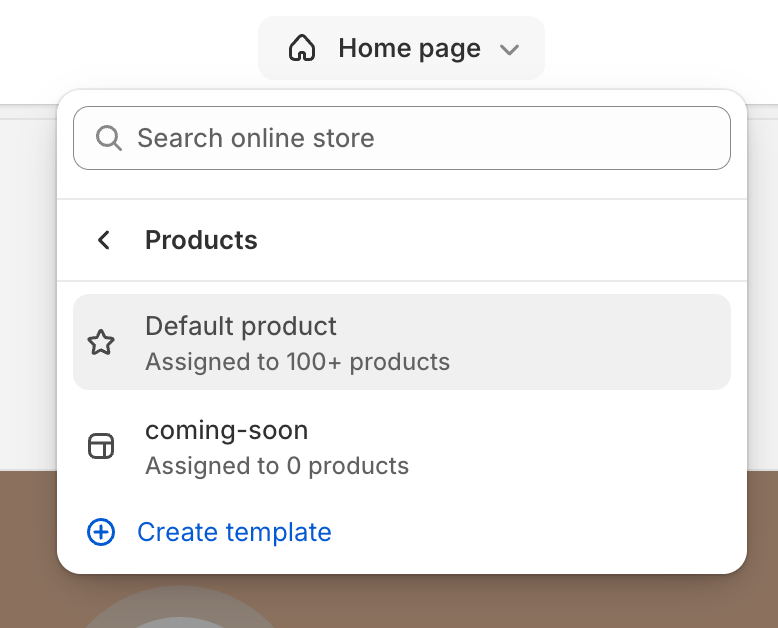
This loads your product page layout so you can modify its sections and blocks.
To make the editing process easier, Shopify also provides a live preview, so every change you make appears instantly.
Once inside the product page layout, look for the Template section where your product information is organized. Depending on your theme, this may be called:
This is where you’ll add your cross-sell content. If your theme uses collapsible rows, you’ll simply insert content into one of these rows.
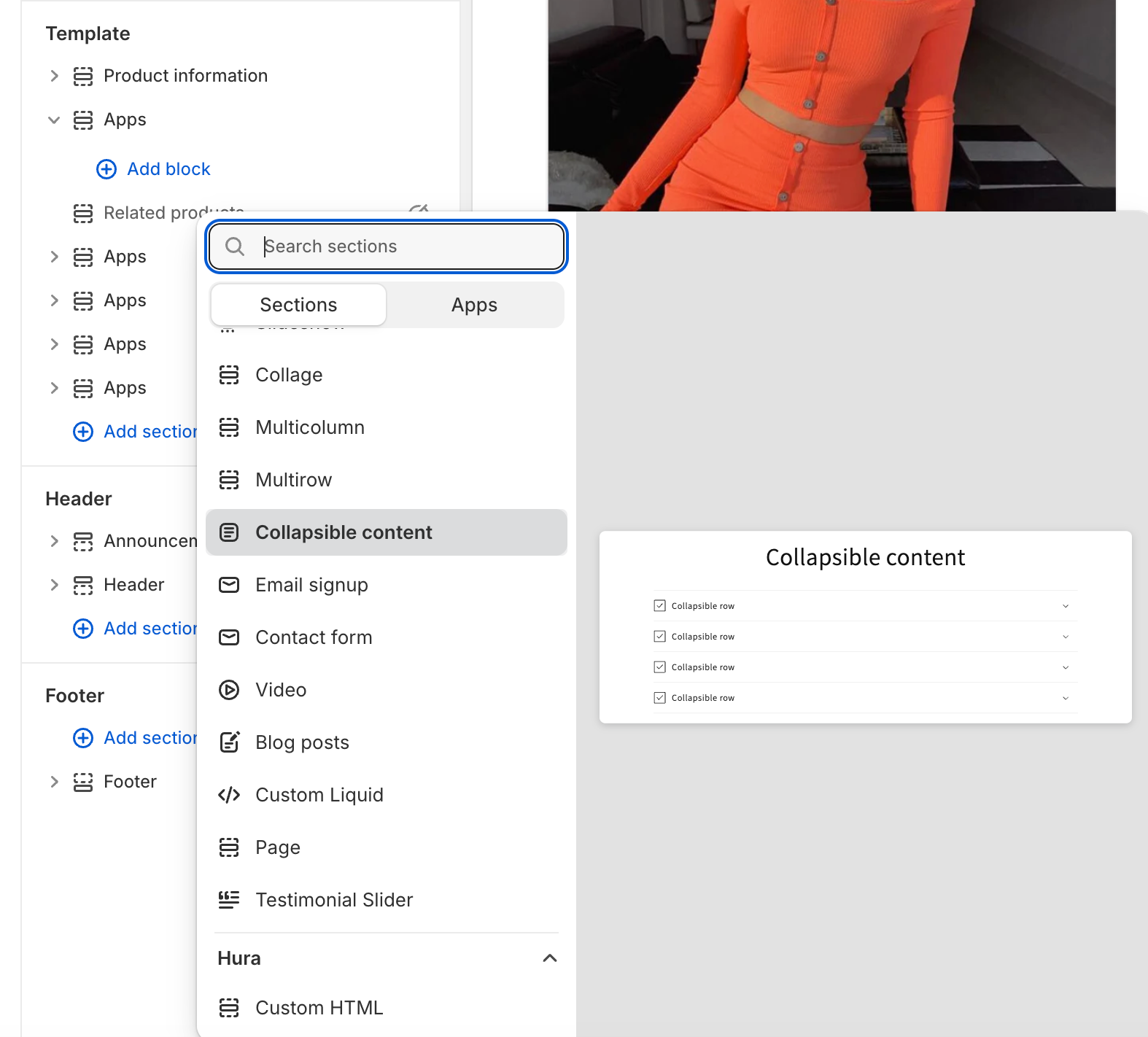
If you don’t see a tab section, some themes allow you to add one manually by clicking Add Section and selecting a collapsible tab component from the list.
To keep your cross-sell items focused and easy to find, it’s best to create a new tab specifically for them.
Effective names include:
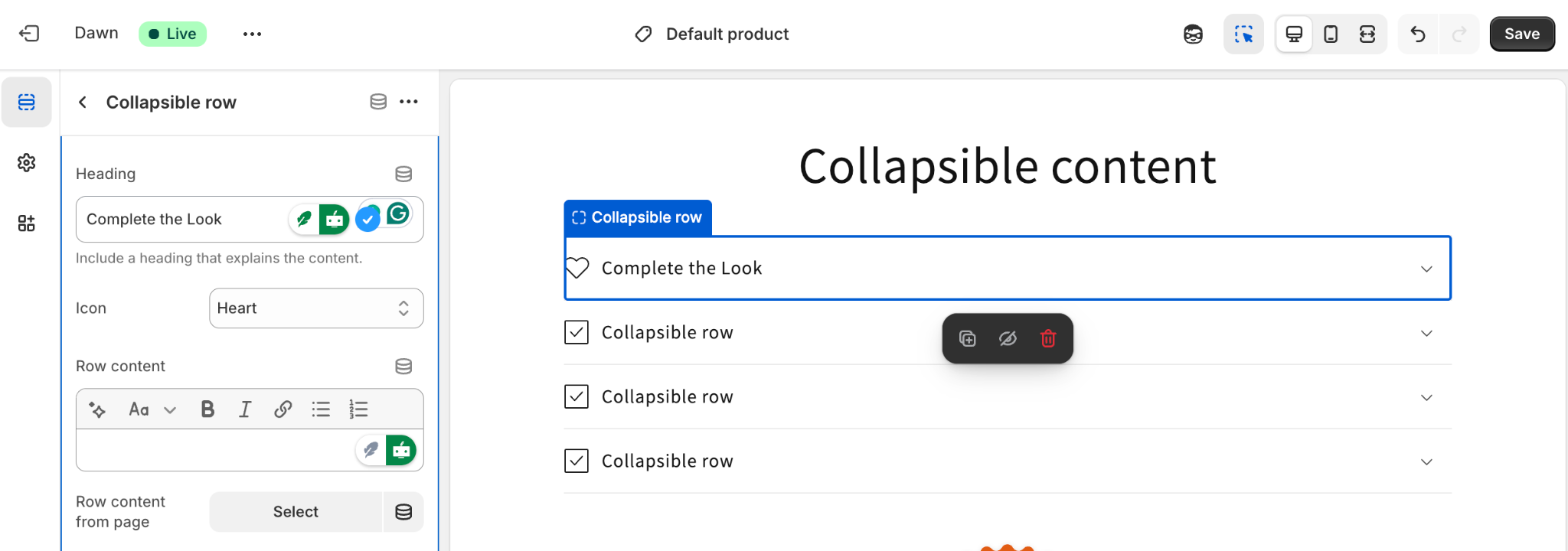
A clear and enticing tab name increases click-through rate, which leads to more cross-sell interactions.
This is the most important step. Shopify themes include several native blocks for displaying recommended products.
Inside the tab you created:
These blocks use Shopify’s algorithm to automatically pull relevant cross-sell items based on:
Because this is native Shopify functionality, everything loads quickly and fits your theme perfectly.
Depending on your theme, you may see customization options such as:
Take your time to adjust these elements so the tab layout feels balanced. Since tabs usually have limited space, it’s wise to use a compact grid of 2–4 products.
You can also add a short descriptive line above the recommendations, such as:
“These items pair perfectly with your selection and are frequently bought together.”
This makes the tab feel more polished and informative.
Before finishing, it’s important to test how your new cross-sell tab behaves across different devices.
A quick preview allows you to catch small design issues early.
Setting up cross-selling is only the first step. To maximize performance, consider the following proven tips.
Relevance is the biggest driver of cross-sell conversions. Customers are far more likely to buy items that pair naturally with what they are viewing.
Examples:
Shopify’s recommendation engine usually handles this well, but you should still check manually to ensure suggestions make sense.
A crowded tab reduces clarity and makes it harder for customers to choose. Three to six items is usually ideal.
A focused cross-sell layout feels curated and intentional, which builds trust and increases add-to-cart rates.
Your tab title is the first thing customers see. A strong title encourages them to explore inside.
Compare:

These small wording improvements can significantly increase engagement.
A brief explanation makes your suggestions feel curated rather than automated.
For example:
“Customers often pair these items together for a better experience.” or
“These curated pieces help you complete the full look with ease.”
This adds context and builds buyer confidence.
Since Shopify generates recommendations automatically, results may vary based on product data and customer behavior. Check regularly to ensure that:
Adjust expectations and tab titles as needed to keep engagement strong.
Setting up cross-selling inside custom tabs on Shopify is one of the simplest and most effective ways to increase average order value, without installing apps or touching code. Thanks to Shopify’s Online Store 2.0 editor, you can drag and drop native recommendation blocks directly inside your tab sections and instantly enhance your product page experience.
With just a few minutes of setup, your product pages become more helpful and more persuasive, encouraging customers to purchase complementary items and enjoy a better overall shopping experience.




