 New to Shopify? Free trial, then $1/month for your first 3 months. Start free trial →
 Where is your store?
Ryviu works with both – pick yours to continue.








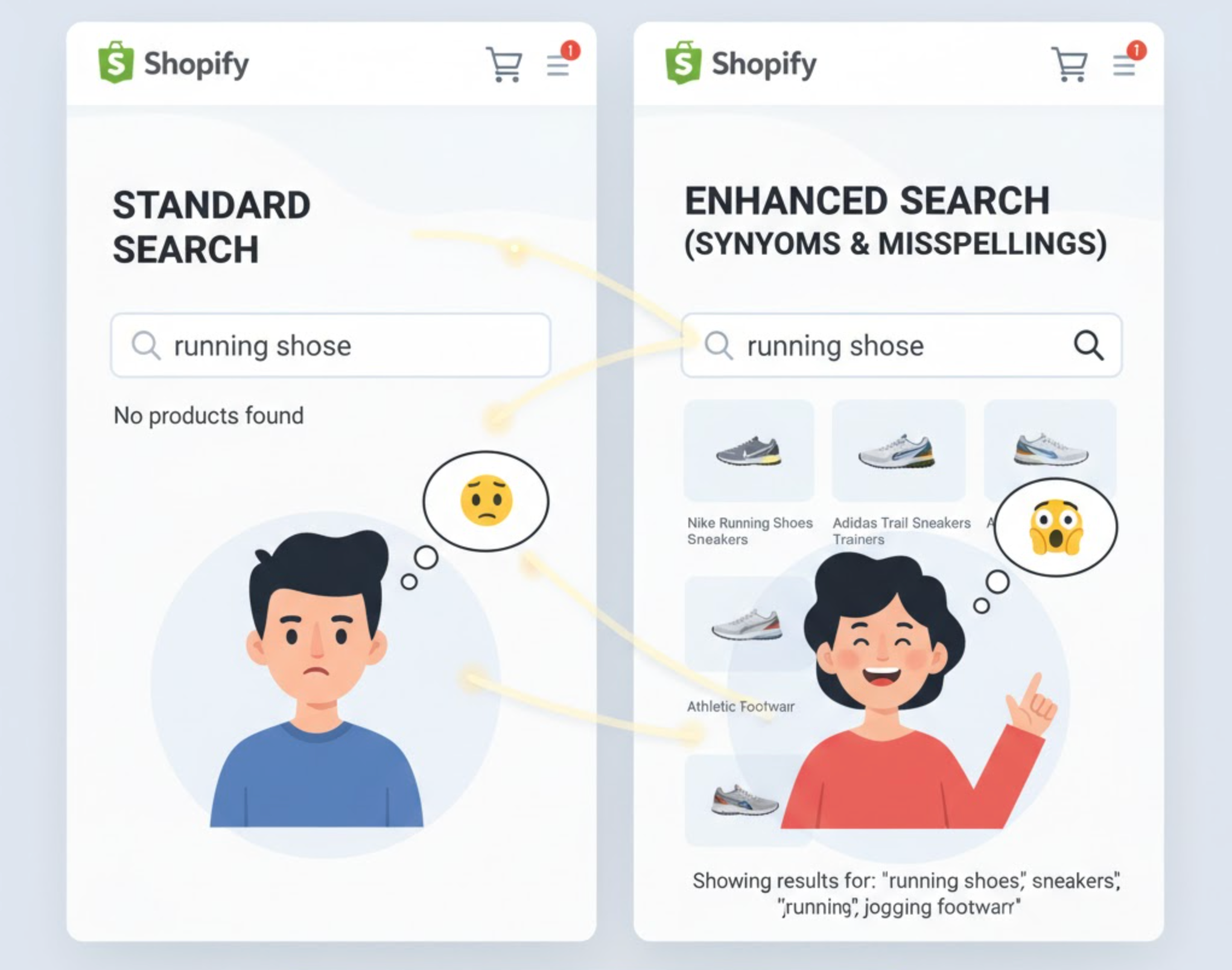
Creating a smooth search experience on your online store is more than just adding a search bar. It is about helping customers find what they are looking for, even when they do not type the exact product name. Using synonyms and handling common misspellings can make your search results more accurate, improve user experience, and increase conversions. Let’s explore how you can use these strategies effectively.
When customers search online, they might use different words to describe the same item. For example, one person might search for “joggers,” while another types “sweatpants.” If your search function only recognizes one version, you could miss potential sales. Similarly, people often make small typing errors, such as writing “nikes” instead of “Nike shoes.” Accounting for these differences ensures that users still get relevant results.
In short, optimizing for synonyms and misspellings helps you capture more searches, reduce no-result pages, and make your store feel smarter and more helpful.
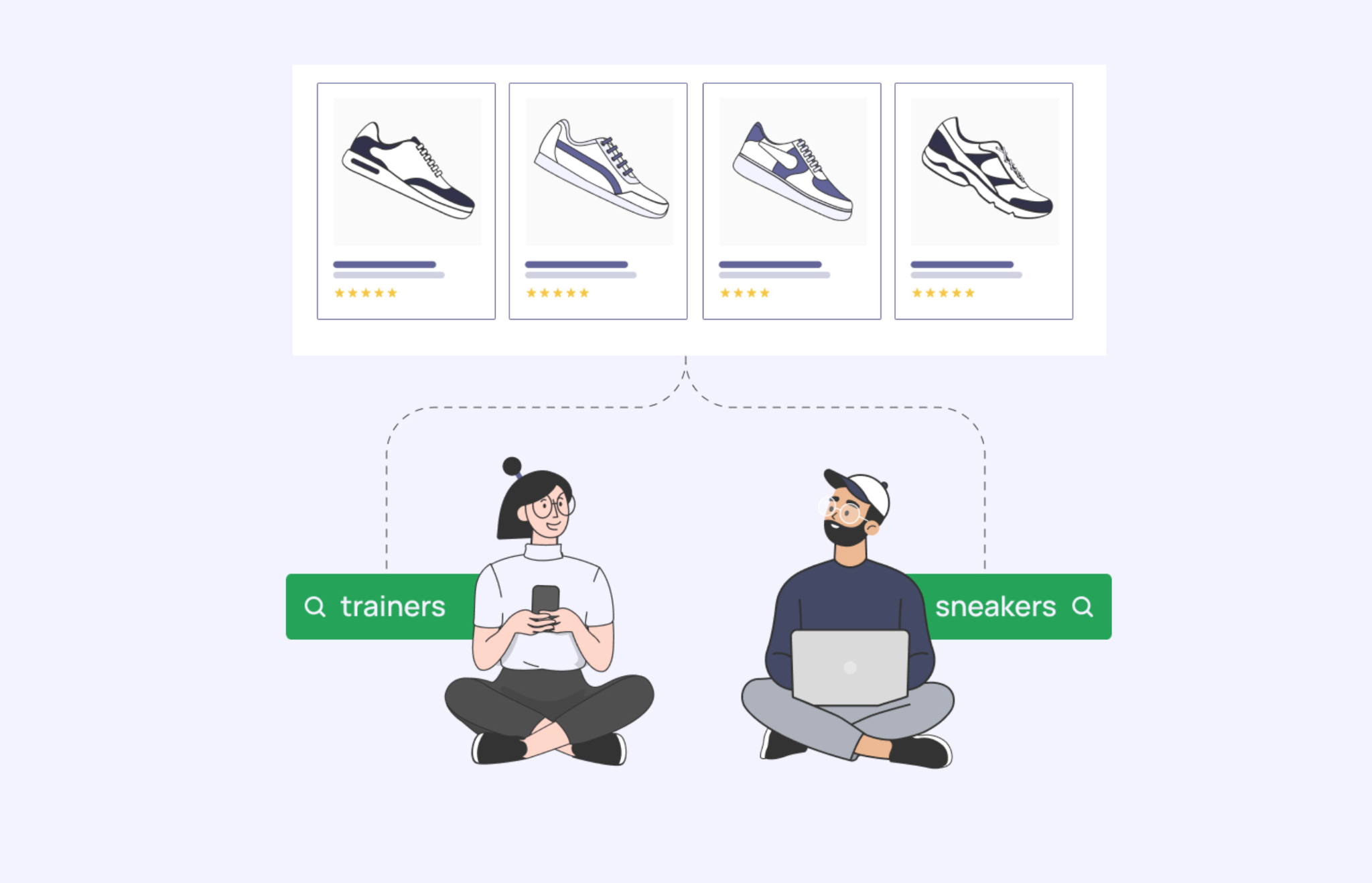
Start by analyzing the different terms customers might use to find your products. Think about regional language differences or casual terms people use. For instance, “hoodie” and “sweatshirt” may refer to the same product, depending on the audience.
You can find useful synonyms by:
After gathering these words, add them to your product tags, titles, or search configuration so that the search engine recognizes them as the same item.
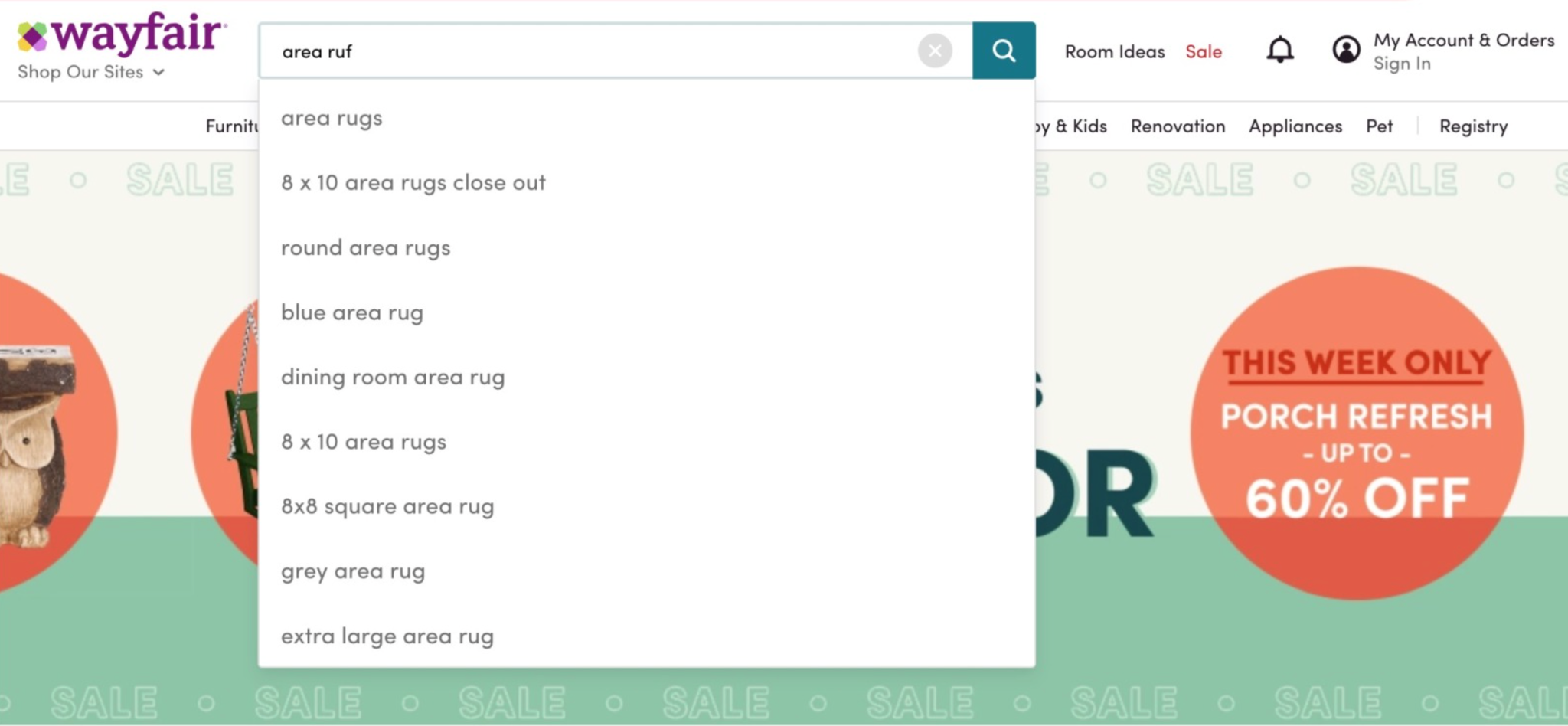
Misspellings happen all the time, especially on mobile devices. A smart search system should be forgiving and still display the right products even if a word is spelled incorrectly.
To manage misspellings effectively:
By allowing for these small errors, you make the search process faster and reduce frustration for customers.
Modern search tools can automatically detect synonyms and correct misspellings without much manual effort. They learn from user behavior and continuously improve the accuracy of results.
Some advanced search apps for Shopify and other eCommerce platforms can:
Integrating such tools can save time and ensure your customers always get the most relevant suggestions.
Search optimization is not a one-time setup. You should regularly monitor how people search on your site and make updates as needed.
Here is how you can maintain accurate and user-friendly search results:
This ongoing improvement helps your store keep up with changing customer behavior and new trends.
If you are running a Shopify store and want to manage synonyms, spelling errors, and better search results without doing it manually, several Shopify apps can make the job easier. Below are some of the best options worth considering.
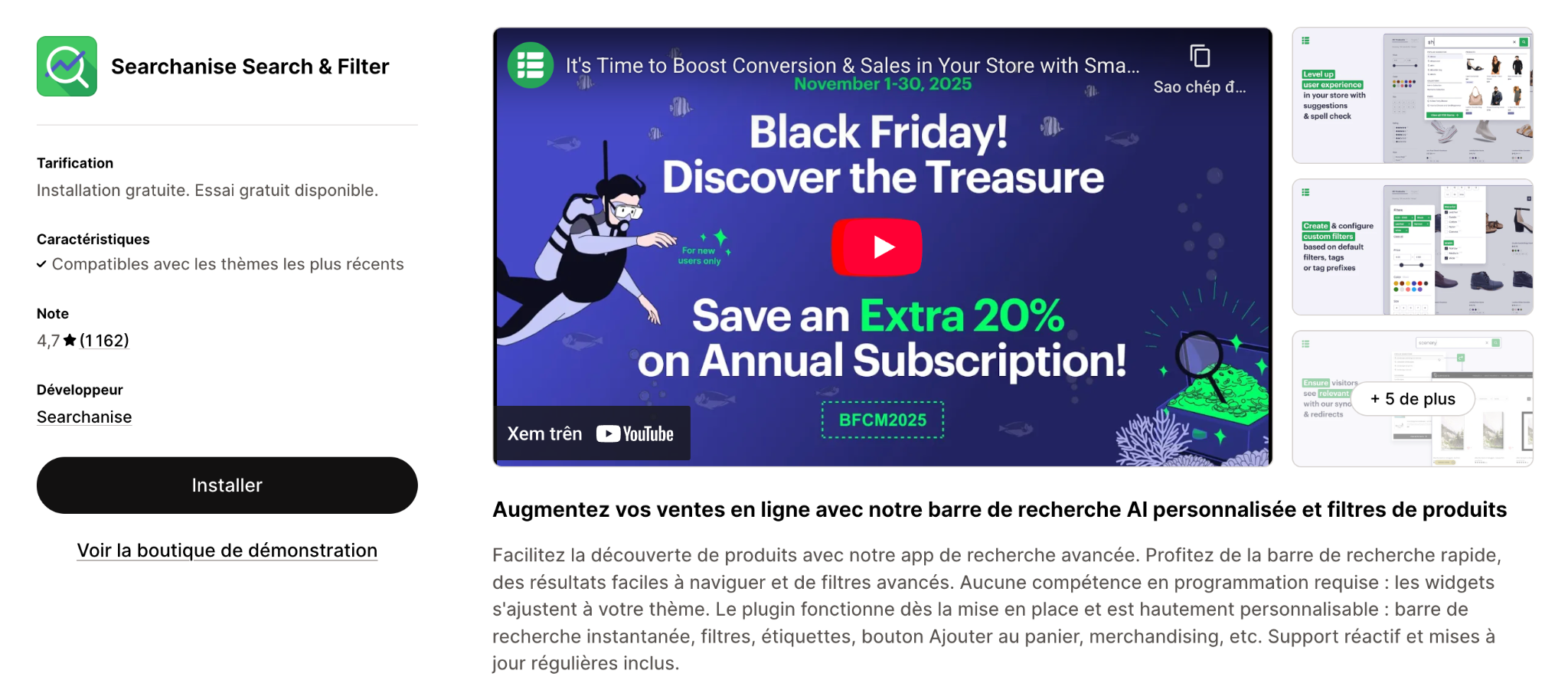
Searchanise offers a complete search and filter solution for eCommerce stores. It delivers instant results, handles typos, and recognizes synonyms like “hoodie” and “sweatshirt.”
Key Features:
Why It’s Great: It reduces “no results” pages, provides deep customization, and helps identify missed keywords through analytics. It’s ideal for growing stores that want detailed control over search relevance.
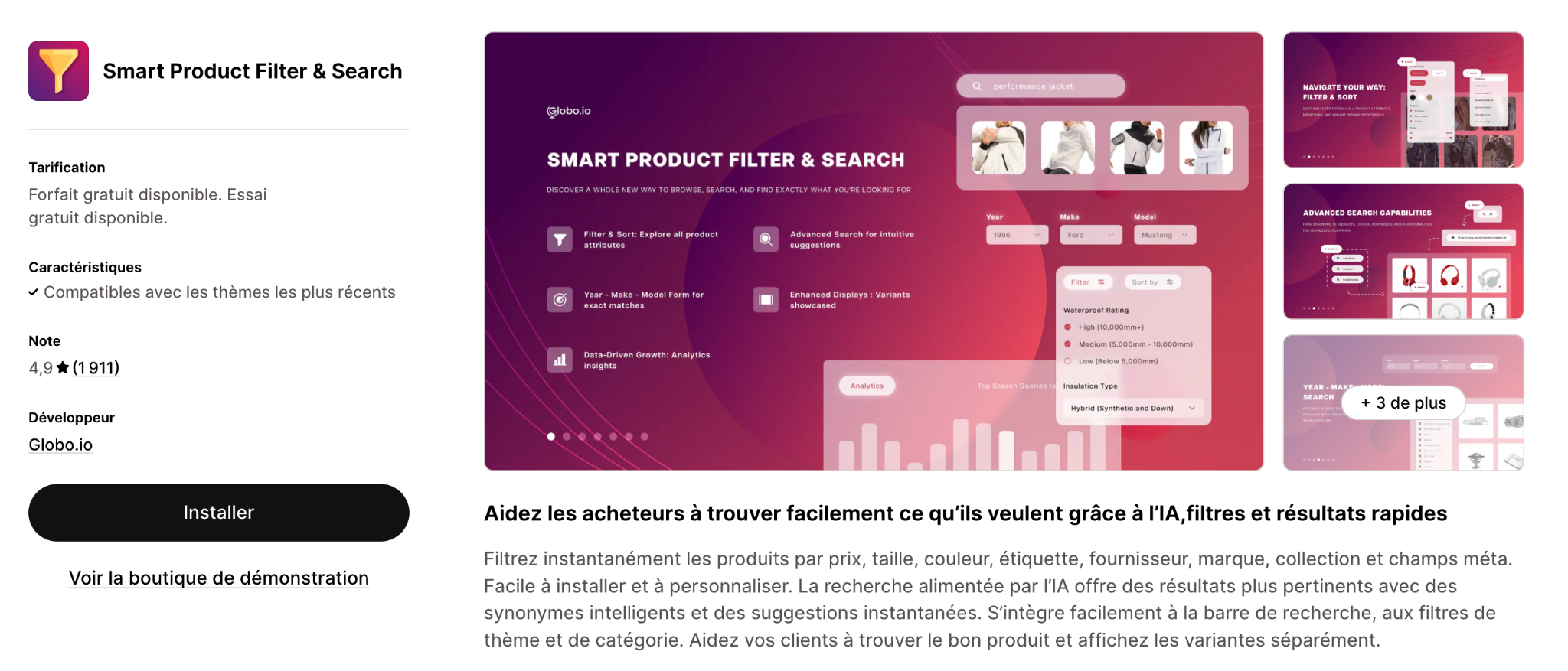
Smart Product Filter & Search by Globo is another excellent tool that helps customers find products easily, even when they use variations or make small typing mistakes. It combines powerful filtering options with accurate search capabilities.
Key Features:
Why It’s Great:
It improves user experience by displaying relevant results instantly, reduces bounce rates, and helps shoppers navigate large product catalogs efficiently. It’s suitable for medium to large stores looking for both advanced filtering and smart search functions.
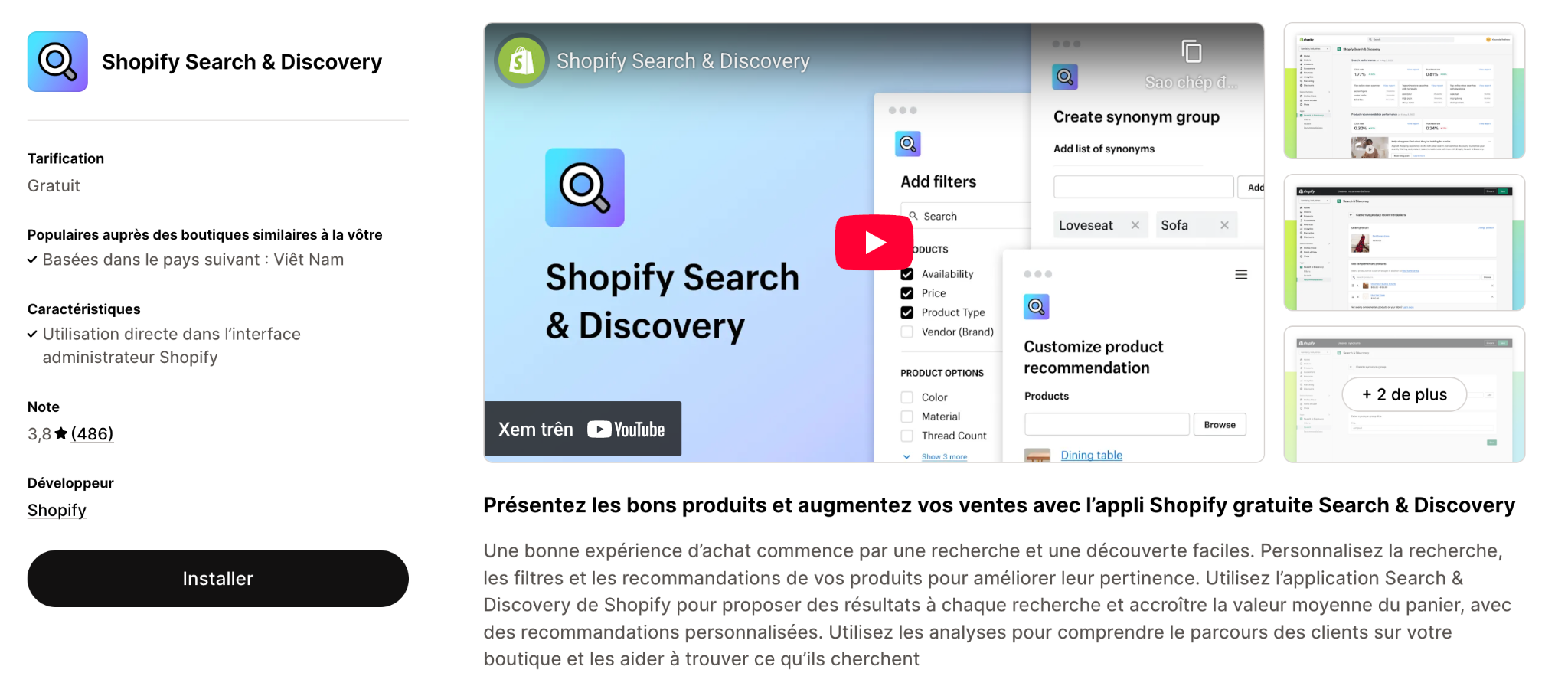
Shopify’s built-in Search & Discovery app gives merchants an easy way to improve search accuracy without extra setup. It supports synonyms, typo tolerance, and product filters right inside your admin panel.
Key Features:
Why It’s Great: It’s free, simple, and a great starting point for smaller stores before moving to advanced apps.
Optimizing your store’s search function with synonyms and misspellings might seem like a small detail, but it can make a huge difference in sales and user satisfaction. When customers can easily find what they want, they are more likely to stay, explore, and buy. By combining customer insight with the right technology, you can turn your search bar into a powerful tool that enhances the entire shopping experience.




