 New to Shopify? Free trial, then $1/month for your first 3 months. Start free trial →
 Where is your store?
Ryviu works with both – pick yours to continue.








Lookbooks and galleries are powerful tools for eCommerce stores, especially in industries like fashion, home décor, and lifestyle. They don’t just showcase products, but they inspire, tell a story, and influence purchasing decisions. However, without proper image SEO, these visual assets won’t reach their full potential in search engines. Optimizing your lookbook images helps improve organic traffic, boost visibility in Google Images, and enhance user experience.
This step-by-step guide will walk you through the essential of optimizing lookbook and gallery images for SEO.
Lookbooks and galleries aren’t just visual assets, they’re a direct gateway to product discovery and customer engagement, however. Without proper SEO, even the most stunning images risk being buried in search results, unseen by your target audience. Optimizing image SEO ensures that your lookbooks work as both a branding tool and a traffic driver. Here’s why it’s essential:

The quality of your images can make or break your lookbook’s impact. High-resolution visuals capture attention, but if they load too slowly, they risk frustrating users and hurting SEO. The key is balancing sharp visuals with fast performance.
Search engines read file names to understand image content. Default names like IMG_001.jpg add no SEO value, while descriptive names help boost discoverability. A well-structured file name also improves organization within your own site.
Alt text provides context to search engines and ensures accessibility for visually impaired users. It’s one of the strongest on-page signals for image SEO, making it critical for lookbooks and galleries.
Structured data helps search engines better interpret your images. By implementing schema, you improve the chances of your lookbook visuals appearing in rich search results.
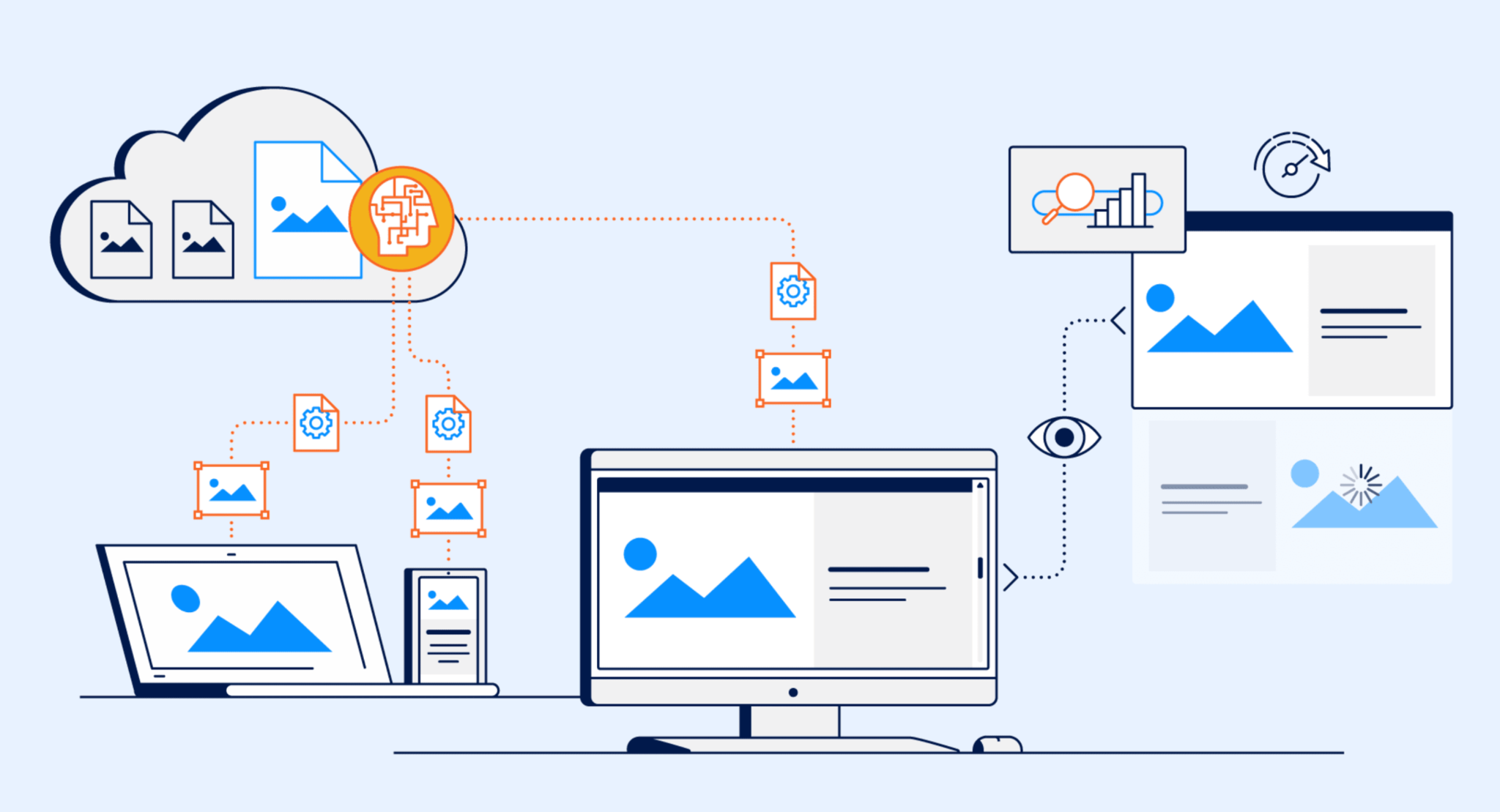
An image sitemap tells search engines exactly where your images live. Without it, some visuals in your lookbooks may never get indexed, reducing their visibility.
Modern customers browse lookbooks on multiple devices, from desktops to mobile phones. Using responsive and next-gen formats ensures your images look sharp everywhere while keeping performance high.
Images rarely rank well without supporting context. Captions and surrounding text help search engines understand the meaning behind your visuals while also engaging users.
The order and placement of images in your lookbook impact both engagement and SEO. Strategic positioning keeps visitors exploring longer, sending positive signals to Google.
Lookbooks shouldn’t just inspire, and they should also drive sales. By linking images directly to products, you create a smoother path from browsing to buying.
Optimization doesn’t end once your lookbooks are live. Tracking performance ensures you can refine strategies and maximize results over time.
For Shopify users, the Lookfy App provides an all-in-one solution to build beautiful, interactive, and SEO-friendly lookbooks. Instead of juggling multiple tools for design, linking, and optimization, Lookfy combines everything in one seamless platform.
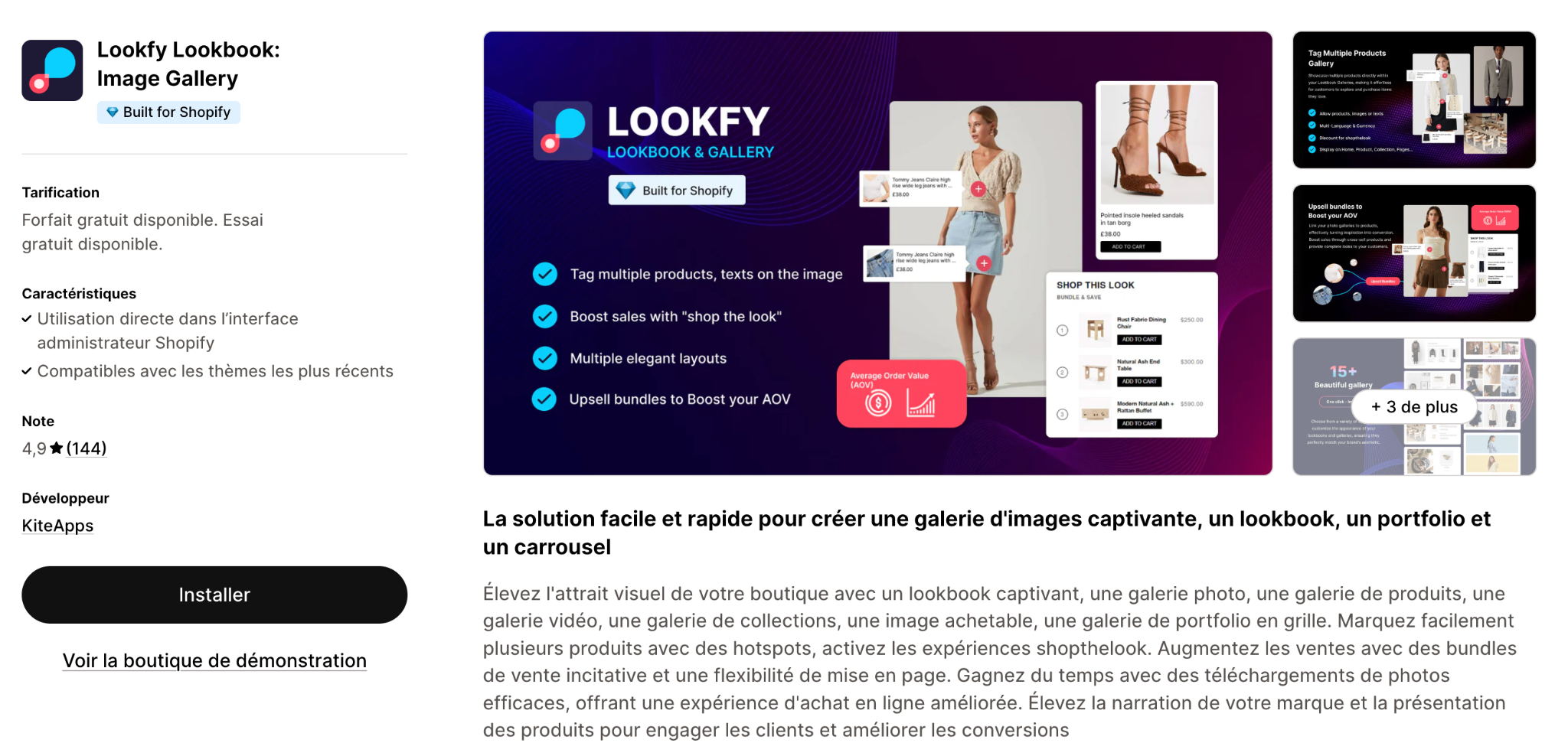
Here’s how Lookfy enhances image SEO for your store:
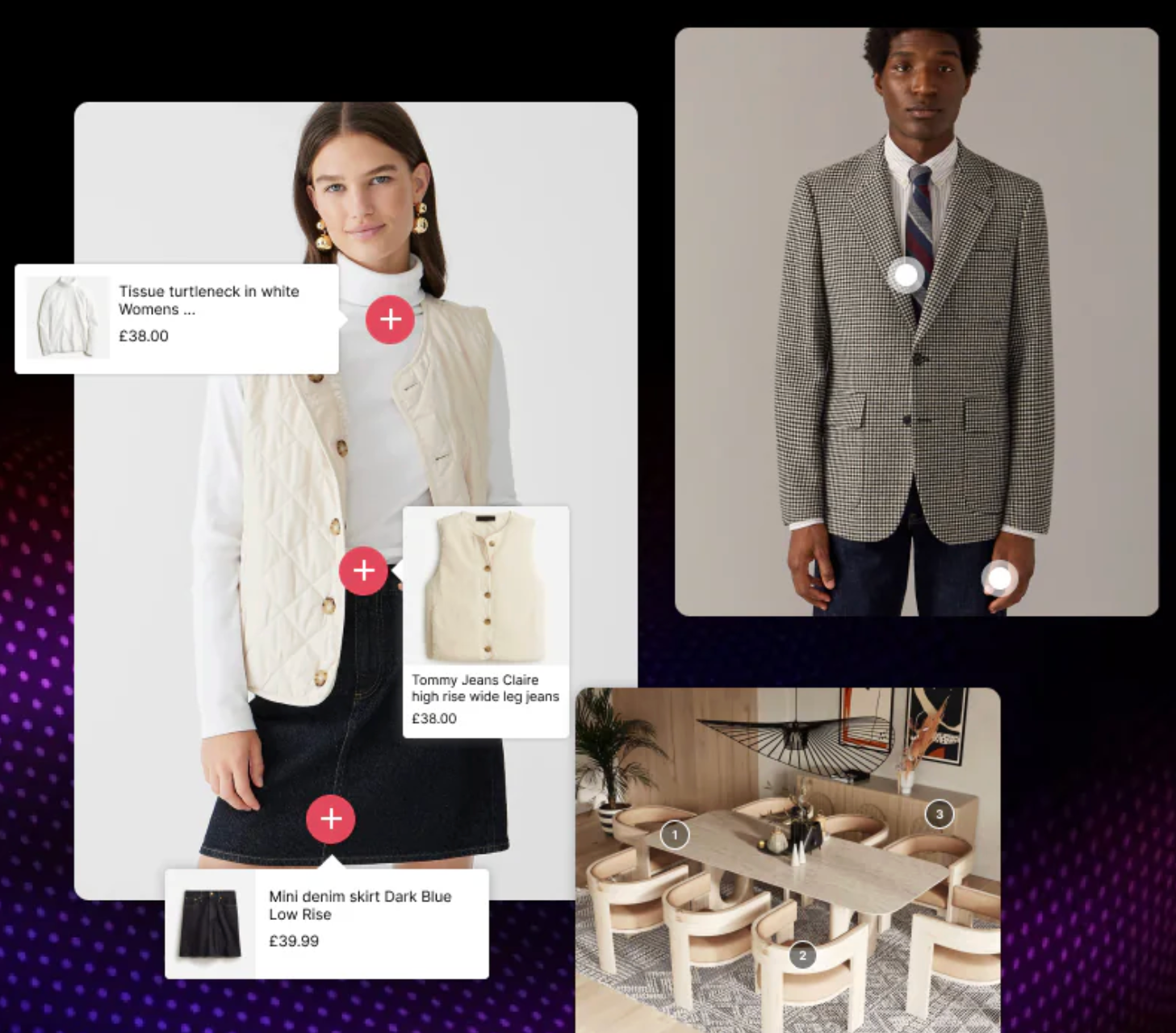
Optimizing image SEO for lookbooks and galleries is about more than just making visuals look appealing. It’s about ensuring they are discoverable, accessible, and conversion-driven. From using high-quality, fast-loading images to writing descriptive file names, adding alt text, and leveraging structured data, every small detail adds up to stronger visibility and better user experience. By combining these best practices with internal linking, responsive design, and continuous performance tracking, your lookbooks can serve as both inspirational content and powerful sales tools.
If you’re on Shopify, apps like Lookfy make this process much easier by handling technical optimization while giving you the tools to design engaging, shoppable galleries. With the right SEO strategy in place, your lookbooks can attract new visitors through search engines, keep them engaged with compelling visuals, and guide them seamlessly toward purchase.




