 New to Shopify? Free trial, then $1/month for your first 3 months. Start free trial →
 Where is your store?
Ryviu works with both – pick yours to continue.








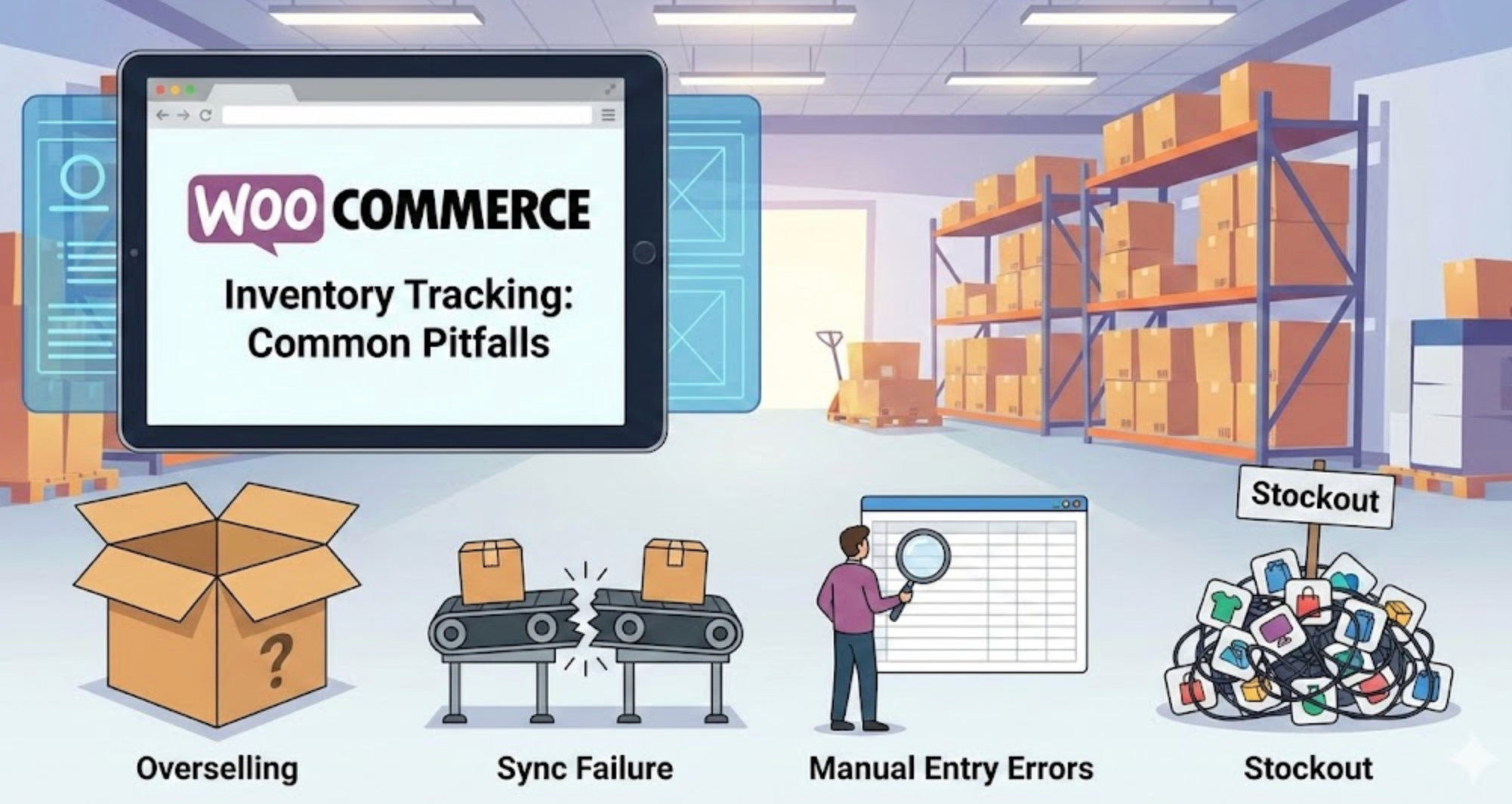
Accurate inventory tracking is one of the foundations of a successful WooCommerce store. When stock data is reliable, store owners can fulfill orders smoothly, maintain customer trust, and plan purchasing decisions with confidence. However, many WooCommerce merchants unknowingly fall into inventory management traps that lead to overselling, stockouts, or operational chaos.
Understanding these common pitfalls is the first step toward building a more resilient and scalable inventory system. Below are the most frequent inventory tracking mistakes in WooCommerce, and how to prevent them before they hurt your sales and reputation.
Many store owners start by updating inventory manually, especially when managing a small catalog. While this may seem manageable at first, manual updates quickly become error-prone as order volume and SKU count grow. Missed updates, typos, or delayed changes can easily cause inaccurate stock levels.
As your store scales, manual tracking becomes unsustainable. Automation should gradually replace repetitive stock updates to reduce human error and save time.
How to avoid this pitfall:
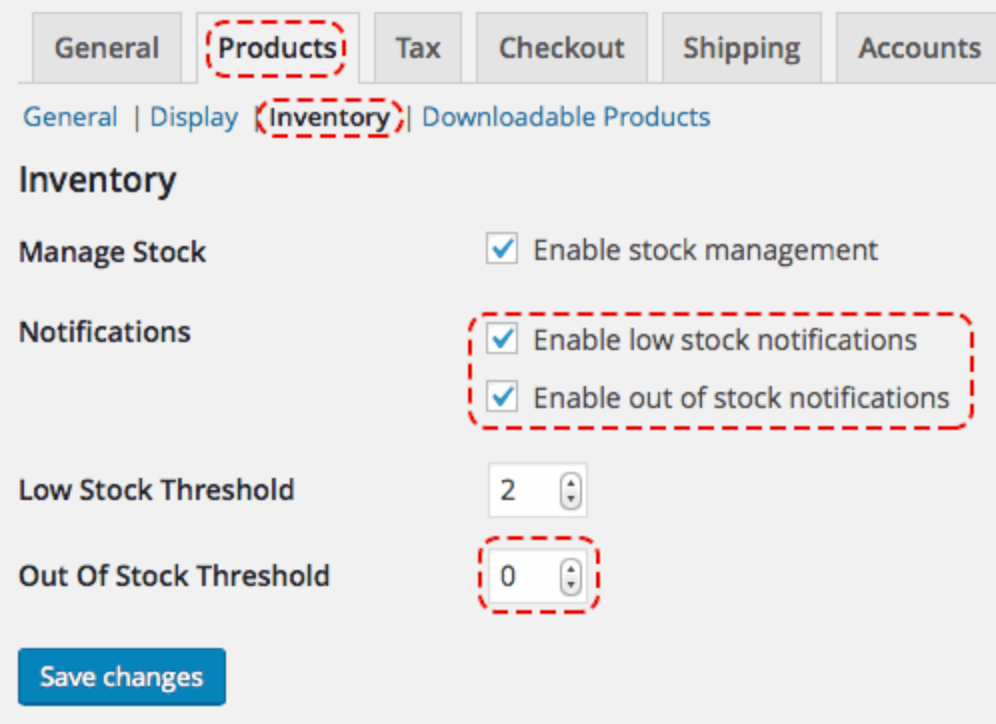
WooCommerce offers built-in alerts for low stock and out-of-stock products, yet many store owners overlook or disable them. Without timely notifications, you may only realize a product is unavailable after customers attempt to purchase it. This often leads to lost sales and frustrated shoppers.
Proactive alerts help you restock before products run out completely. They also support better supplier communication and purchasing planning.
How to avoid this pitfall:
Variable products, such as items with multiple sizes or colors, are a common source of inventory confusion. Many store owners track stock at the parent product level while forgetting to manage individual variations. This leads to situations where one variation sells out, but customers can still place orders.
Each variation functions as a separate SKU and must be tracked independently. Failing to do so creates inaccurate availability displays and fulfillment issues.
How to avoid this pitfall:
WooCommerce allows backorders, which can be useful for high-demand or made-to-order products. However, enabling backorders without clear communication can harm customer trust. Customers may not realize their item is unavailable until after checkout, leading to dissatisfaction or cancellations.
Backorders should be a strategic decision, not a default setting. Transparency is critical when customers are asked to wait.
How to avoid this pitfall:
Many WooCommerce stores sell through multiple channels, such as marketplaces, social commerce platforms, or physical stores. When inventory is not synced across these channels, overselling becomes almost inevitable. A product sold on one platform may still appear available elsewhere.
Centralized inventory management ensures consistency across all sales touchpoints. Without it, stock discrepancies can grow rapidly.
How to avoid this pitfall:
Bundles and kits are popular for increasing average order value, but they complicate inventory tracking. Many store owners forget that selling a bundle should reduce the stock of each individual component. When this isn’t configured properly, bundle sales can drain inventory without updating underlying SKUs.
This often results in hidden stockouts that appear only during order fulfillment.
How to avoid this pitfall:
Inventory tracking doesn’t end at checkout. Returns, order cancellations, and failed payments all impact real stock levels. Many WooCommerce stores fail to restock returned items correctly or delay stock adjustments, causing discrepancies over time.
Accurate post-order stock handling is essential for long-term data reliability. Ignoring this step leads to gradual inventory drift.
How to avoid this pitfall:
Even with automation, no inventory system is perfect. Physical stock, supplier delays, damaged goods, or system bugs can all introduce inaccuracies. Store owners who never conduct audits often discover issues only when customers complain.
Routine audits help catch problems early and improve forecasting accuracy. They also provide valuable insights into shrinkage and operational efficiency.
How to avoid this pitfall:
WooCommerce provides solid inventory tracking tools, but their effectiveness depends on how thoughtfully they’re used. Common pitfalls, such as manual updates, poor variation management, and lack of synchronization, can quietly undermine your store’s performance. Left unchecked, these issues lead to lost revenue, unhappy customers, and operational stress.
By understanding these mistakes and implementing proactive solutions, you can build an inventory system that scales with your business. Reliable inventory tracking not only prevents problems but also empowers smarter decisions, smoother fulfillment, and stronger customer trust over time.




