 New to Shopify? Free trial, then $1/month for your first 3 months. Start free trial →
 Where is your store?
Ryviu works with both – pick yours to continue.








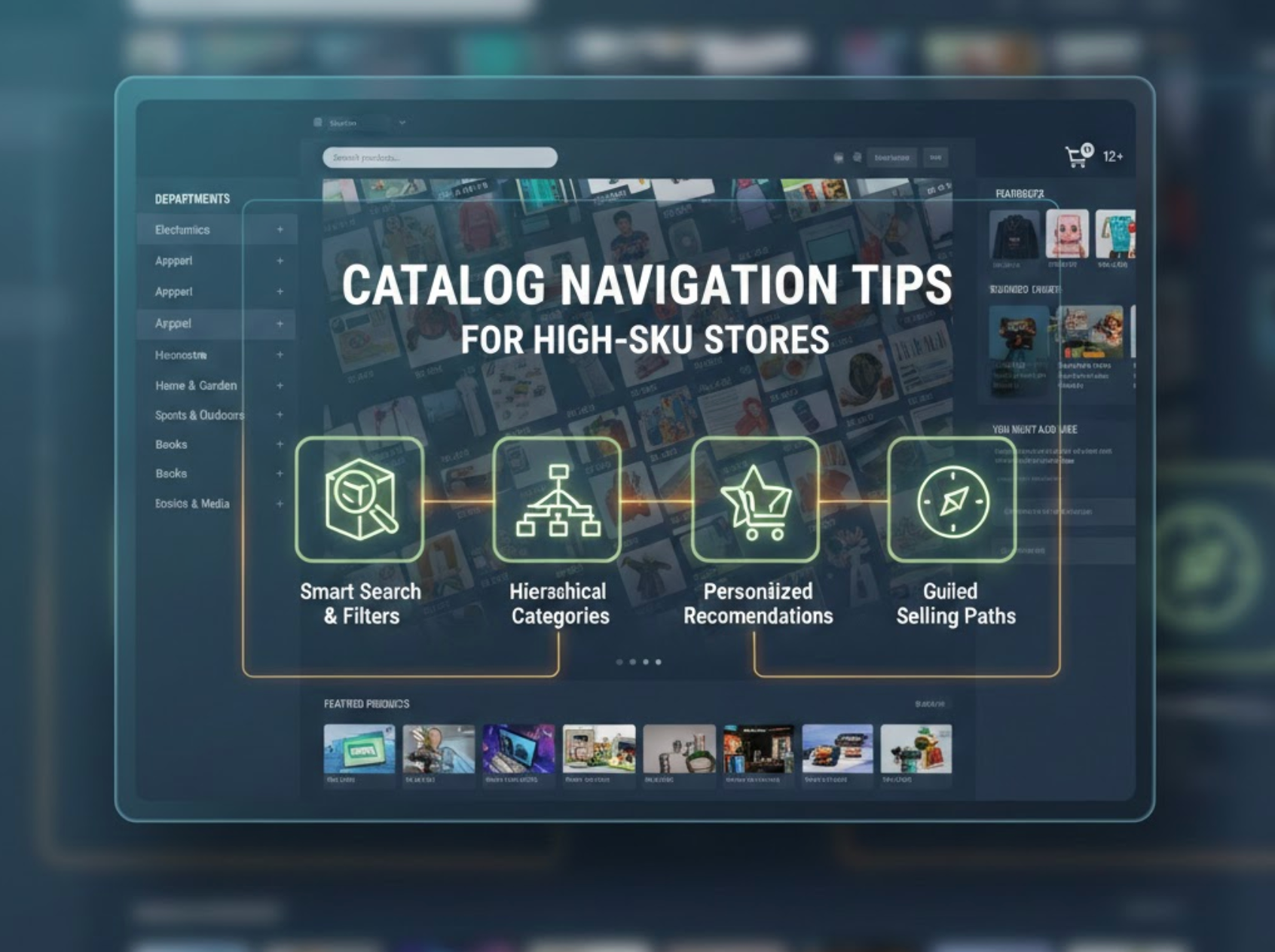
Managing a store with hundreds or even thousands of SKUs can quickly overwhelm shoppers if catalog navigation isn’t thoughtfully designed. When customers struggle to find products, they’re more likely to abandon the site, even if you offer great prices or quality. Effective catalog navigation helps users move confidently through your store, discover relevant items faster, and ultimately make purchase decisions with ease. Below are proven navigation strategies specifically designed to help high-SKU stores stay organized, intuitive, and conversion-focused.
A well-structured category system acts as the backbone of your catalog navigation. Instead of organizing products solely based on internal logic or supplier categories, focus on how customers naturally search and think about your products. Clear, intuitive category hierarchies reduce friction and help shoppers feel oriented from the moment they land on your site.
To guide customers more effectively, categories should feel familiar and predictable, while still allowing flexibility as your catalog grows. A thoughtful structure also prevents overloading users with too many choices at once.
Key approaches to improve category structure include:
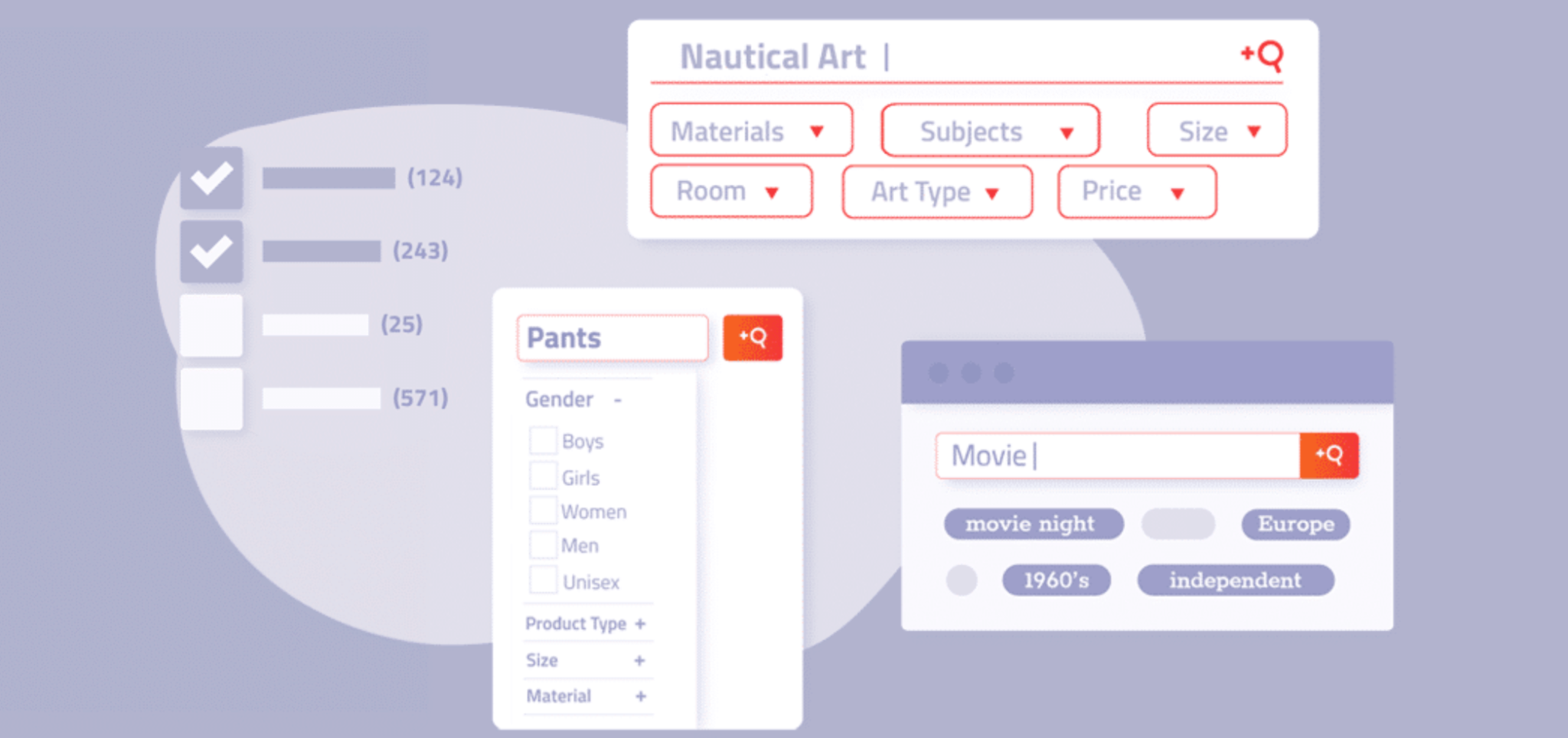
Filters are essential for high-SKU stores, especially when customers know what they want but need help narrowing options. Without strong filtering, large collections can feel chaotic and exhausting to browse. Effective filters empower users to customize their shopping experience in seconds.
Instead of treating filters as optional, consider them a primary navigation tool. When implemented well, they significantly shorten the path from browsing to buying.
To make filters more impactful, focus on:
For high-SKU stores, search often becomes the fastest route to a product. Customers with specific needs expect search to be accurate, forgiving, and fast. A weak search experience can undo all your category and filter efforts in seconds.
Search should do more than match keywords, it should anticipate intent and guide users toward the right results, even when queries are imperfect.
Strong search optimization includes:
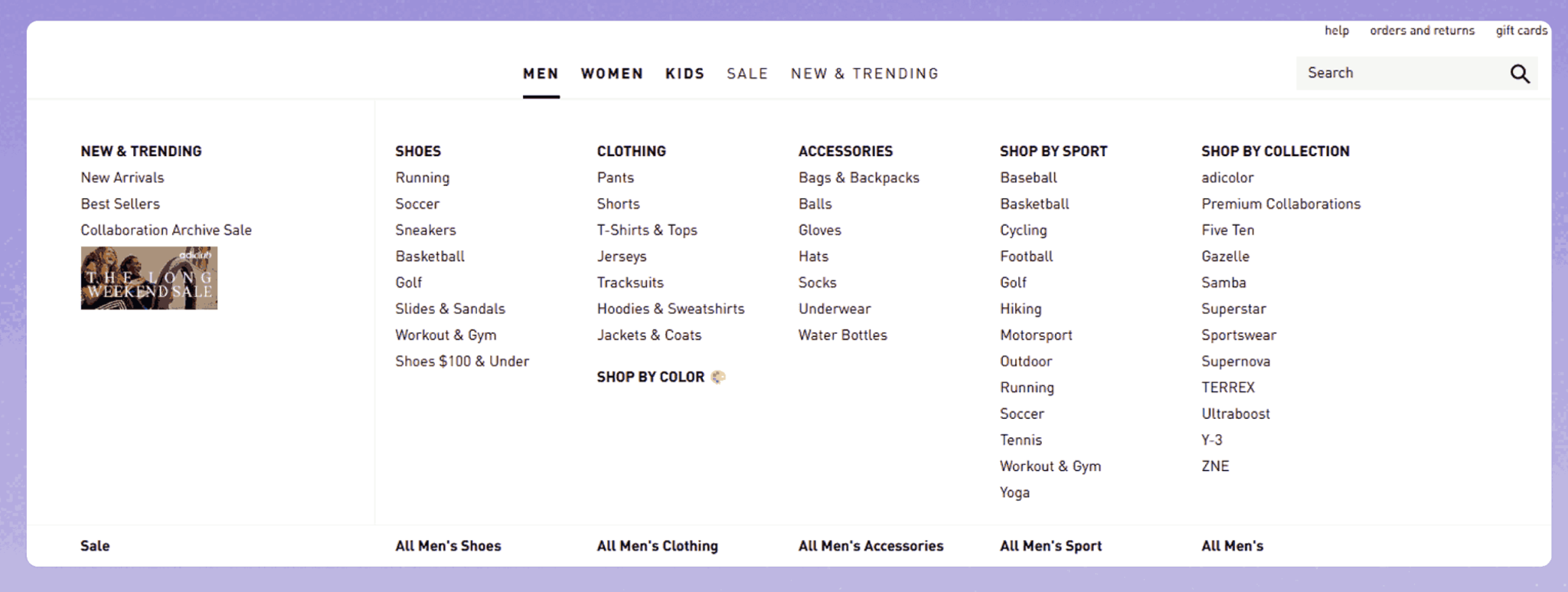
Mega menus are especially effective for stores with large, diverse catalogs. Instead of forcing users to click through multiple levels, mega menus present categories and subcategories in a single, scannable view. This gives shoppers an immediate sense of your product range.
When designed thoughtfully, mega menus reduce clicks while improving discovery. They also help customers explore categories they may not have initially considered.
To get the most out of mega menus:
High-SKU catalogs often hide top-performing products deep within the navigation. By highlighting bestsellers or frequently visited categories, you help customers make confident choices faster. Social proof and popularity signals are powerful shortcuts in large catalogs.
Rather than forcing shoppers to explore endlessly, use data-driven cues to guide them naturally.
Effective ways to surface popular options include:
High-SKU stores often see significant mobile traffic, where navigation challenges are amplified. A system that works well on desktop but feels clunky on mobile can dramatically hurt conversions. Consistency across devices ensures a seamless shopping experience.
Mobile navigation should prioritize clarity, speed, and ease of use—without sacrificing access to your full catalog.
Key mobile-friendly practices include:
Catalog navigation is not a “set it and forget it” system, especially for high-SKU stores where products, trends, and customer behavior constantly change. Regular audits help identify friction points and opportunities for improvement.
By reviewing performance data and user behavior, you can fine-tune navigation to match how customers actually shop, not how you assume they do.
Ways to continuously improve include:
For high-SKU stores, catalog navigation is a critical conversion driver, not just a design element. Clear structure, powerful filters, optimized search, and consistent navigation across devices all work together to create a frictionless shopping experience. When customers can easily find what they need, they stay longer, explore more, and buy with confidence. Investing in smart catalog navigation isn’t just about managing scale, it’s about turning complexity into clarity.




