Sign up for a free trial and your first 3 months is $1/month. Sign up now
Please select the platform to install
Please select the platform to login

Infinite Scroll vs Pagination vs Load More: Which Is Best for SEO?

Technology
Nov 25, 2025
9M
Alice Pham

As websites continue to grow, the way you present large collections of content—be it product listings, blog posts, or media galleries, becomes critical not just for user experience, but also for SEO performance. Search engines rely on clear URL structures, consistent internal linking, and predictable loading behavior to understand your site. At the same time, users expect smooth, intuitive browsing that allows them to find content without frustration.

This creates a balancing act: the most engaging user interface is not always the most SEO-friendly. Three common navigation methods dominate: Infinite Scroll, Pagination, and Load More. Each of these approaches handles content display differently, affecting how search engines crawl and index pages, how users interact with your site, and even how accurately you can track analytics. Understanding these differences is key to making the right choice for your website.

In this article, we’ll provide a detailed overview of each method, compare them across essential SEO and usability factors, explain when to apply each one, and offer guidance to help you select the best option for your site.

Infinite Scroll vs Pagination vs Load More: An Overview

Before diving into detailed comparisons, it’s important to fully understand what each approach is, how it works, and the advantages and disadvantages it brings. This foundation allows you to evaluate which method aligns best with your site’s SEO goals and user experience priorities.

1. Infinite Scroll

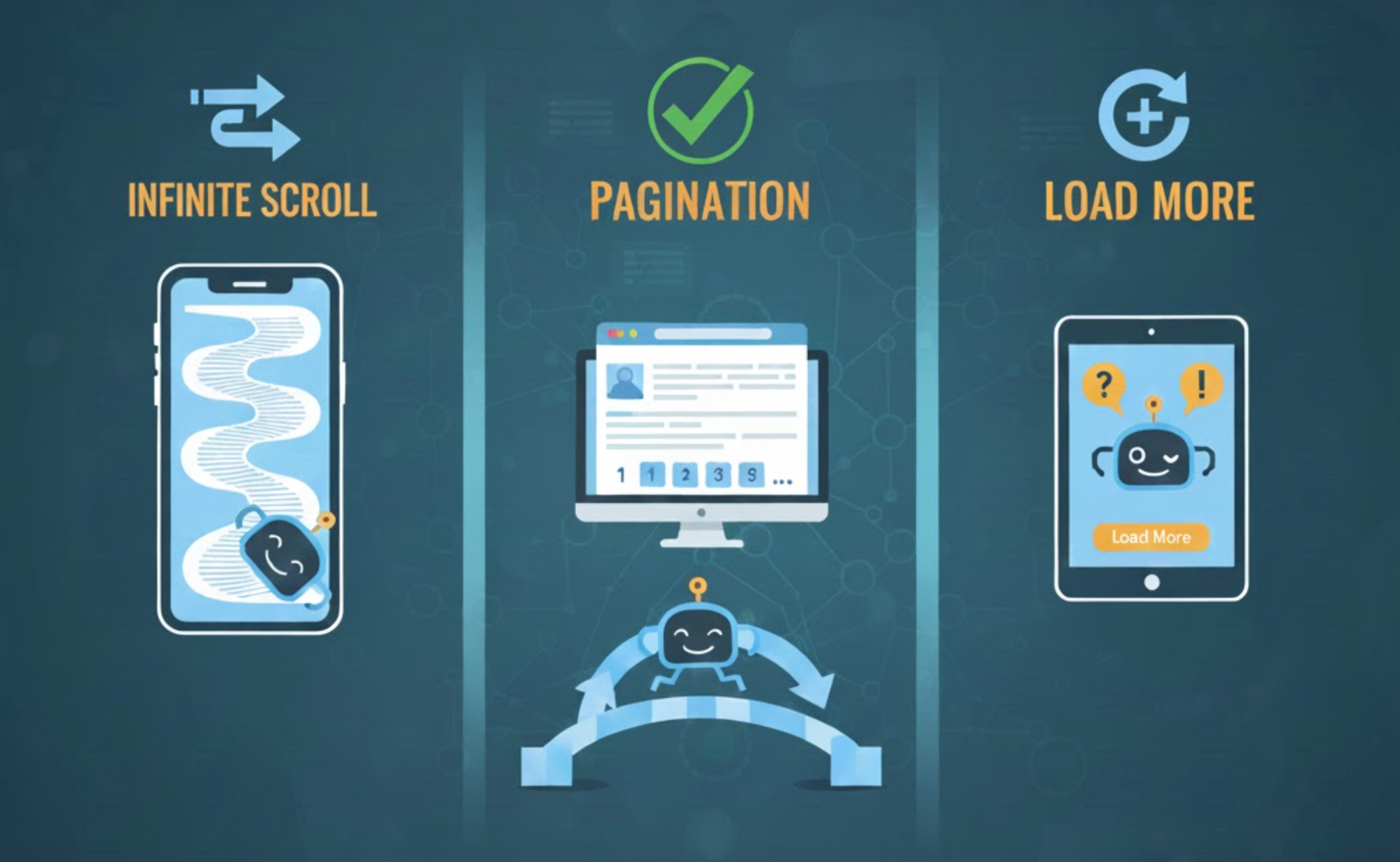
Infinite scroll automatically loads additional content as users scroll down the page, creating a continuous, uninterrupted browsing experience. It is commonly used on social media platforms, news feeds, and image-heavy galleries where keeping the user engaged is more important than indexing every piece of content.
Pros

  • Highly immersive experience: Users can keep browsing without having to click buttons or navigate to new pages, reducing friction and encouraging longer engagement.
  • Excellent for mobile: Scrolling comes naturally on touch devices, making the interface feel fast and intuitive.
  • Perfect for discovery-focused content: Infinite scroll works well for inspiration-based platforms, image galleries, or feeds where user interaction matters more than deep content indexing.

Cons

  • Poor SEO performance without technical adjustments: Googlebot does not scroll, so content beyond the initial page often remains unindexed.
  • Lack of URL structure: Without underlying paginated URLs, deeper content cannot be referenced, linked, or ranked independently.
  • Hard to track analytics: Scroll events and virtual pageviews must be custom-coded, making it challenging to know which content is actually viewed.
  • Potential performance issues: Loading large amounts of content in one continuous page can cause heavy DOM sizes and slow down the site, especially on mobile devices.

2. Pagination

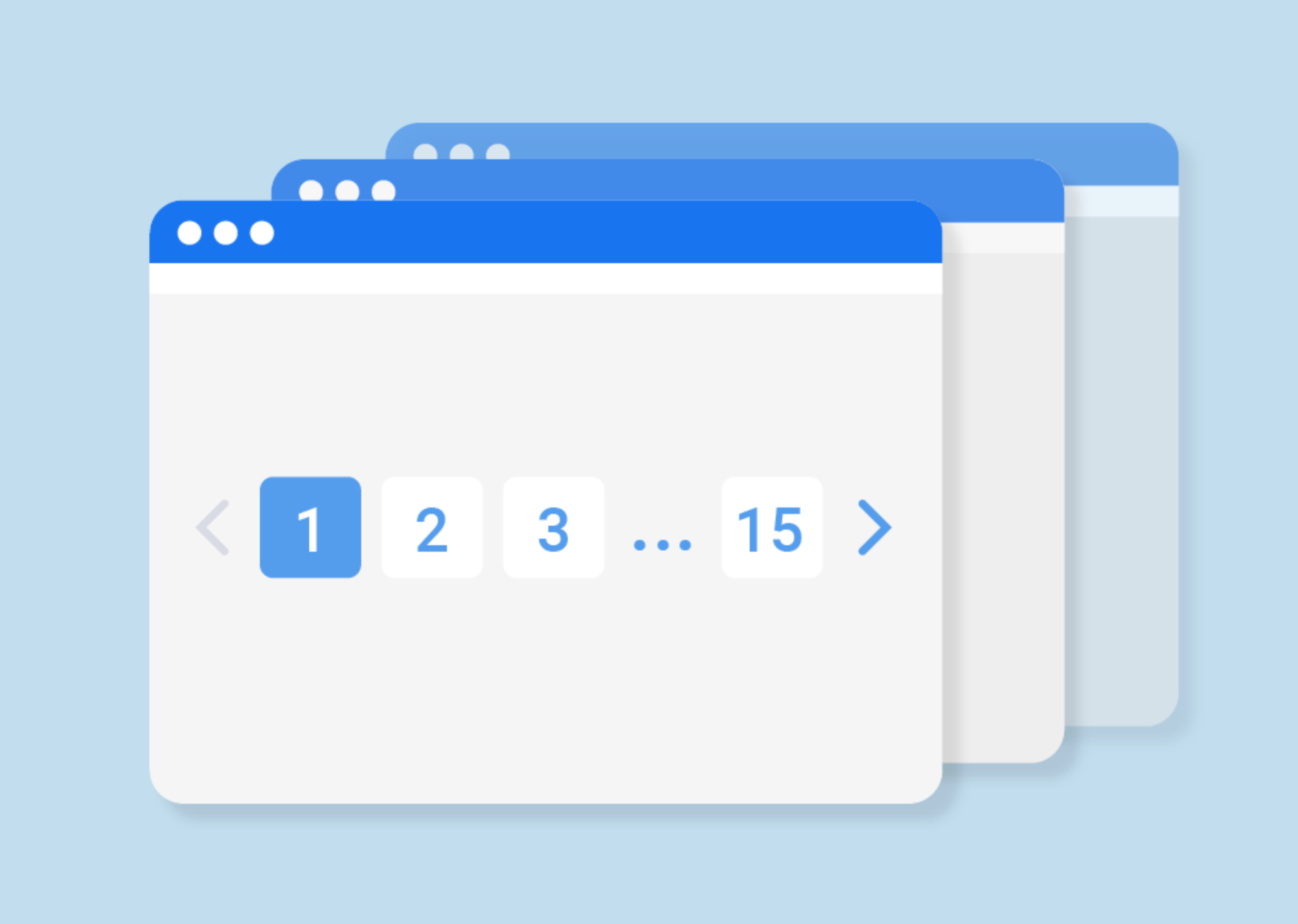
Pagination splits content into discrete, numbered pages (e.g., Page 1, Page 2, Page 3), each with a unique URL. Users navigate sequentially through content, making this the most traditional and SEO-stable method for displaying large amounts of data.

Pros

  • SEO-friendly and highly crawlable: Search engines can easily discover and index each page as long as URLs are linked internally.
  • Full indexing potential: Every item on your site can be indexed independently, improving visibility in search results.
  • Clear navigation for users: Visitors understand exactly where they are and can return to specific pages easily.
  • Accurate analytics tracking: Each page load represents a distinct event, making it simple to track performance and user behavior.

Cons

  • Slightly slower browsing experience: Users must click through multiple pages, which may feel less fluid than scrolling.
  • Less modern interface: Pagination can seem rigid compared to interactive options like infinite scroll or load more buttons.
  • Potential mobile usability issues: Small clickable links may be harder to tap accurately on mobile devices.

3. Load More Button

The Load More approach blends the best of both worlds. Initially, users see a set of content, and clicking the “Load More” button reveals additional items without leaving the page. This creates a smooth experience while offering control over content loading.

Pros

  • Modern and user-friendly: Users can stay in flow without being forced to reload a new page.
  • Improved performance: Smaller batches reduce initial load time and prevent DOM overload.
  • Mobile-friendly: Large, tappable buttons are easier to interact with than pagination numbers on smaller screens.
  • Better SEO than infinite scroll when implemented correctly: URL updates via history.pushState allow Googlebot to crawl content effectively.

Cons

  • SEO depends on implementation: Without proper URL updates, additional content may remain invisible to search engines.
  • Requires technical knowledge: Developers must ensure server-rendered fallback pages or dynamic rendering are properly configured.
  • Navigation limitations: Users cannot jump to a specific page like they could with traditional pagination.

Infinite Scroll vs Pagination vs Load More: Detailed Comparison

Understanding the technical and user-experience implications of each method is key. Let’s examine them in five critical areas.

1. Crawlability

Crawlability is how easily search engines can discover and read your content.

  • Infinite Scroll: Google does not scroll through content automatically, which means that without hidden paginated URLs or server-rendered content, much of the content remains unseen.
  • Pagination: Fully crawlable. Each page has a distinct URL that can be indexed and linked internally.
  • Load More: Crawlability depends on URL updates. Without them, it behaves like infinite scroll; with proper URLs, it approaches the crawlability of pagination.

Winner: Pagination

2. Indexing

Indexing determines which content appears in search results.

  • Infinite Scroll: Content beyond the first load is rarely indexed.
  • Pagination: Ensures full visibility for search engines. Every page and item can be discovered and ranked.
  • Load More: Good indexing if implemented with crawlable URLs; otherwise, content beyond the first set may not appear in search results.

Winner: Pagination

3. User Experience

User experience (UX) reflects how easily and enjoyably users can browse content.

  • Infinite Scroll: Extremely fluid and engaging, especially for discovery or inspiration-driven browsing.
  • Pagination: Predictable but interrupts browsing flow. Users must click through multiple pages.
  • Load More: Smooth and controlled experience. Users see content in batches without losing context.

Winner: Infinite Scroll (for engagement), Load More (best balance)

4. Mobile Friendliness

Mobile-first design is critical because Google indexes mobile versions first.

  • Infinite Scroll: Very natural for touch devices but may lead to performance issues on long scrolls.
  • Pagination: Works but may feel outdated; small links can be harder to tap.
  • Load More: Highly mobile-friendly with easy-to-tap buttons and controlled content loading.

Winner: Load More

5. Analytics Accuracy

Analytics tells you how users interact with your site.

  • Infinite Scroll: Difficult to measure without custom scroll events or virtual pageviews.
  • Pagination: Provides clean, accurate metrics since each page load is a distinct event.
  • Load More: More manageable than infinite scroll but still requires virtual pageviews for deeper content tracking.

Winner: Pagination

Infinite Scroll vs Pagination vs Load More: When to Apply

Choosing the right method depends on your site’s primary goals, content type, and audience behavior.

When to Use Infinite Scroll?

Infinite Scroll is best for engagement-driven platforms where content discovery and time-on-site are the main priorities. Use it when:

  • You have feed-like content such as social networks, inspiration boards, or media galleries.
  • SEO is not your main source of traffic.
  • You want to maximize user interaction and browsing sessions.
  • Content does not need individual pages to rank or be linked.

While it improves UX, remember that search engines may not index deeper content unless you pair it with a hidden paginated structure or server-side rendering.

When to Use Pagination?

Pagination is ideal when SEO is critical and every piece of content needs to be discovered. Use it when:

  • You operate a large eCommerce site with hundreds or thousands of products.
  • You maintain a blog or resource library where all content should be indexable.
  • You want consistent analytics tracking for each page.
  • Clear internal linking and hierarchy are required for both users and search engines.

Pagination is predictable, reliable, and ensures maximum crawlability, making it the safest choice for SEO-focused sites.

When to Use Load More?

Load More works best when you want modern, smooth browsing without sacrificing too much SEO. Use it when:

  • You want users to stay in the flow without page reloads.
  • Your catalog is medium-sized and does not require every item to rank individually.
  • You can implement URL updates or server-rendered fallbacks to make content crawlable.
  • You aim for a mobile-friendly, engaging interface that keeps users exploring.

Load More provides a great compromise, balancing usability, performance, and SEO potential when implemented correctly.

Which Should You Choose?

Ultimately, the “best” method depends on your website’s goals:

  • If SEO is the top priority, Pagination is the clear winner. It ensures full indexing, clean URL structures, predictable analytics, and reliable crawlability.
  • If you want a modern UX while maintaining SEO, Load More is the most flexible and user-friendly option. With proper URL management, it can offer nearly the same SEO benefits as pagination while keeping users engaged.
  • If engagement is the main goal and indexing depth is less important, Infinite Scroll is the best choice. However, it should be used carefully, especially on sites where organic search drives most traffic.

By understanding these trade-offs, you can choose a method that aligns with both your business goals and user experience priorities. The key is not only to pick the right approach but to implement it correctly, ensuring that your content is discoverable, your users are satisfied, and your site performs well in search engines.

Conclusion

Choosing between Infinite Scroll, Pagination, and Load More is a strategic choice that affects SEO, user experience, and analytics. While Infinite Scroll excels in engagement, it can limit crawlability and indexing. Pagination offers the most reliable SEO performance and analytics clarity, though it may feel less fluid for users. Load More provides a modern, controlled experience, bridging the gap between usability and search engine visibility.

The ideal solution depends on your site’s priorities: if indexing every page is critical, go with Pagination. If smooth UX and engagement are paramount but you still want SEO benefits, implement Load More correctly. If engagement alone drives your business model, Infinite Scroll can create an immersive, endless browsing experience. Understanding these trade-offs ensures your content strategy and navigation design work together to maximize both user satisfaction and search engine performance.