 New to Shopify? Free trial, then $1/month for your first 3 months. Start free trial →
 Where is your store?
Ryviu works with both – pick yours to continue.








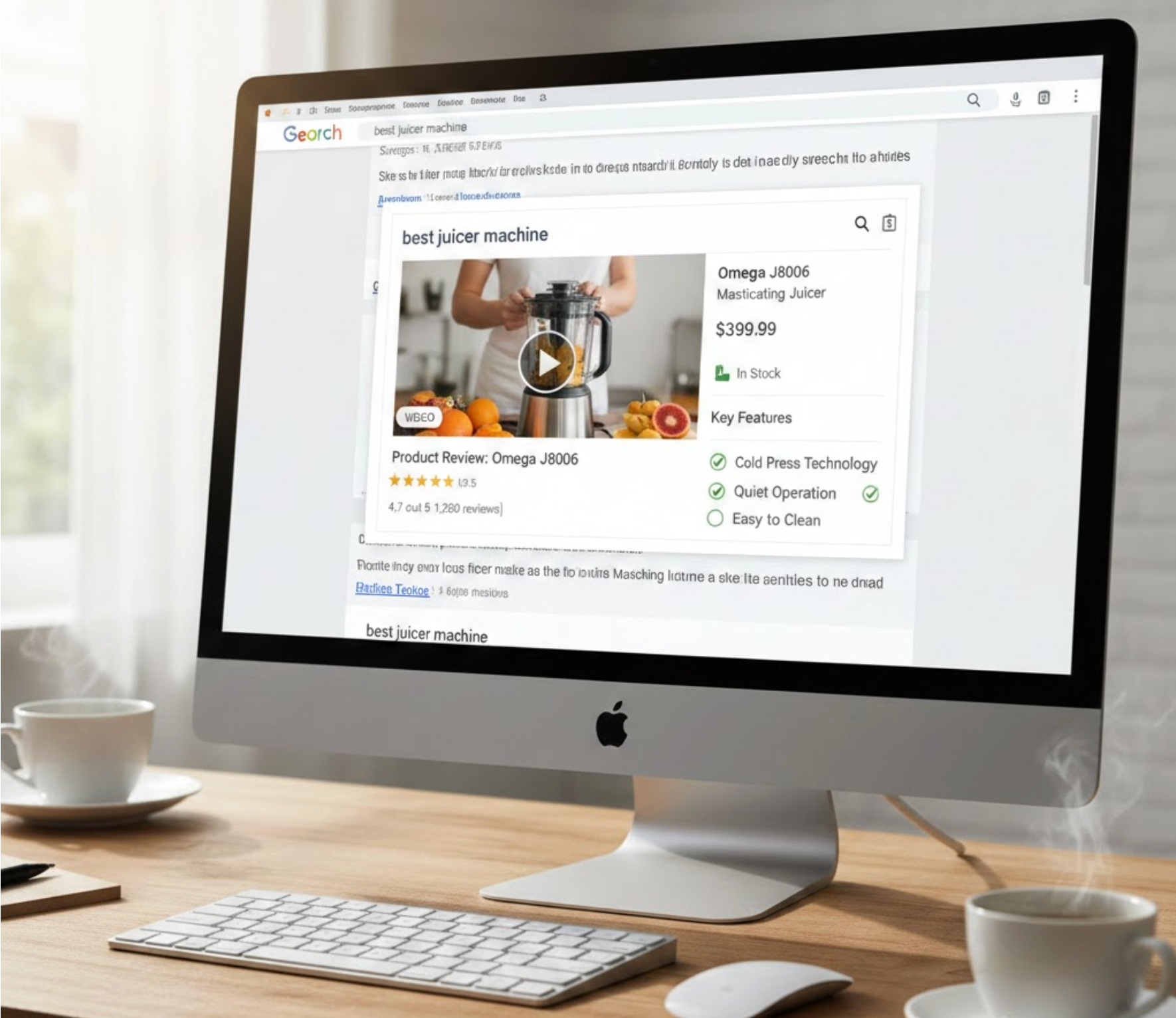
Product videos are becoming one of the most influential assets in eCommerce SEO. They help shoppers understand your products faster, build trust, and reduce hesitation. But beyond improving on-site engagement, product videos can also boost your visibility on Google, when they are properly optimized with rich snippets.
Rich snippets allow Google to display enhanced search results that include visuals, ratings, pricing, and even video previews. When your product videos appear as rich results, your listings stand out immediately, leading to higher click-through rates (CTR) and better organic traffic. This makes video schema a powerful SEO advantage, especially in competitive niches.
In this guide, you’ll learn what product video rich snippets are, why they matter, and how to implement them step by step, even if you’re not a developer.
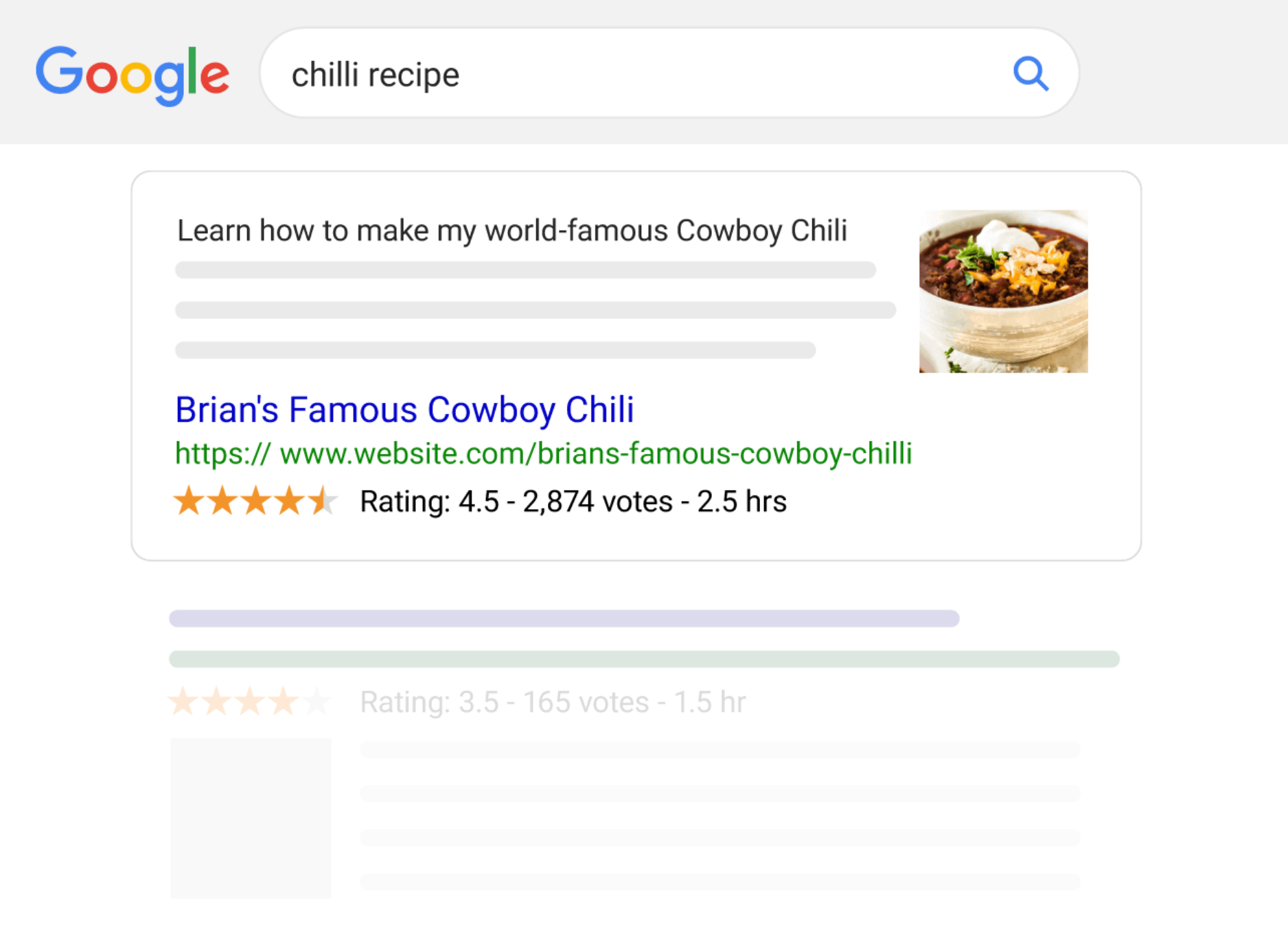
Rich snippets for product videos are enhanced search results that show video thumbnails, duration, and sometimes key moments directly on Google’s results page. When your product pages include structured data (schema markup) for videos, Google can better understand your content and showcase those videos in more engaging formats.
This is different from a standard blue-link result. Instead of only text, users may see:
Because these elements deliver more context at a glance, they help users decide more quickly which result matches what they are looking for.
Understanding why video rich snippets matter creates a clearer picture of the long-term SEO value they provide. When used strategically, they support not only visibility but also user intent and engagement.
Video thumbnails naturally stand out in search results. By combining video schema with product schema, your result becomes eye-catching and more informative. This increases the number of users who click through to your product page.
Google increasingly promotes video content, especially for product research, reviews, and comparisons. Optimized video schema helps your videos appear in:
The more formats your content appears in, the more opportunities you have to capture organic traffic.
Visitors who click your product listing after seeing the video preview already know what to expect. This reduces bounce rate and improves conversion quality because customers receive instant product understanding.
Not many eCommerce stores implement video schema properly. By doing it right, you gain a ranking edge and make your products more appealing in SERPs. This advantage becomes even more significant in product categories where video is still underused.
Before adding schema, it’s important to understand what types you can use. This helps you structure your data correctly and take advantage of rich snippet possibilities.
This is the core schema that tells Google your page includes a video. It lets you define:
When paired with VideoObject, Google may show:
Using both makes your search result richer and more helpful to potential buyers.
If your video includes customer reviews or demonstrations, adding a rating schema provides social proof and encourages users to click.
Now that you understand what the schemas are, the next step is learning how to implement them. This process is easier than it sounds, especially with modern tools and plugins.
Before adding schema, ensure your video assets are ready and meet the following Google’s requirements:
Once these elements are in place, you’re ready to help Google understand your video through structured data.
If you’re using Shopify, WooCommerce, or other platforms, many apps/plugins automatically generate video schema. Some common tools include:
These options help you add schema without touching code, making the process simple and reliable.
After adding this, the video information becomes easier for Google to identify and index.
Adding VideoObject schema is a great start, but pairing it with Product schema gives your page a true competitive advantage.
When both schemas are present, Google can build a complete understanding of your product and enhance your snippet accordingly.
Testing is essential because even small mistakes can prevent your video from qualifying for rich results.
Follow these steps to test your schema:
Once everything validates correctly, you’re ready to move to the final step.
To speed up the process, request indexing:
Google may start showing enhanced results within a few days or weeks.
Even after adding schema, ongoing optimization plays a major role in maintaining visibility. Ensuring your videos meet content quality standards helps Google confidently display them as rich snippets. Below are expanded best practices with more context and linking explanations.
Your thumbnail is the first visual users see in search results, so it greatly affects click-through rate. A well-designed thumbnail should clearly showcase your product, highlight its value, and set the right expectations.
To make this even more effective, consider using consistent branding so your thumbnails stand out as a recognizable style across search results.
Google prefers short videos for product pages because users are often seeking quick information. Aim for 30–90 seconds where you highlight features, benefits, and real-life usage.
This approach ensures viewers remain engaged and reduces drop-off, signaling positive user experience to Google.
Schema alone is not enough. Google also checks whether the video is a primary element on the page. Position your video near the top or above the fold.
Doing so reinforces that the video is a central part of your product content, increasing your eligibility for rich video results.
Transcripts help Google “read” your video more effectively. When Google can clearly interpret spoken content, it improves indexing quality and relevance signals.
Additionally, transcripts increase accessibility, making your content helpful for a wider audience.
Generic titles reduce your chances of ranking. Use action-driven, feature-focused titles that describe exactly what viewers will learn.
This not only improves SEO but also sets accurate expectations for potential buyers.
If your only version is on YouTube, Google may show the YouTube URL instead of your store page. To avoid losing traffic, ensure you host a version on your own domain as well.
Embedding YouTube is fine, but having a local version helps Google detect the video as part of your page.
Slow-loading videos can prevent Google from properly rendering your content. Compress your video, use lazy loading, or implement lightweight embeds.
The faster your page loads, the more likely Google is to index and display your rich snippet.
If you include too many videos, Google may become uncertain which one is the primary content.
Instead, choose one main product video and keep supporting videos lower on the page.
These best practices, when applied together, help reinforce the quality of your video content and increase your eligibility for enhanced visibility across Google’s search surfaces.
Rich snippets for product videos are one of the most effective, yet often overlooked, ways to elevate your eCommerce SEO. By combining high-quality videos with structured data, your product pages gain stronger visibility, better click-through rates, and more trust from potential buyers.
When implemented correctly and optimized over time, video rich snippets can become a powerful source of organic traffic and conversions.




