 New to Shopify? Free trial, then $1/month for your first 3 months. Start free trial →
 Where is your store?
Ryviu works with both – pick yours to continue.









Keyword clustering has become one of the most effective SEO strategies for eCommerce brands aiming to rank higher, target broader search intent, and create tightly themed content. Instead of optimizing for single keywords, keyword clustering helps you group related terms together and build topical authority. As your store grows and your keyword list expands into hundreds or thousands of terms, manually grouping them becomes impossible. That’s where automation comes in.
To help you streamline your SEO workflow, this guide explores the best tools to automate keyword clustering for eCommerce, along with their core features, strengths, and ideal use cases.
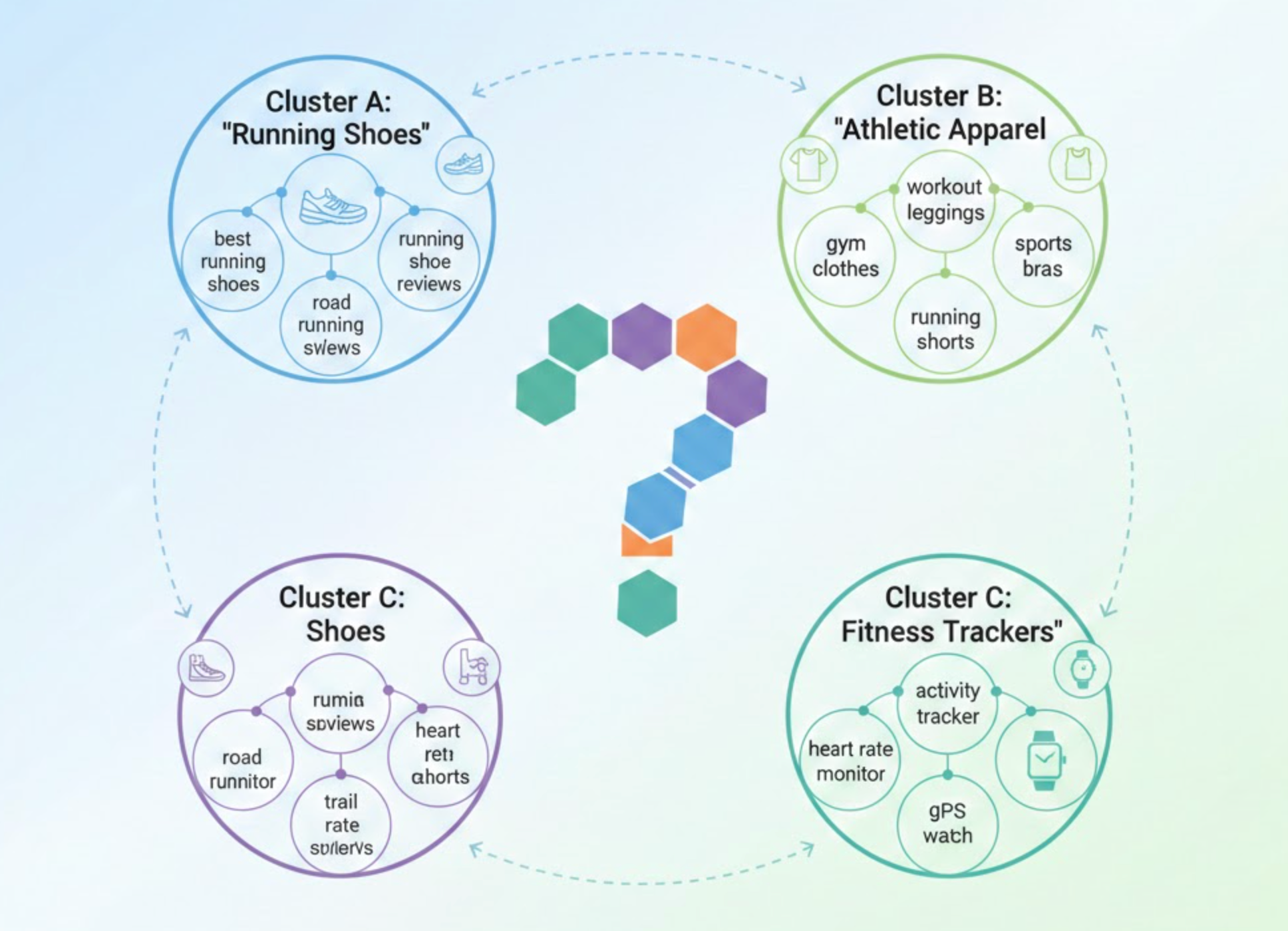
Keyword clustering is the process of grouping related keywords into meaningful clusters based on search intent, semantic similarity, or ranking patterns. In eCommerce, these clusters often form the structure for category pages, subcategory pages, product collections, and content hubs.
For example, instead of creating separate pages for “running shoes,” “best running shoes,” and “men’s running shoes,” keyword clustering helps you understand how these terms relate and which should belong on the same page. This strengthens your site structure, avoids duplicate content, and improves your ability to rank for multiple keywords at once.
Before diving into tools, it’s important to recognize why clustering is essential:
Because search engines now prioritize semantic relevance over exact-match terms, clustering is no longer optional, it’s a competitive advantage.

Keyword Insights is one of the most advanced and user-friendly platforms for automated clustering. As you upload your keyword list, the tool analyzes SERPs, finds the keywords ranking on the same pages, and clusters them using machine learning.
As you transition toward scaling your SEO, Keyword Insights provides not just clusters but also search intent classification, which helps you decide whether a cluster should become a product page, blog post, or buying guide.
Key Features:
Best For: eCommerce stores with large catalogs or content-heavy SEO strategies.
Content Distribution offers a simple but effective keyword clustering system that focuses on accuracy and search intent alignment. Unlike more complex clustering platforms, it emphasizes clarity and actionable grouping, making it easier for eCommerce teams to understand which keywords should live on the same page. This approach is especially helpful for stores that want straightforward clusters without overwhelming technical settings.
Although the tool is streamlined, it still produces reliable clusters that support category pages, product pages, and content hubs.
Key Features:
Best For: eCommerce brands wanting accurate, no-frills clustering without heavy setup or advanced configuration.

Surfer SEO adds clustering features within its Keyword Research module. While Surfer is known for on-page optimization, its clustering system is surprisingly effective, especially if you plan to combine clusters with detailed content briefs.
As your SEO strategy evolves, Surfer’s cluster suggestions help you map keywords to long-form blog posts or collection page enhancements.
Key Features:
Best For: Stores creating lots of educational content, blogs, and buying guides.

Although Ahrefs does not offer full-fledged automated clustering, its Parent Topic feature provides a strong foundation for grouping related keywords. For eCommerce teams that rely heavily on Ahrefs for keyword research, this feature helps you understand which keywords should target the same page.
While not a pure clustering tool, combining Parent Topic with manual grouping can still produce meaningful clusters.
Key Features:
Best For: Businesses already using Ahrefs and needing lightweight clustering logic.
SE Ranking provides a dedicated Keyword Grouper tool designed to detect the strength of SERP overlap and cluster keywords accordingly. You can choose the similarity threshold, giving you full control over how tightly or loosely each cluster forms.
This flexibility is especially useful for eCommerce stores with broad product lines and overlapping keyword categories.
Key Features:
Best For: Stores needing customizable clustering levels.
KeyClusters is widely praised for its simplicity, accuracy, and affordability. It uses live SERP scraping to ensure clusters reflect real-time ranking patterns. For eCommerce brands dealing with thousands of keywords, KeyClusters excels at scalability without overcomplicating the workflow.
Key Features:
Best For: Teams wanting precise clustering without the monthly subscription cost.
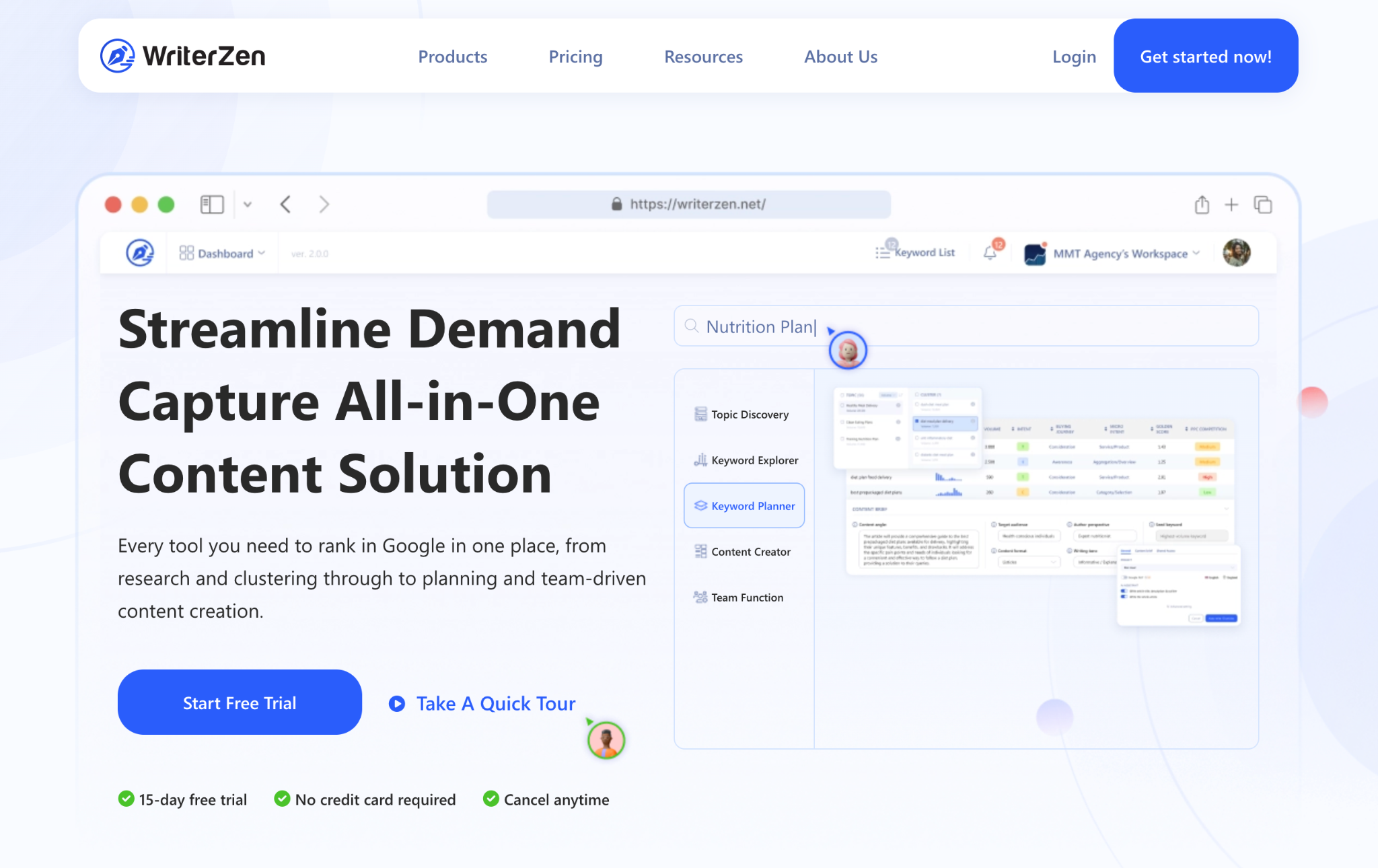
WriterZen’s topic clustering system helps you visualize how keywords connect at a topical level. This is especially helpful when planning content hubs or supporting articles around product categories.
The tool uses Google NLP and SERP data to generate clusters that reflect both semantic similarity and user search behavior.
Key Features:
Best For: Stores expanding their blog or long-form educational content.
Because each eCommerce business has different needs, choosing the right automation tool depends on your priorities. To make the decision easier, it helps to look at a few practical factors that influence which tools will fit your workflow best. Below are the key points, now presented with smoother transitions.
A good place to start is understanding how many keywords you typically work with, because different tools are designed for different scales.
It’s also important to think about the types of pages you want to improve, since each tool is better suited for certain page structures.
Budget naturally plays a role, and the right choice often depends on how advanced your SEO needs are.
Finally, consider how well each tool fits into your existing processes, as smooth integration can save a significant amount of time.
By aligning your tool selection with your SEO strategy, you can save time, improve accuracy, and unlock stronger search performance.
Automating keyword clustering is no longer just an advanced SEO tactic, but it's a necessity for eCommerce stores that want to scale sustainably. With the right tool, you can streamline content creation, strengthen your site architecture, and reduce keyword cannibalization. Whether you're restructuring your product categories or planning a content hub to dominate a niche, automated clustering gives you clearer direction with far less manual effort.
Each tool offers different strengths, so the best choice depends on your catalog size, content strategy, and workflow preferences. Once you incorporate clustering into your SEO routine, you’ll build a stronger, more organized foundation that helps your store rank for more keywords, and convert more customers.




