 New to Shopify? Free trial, then $1/month for your first 3 months. Start free trial →
 Where is your store?
Ryviu works with both – pick yours to continue.









Video reviews have become one of the most trusted types of social proof, especially for ecommerce brands trying to build instant credibility. When placed strategically on your homepage, these video testimonials can influence buying decisions within seconds, making shoppers feel confident, reassured, and ready to explore your products. Because users form impressions quickly, adding video reviews in the right format and layout dramatically increases trust from the first interaction. That’s why brands that optimize video reviews on their homepage often see higher engagement, longer browsing sessions, and stronger conversion rates.
In this article, you’ll learn why video reviews matter, where to place them for the highest impact, how to design the sections effectively, and best practices to make them work harder for your store.
Video reviews turn real customer experiences into an instantly believable story that visitors can emotionally connect with. While written reviews are still effective, videos give viewers a more authentic feel because they capture tone of voice, facial expressions, and genuine reactions. This helps new visitors understand not just what customers liked, but why your product worked for them.
Another reason video reviews are powerful is that today’s consumers prefer quick, visual content over long paragraphs. Watching a short video takes less effort than reading multiple reviews, which means shoppers are more likely to consume and engage with the message. As shoppers watch real people using your product, trust builds naturally, reducing friction during their decision-making process.
Because your homepage is the first touchpoint, showcasing strong video reviews here sets the tone for the entire shopping journey. It establishes social proof upfront, influences browsing behavior, and encourages visitors to explore deeper into product pages.
Choosing placement is crucial because it affects how quickly customers see the videos and how much impact they make. The right placement ensures your videos get maximum visibility without overwhelming visitors or disrupting the layout.
Placing video reviews in or below the hero section captures immediate attention and establishes trust from the first second. This works especially well for brands in beauty, fashion, tech, and fitness, industries where seeing real results matters.
To create a seamless transition from your product visuals to social proof, integrate autoplay muted videos or a small carousel beside the headline. This placement helps visitors feel that the brand is well-loved and reliable before they scroll further.
A dedicated strip midway down the homepage helps reinforce trust right when visitors begin deciding whether to explore your offer. This section is ideal for showing a mix of short clips (5–10 seconds), customer reactions, and direct quotes layered over the video.
By introducing video reviews here, you support the browsing flow, visitors see products at the top, trust signals in the middle, and stronger calls to action below.
If your homepage includes sections that explain product benefits, features, or technology, pairing video reviews next to these increases believability. When shoppers learn about a feature and immediately see someone validating it on video, trust forms instantly.
This placement works well for products that require explanation or demonstration, such as skincare routines, tools, gadgets, supplements, and home appliances.
When video reviews appear just before CTAs like Shop Now, Learn More, or Add to Cart, they reduce hesitation. Visitors get one last reassurance before taking action, which often boosts click-through rates.
Designing your video review section carefully ensures viewers stay engaged and absorb the key messages you want them to see. Each element of the layout contributes to how visitors perceive your brand’s authenticity and product value. When done correctly, the structure helps guide shoppers from watching to taking action without feeling overwhelmed. To make your homepage more persuasive, apply the following ideas.
A clean layout helps shoppers focus on the video content instead of being distracted by unnecessary design elements. By reducing clutter, your video section feels more premium and highlights the emotional value captured in each testimonial. Simplicity also makes the section easier to scan, especially for mobile users who rely on visual clarity. To transition smoothly into practical steps, consider applying layout techniques that enhance visibility.
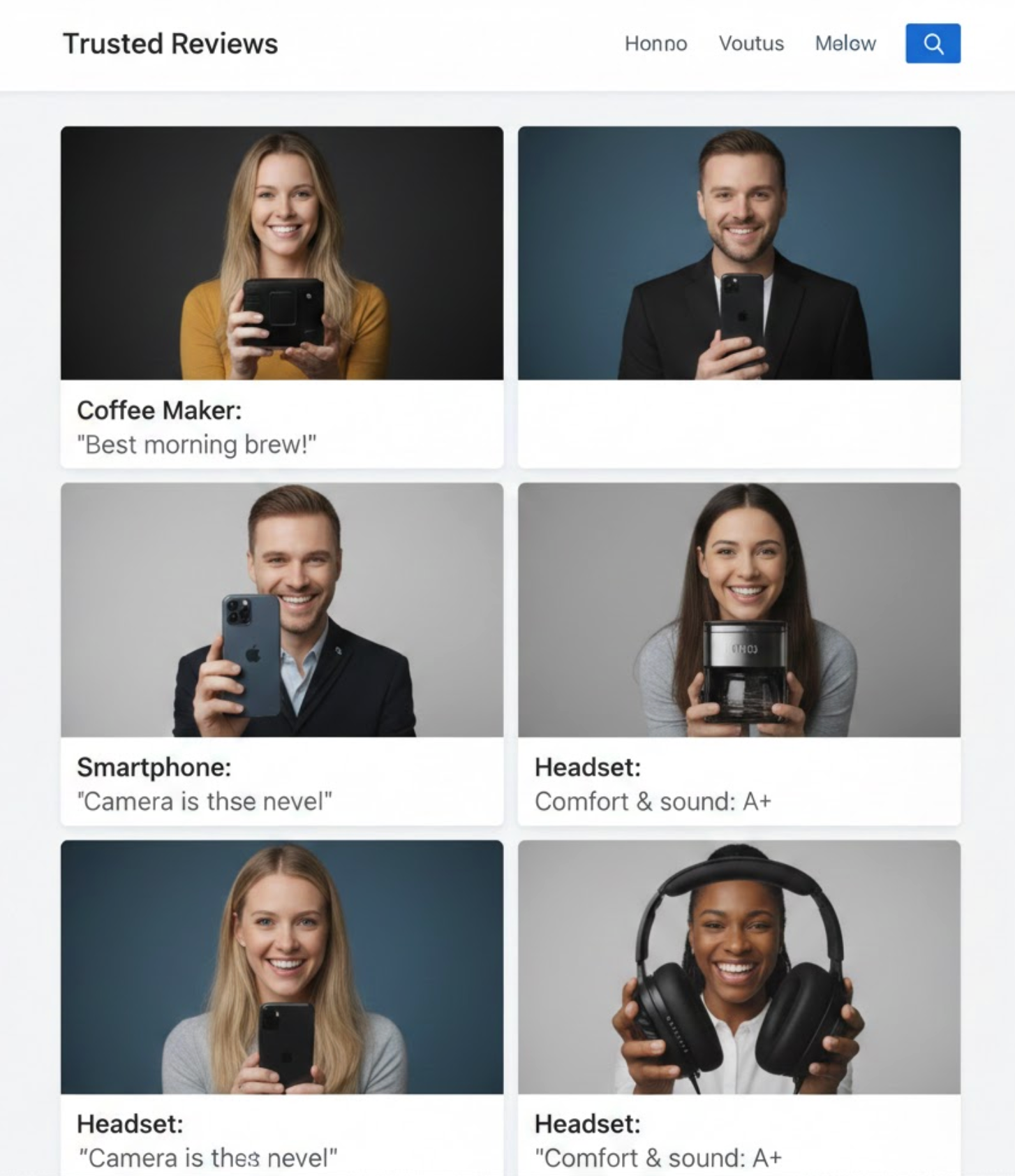
Captions help viewers understand what each video is about before clicking play, which increases engagement from casual browsers. These short lines offer quick clarity, especially when visitors are skimming the page. When captions highlight the key message, users feel more motivated to watch because they know what value to expect. To support this approach, add captions that summarize the core message in a few words.
Since many visitors watch videos with the sound off, on-screen text ensures your message is still delivered clearly. These text overlays guide viewers through the most important parts of the review, creating a more accessible and engaging experience. They also make the video look more structured and professional without losing authenticity. To strengthen this method, add concise on-screen text that enhances the viewing experience.
Different shoppers consume content differently, so having a variety of video lengths keeps everyone engaged. Short clips attract quick scrollers, while longer testimonials build emotional depth and credibility. This mix makes your homepage feel dynamic and customer-centered. To implement this effectively, balance the lengths so every visitor finds something appealing.
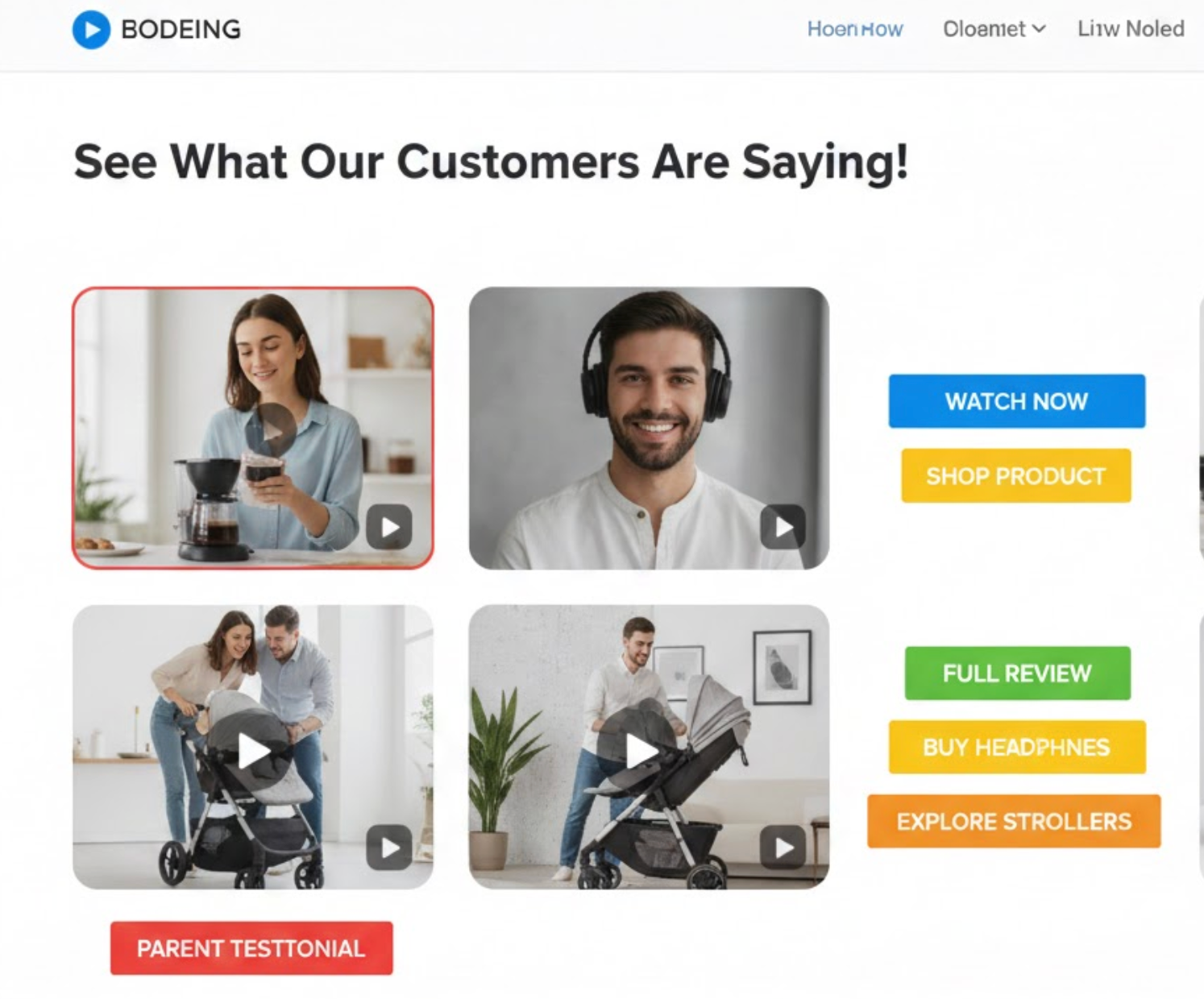
After watching a convincing review, shoppers often feel ready to explore more, so placing CTAs nearby increases the likelihood of a click. CTAs work as a natural next step, guiding visitors toward the product or collection shown in the video. When done subtly, these buttons feel helpful rather than pushy. To create this flow, position CTAs strategically around each video.
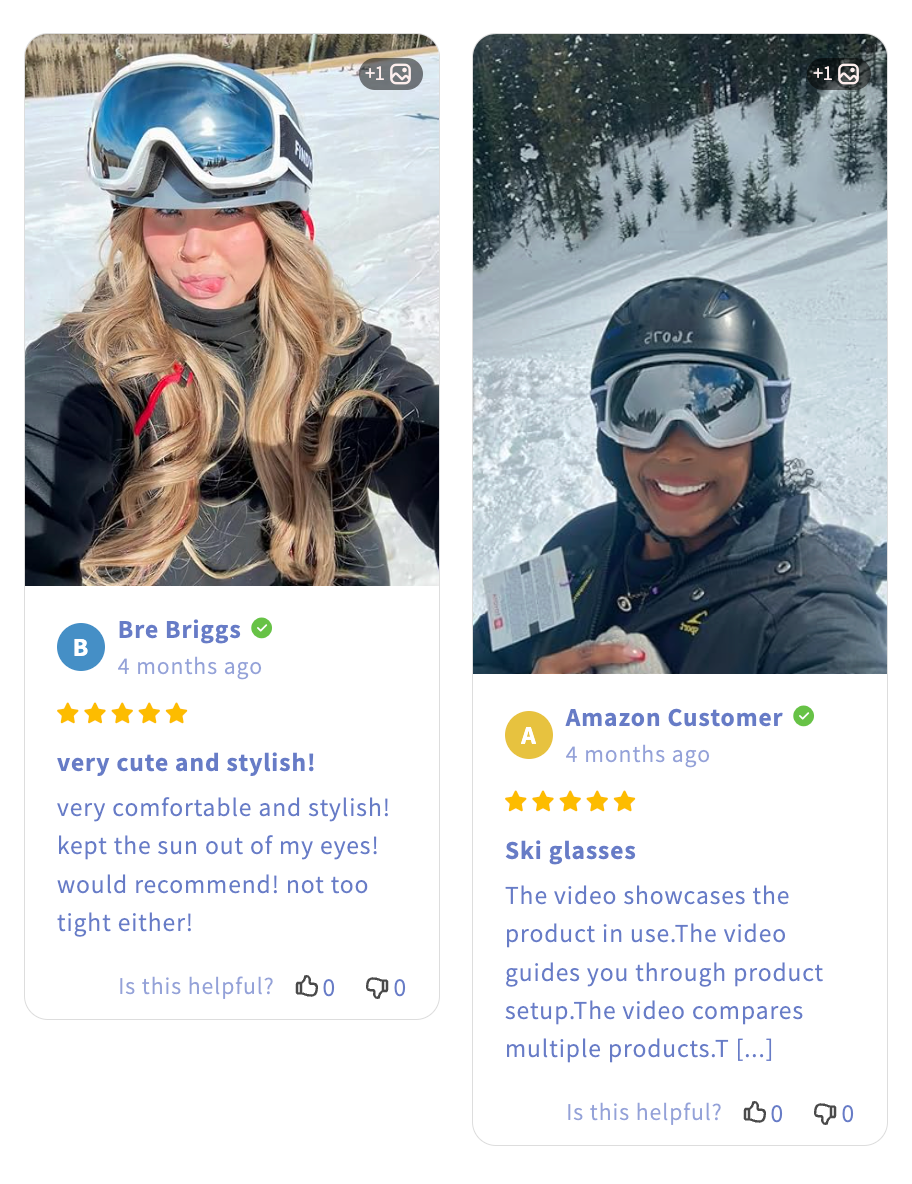
Thumbnails are the first visual cue and determine whether visitors will click on a video. A thumbnail featuring a smiling customer, a clear product moment, or an expressive reaction increases curiosity. Strong thumbnails make videos feel more genuine and easier to connect with emotionally. To make this effective, choose thumbnails that best represent customer sentiment.
Light movement naturally grabs attention and increases video watch rates without overwhelming the design. Auto-play (muted) allows visitors to see the first few seconds, which can be enough to spark curiosity. Keeping animations subtle ensures professionalism and prevents distraction. To apply this effectively, integrate animations that direct attention without dominating the page.
Organizing videos by themes helps shoppers quickly find the content most relevant to their needs. Whether based on product type, problem solved, or customer type, this structure feels more helpful and user-friendly. Grouping also makes your homepage feel more intentional and thoughtfully curated. To optimize this approach, arrange your videos in meaningful categories.
Adding subtle proof like star ratings, customer names, or short written quotes boosts credibility even before the video is played. These elements create a multi-layered trust signal and appeal to visitors who prefer reading first. It also makes each video feel more complete and reliable. To enhance this idea, surround your videos with light social-proof features.
Most visitors browse on mobile, so the video section must be perfectly optimized for smaller screens. Mobile-friendly design makes the videos easier to watch, improves loading speed, and maintains a polished appearance. When users get a smooth mobile experience, engagement naturally increases. To achieve this, tailor the structure specifically for mobile needs.
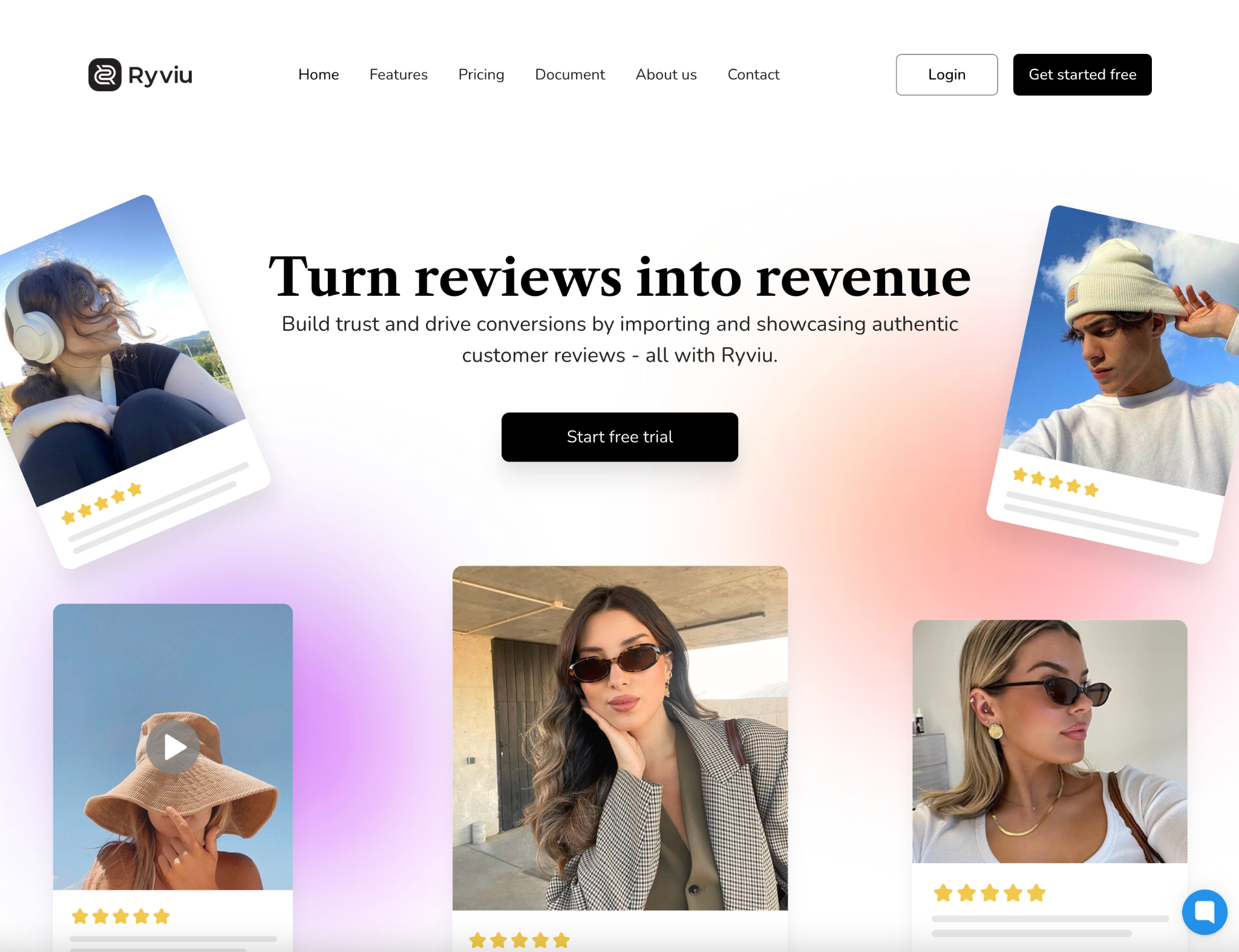
Collecting video reviews becomes significantly easier when using Ryviu, which is designed to help brands gather authentic customer-generated content with minimal effort. Ryviu simplifies the process by allowing customers to upload video reviews directly from email requests or review forms, making submissions more natural and fast. Because everything is automated, from sending reminders to publishing the videos, brands save time while still receiving high-quality content. With a streamlined system, you can consistently collect a growing library of persuasive video testimonials.
Here’s how Ryviu makes collecting great video reviews effortless:
Video reviews on your homepage can significantly increase trust, user engagement, and conversions when used strategically. By placing them in high-visibility areas, designing the sections thoughtfully, and following best practices, your homepage becomes a powerful social-proof engine that guides visitors naturally toward purchasing. With authentic customer voices leading the way, your brand becomes more believable, more relatable, and ultimately more successful.




