 New to Shopify? Free trial, then $1/month for your first 3 months. Start free trial →
 Where is your store?
Ryviu works with both – pick yours to continue.








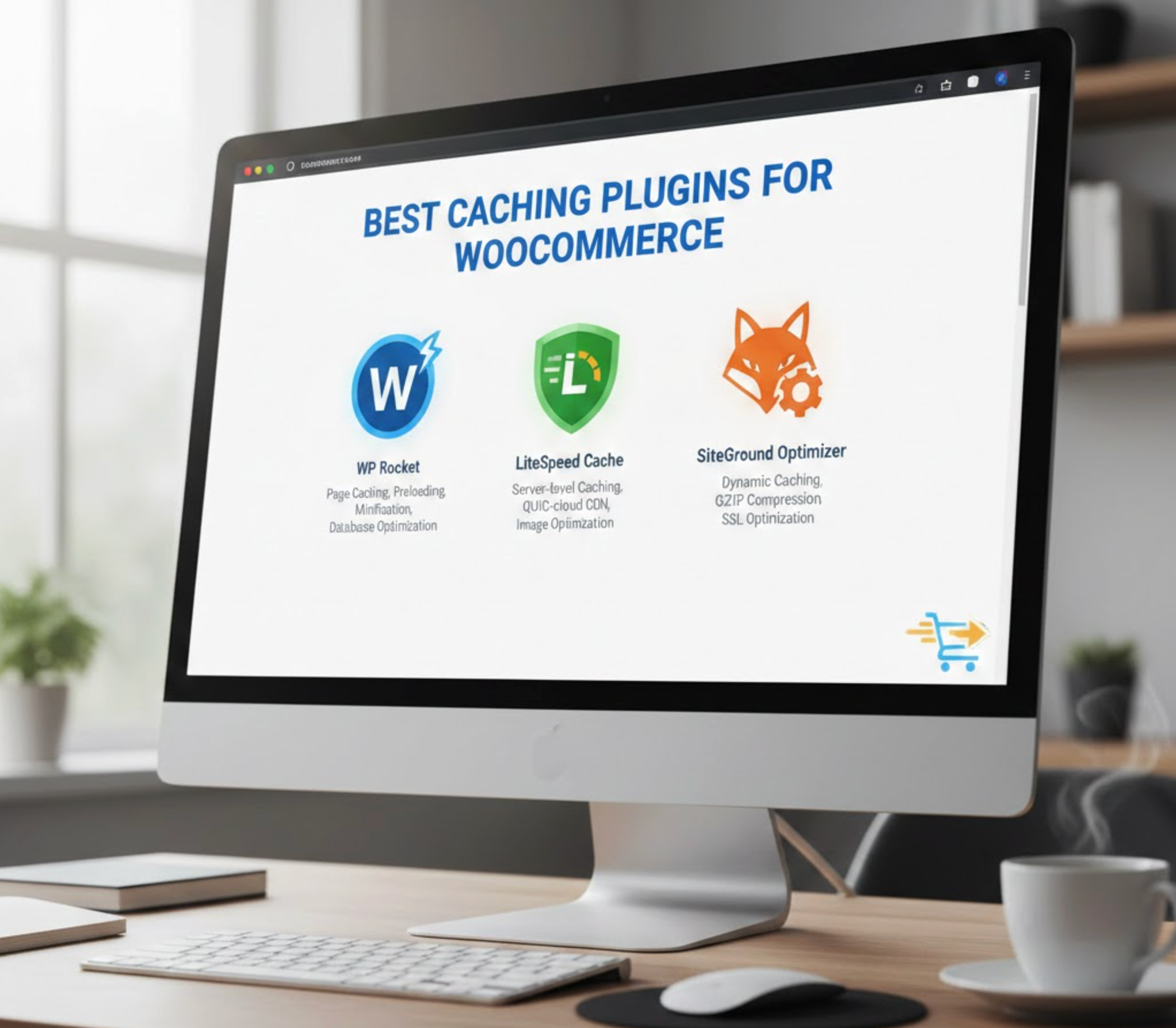
WooCommerce stores rely heavily on speed, and even a one-second delay can instantly hurt conversions, SEO performance, and customer satisfaction. Caching plugins are one of the easiest and most effective ways to boost site performance without changing hosting providers or redesigning the store. These plugins generate static versions of your pages, reduce server load, and streamline how quickly products, collections, and content are delivered to visitors.
To help you choose the right solution, here are the 7 best caching plugins for WooCommerce, explained clearly with descriptions, key features, and pricing so you can confidently decide which tool fits your store’s scale and technical needs.

WP Rocket is a premium, all-in-one performance plugin designed to deliver fast results with minimal setup. It works extremely well with WooCommerce by automatically excluding dynamic pages such as cart, checkout, and account. Its interface is clean, making it easy for non-technical users to optimize their store in minutes.
In short: if you want powerful performance improvements without complications, WP Rocket is one of the simplest and strongest options.
Key Features:
Pricing:
W3 Total Cache is a highly customizable, developer-focused caching plugin with multi-layer caching controls. It supports advanced techniques such as object caching and fragment caching, making it suitable for large or high-traffic WooCommerce stores. While its interface is more complex, its optimization capabilities are exceptionally strong.
In short: best for advanced users who want granular control over every part of caching.
Key Features:
Pricing:

LiteSpeed Cache offers server-level caching paired with extensive optimization features, making it one of the fastest free solutions available. When used on a LiteSpeed or OpenLiteSpeed server, it delivers unmatched performance compared to normal plugin-based caching. Its WooCommerce features ensure dynamic pages remain accurate and uncached where needed.
In short: unbeatable if your hosting uses LiteSpeed; incredibly strong even at no cost.
Key Features:
Pricing:
WP Super Cache is a lightweight, easy-to-configure plugin built by Automattic, the creators of WordPress and WooCommerce. It generates static HTML versions of pages, reducing load on your server during traffic spikes. For WooCommerce users, it’s important to exclude checkout and cart pages, but the setup remains straightforward.
In short: perfect free option for beginners who want basic but reliable caching.
Key Features:
Pricing: Free

WP Fastest Cache strikes an excellent balance between speed, simplicity, and advanced optimization, available in both free and premium versions. It uses efficient caching methods such as mod_rewrite and includes features like cache timeout settings and minification. The premium upgrade adds even more optimization capabilities.
In short: strong mid-level caching plugin for users who want better speed without complexity.
Key Features:
Pricing:

NitroPack is more than just a caching plugin, but it’s a complete performance optimization service that handles caching, image optimization, compression, CDN delivery, and code minification from the cloud. This means heavy processing is offloaded from your server, making WooCommerce stores faster even on modest hosting.
In short: ideal if you want an automated, all-in-one performance system without manual tuning.
Key Features:
Pricing:
Perfmatters is a lightweight performance plugin designed to work alongside caching plugins by removing unnecessary scripts, bloat, and requests. While it’s not a caching tool by itself, combining it with any caching plugin produces exceptional results for WooCommerce. It is especially useful for stores overwhelmed by unused scripts from themes and plugins.
In short: best as a companion plugin to refine and reduce overhead for maximum performance.
Key Features:
Pricing:
Using caching on a WooCommerce site can be tricky because the store contains dynamic content. These best practices help ensure speed without breaking functionality:
Cart, checkout, and My Account pages must never be cached. These pages rely on real-time session data, so caching them can cause incorrect carts, login issues, and failed checkouts.
WooCommerce uses cookies to track cart items and user activity. Your caching plugin should be configured to detect these cookies and bypass the cache whenever needed.
Large WooCommerce stores benefit greatly from persistent object caching (Redis or Memcached), which speeds up product queries, filters, and dynamic widgets.
Preloading ensures your cache is always fresh and ready, so customers never land on uncached, slow pages after updates or new content.
A cache reduces server processing time, but a CDN reduces physical distance. Combining them is the fastest way to serve product images, scripts, and pages worldwide.
Review product pages, cart updates, shipping calculators, coupon codes, and checkout steps carefully. WooCommerce stores are dynamic, so every caching change should be retested.
Product changes, new plugins, or theme modifications may not show up instantly unless you manually clear or purge the cache.
Choosing the right caching plugin can dramatically improve your WooCommerce store’s speed, stability, and overall user experience. With the right caching setup, and by following best practices for dynamic WooCommerce content, you’ll ensure faster page loads, smoother shopping experiences, and higher conversion rates.




