 New to Shopify? Free trial, then $1/month for your first 3 months. Start free trial →
 Where is your store?
Ryviu works with both – pick yours to continue.








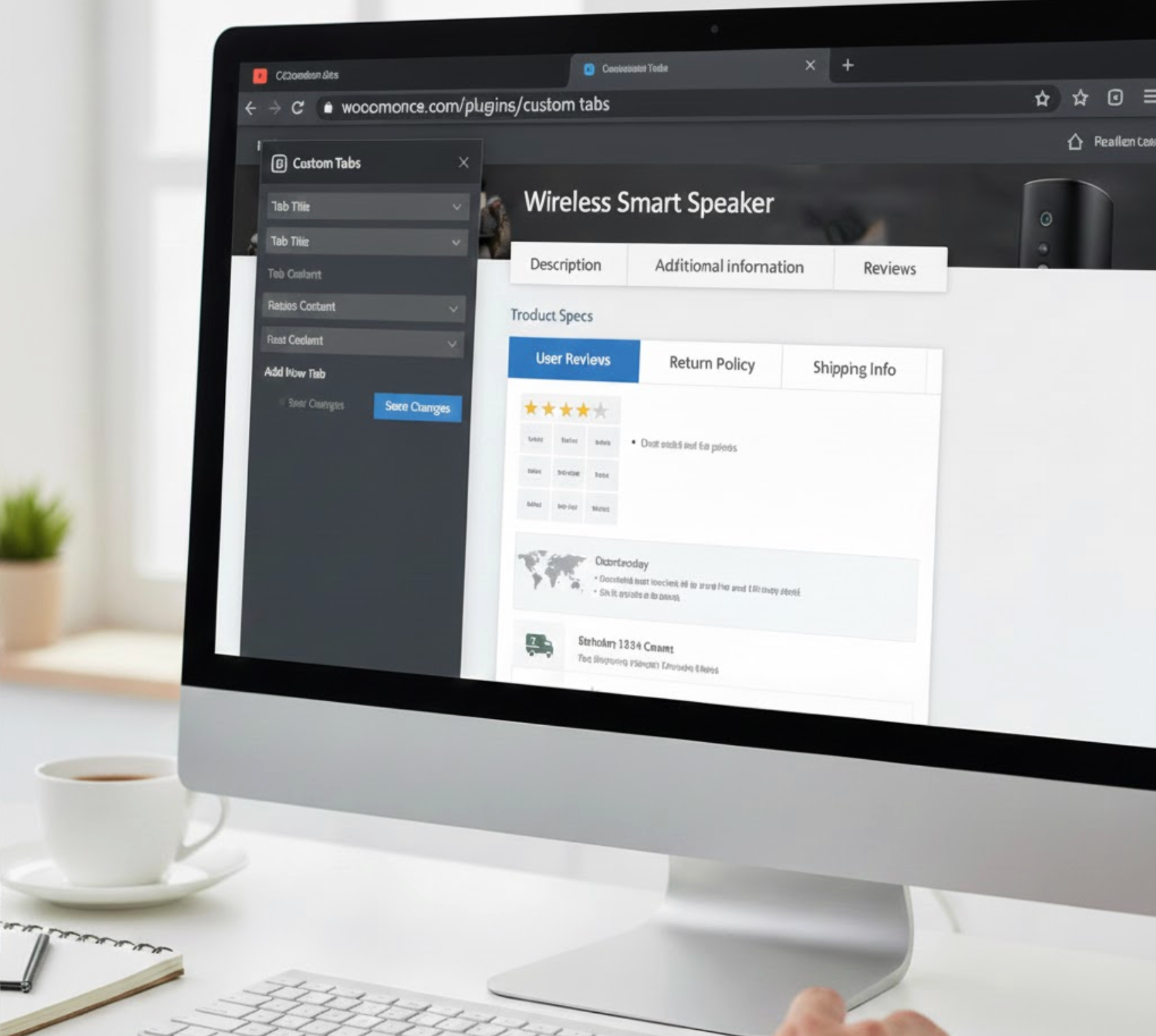
As online shoppers expect clearer and more structured product information, organizing your content effectively becomes essential for driving conversions. Custom product tabs are a powerful yet often overlooked way to organize key product details on your WooCommerce pages. Instead of making shoppers scroll through long descriptions, custom tabs present FAQs, size charts, warranty info, videos, or related products in clean, easy-to-navigate sections. This helps customers quickly find the information they care about, reducing confusion and boosting their confidence in your store.
With the right plugins, adding and customizing these tabs becomes effortless, allowing you to create clearer, more engaging product pages that naturally support higher conversions. Now, let’s look at the seven best plugins for adding custom tabs to your WooCommerce store.
WooCommerce Custom Product Tabs Lite is one of the most widely used free plugins for adding tabs. It’s simple, lightweight, and blends seamlessly into the WooCommerce product editor. Once installed, it adds a custom tabs section to the product data box, where you can create new tabs and fill them with text, media, shortcodes, or HTML.
This plugin is ideal for users who want something easy and intuitive without needing complex settings. Even though it’s a free tool, the tab content editor is flexible, allowing you to embed things like tables, images, or instructions. For many store owners, this is more than enough to add clarity to product pages.
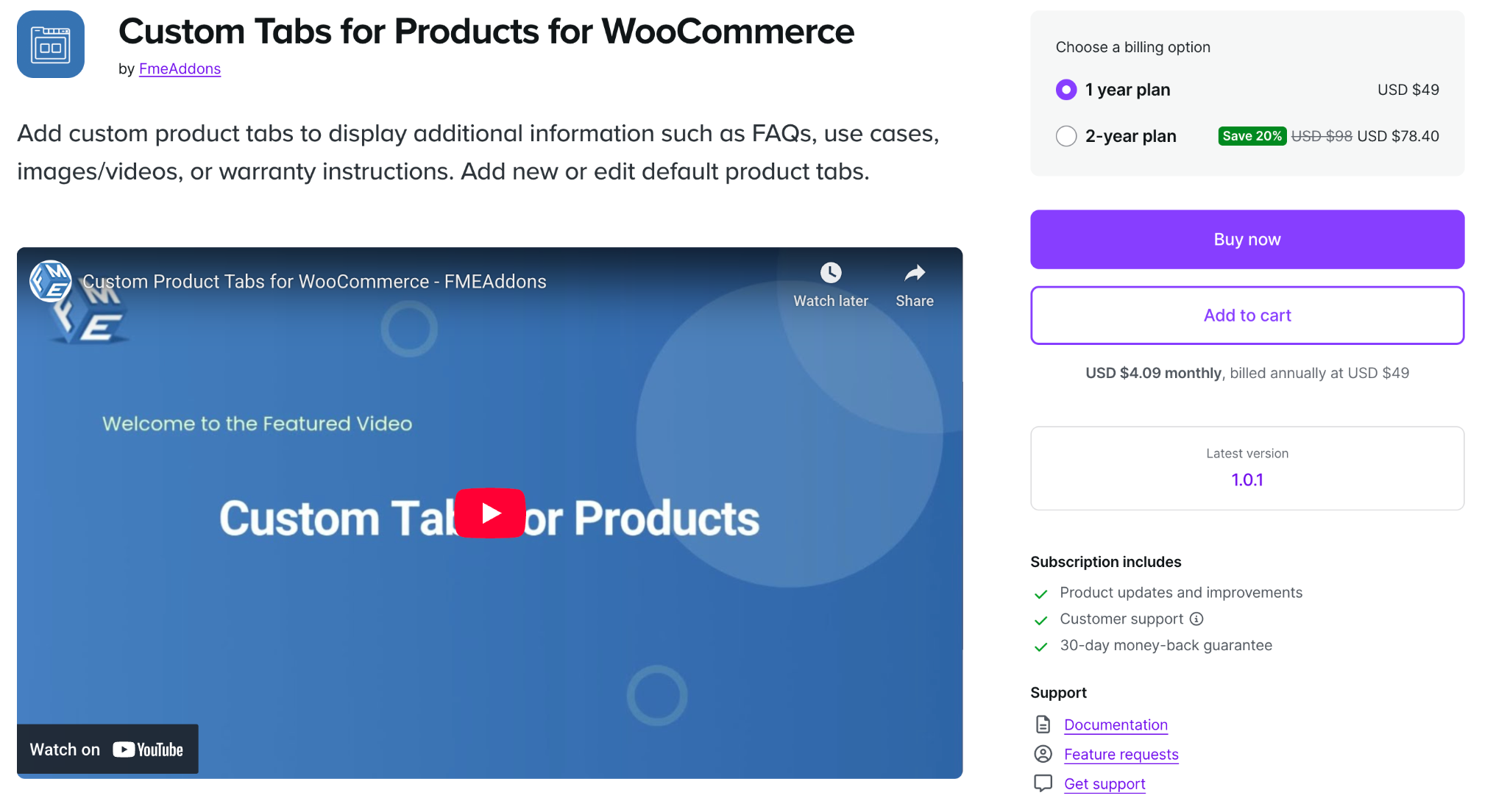
This premium plugin is designed for store owners who want professional, flexible, and highly customizable product tabs. Unlike basic plugins, this one lets you create different tab types, including FAQs, maps, images, icons, brand details, or even custom layouts.
You can assign tabs globally or individually and set conditions based on product categories, tags, or user roles. It also includes visual customization options such as icons, custom titles, colors, and tab ordering. This plugin is perfect for large stores or brands that want their product pages to feel premium and highly structured.
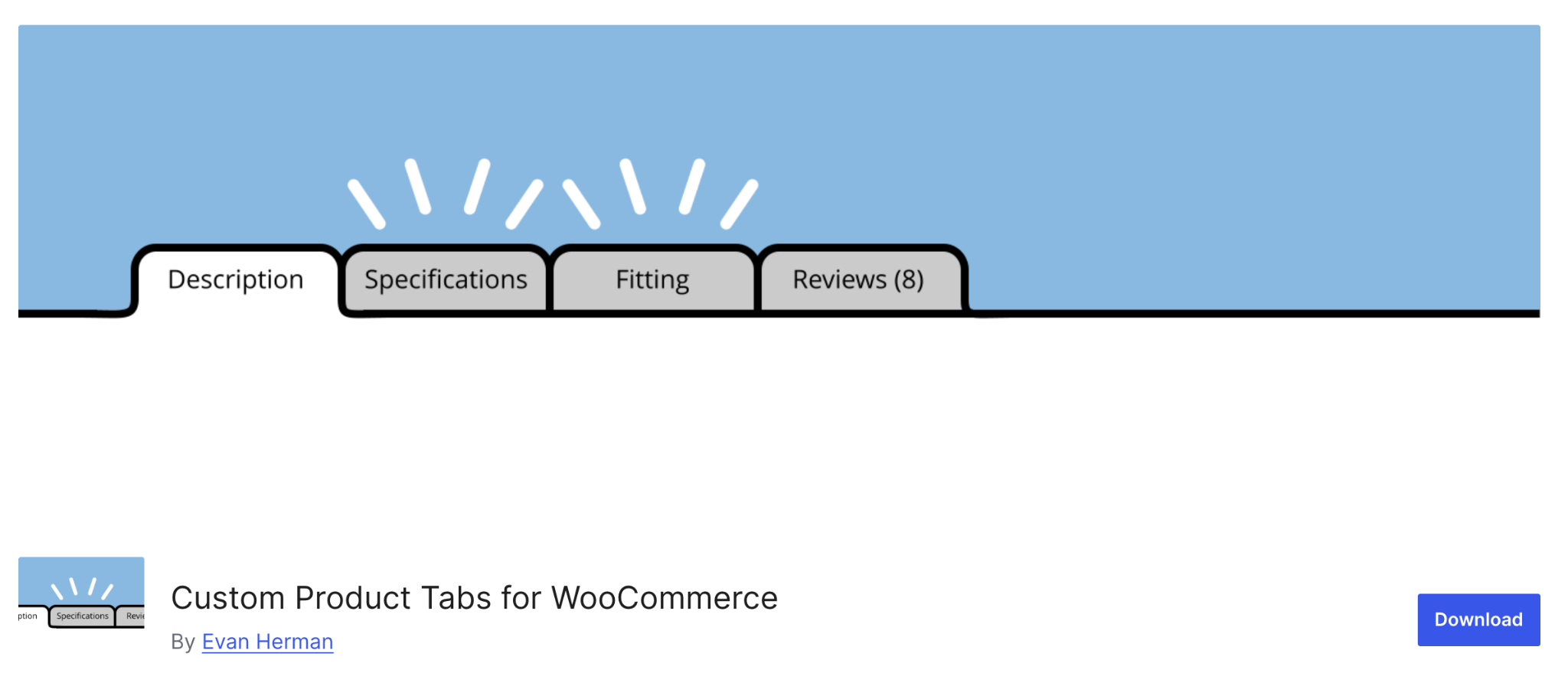
YIKES’ plugin is another popular free solution, but it offers more freedom than many free alternatives. One standout feature is the ability to save custom tabs and reuse them across products. This is a major time-saver for stores that need the same tabs, such as shipping rules, size charts, or care instructions, across many products.
The plugin includes a rich content editor, multilingual support, and compatibility with most page builders. Its Pro version expands features even further with advanced tab conditions and extra display rules.
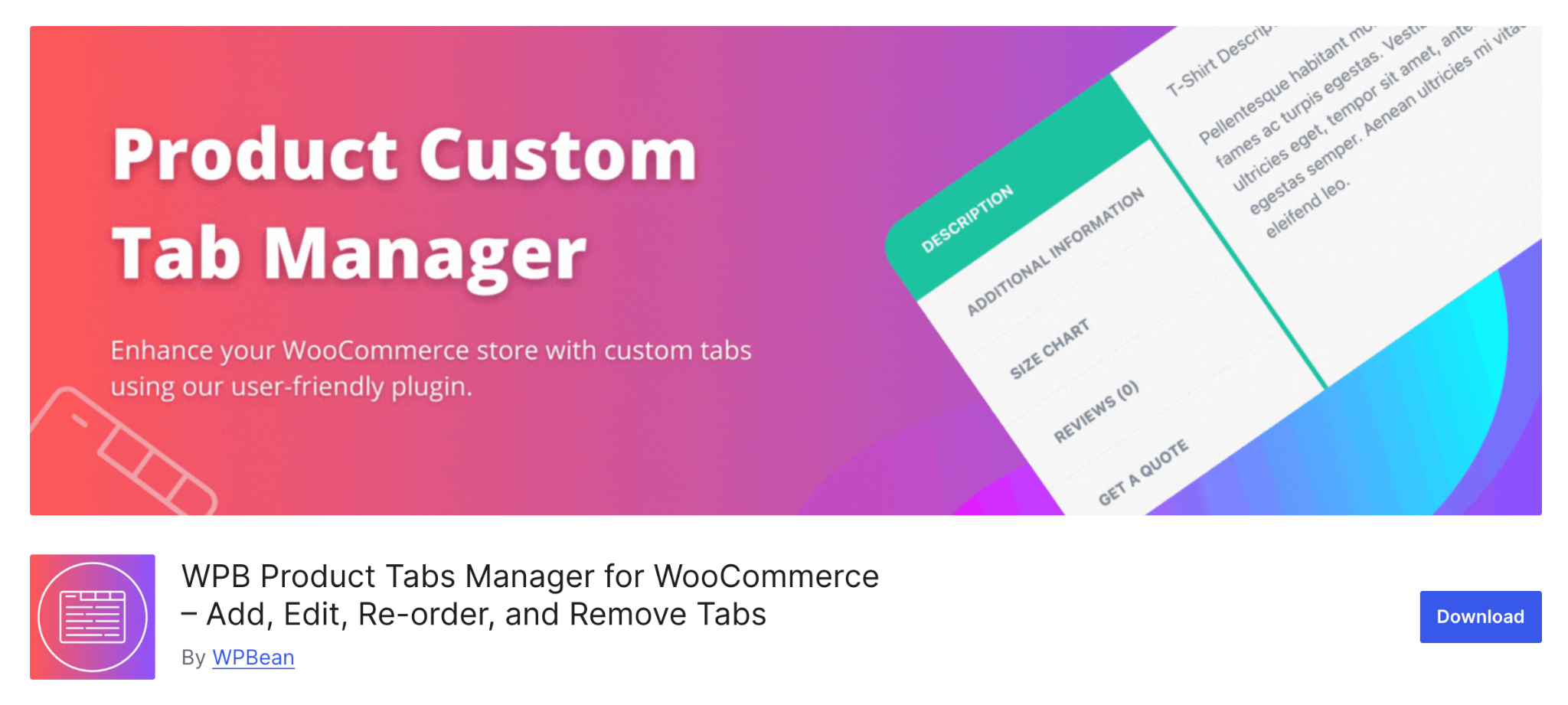
WPB Product Tabs Manager is a flexible option with a good balance between simplicity and advanced features. You can create unlimited tabs, assign them globally or per product, and insert anything from text to embedded YouTube videos.
What sets this plugin apart is its support for conditional logic, which allows you to show or hide tabs depending on product attributes, categories, tags, or other criteria. This is especially useful for store owners who manage large catalogs with diverse items.
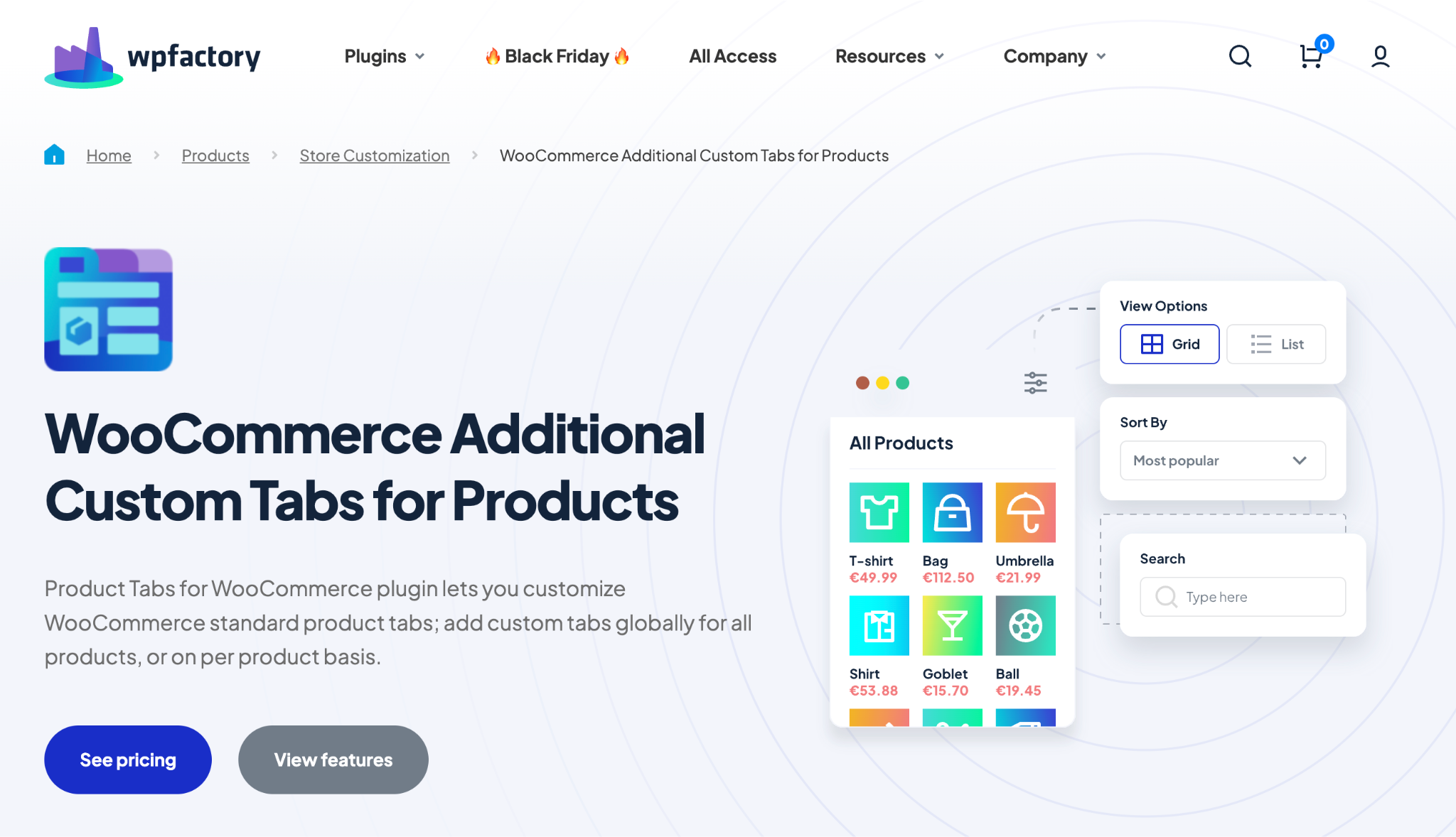
This plugin is designed for store owners who prioritize global management and bulk controls. You can edit default WooCommerce tabs (like Description or Reviews), rename them, hide them, or reorder them. You can also create global tabs that appear across all products, great for policies, disclaimers, or warranty information.
It also supports shortcode-driven content, allowing for dynamic elements such as countdown timers, review displays, or related product sections.
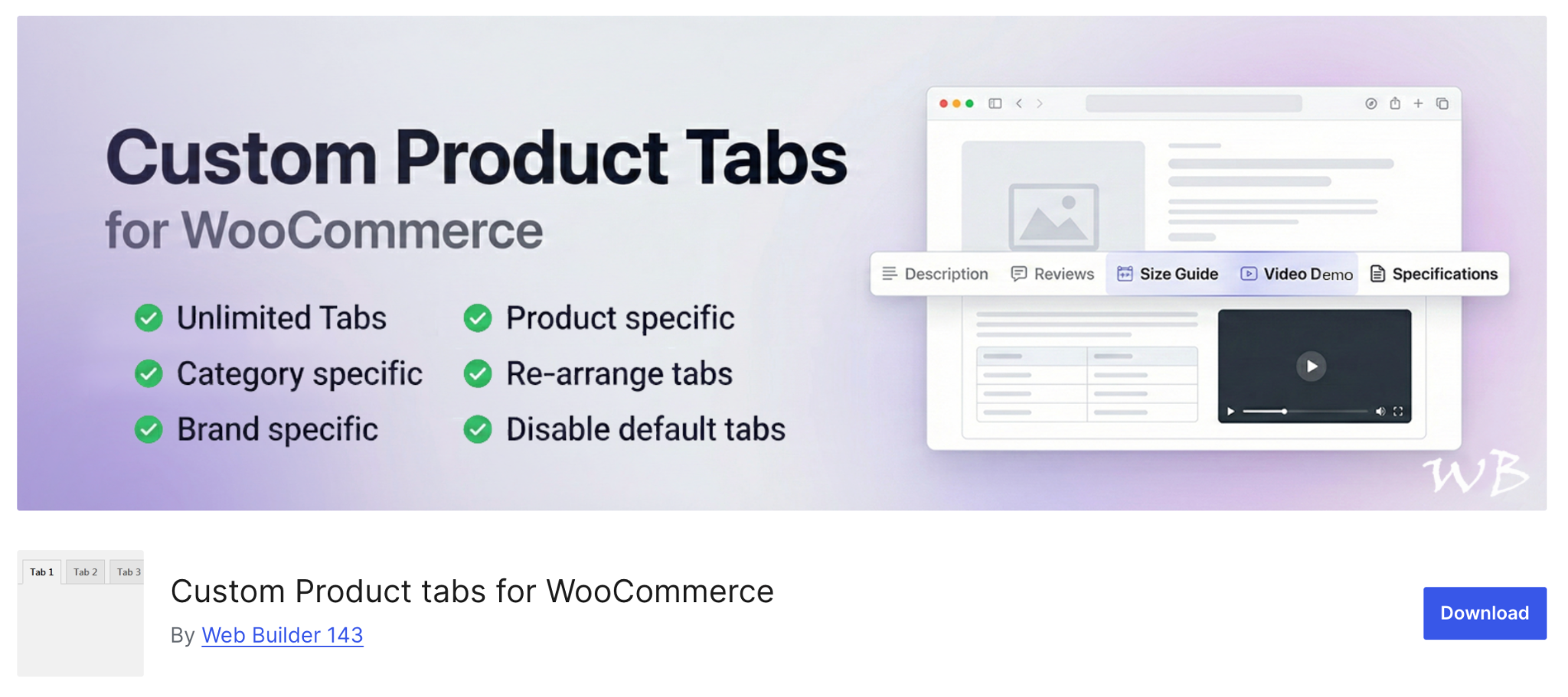
WB Custom Product Tabs offers a flexible and multilingual approach to building product tabs. It supports unlimited tabs with global assignments, and it integrates well with branding plugins and WPML/Polylang, making it a good choice for international stores.
Its content editor supports videos, media galleries, and advanced formatting. Many users choose this plugin because it offers flexibility similar to premium plugins without a steep learning curve.
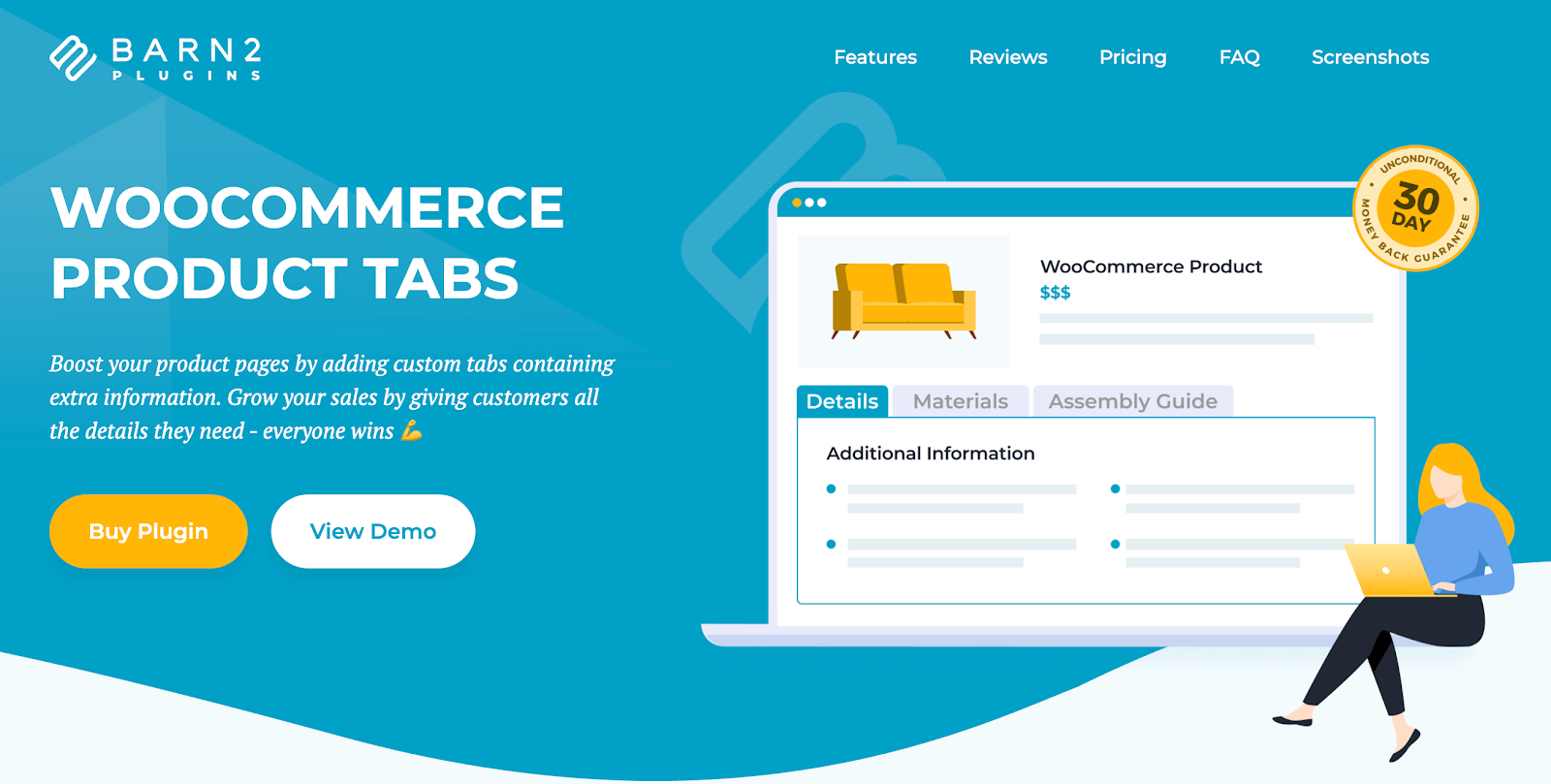
WooCommerce Product Tabs plugin lets you add unlimited custom tabs to your product pages, making it easy to organize and present extra information in a clean, user-friendly way. With a simple tab manager, you can create, reorder, and personalize tabs with custom names and icons, and apply them globally or to specific products, categories, or tags. It integrates seamlessly with WooCommerce and popular page builders like Elementor for a smooth setup experience.
You can add virtually any type of content to your tabs, including text, images, videos, audio, shortcodes, and content from other plugins such as contact forms, maps, or social feeds. This makes it perfect for displaying product specifications, size guides, instructions, downloads, FAQs, promotions, upsells, and company information, helping improve clarity, build trust, and boost conversions on your product pages.
Pros
Cons
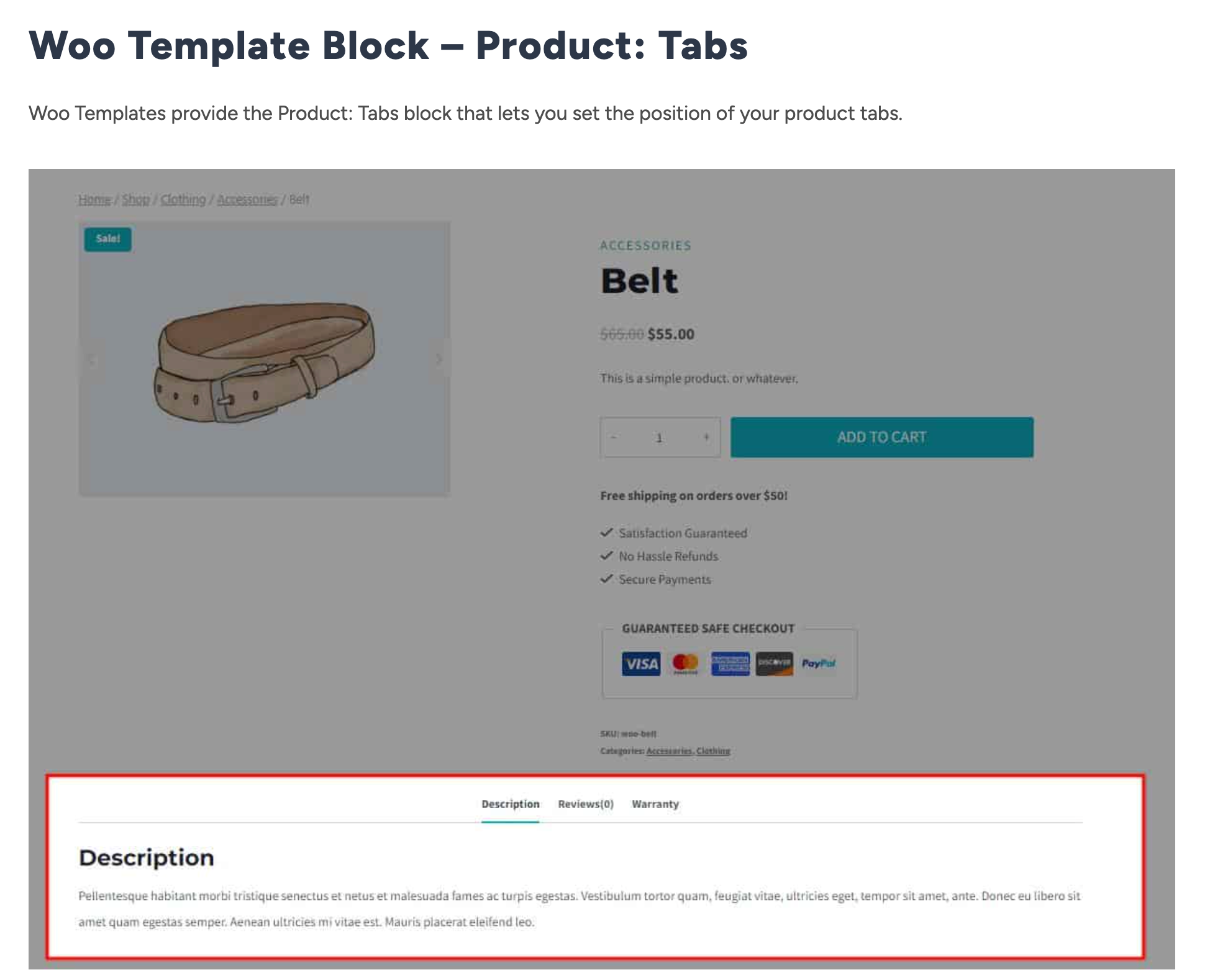
Kadence consistently delivers high-quality WordPress tools, and their custom tabs plugin is no exception. What makes this plugin unique is its integration with modern editors like Gutenberg and Elementor, allowing you to build tab layouts using blocks or templates.
If your store runs on the Kadence theme or uses block-based design, this plugin will feel incredibly natural. You can create reusable tab blocks, apply them globally, and update them site-wide with a single change.
Selecting the right custom tab plugin depends on your store’s size, content requirements, workflow, and the level of customization you need. Here’s a deeper, more actionable guide to making the best choice:
If your store uses the same details (e.g., shipping times, warranty instructions) across many items, choose a plugin with:
Plugins like YIKES, WPFactory, and WB Custom Tabs excel here.
Different plugins handle content differently:
If you want tabs with icons, colors, custom templates, or stylistic designs, prefer:
These plugins let you fine-tune your presentation and match your design system.
For international stores, not all plugins support translation tools equally.
Best multilingual options include:
Purchase only what your workflow genuinely requires.
Custom tabs may seem like a small UI enhancement, but they have a major impact on how customers interact with product information. By organizing content into structured sections, you reduce friction, improve clarity, and help shoppers make confident buying decisions.
Whether you need something simple or highly advanced, the seven plugins above offer solutions for every level of store, from small boutiques to complex enterprise catalogs.




