 New to Shopify? Free trial, then $1/month for your first 3 months. Start free trial →
 Where is your store?
Ryviu works with both – pick yours to continue.








Duplicate content is one of the most common, yet often overlooked, SEO issues for Shopify stores. Because Shopify can generate multiple URL versions for products, collections, and filtered pages, duplicate content can appear without you realizing it. Over time, this may confuse search engines, dilute ranking signals, and negatively impact your store’s visibility.
Conducting regular duplicate content audits is essential to maintain SEO health and ensure your most important pages rank effectively. The following are some of the best duplicate content audit tools for Shopify stores, presented in a clear, practical format so you can understand what each tool does and how it can help.

A duplicate content audit is a systematic review of your website to identify pages, products, or sections that contain identical or very similar content. The goal is to pinpoint both internal duplicates (within your own Shopify store) and external duplicates (on other websites) that may affect search engine rankings.
During the audit, key elements like page titles, meta descriptions, headings, body content, product descriptions, and URLs are analyzed. Shopify stores are particularly prone to duplicate content due to factors like:
By conducting a thorough audit, you gain a clear picture of where duplicate content exists, its severity, and which pages require action. A duplicate content audit is the first step in optimizing your Shopify store’s SEO and ensuring search engines prioritize the right pages.

Ahrefs is a powerful SEO tool known for its comprehensive site audit capabilities. For Shopify stores, it excels at uncovering duplicate content across multiple layers, including product pages, collections, and blog posts. Its Site Audit feature scans your entire store and identifies duplicate titles, meta descriptions, H1 tags, and near-identical page content.
It also highlights internal linking issues, which is particularly useful for Shopify stores where multiple URLs may point to the same product. By analyzing link distribution, Ahrefs helps you ensure that your canonical pages receive maximum authority.
Key features:
Best for: Stores that want a deep, professional-level analysis to detect and resolve duplicate content across a large catalog.
Screaming Frog is a desktop-based SEO crawler that provides highly detailed insights into website structure and content issues. For Shopify stores, it identifies duplicate pages, metadata, headings, and even near-duplicate content using similarity scores. Its reports allow you to compare pages side-by-side to see exactly where duplication occurs.
The tool also checks canonical tags and redirects, helping you identify configuration errors that might be causing duplicate content issues. This is especially valuable for Shopify stores with large inventories, variants, and collection filters that generate multiple URLs for the same product.
Key features:
Best for: Large Shopify stores or technical SEOs who need granular control and a detailed, actionable view of duplicate content.
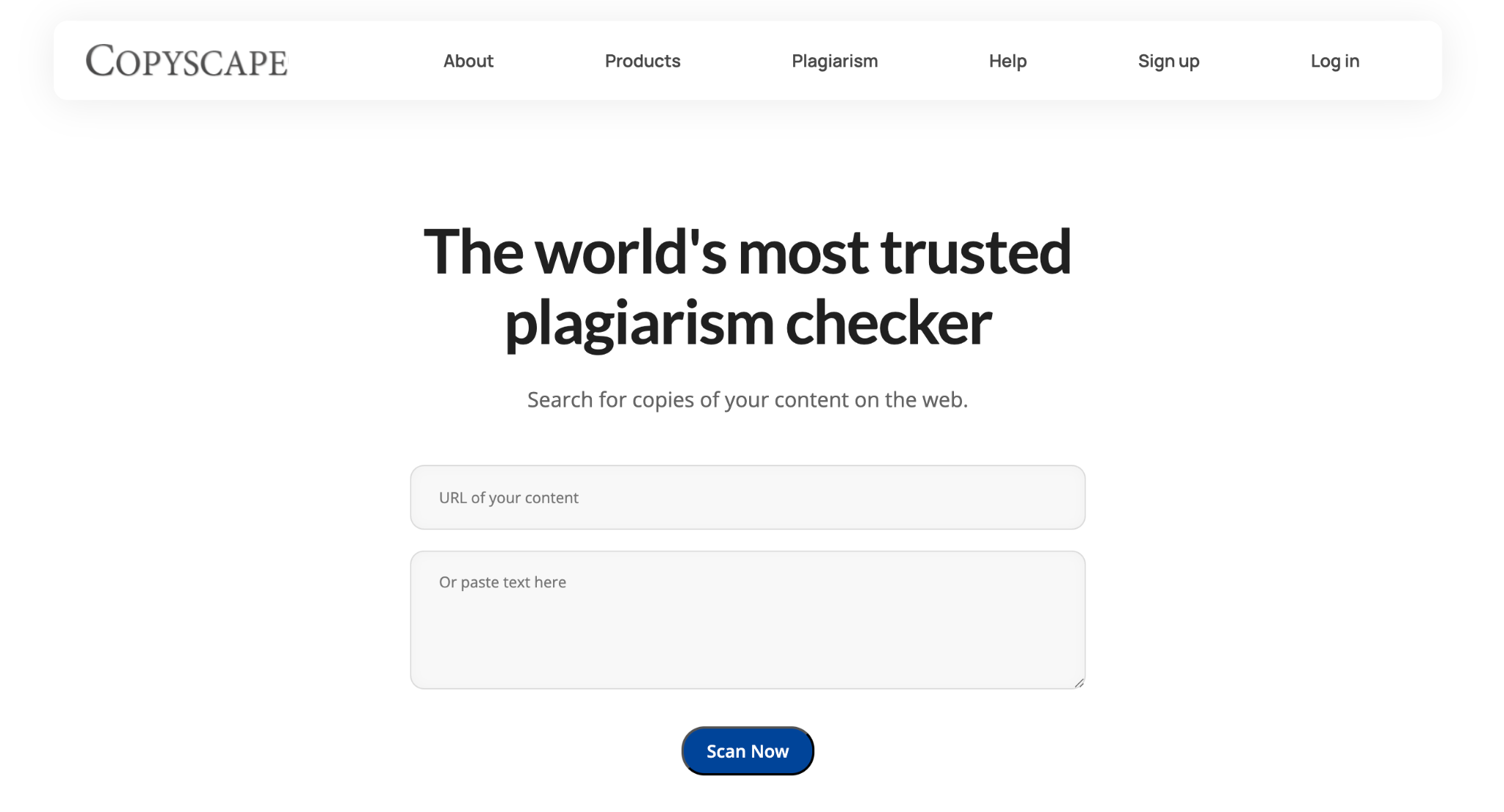
Copyscape is a specialized tool for detecting external duplicate content, making it invaluable for Shopify stores using supplier or manufacturer-provided descriptions. It scans the web to determine if your product text appears on other sites, helping you avoid ranking penalties and ensuring your content is original.
This is especially useful for dropshipping stores or stores that import product descriptions from multiple suppliers. Copyscape also protects your brand by identifying unauthorized copying of your content elsewhere.
Key features:
Best for: Stores that rely on imported or supplier content and want to maintain originality while protecting their brand.
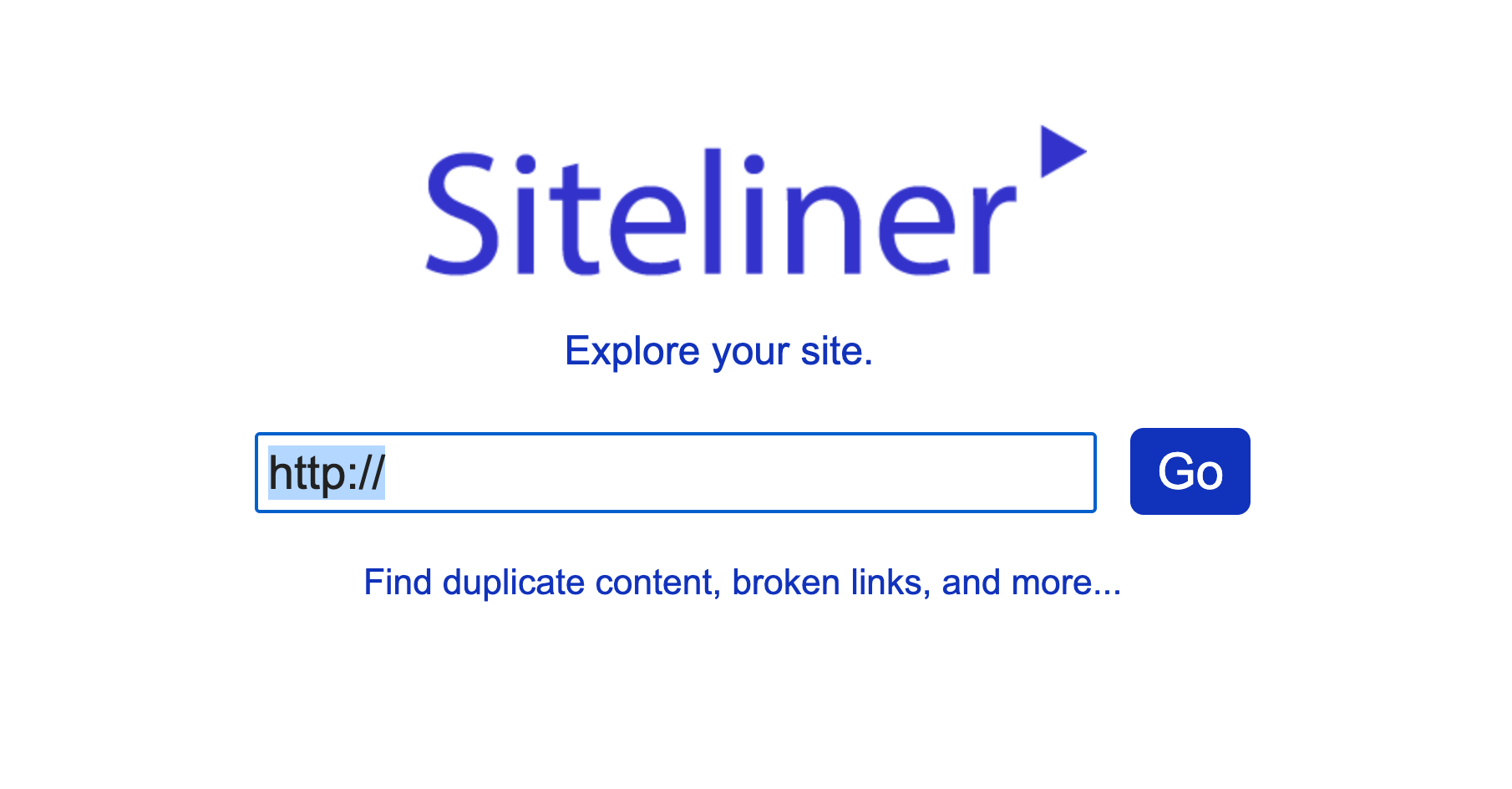
Siteliner is a simple but effective tool for scanning internal duplicate content within your store. It provides a quick overview of:
Its clean reports make it ideal for beginners looking to understand the severity of duplicate content without diving into complex SEO tools. Siteliner also highlights thin content, helping you identify pages that need rewriting or additional information.
Best for: Quick checks and easy-to-understand internal duplicate content analysis for Shopify stores of all sizes.
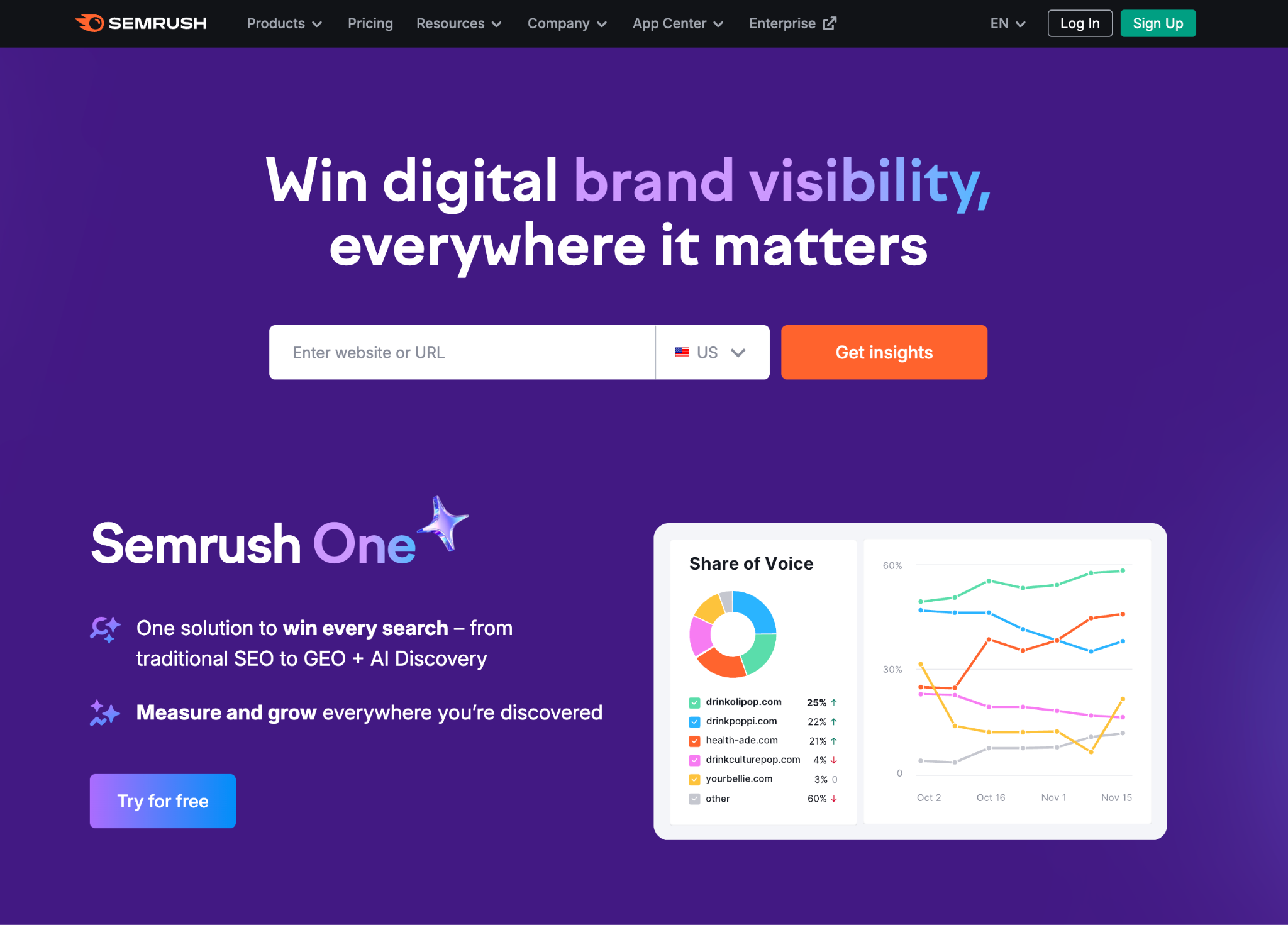
SEMrush is an all-in-one SEO platform that provides automated audits to identify duplicate content at scale. Its Site Audit feature scans your Shopify store for duplicated metadata, thin content, and duplicate page structures, including URLs generated by collection filters or tags.
SEMrush also prioritizes issues based on severity, helping you focus on the fixes with the highest SEO impact. Reports can be scheduled regularly to monitor new products, pages, or app-generated URLs that may introduce duplication over time.
Key features:
Best for: Merchants seeking automated, comprehensive duplicate content monitoring with prioritization for easier workflow.
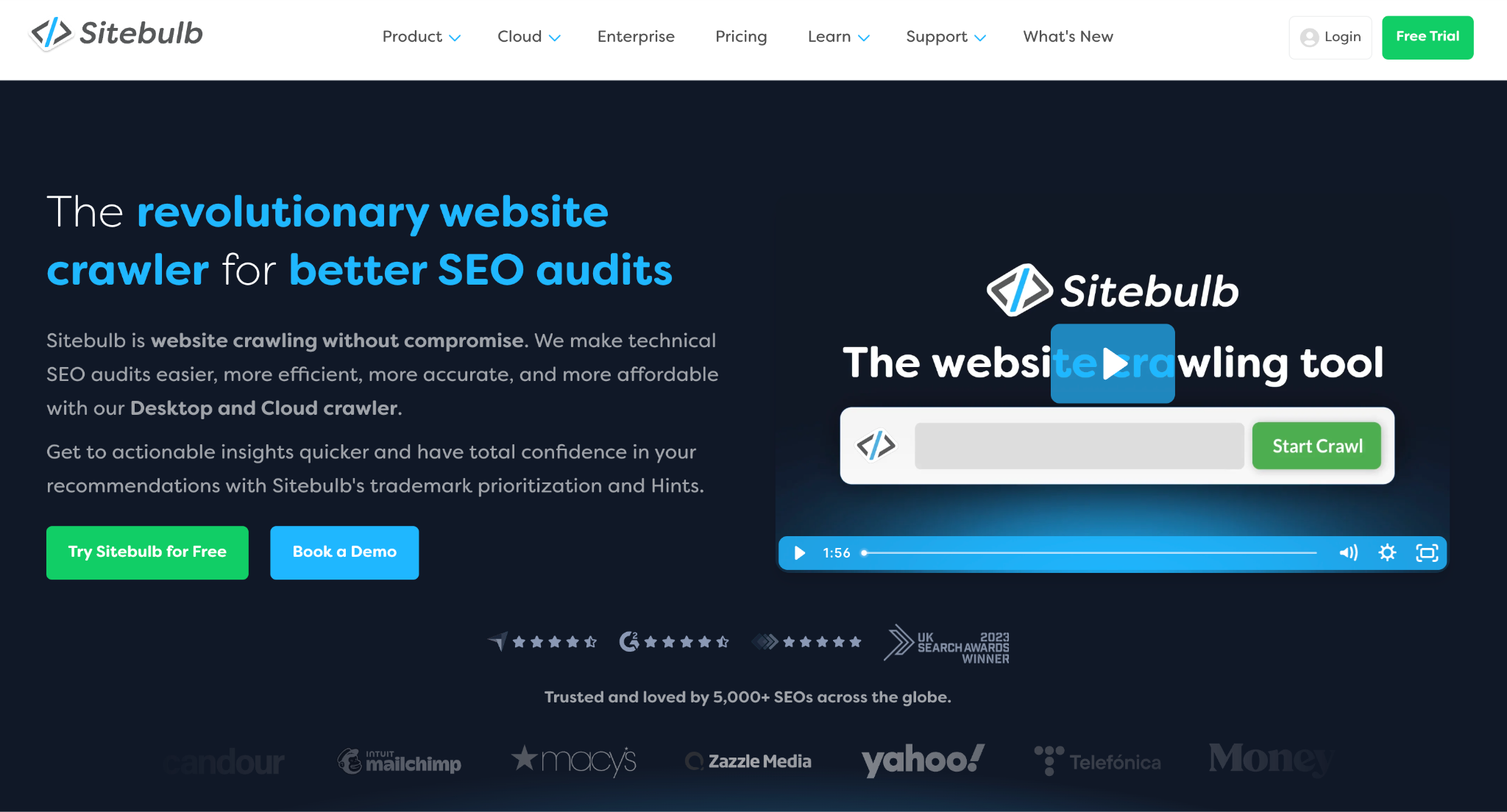
Sitebulb stands out for its visual reporting, making duplicate content easier to understand at a glance. Its “Content Duplication” feature groups duplicates into exact matches, near-duplicates, and structural similarities. Shopify merchants with multiple collections, filters, and product variants benefit from seeing which pages are conflicting visually.
Sitebulb also analyzes internal links, canonical tags, and content similarity scores, helping you determine which pages Google may prioritize. The visual cluster map allows you to quickly identify where content rewriting, consolidation, or canonical fixes are required.
Key features:
Best for: Shopify merchants who prefer visual insights and organized, easy-to-read audit reports for duplicate content.

Moz Pro is a beginner-friendly SEO tool that simplifies duplicate content audits without compromising essential insights. Its Site Crawl tool highlights duplicate title tags, meta descriptions, headers, and thin content pages. While less detailed than Ahrefs or Screaming Frog, Moz Pro is excellent for merchants managing SEO themselves or running smaller stores.
Moz Pro also provides clear explanations for each issue, helping you understand why pages are flagged and what actions to take. Its ongoing tracking features allow you to monitor duplicate content as new products or collections are added.
Key features:
Best for: Shopify merchants seeking straightforward, easy-to-understand duplicate content audits with beginner-friendly reporting.
Duplicate content can harm your Shopify store’s SEO, but fixing it is manageable when approached systematically. Each step below explains why the issue occurs, how it affects your rankings, and the practical actions you can take to resolve it.
Canonical tags tell search engines which version of a page is the primary one, preventing duplicate URLs from splitting ranking authority. Shopify automatically adds canonical tags, but custom themes, apps, or duplicate product variants may override them, causing indexing confusion.
To ensure search engines prioritize the right page, review all product, collection, and variant URLs for correct canonical references by taking the following actions:
Shopify often creates new URLs automatically when customers filter collections or browse by tags, which can generate low-value duplicates. These pages rarely add unique content but may compete with your primary pages in search results.
To prevent indexing issues, consider controlling which filtered and tag pages are crawlable by:
Using manufacturer or dropshipper content without modification can result in identical pages across multiple stores. Search engines may struggle to determine which version is original, hurting your rankings.
Creating unique, brand-focused content helps your products stand out. Below are what to follow:
Sometimes multiple products or collections overlap, resulting in similar content spread across several pages. This can dilute ranking power and confuse both search engines and customers.
Consolidation ensures that authority is concentrated on the most important pages. You can follow the below actionable steps:
Internal links guide search engines to your most important pages. If links point to multiple versions of the same page, link equity may be split, and search engines may index the wrong URLs.
Maintaining consistent internal linking strengthens SEO for canonical pages by:
Duplicate or similar titles, meta descriptions, and headings can confuse search engines and reduce click-through rates. Unique, descriptive metadata signals relevance and improves user experience.
Optimizing these elements ensures each page communicates its unique value by:
Duplicate content can creep back into your store as you add new products, apps, or collections. Regular monitoring helps identify issues early and prevents long-term SEO damage.
Consistency is key to long-term SEO health. You can do it by:
Duplicate content is a common challenge for Shopify stores, but it doesn’t have to undermine your SEO. By understanding the root causes and using structured audits, you can identify duplicates, consolidate content, and ensure search engines index the right pages.
Using the right tools, such as Ahrefs, Screaming Frog, Siteliner, and SEMrush, combined with practical fixes like canonical tag correction, content rewriting, and internal linking improvements, gives your store a cleaner, more search-friendly structure. Regular audits and proactive maintenance will protect your rankings and drive more organic traffic, helping your Shopify store reach its full SEO potential.




