 New to Shopify? Free trial, then $1/month for your first 3 months. Start free trial →
 Where is your store?
Ryviu works with both – pick yours to continue.








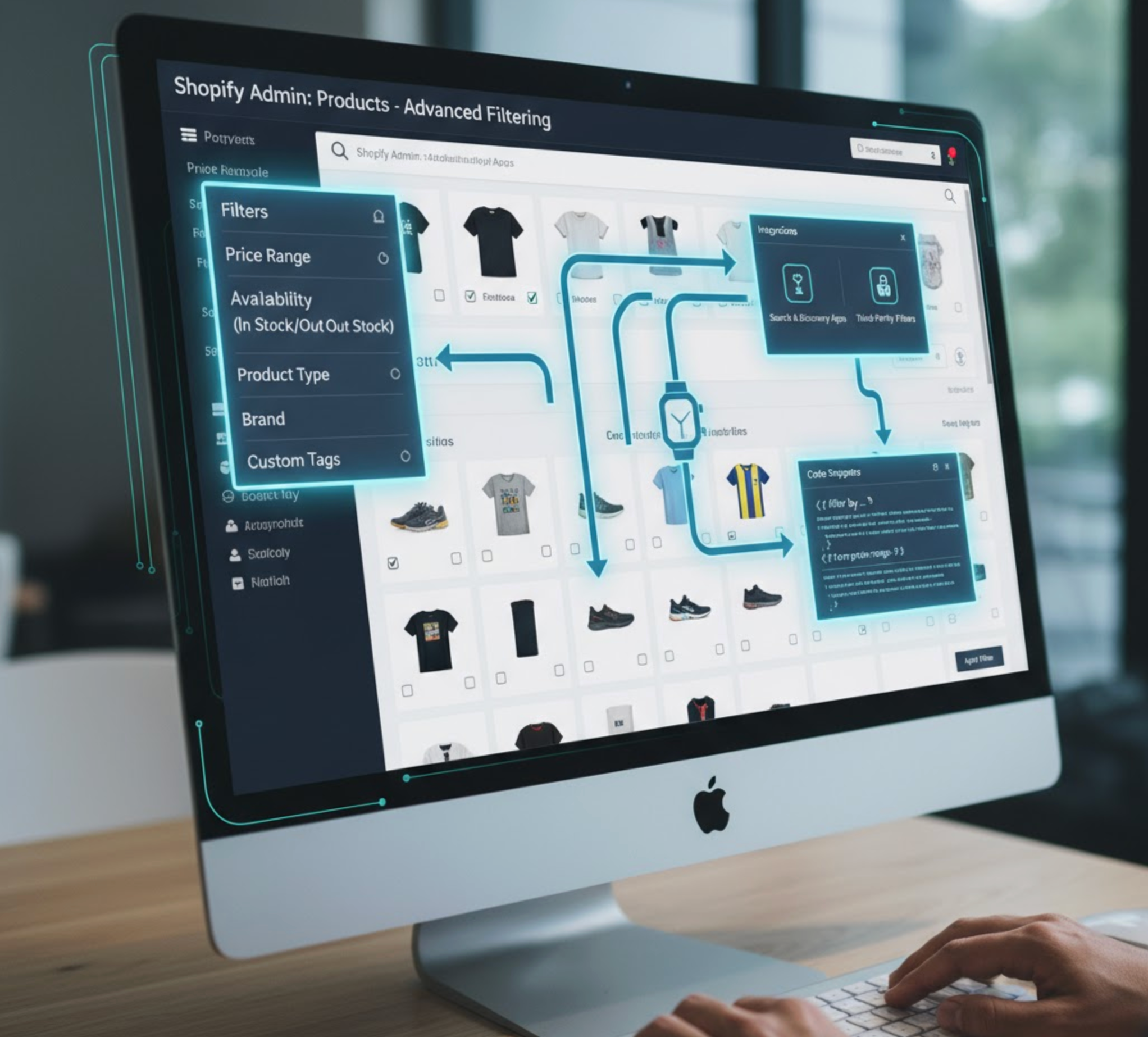
As your Shopify store grows, managing product discovery becomes one of the biggest challenges. Shoppers today expect fast, intuitive navigation, and if they can’t immediately find what they want, they leave. This is where advanced filtering plays a crucial role. With the right filtering setup, you can guide customers through your inventory effortlessly, help them compare products faster, and ultimately drive more conversions.
Advanced filtering is no longer reserved for large enterprise brands. Thanks to Shopify Online Store 2.0, metafields, and powerful filtering apps, any store can deliver a smooth and highly personalized browsing experience. In this detailed guide, I will show you how to add advanced filtering in your Shopify store, whether you sell fashion, electronics, beauty products, or unique custom items.
Shopify offers several options for adding advanced filtering, from built-in filtering tools to metafields and dedicated apps. The method you choose depends on your store size, product complexity, and design preferences.
Shopify’s default filtering system provides a powerful starting point. Built-in filters are perfect for stores that want clean, straightforward filtering without custom technical attributes. This is the first method you should try when you want to add filtering in your store, as it is:
In general, almost all premium Shopify themes, and Online Store 2.0 Shopify themes support built-in filters, for example Dawn, Refresh, Taste, Studio, Craft, etc. So you can activate core filters without installing any apps.
For stores that need specialized filtering, like electronics, automotive parts, or handmade products, metafields are essential. They let you define custom attributes beyond Shopify’s defaults. This option is best for medium to large stores or those selling specialized products requiring precise search criteria as:
With metafields, you can can store:
Now, let’s get started to create metafields for filtering.
If you want unmatched flexibility, multi-select filters, enhanced UI elements, or enterprise-level performance, apps are the most powerful filtering solution. They offer advanced features that Shopify’s built-in system cannot match. This method is great for stores with large numbers of products or complex catalog structures as it is:
Below are popular filtering apps for you to consider:
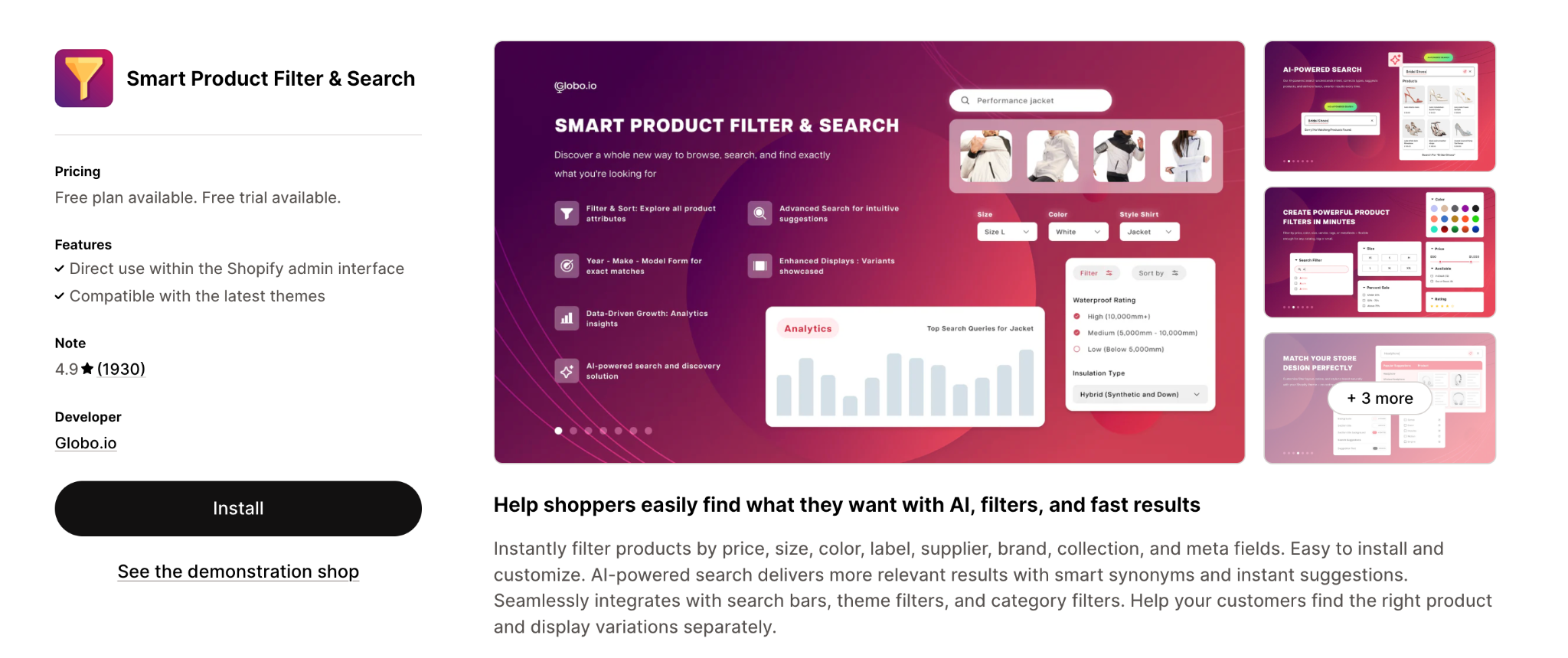
A highly customizable solution perfect for stores wanting clean, modern filter layouts.
Key benefits:
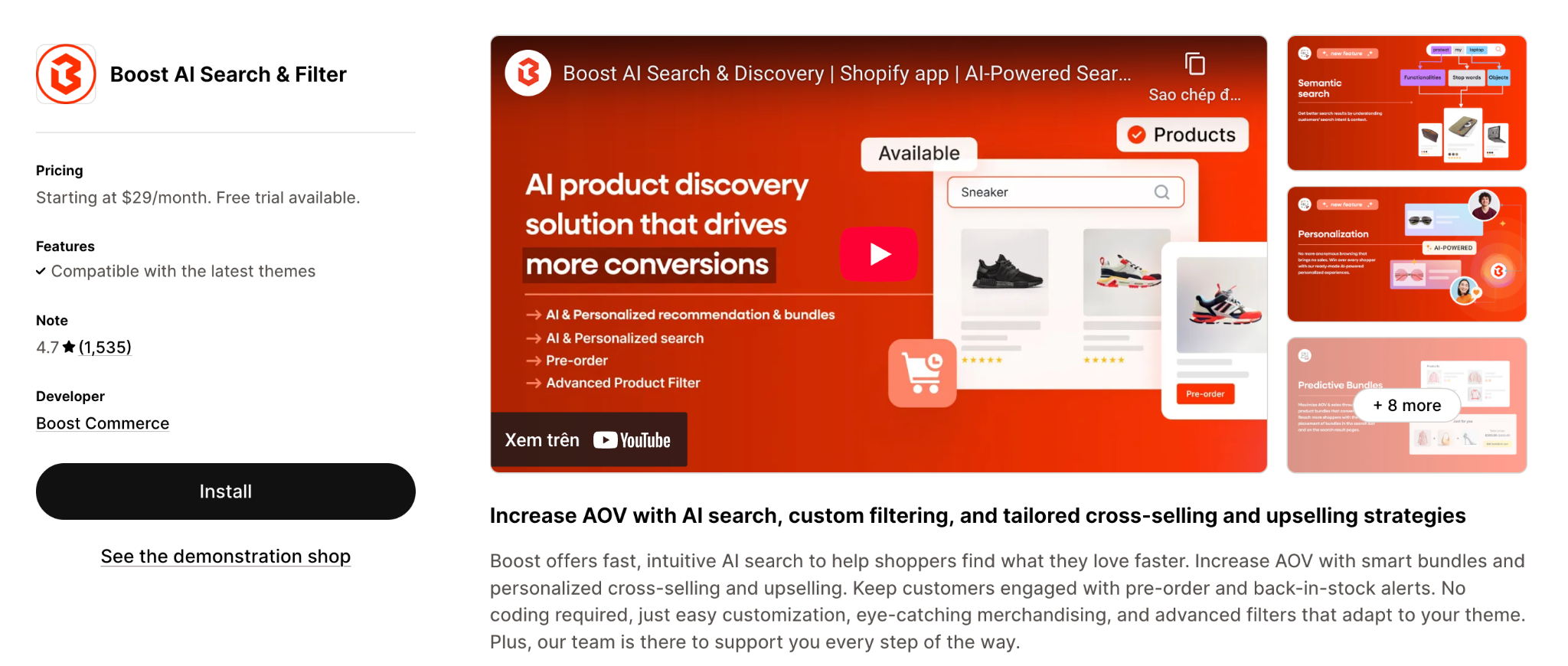
Ideal for enterprise-level merchants or stores with heavy traffic.
Key benefits:
A filter is only effective if it’s easy to use, visually clear, and mobile-friendly. Below are strategies for combining layout design with best practices in advanced filtering.
Sidebar filters:
Horizontal filters:
Visual cues reduce scanning time and increase user engagement.
Price sliders allow customers to define custom ranges instead of being limited to pre-set brackets. This improves satisfaction and helps capture budget-conscious shoppers.
Too many filters can confuse shoppers. Focus on the most impactful 6–10 criteria and remove outdated or low-value options. Clean, concise filters drive faster decisions and increase conversion.
Adding advanced filtering to your Shopify store is one of the most impactful ways to enhance product discovery, improve customer satisfaction, and increase conversions. Whether you rely on Shopify’s built-in filtering, create custom metafields, or use a dedicated app, the goal is to make product navigation as intuitive, fast, and visually clear as possible.
By combining smart layout choices, visual enhancements, mobile optimization, and clean filter design, you can guide your customers toward the products they want efficiently. A well-designed filtering experience not only reduces bounce rates but also improves trust, engagement, and overall store performance.




