 New to Shopify? Free trial, then $1/month for your first 3 months. Start free trial →
 Where is your store?
Ryviu works with both – pick yours to continue.








Your store’s navigation is more than just a menu, but it’s the backbone of your online shopping experience. A well-structured navigation helps customers find what they’re looking for quickly, guiding them toward the products that match their intent. But if your navigation isn’t aligned with how users actually browse, even the best-looking layout can lead to confusion and lost sales.
That’s why tracking and optimizing navigation click behavior is essential. By understanding which links attract attention, which ones are ignored, and how shoppers move through your store, you can design a smoother, more intuitive path that drives conversions.
In this guide, we’ll explore how to interpret click behavior data, identify what it reveals about your users, and apply it to optimize your Shopify navigation for maximum engagement and performance.
Optimizing navigation click behavior means that you need to track clicks and turn those insights into a smoother, more effective shopping experience. Your navigation is the first touchpoint that shapes how visitors explore your store, find products, and decide whether to stay or leave.
When you track how users click through your menu and your navigation is optimized based on real user behavior, you can:
With real behavioral insights, you move from guessing to designing a navigation system built around how your customers actually shop.
In short, optimizing click behavior allows you to design navigation that feels effortless for your customers, and strategically beneficial for your business.
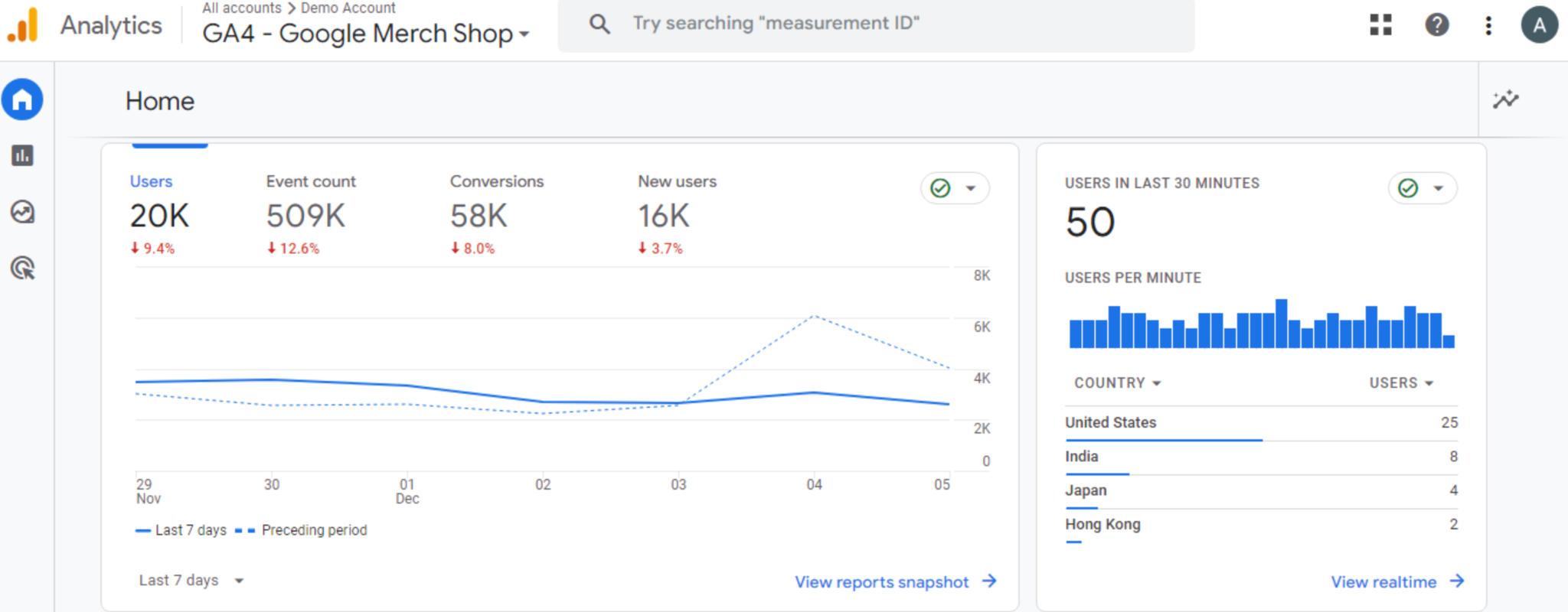
It’s easy to check navigation click behavior with analyzing tools. Once your tracking tools are in place, focus on analyzing the data that reveals user intent and experience. Don’t just look at how many clicks occur, look deeper into what those clicks mean.
By studying these patterns together, you’ll see where visitors lose momentum, where they stay engaged, and how to fine-tune the flow of your store’s navigation.
After interpreting your data, it’s time to turn insights into improvement. Optimization isn’t about drastic redesigns, but it’s about refining details to make your navigation intuitive, engaging, and conversion-driven.
Your goal is to guide shoppers effortlessly toward products they love, while minimizing friction or confusion.
Each small change should be tracked and reviewed. Gradual, data-backed improvements often lead to major boosts in usability and sales performance.
Once you’ve mastered the basics, go further with more advanced strategies:
Optimizing navigation click behavior means designing with purpose, guided by real data, not assumptions. When you combine insights from behavior analysis tools with thoughtful improvements, your Shopify store becomes easier to browse, more engaging, and far more effective at driving conversions.
A well-structured navigation isn’t just about design, it’s about understanding your customers and helping them find what they want, one intentional click at a time.




