 New to Shopify? Free trial, then $1/month for your first 3 months. Start free trial →
 Where is your store?
Ryviu works with both – pick yours to continue.








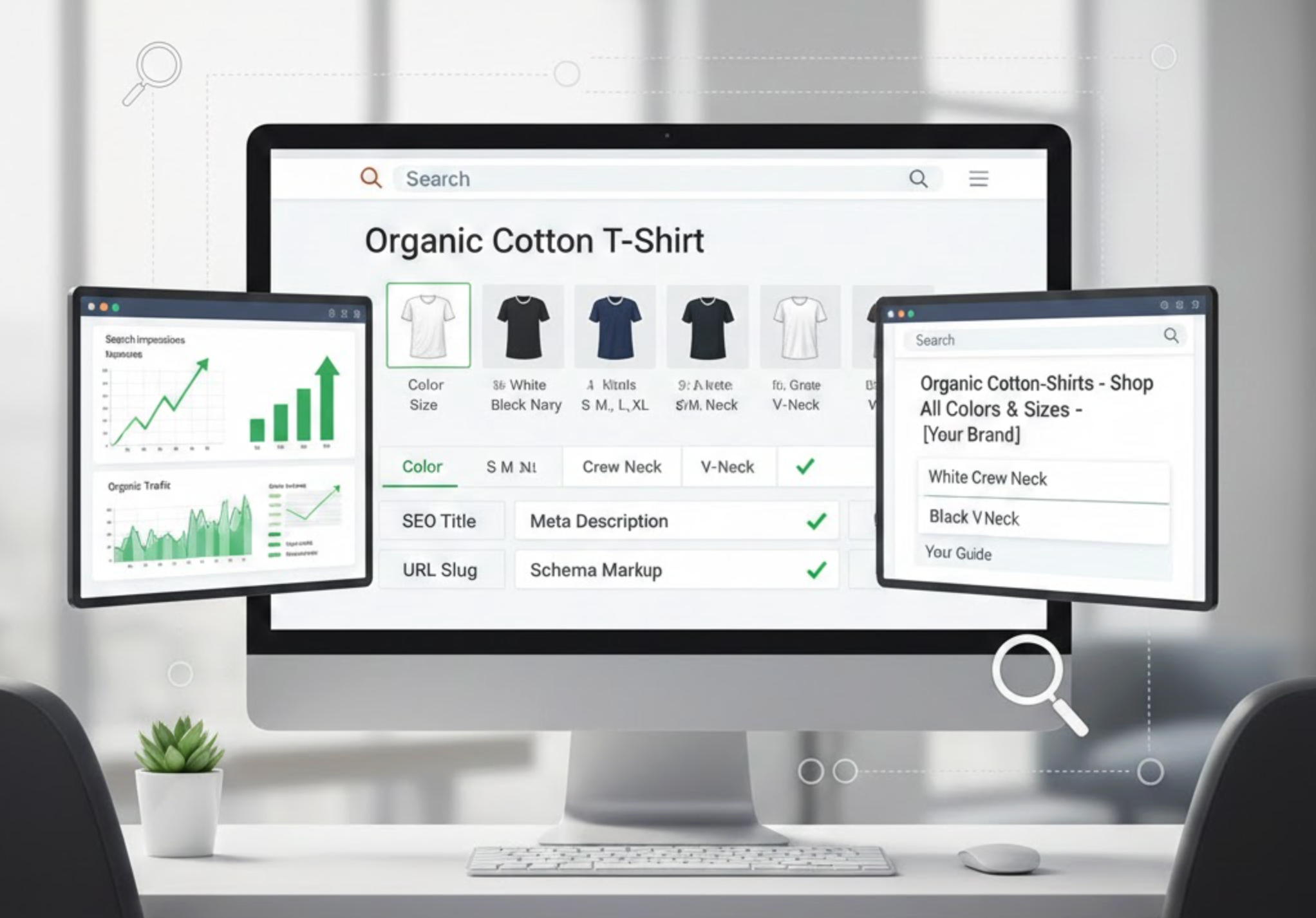
When managing an eCommerce store, one of the biggest SEO challenges is handling variant product pages, pages that feature the same product in different sizes, colors, or specifications. While variants improve user experience, they can also create SEO issues, such as duplicate content and diluted search visibility. Optimizing these pages effectively ensures your products are discoverable by search engines without harming rankings.
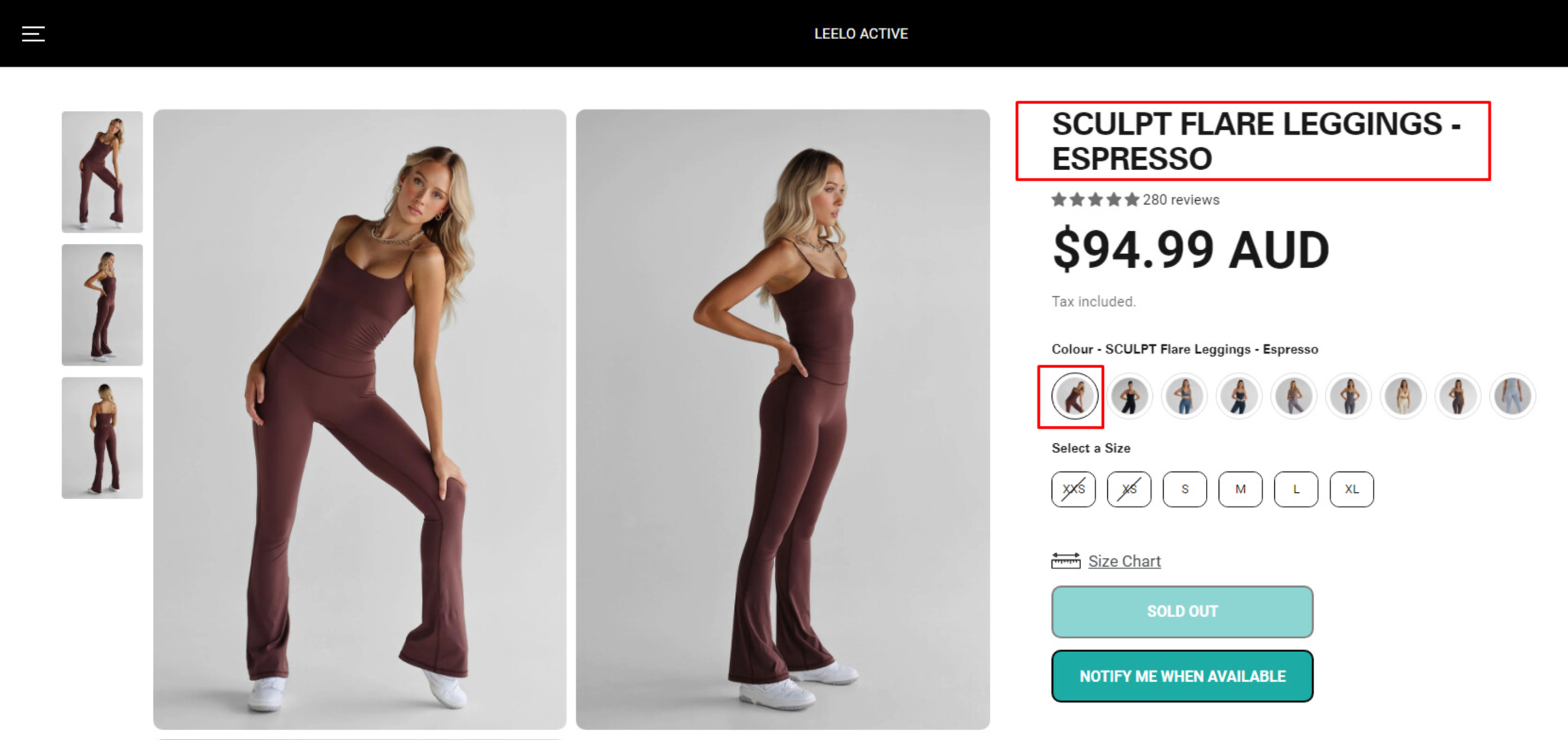
Variant product pages are individual product pages that display different versions of a single product. For example, a t-shirt may have variants for color (red, blue, green) and size (S, M, L, XL).
While these variants are essential for customer choice, they often lead to multiple URLs containing nearly identical content, which search engines may interpret as duplicate content. Without proper optimization, these pages may struggle to rank and even compete with one another in search results.
Optimizing variant pages is important because:
Optimizing variant product pages requires a careful approach to ensure search engines understand your products while giving customers a seamless experience. Each strategy below builds on the previous one, helping you address duplicate content, improve rankings, and enhance usability. Let’s explore these strategies in detail.
Duplicate content is a major SEO concern for variant pages, and if left unchecked, it can dilute your rankings. To avoid this, you need a clear signal telling search engines which page is the primary version. Canonical tags serve this purpose, allowing you to consolidate ranking signals while keeping variant pages accessible to users.
To put this strategy into action, follow these steps:
Example:
By implementing canonical tags, you prevent search engines from indexing every variant separately and maintain authority on the main page.
Once duplicate content is managed, the next step is to make each important variant distinguishable to both users and search engines. Customizing title tags and meta descriptions ensures that search engines understand the differences between variants while keeping them connected to the main product.
To apply this optimization effectively, follow these tips:
By tailoring meta information, you improve your chances of ranking for specific queries while guiding users toward the exact variant they want.
After titles and meta descriptions, structured data becomes a key tool to make your product pages more understandable for search engines. Adding schema markup for product variants allows search engines to read information such as price, availability, and reviews, which can enhance your appearance in rich snippets.
Here’s how you can implement structured data for variants:
With structured data in place, your product variants are more likely to appear with rich snippets, attracting more clicks and improving visibility in search results.
URLs are a subtle but powerful part of SEO. A clean, descriptive URL makes it easier for search engines to understand your page content and improves usability for shoppers navigating your site. Deciding whether to give each variant a separate URL or use query parameters is an important step in optimizing your store.
To optimize your URLs effectively, follow these recommendations:
Proper URL structure ensures that both search engines and users can navigate your product catalog effectively while consolidating SEO authority where it matters most.
Internal linking strengthens the relationship between variants and the main product page, improving crawlability and SEO value. Linking thoughtfully also creates a smooth navigation path for shoppers exploring different options.
To make internal linking effective, follow these best practices:
By linking variants strategically, you help both users and search engines discover all your product options efficiently.
Long-tail keywords are particularly valuable for variant pages, as they capture highly specific searches. By optimizing for these terms, your variants can rank for queries that the main product page might not.
To target long-tail keywords successfully, follow these steps:
Targeting long-tail keywords ensures your variant pages attract qualified traffic and improve conversions.
Finally, images play a crucial role in both SEO and user experience. Each variant should have unique, descriptive images to clearly show the differences and attract traffic from visual search.
To optimize images effectively, take these actions:
Optimized images not only help customers make informed choices but also give your variant pages additional visibility in Google Image Search.
Even with careful planning, many eCommerce stores unintentionally make mistakes when optimizing variant product pages. These errors can lower search visibility, confuse potential customers, and weaken your overall SEO efforts. By recognizing these common pitfalls and addressing them proactively, you can improve both your rankings and user experience. Let’s take a closer look at the most frequent mistakes and how to fix them.
One of the most common mistakes is allowing every variant page to be indexed individually. This often results in duplicate content, which can confuse search engines and dilute your ranking potential. When variants compete with each other instead of consolidating authority, your main product page may lose visibility. To prevent this, implement canonical tags on all variant pages to signal which URL should be considered the primary page. By doing this, search engines consolidate ranking signals and your main product page maintains its SEO strength.
Many stores use the same meta titles and descriptions for every variant, missing a chance to capture long-tail keywords. Search engines may not understand the differences between variants, and users are less likely to click if the result looks generic. To address this, customize meta tags for important variants, highlighting their unique features such as color, size, or material. Crafting distinct titles and descriptions not only improves search visibility but also encourages higher click-through rates from potential customers.
Reusing the same image for every variant can confuse shoppers and reduce engagement. It also limits the opportunity to rank in Google Image Search for variant-specific queries, which can be a valuable source of traffic. The solution is to provide high-quality, unique images for each variant, and use descriptive filenames and alt text. Doing this ensures customers clearly see the differences between variants and increases the likelihood of attracting traffic through visual search.
Automatically generated URLs with long parameters or messy structures can negatively impact both SEO and user experience. Confusing URLs make it harder for search engines to determine which pages to index and can discourage users from clicking through. Keep your URLs simple, descriptive, and consistent with your product naming. When minor variations exist, use canonical tags to point to the main page, which helps preserve ranking authority while still offering variant options.
Failing to link between variants can leave some pages under-indexed and make it difficult for search engines to understand the relationships between your product options. It also creates a frustrating experience for users who want to explore other colors, sizes, or configurations. Internal linking guides both search engines and visitors through your catalog, distributes link equity, and improves discoverability of all variant pages. Make sure to add clear, descriptive links from the main product page to each variant and back, creating a smooth navigation flow.
Optimizing variant product pages is crucial for eCommerce SEO. By consolidating duplicate content, customizing titles and meta descriptions, implementing structured data, refining URLs, leveraging internal linking, targeting long-tail keywords, and optimizing images, you can maximize search visibility and organic traffic without sacrificing the user experience. Properly optimized variant pages not only improve rankings but also increase the likelihood of conversions, making them a win-win for both SEO and sales.




