 New to Shopify? Free trial, then $1/month for your first 3 months. Start free trial →
 Where is your store?
Ryviu works with both – pick yours to continue.









Bounce rate is one of the most important metrics that reveals how customers interact with your online store. A high bounce rate means shoppers arrive, look around briefly, and leave without taking any meaningful action. This usually indicates that something about the user experience isn’t meeting their expectations, whether it’s slow page speed, poor layout, unclear messaging, or a lack of trust signals.
Lowering your bounce rate improves engagement, increases browsing time, and ultimately boosts conversions. The key is ensuring that every visitor instantly understands your value and feels motivated to explore further. Below are the most effective strategies to reduce bounce rate on your Shopify store, with detailed explanations on how each contributes to a smoother buying journey.
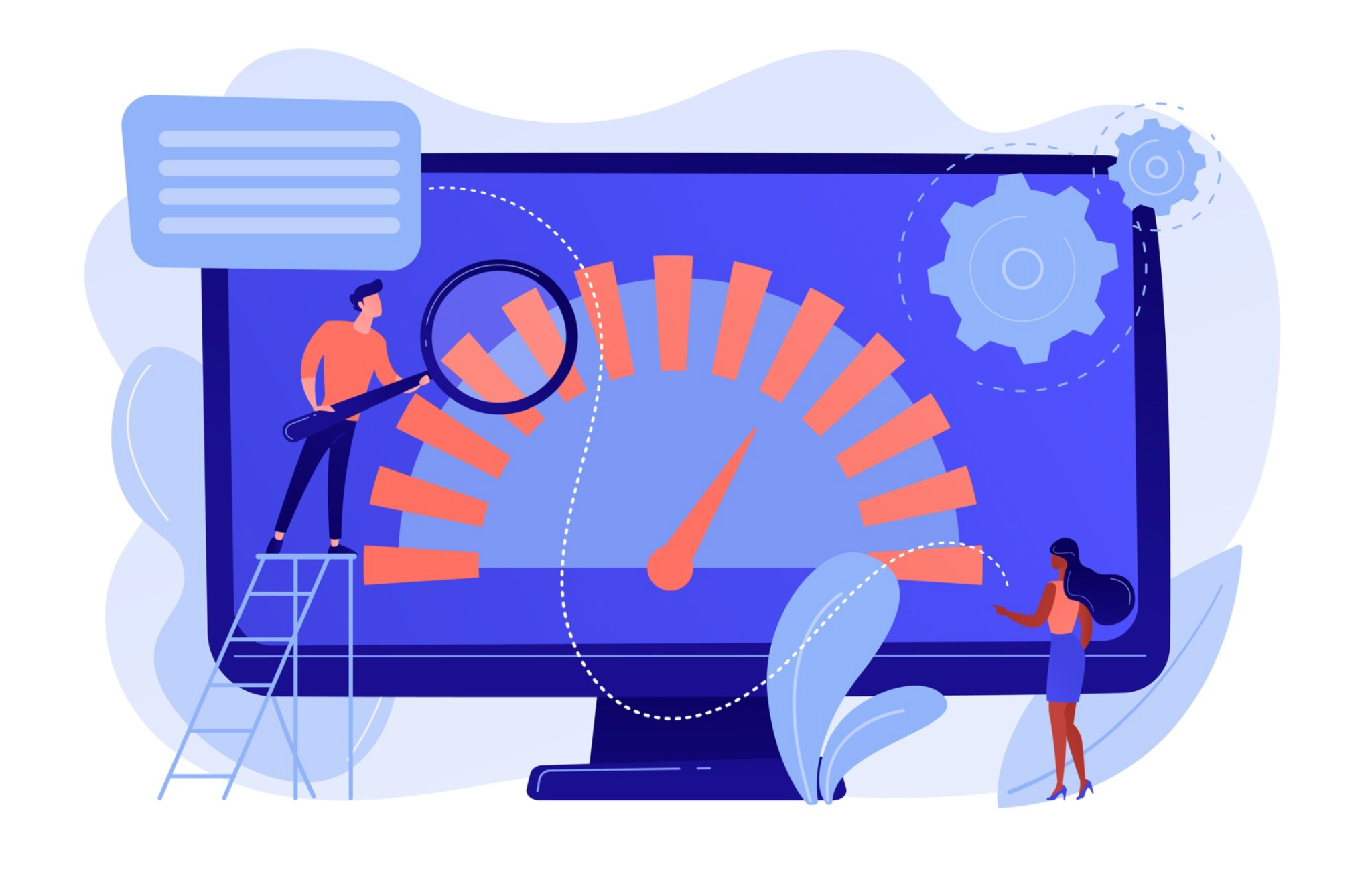
Page speed directly influences first impressions. If your Shopify store takes too long to load, customers often abandon it before seeing any products. Modern shoppers expect instant results, and even a one-second delay can impact engagement.
To improve your speed:
With faster loading times, visitors are far more likely to stay, browse, and interact with your content instead of bouncing back to search results.
Your hero section is the first place shoppers look. When messaging is unclear or the layout is cluttered, users fail to grasp what your store offers, leading to immediate exits.
To build a powerful hero section:
A well-designed hero section sets expectations instantly, reassures shoppers that they’ve landed in the right place, and encourages them to continue exploring instead of leaving.
Confusing navigation is one of the biggest contributors to bounce rate. When customers can’t quickly find what they want, they tend to exit rather than sift through complex menus.
To simplify navigation:
Streamlined navigation makes your store easier to use, reduces friction, and leads visitors into deeper levels of your site, bringing bounce rate down.
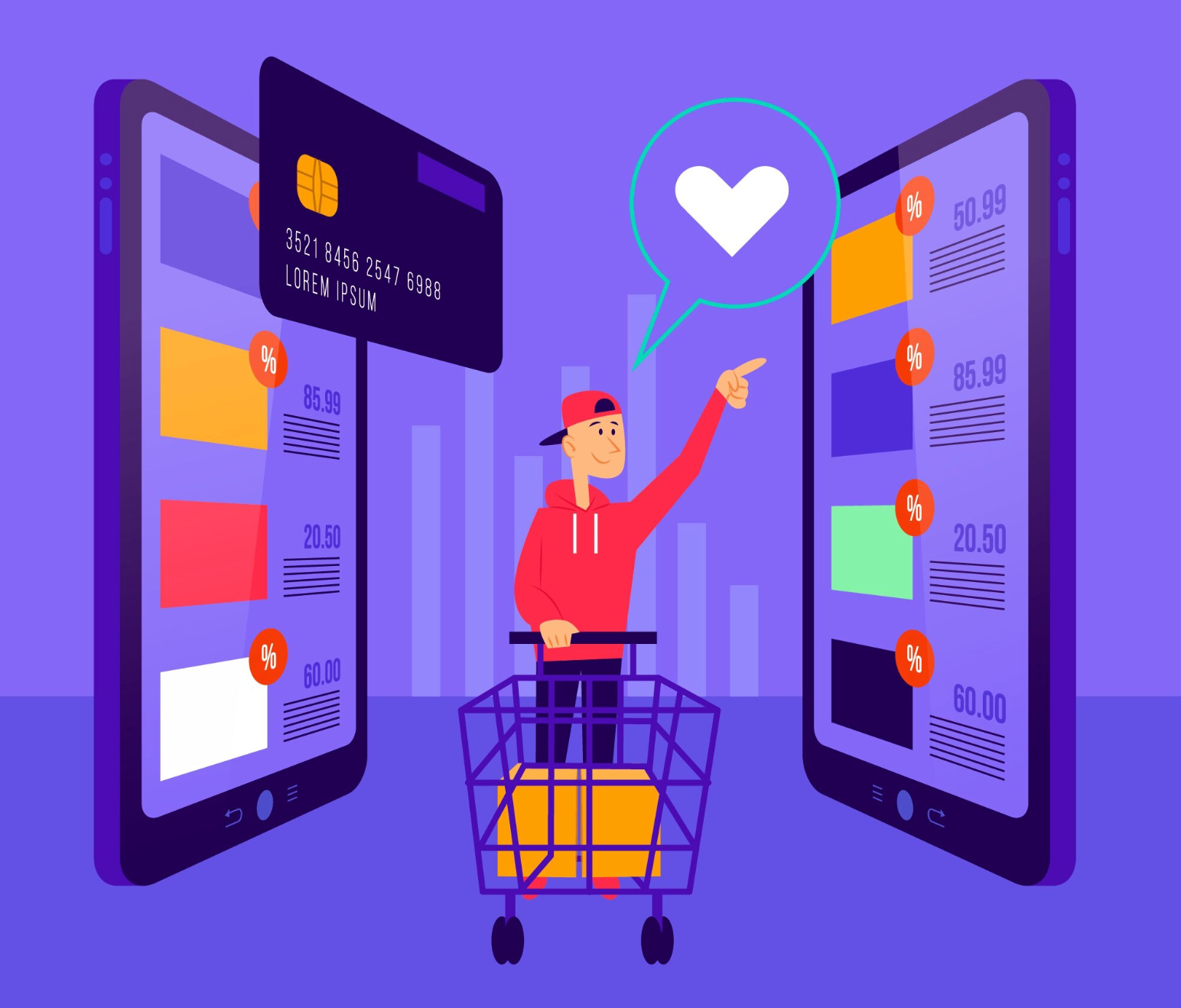
Since most Shopify traffic comes from mobile devices, your store must deliver a smooth, intuitive mobile experience. Even small usability issues on smaller screens can frustrate shoppers and push them to leave.
To enhance mobile usability:
A mobile-focused design ensures that your store feels fast, easy, and enjoyable to browse on any device, dramatically decreasing bounce rate among mobile users.
Product pages are often where bounce rate becomes most visible. Many customers arrive directly from ads or search results and decide within seconds whether the page meets their expectations.
To optimize product pages:
A compelling product page keeps visitors engaged, answers their concerns, and encourages them to explore more items or add to cart.
Unclear shipping information is one of the top reasons customers leave a website. Visitors want to know costs and delivery times before committing to any action.
You can improve this by:
The more clarity you provide upfront, the lower the risk that shoppers bounce due to uncertainty.
Many Shopify bounce issues happen because customers feel misled. When the landing page doesn’t match what the ad promised, shoppers exit instantly.
Always ensure:
Consistent messaging builds trust and reduces confusion, which significantly improves bounce rate.
Interactive visuals can keep visitors engaged longer and make your store feel more informative and premium. This encourages users to stay instead of bouncing.
Effective visual enhancements include:
These elements create immersive shopping experiences and reduce bounce rate by keeping customers engaged longer.

Exit-intent popups can help capture interest at the last moment, but only when used correctly. If they appear too early or too aggressively, they may frustrate visitors and push them away.
Well-crafted exit popups can:
Used thoughtfully, these popups can decrease bounce rate by re-engaging users before they leave.
Many customers bounce because they’re unsure whether your store is legitimate. Building trust right away helps eliminate hesitation.
You may include the following trust signals in your store:
When visitors trust your store, they are more comfortable exploring and staying longer.
Understanding how users behave in your store is crucial to reducing bounce rate. Analytics reveal exactly where shoppers lose interest.
Heatmap tools like Hotjar or Lucky Orange show:
Using these insights, you can refine your layout, reposition CTAs, remove distracting elements, and improve overall usability. Real data leads to real improvement in bounce rate.
Once visitors land on one page, guiding them to additional products helps keep them engaged.
Popular ways to encourage exploration include:
The more paths visitors have to continue browsing, the lower the chance they bounce after seeing a single page.
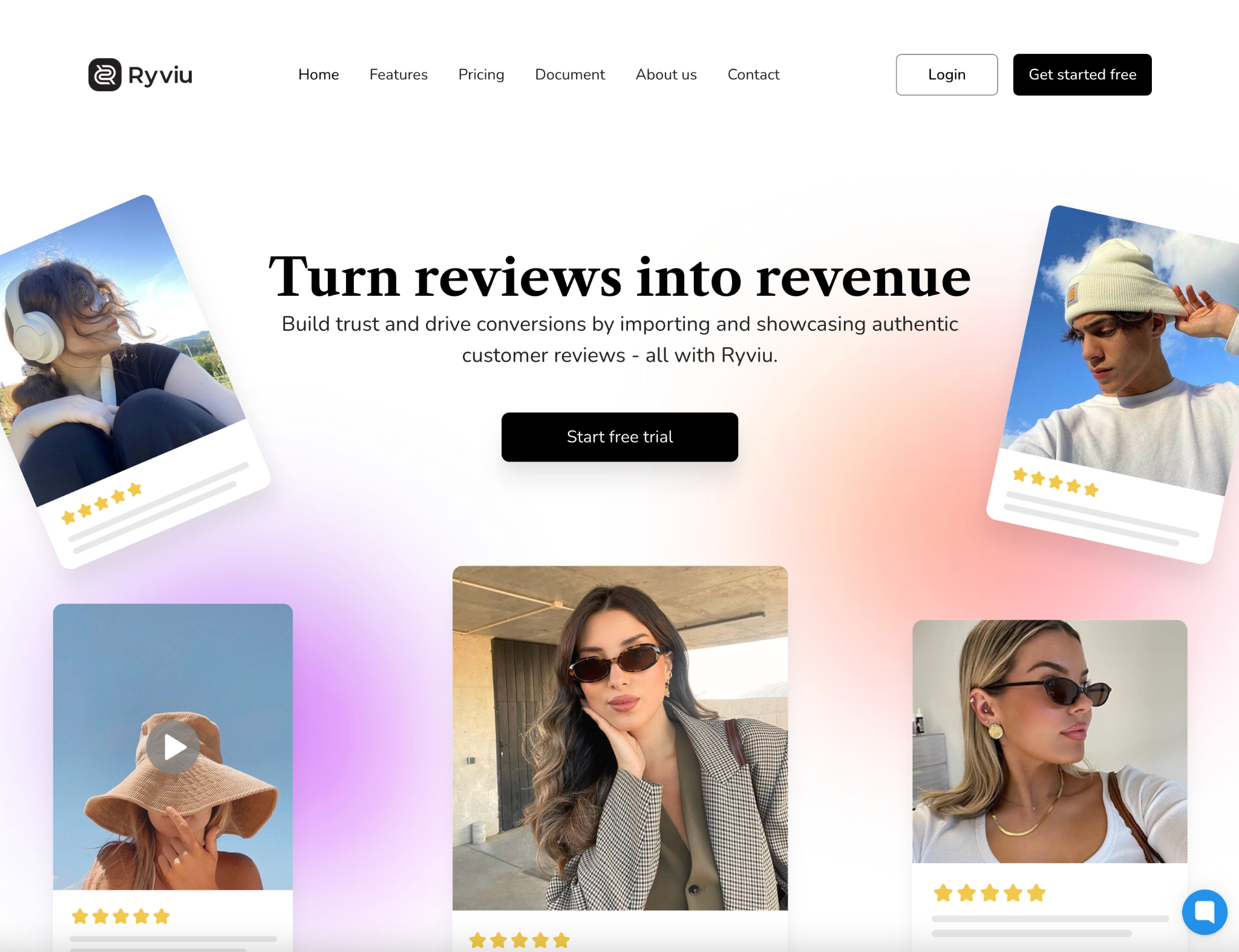
Ryviu plays a powerful role in reducing bounce rate by enhancing trust, improving product page quality, and increasing engagement. Many customers leave a Shopify store simply because they don’t see enough social proof or authentic information to trust the brand. Ryviu solves this by showcasing real experiences and compelling visuals.
Here’s how Ryviu helps lower bounce rate:
Ryviu allows you to import and display verified reviews with photos and videos. When new visitors see real feedback immediately, their confidence increases. This makes them far more likely to continue browsing instead of leaving.
Star ratings appear on:
These ratings create instant trust signals the moment visitors land on your store, reducing uncertainty and encouraging them to click deeper into your site.
UGC is one of the strongest forms of social proof. Ryviu’s photo and video reviews help customers see real-life results, which enhances credibility and reduces hesitation.
Ryviu provides customizable, mobile-friendly review widgets that look clean, modern, and professional. Attractive visuals and structured content keep visitors scrolling longer, lowering bounce rate.
Ryviu includes a question-and-answer feature where customers can view common concerns and clear responses. This reduces friction, answers doubts instantly, and keeps shoppers engaged.
Ryviu widgets load quickly and won’t slow down your site, an essential factor in preventing bounce rate caused by slow pages.
Overall, Ryviu increases trust, boosts product credibility, and encourages deeper engagement. When customers feel confident and informed, they naturally stay longer and explore more pages.
Reducing bounce rate is all about delivering a fast, intuitive, trustworthy, and engaging shopping experience from the first second a visitor arrives. By improving page speed, simplifying navigation, optimizing product pages, and using trust-building strategies, your Shopify store becomes more appealing and user-friendly.
Tools like Ryviu further enhance this experience by adding authentic reviews, photo and video proof, Q&A sections, and star ratings, powerful elements that build trust instantly and reduce bounce-causing uncertainty.
With the right improvements in place, visitors stay longer, interact more, and ultimately convert at a much higher rate.




