 New to Shopify? Free trial, then $1/month for your first 3 months. Start free trial →
 Where is your store?
Ryviu works with both – pick yours to continue.








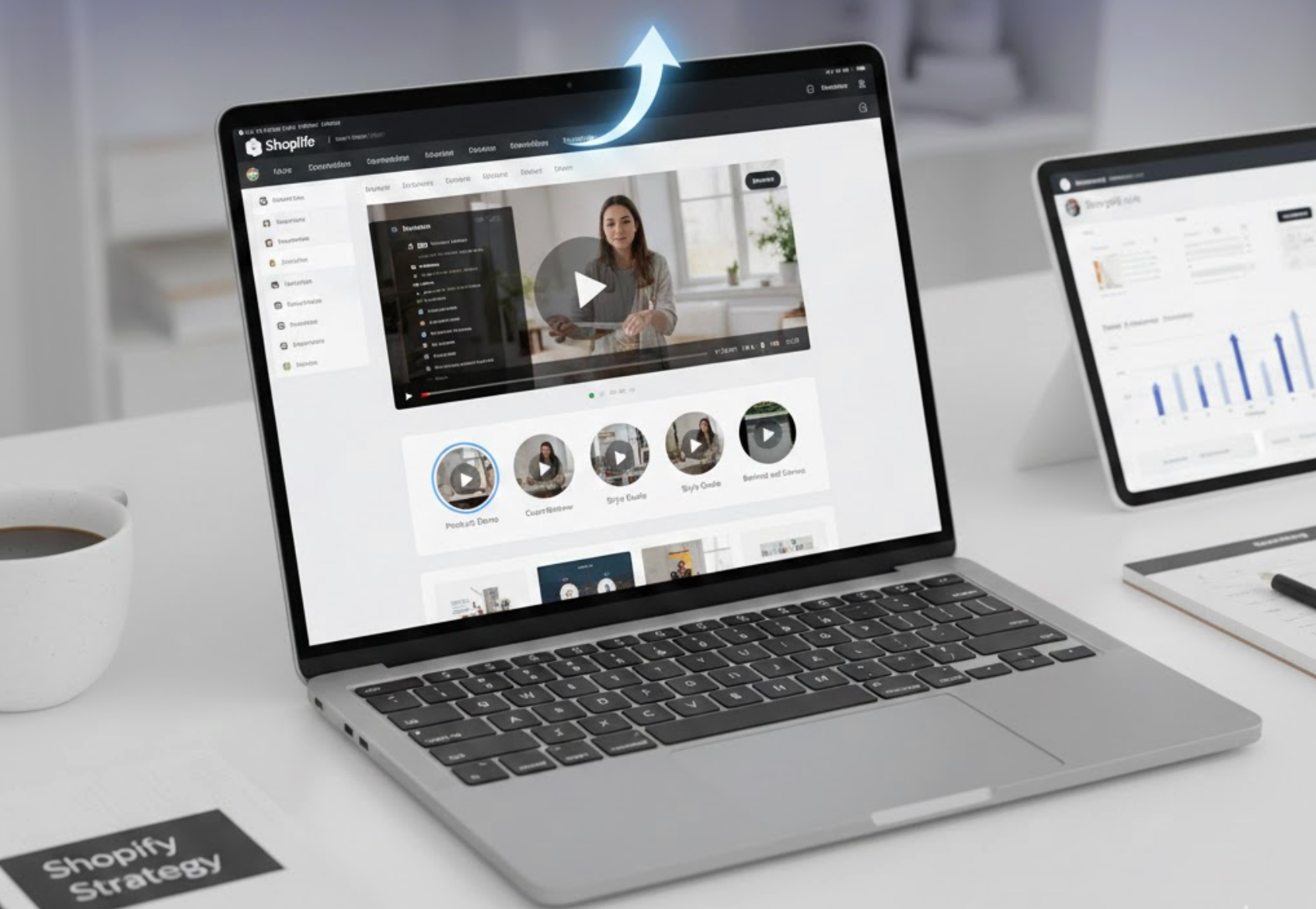
As eCommerce competition continues to grow, simply listing products with images and text is no longer enough to capture and hold customer attention. Today’s online shoppers want clarity, reassurance, and immersive experiences before they commit to a purchase. This is why video content has become one of the most effective engagement tools in Shopify stores.
However, placing videos randomly across a product page can quickly lead to clutter and distraction. This is where video tabs come in. By organizing videos into dedicated, clickable tabs, merchants can deliver rich visual content while keeping the product page clean, structured, and easy to navigate. In this article, we’ll explore what video tabs are, why they work so well, and how to use them strategically to increase engagement, trust, and conversions in your Shopify store.
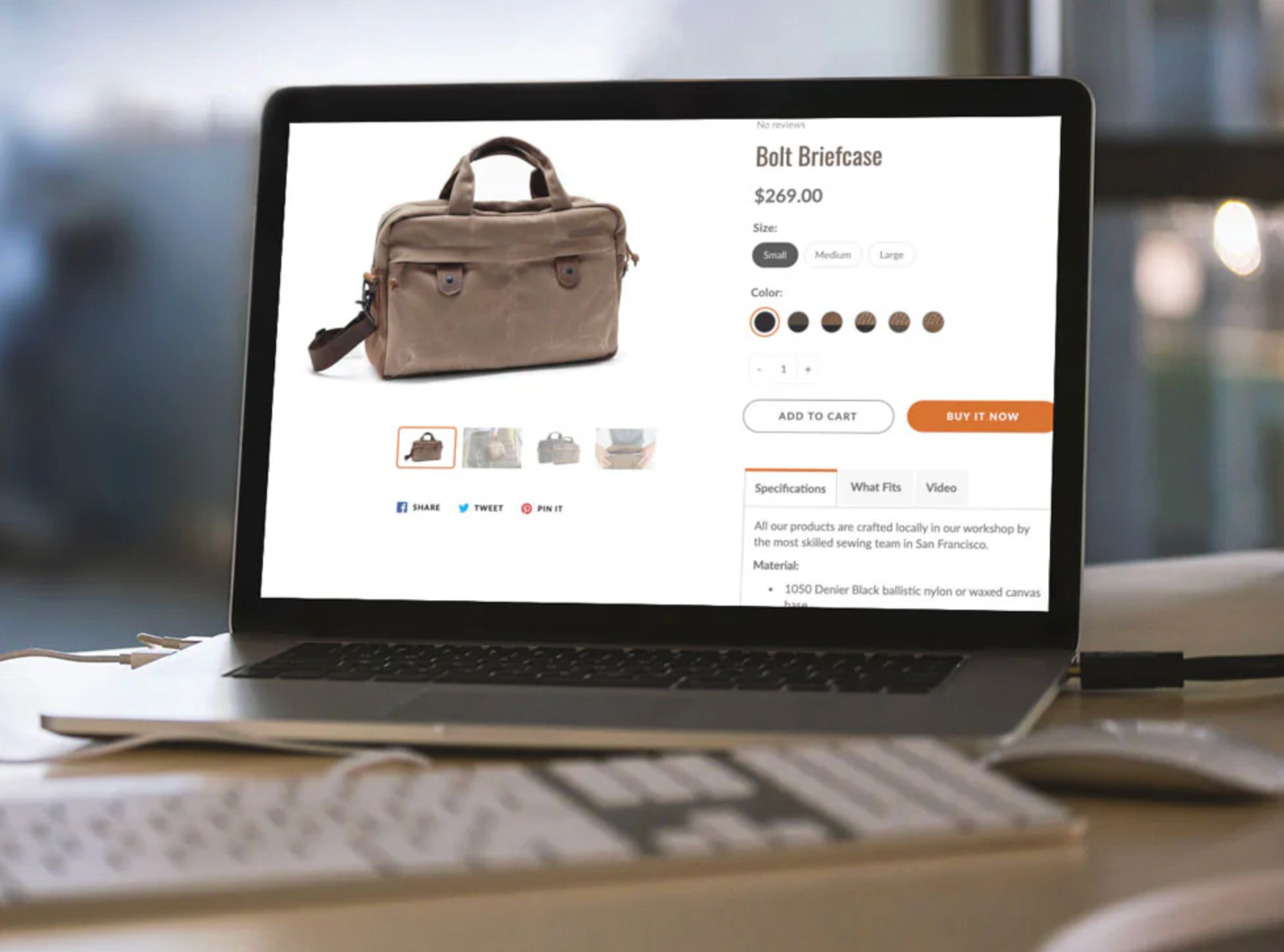
Video tabs are structured content sections within a product page that house video content inside a tabbed layout. Instead of embedding videos directly into the main product description or gallery, videos are placed inside a labeled tab that shoppers can open when they want more visual information.
Typically, video tabs appear alongside other familiar tabs such as Product Description, Specifications, Reviews, or FAQs. This layout gives customers control over how they explore your content, allowing them to focus on what matters most at each stage of their decision-making process.
More importantly, video tabs help merchants balance content depth with visual clarity. You can provide detailed explanations, demonstrations, or storytelling without overwhelming visitors as soon as the page loads. As a result, shoppers feel guided rather than pressured, which leads to better engagement and more confident buying decisions.
Understanding why video tabs work is essential before deciding how to implement them. Their effectiveness lies in both psychology and usability.
Shoppers process visual information far more quickly than written content. While text requires effort to read and interpret, videos deliver information almost instantly. When visitors see a clearly labeled video tab, it acts as an invitation to learn more with minimal effort.
As a natural transition from browsing images to exploring details, video tabs help shoppers absorb product value without feeling like they are “reading a sales page.” This smoother experience keeps them engaged longer and reduces friction during the evaluation phase.
Once a shopper clicks on a video tab, they are more likely to stay on the page to watch the content. Even short videos can significantly increase session duration, especially when paired with supportive text or follow-up information.
This extended interaction signals to search engines that your page is valuable and relevant. At the same time, it gives customers more opportunities to connect emotionally with the product, which often leads to higher add-to-cart rates.
One of the biggest obstacles in eCommerce is uncertainty. Customers can’t touch, feel, or test products online, so they rely on visual cues to make judgments. Video tabs help bridge this gap by showing the product in real-life scenarios.
By seeing how a product looks, moves, or functions, shoppers gain reassurance. This reduces hesitation, answers unspoken questions, and minimizes the fear of making the wrong purchase, especially for higher-priced or technical items.
While videos are powerful, too many visual elements can overwhelm users. Tabs solve this problem by organizing content into logical sections. Instead of forcing everyone to watch a video immediately, tabs allow users to opt in when they’re ready.
This approach is especially important for mobile users, where screen space is limited. A clean, tab-based layout ensures that videos enhance the experience rather than disrupt it.
While video tabs don’t directly affect search rankings, they influence several key engagement metrics. Increased time on page, reduced bounce rates, and higher user satisfaction all contribute to stronger SEO performance over time.
Additionally, videos hosted on external platforms can appear in search results, creating another entry point to your product pages. When combined with well-structured tab content, this approach enhances both visibility and usability.
Not all videos serve the same purpose. Choosing the right type of video for your tabs can significantly impact engagement and conversions.
Product demo videos focus on showing how an item works in real conditions. These videos highlight core features, functionality, and usability, making them ideal for electronics, tools, beauty products, or apparel.
By placing demos in a video tab, you allow shoppers to dive deeper once they’ve reviewed the basics. This transition from curiosity to understanding often marks the point where purchase intent becomes stronger.
Some products require explanation before use. Setup or instructional videos address this need proactively. When customers see that support is readily available, they feel more confident about buying, even if the product seems complex.
Over time, these videos also reduce customer support inquiries, since common questions are answered directly on the product page.
Written reviews are valuable, but video testimonials add an extra layer of authenticity. Seeing real people talk about their experience helps humanize your brand and strengthens social proof.
Placing testimonial videos inside a dedicated tab keeps them accessible without competing visually with product details. This way, trust-building content supports the decision-making process rather than interrupting it. To encourage clients to leave video reviews, you can ask them using Ryviu app.
Lifestyle videos focus less on features and more on emotion. They show how a product fits into a customer’s daily routine or reflects a particular lifestyle. These videos are especially effective for fashion, wellness, home decor, and lifestyle brands.
When used in video tabs, they act as a storytelling layer that complements technical information found elsewhere on the page.
Once you understand the value of video tabs, the next step is implementation. Fortunately, Shopify offers several flexible ways to add them.
Many modern Shopify themes include built-in support for custom tabs. With these themes, you can easily create a new tab labeled “Product Video” or “Watch Demo” and embed a video using a link or HTML block.
This option works well for small to medium stores that want a quick setup without technical complexity. It also ensures consistency across products with minimal effort.
For stores that require more control, custom product tabs offer greater flexibility. You can create multiple tabs, assign them to specific products, and customize their content independently.
This approach is ideal if your catalog includes products with different video needs, such as demos for some items and tutorials for others. It also allows you to reuse tab structures across collections, ensuring a consistent user experience.
For larger stores, Shopify metafields provide a scalable solution. By assigning video URLs through metafields, you can dynamically display product-specific videos without editing templates manually.
This method is particularly useful for SEO-focused stores, as it allows content to remain structured and manageable as your catalog grows.
Simply adding video tabs isn’t enough. To maximize their impact, they must be used thoughtfully.
Attention spans are short. Each video should have a clear purpose and deliver value quickly. Avoid unnecessary intros and focus on the most important information within the first few seconds.
Tab titles should communicate value immediately. Labels like “See It in Action” or “How It Works” encourage clicks far more effectively than vague wording.
Since a large portion of Shopify traffic comes from mobile devices, ensure your videos load quickly and display correctly on smaller screens. Smooth playback is essential to maintaining engagement.
Video tabs should appear early in the tab sequence, ideally after the product description. This placement ensures visibility while still allowing shoppers to explore at their own pace.
Adding short explanatory text above or below the video improves clarity and accessibility. It also reinforces key points for users who prefer reading over watching.
To evaluate success, track metrics such as:
Over time, these insights will help you refine video content and placement for even better results.
Video tabs offer a smart, user-friendly way to enrich Shopify product pages without sacrificing clarity or performance. By organizing visual content into structured sections, you guide shoppers through a more engaging, informative, and confidence-building journey.
When used strategically, video tabs don’t just enhance engagement, they actively support conversions, reduce hesitation, and create a shopping experience that feels both modern and trustworthy.




