 New to Shopify? Free trial, then $1/month for your first 3 months. Start free trial →
 Where is your store?
Ryviu works with both – pick yours to continue.








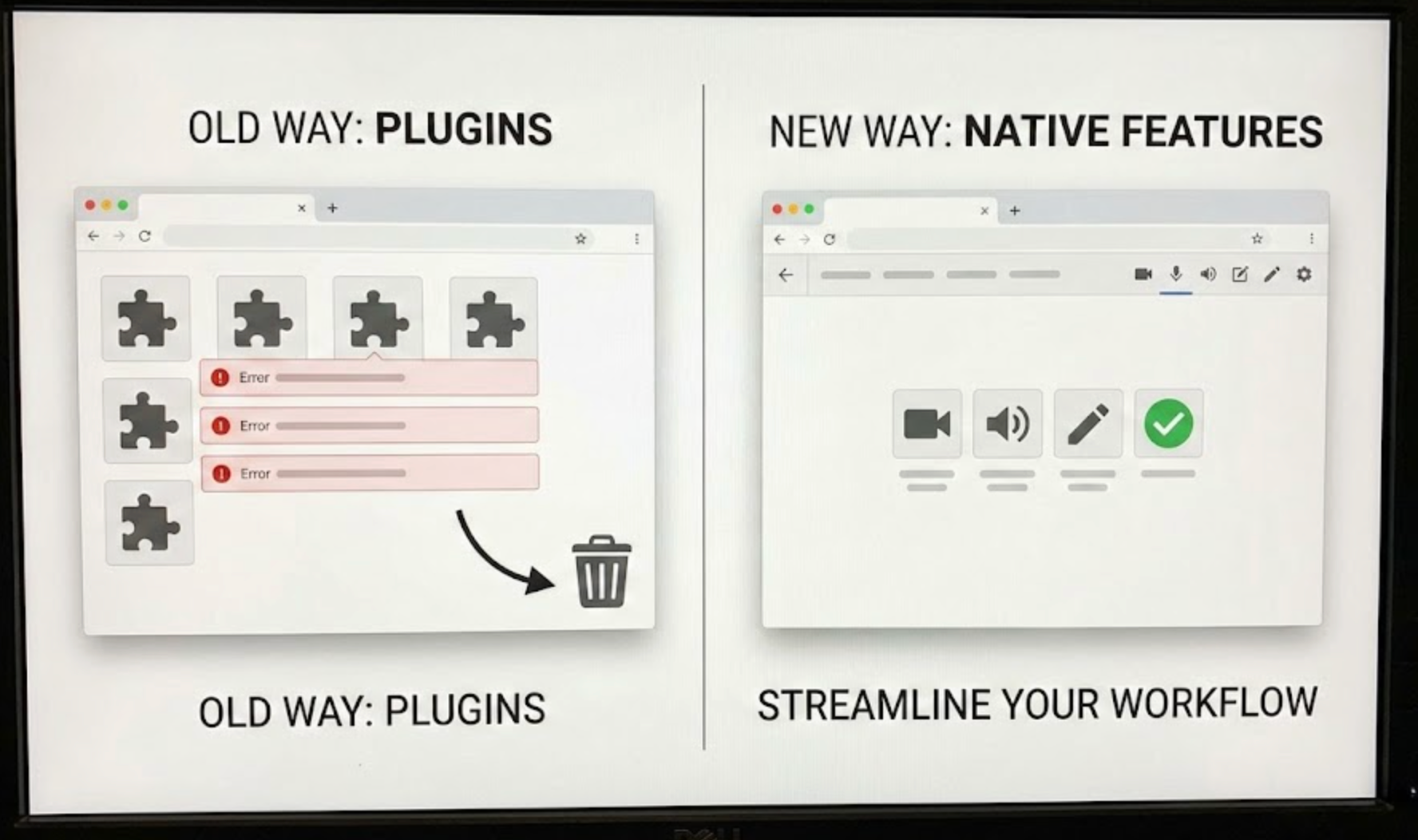
Plugins have long been the go-to solution for extending website and ecommerce platform functionality. They allow businesses to add features quickly without waiting for platform updates or investing in custom development. From SEO tools and review apps to analytics and automation, plugins often help teams move fast and experiment freely.
However, as platforms mature, many once-essential plugins become less necessary. Core platforms continuously release native features that overlap with, or fully replace, popular third-party tools. At this stage, merchants and site owners face an important question: When does it make sense to replace plugins with native features instead of continuing to rely on external tools?
Understanding the right timing and reasoning behind this decision can help improve performance, reduce risk, and simplify long-term maintenance.
To make an informed decision, it’s important to clearly understand how plugins and native features differ in structure, responsibility, and long-term impact.
Plugins are third-party extensions developed outside the core platform. They are designed to fill functional gaps, introduce innovation, or solve niche problems. Because plugins are built independently, they often evolve quickly and offer advanced customization options. However, they also rely on separate codebases, update schedules, and support systems.
Native features, by contrast, are built and maintained directly by the platform’s core development team. These features are designed to align with the platform’s architecture, user interface, and long-term roadmap. As a result, they tend to integrate more smoothly with existing workflows and receive automatic support during system updates.
While plugins excel at flexibility and speed, native features typically prioritize stability, consistency, and performance. This distinction becomes increasingly important as a website or store grows.
As your business evolves, certain signals indicate that a plugin may no longer be the most efficient solution. Recognizing these signs early can help prevent unnecessary complexity.
One of the most common triggers for replacement is when the platform introduces a built-in feature that overlaps with a plugin’s core purpose. Native solutions are often designed to handle the most common use cases efficiently, even if they lack some advanced options.
At this point, continuing to use a plugin may result in duplicated functionality. Transitioning to a native feature can reduce dependency on third-party code while ensuring better compatibility with future platform updates.
As traffic increases, the performance cost of plugins becomes more visible. Some plugins load additional JavaScript, CSS, or make external API calls that slow down page rendering.
When performance optimization becomes a priority, native features usually offer a lighter and more efficient alternative. Because they are deeply integrated into the platform, native tools often consume fewer resources and reduce page load times.
Every plugin introduces a maintenance responsibility. If a plugin is slow to update, frequently causes conflicts, or lacks clear documentation, it can become a liability.
Native features are tested alongside platform releases, which significantly reduces compatibility issues. When plugin maintenance starts consuming time or causing instability, it may be safer to rely on built-in solutions.
Many plugins use tiered pricing based on usage, orders, or traffic. What once seemed affordable can become expensive as your store grows.
If a native feature offers comparable functionality without recurring fees, replacing the plugin can improve cost efficiency while maintaining essential capabilities.
Replacing plugins with native features is not just about reducing tools, but it often leads to meaningful operational improvements.
Native features are optimized to work within the platform’s core architecture. They typically load faster, reduce server overhead, and minimize the risk of feature conflicts.
This results in a smoother experience for both administrators and customers, especially during high-traffic periods.
Each plugin adds another potential entry point for security vulnerabilities. Outdated or poorly maintained plugins are common targets for attacks.
Native features benefit from centralized security audits, regular patches, and official support, making them inherently safer in most cases.
Fewer plugins mean fewer dashboards, settings, and update reminders. Native tools are usually integrated directly into existing admin panels, which simplifies daily management.
Over time, this streamlined setup reduces cognitive load and allows teams to focus more on growth rather than maintenance.
Despite the benefits of native features, replacing plugins is not always the best choice. In some situations, plugins remain the superior option.
Native features often prioritize simplicity and broad usability. If your business relies on complex rules, advanced segmentation, or deep customization, a plugin may offer capabilities that native tools cannot yet match.
In these cases, the flexibility of a plugin justifies its continued use.
Some plugins act as bridges between your platform and external services such as CRMs, ERPs, or marketing systems. Replacing them with native features may disrupt existing workflows or require costly redevelopment.
If a plugin is deeply embedded in your operations, replacing it should only be considered if a clear and reliable alternative exists.
Deciding whether to replace a plugin should be a deliberate process, not a reaction to a single issue or update. A structured evaluation helps ensure that the switch improves your system rather than introducing new limitations or risks. By looking at both technical and business factors, you can make a decision that supports long-term growth.
With this in mind, a clear comparison between the plugin and the native feature will reveal whether the transition is truly beneficial:
Replacing a plugin is not just a technical change, but it can directly affect user experience and business operations. A careful, step-by-step approach minimizes downtime and prevents data loss or unexpected behavior. Proper planning also gives your team confidence throughout the transition process.
To ensure a smooth and low-risk replacement, follow these best practices:
Plugins are invaluable tools, especially during the early stages of growth. They allow businesses to experiment, adapt quickly, and access advanced functionality without heavy development costs. However, plugins are not always meant to be permanent.
As platforms evolve, native features often become more powerful, stable, and cost-effective. Knowing when to replace plugins with native features helps reduce technical debt, improve performance, and build a more resilient system.
The goal is not to eliminate plugins entirely, but to use them strategically, keeping only those that deliver unique, long-term value while embracing native solutions where they make sense. Over time, this balanced approach leads to a cleaner, faster, and more scalable platform.




