 New to Shopify? Free trial, then $1/month for your first 3 months. Start free trial →
 Where is your store?
Ryviu works with both – pick yours to continue.








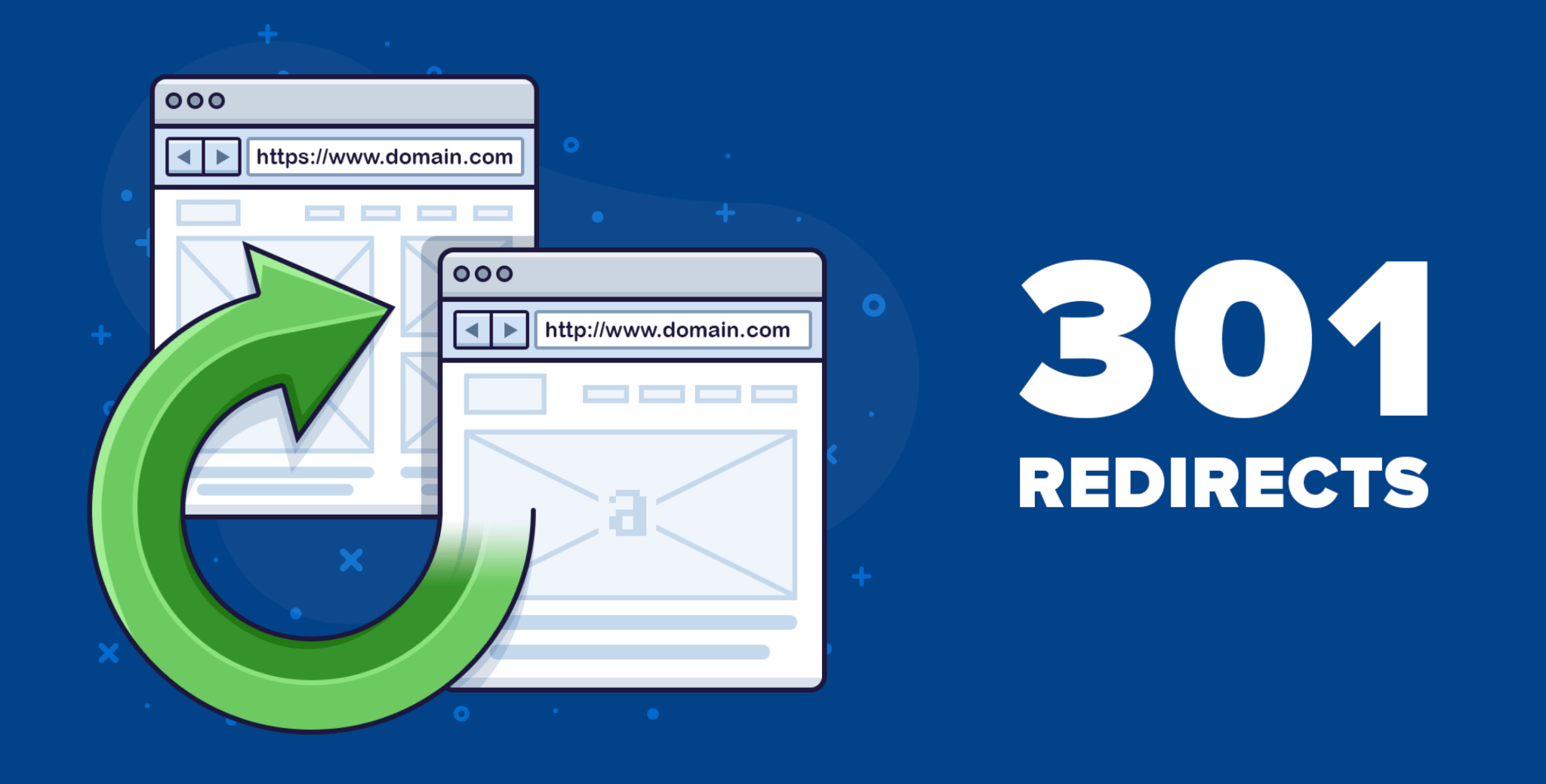
Managing URLs may seem like a technical detail, but in the world of eCommerce SEO, it plays a central role in shaping how both search engines and customers experience your online store. As your site evolves, whether you add new product lines, discontinue old ones, reorganize categories, or migrate to a new platform, your URLs inevitably change. Without proper handling, these changes can break links, confuse users, and erase the SEO authority you’ve worked hard to build. This is why 301 redirects are so important.
A 301 redirect, when implemented correctly, acts like a bridge that guides both search engines and users from an old URL to a new one. It preserves your organic rankings, maintains user trust, and ensures your site remains easy to navigate no matter how much it grows. To help you avoid common pitfalls and strengthen your SEO foundation, this guide breaks down the most important 301 redirect best practices specifically designed for eCommerce stores.
A 301 redirect is a permanent instruction telling search engines and users that a page has moved to a new location. In practical terms, it’s like forwarding mail, you want all future visitors and search engines to reach the right destination instead of arriving at an empty page. This is especially crucial for eCommerce because product links are shared frequently through ads, social media, email campaigns, and backlinks from other websites.
When old URLs stop working, search engines start dropping them from the index, customers lose confidence in the site, and traffic declines gradually. But when a proper 301 redirect is in place, almost all of the original page’s SEO value is transferred to the new one. As a result, your online store remains stable, trustworthy, and well-optimized even as your catalog and structure change.
This leads to a natural question: when exactly should eCommerce businesses use 301 redirects?
Online stores are dynamic by nature; products rotate, categories expand, and marketing campaigns shift frequently. Because of this constant evolution, certain situations practically require a 301 redirect. Understanding these scenarios ensures you safeguard your SEO gains instead of unintentionally losing them.
In eCommerce, it’s normal for products to phase out or be replaced with newer versions. But deleting the old product URL without a redirect can break backlinks, cause 404 errors, and disrupt the shopping journey.
A smoother approach is to redirect users to a relevant alternative. For example, if you discontinue a red running shoe model, redirect users to its successor or a closely related product. If no direct replacement exists, sending users to the broader category (such as "Running Shoes") keeps them engaged and increases the chance of a sale.
This approach keeps the customer journey alive while preserving SEO value built from old product links.
As your inventory grows, your category structure may need updating for better user experience or keyword optimization. When this happens, category URLs often change.
Instead of letting old URLs disappear, redirect them to their updated versions. This ensures:
A well-planned redirect strategy keeps your site coherent even during major reorganizations.
Sometimes URL structures need to be improved for clarity and keyword alignment. For example:
While such changes improve readability and search relevance, they must be accompanied by 301 redirects. This ensures your updated URLs maintain their visibility without losing the authority earned by the previous version.
Migration is one of the most sensitive stages for eCommerce SEO. Every platform, such as Shopify, WooCommerce, Magento, structures URLs differently. Even a small mismatch can create thousands of broken pages.
By mapping old URLs to new counterparts and applying bulk redirects, you prevent a sudden drop in organic traffic. Without redirects, search engines treat your site as brand new, resulting in massive ranking losses.
Redirects help preserve your store's entire SEO history.
Some stores create separate URLs for product variants or outdated landing pages. Over time, this causes keyword cannibalization and weaker rankings.
A strategic redirect helps consolidate authority into a single, stronger page. It also helps search engines understand which URL deserves to rank.
Now that we’ve established the key scenarios for using redirects, let’s go deeper into the best practices that ensure your redirects support SEO growth instead of harming it.
Relevance is the core of a successful redirect. Sending users to a random or unrelated page, especially the homepage, can confuse them and signal a poor experience to search engines. Google may even treat such redirects as “soft 404s,” meaning they pass little or no SEO value.
To handle this correctly:
This preserves user intent, keeps customers engaged, and sends strong relevance signals to search engines.
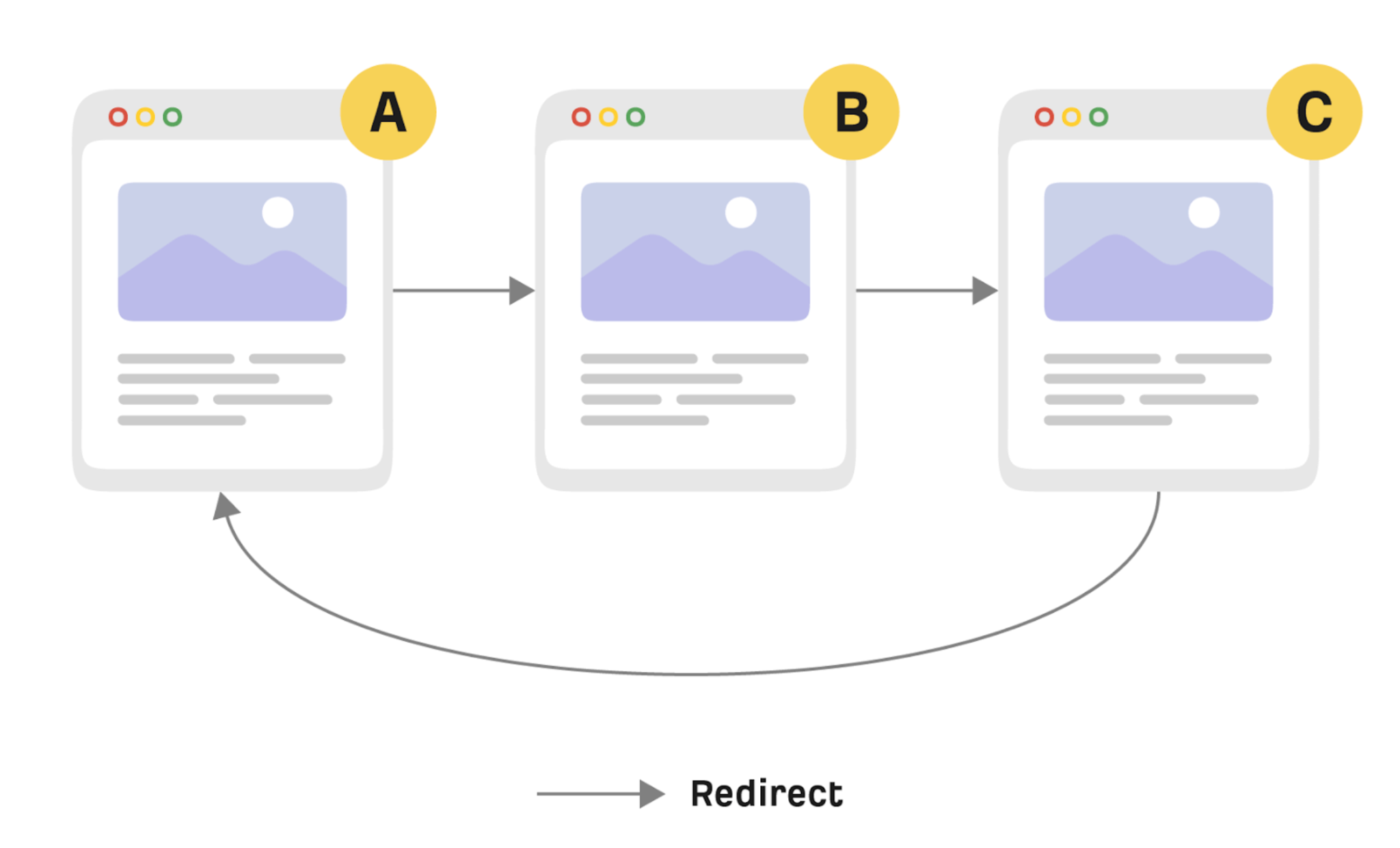
Redirect chains happen when URL A points to URL B, which then points to URL C. As the chain lengthens, load times increase and ranking signals become diluted. This problem commonly appears after multiple site updates or migrations.
To prevent this:
Reducing chains improves crawl efficiency and speeds up the user experience.
A 302 redirect is temporary and tells search engines that the original URL will return. If you use a 302 for something permanent, search engines may continue indexing the old URL and ignore the new one. This leads to ranking fluctuation and wasted link equity.
301 redirects, on the other hand, signal permanent movement.
In this case, you should use:
This distinction ensures consistent indexing.
Some websites rely on JavaScript or meta refresh tags to redirect users. These methods are slower, less reliable, and not guaranteed to pass full SEO value.
Server-side redirects, such as Nginx rules, Apache .htaccess entries, or Shopify’s built-in redirect tool, are the gold standard. They are faster, more reliable, and consistently understood by crawlers.
This ensures both performance and SEO integrity stay strong.
Redirects should support your structure, not act as a permanent shortcut. If internal links point to old URLs, users and crawlers have to pass through unnecessary redirects. This slows down the crawl process and harms usability.
After implementing redirects:
A clean internal linking structure gives search engines a clearer understanding of your site hierarchy.
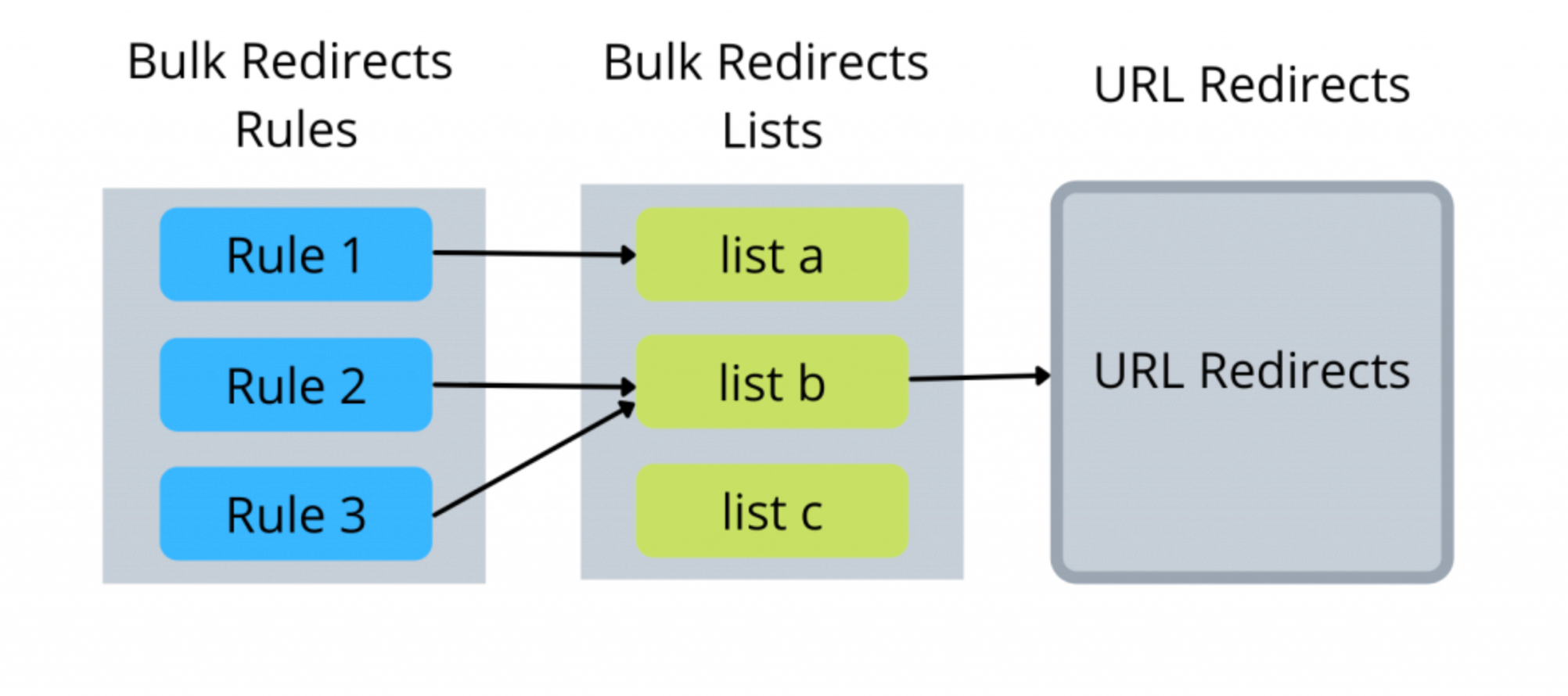
Handling hundreds or thousands of URLs manually is inefficient and risky. Instead, create a full redirect map, usually in a spreadsheet, that matches each old URL to its most appropriate new version.
This method is especially important during:
Bulk mapping reduces human error and ensures a smooth transition for both users and crawlers.
Marketing campaigns depend heavily on tracking parameters such as UTM codes. If these parameters are stripped during a redirect, your analytics data becomes inaccurate, making it harder to measure campaign performance.
A proper redirect should:
Always test your redirects with UTM links to ensure nothing breaks in the analytics pipeline.

Not every retired page needs a redirect. For example, temporary out-of-stock items may return later, so redirecting them may create misleading paths. In such cases, a user-friendly 404 page becomes essential.
A good 404 page should include:
This reduces bounce rates and helps users continue browsing.
Redirects aren’t a “set it and forget it” task. As your store evolves, so do your redirect needs. If you don’t monitor them, issues like redirect loops, chains, or outdated mappings may surface over time.
To keep things running smoothly:
Consistent monitoring keeps your SEO foundation stable and up-to-date.
Even experienced store owners sometimes overlook the finer points of redirect management. Some of the most frequent mistakes include:
Fixing these issues early prevents long-term ranking problems.
301 redirects are a powerful safeguard for maintaining SEO stability in the fast-moving environment of eCommerce. Every time your catalog evolves, whether through new products, discontinued items, reorganized categories, or full platform migrations, 301 redirects ensure your SEO equity, link value, and user experience remain intact.
By applying these best practices, redirecting with relevance, minimizing chains, monitoring performance, and keeping internal links clean, you create a strong foundation for long-term organic growth. In a competitive eCommerce landscape where every click matters, well-managed redirects are not just a technical necessity, but they’re a strategic advantage that helps maintain visibility, trust, and conversions.




