 New to Shopify? Free trial, then $1/month for your first 3 months. Start free trial →
 Where is your store?
Ryviu works with both – pick yours to continue.









Creating a visually appealing and highly functional WooCommerce store doesn’t have to be difficult. With the right page builder, you can design stunning product pages, landing pages, and entire store layouts without touching a single line of code. WooCommerce page builders offer drag-and-drop functionality, pre-designed templates, and seamless integration with WordPress and WooCommerce features. Choosing the right builder can dramatically improve user experience, boost conversions, and save time on design tasks.
A WooCommerce page builder is a tool that allows you to design and customize your online store without needing coding knowledge. It provides a visual, drag-and-drop interface for creating product pages, category pages, checkout flows, and other store elements. These builders come with WooCommerce-specific widgets and modules, making it easy to display products, showcase reviews, pricing tables, and call-to-action buttons. Essentially, they give store owners full creative control while ensuring the design remains responsive and user-friendly.
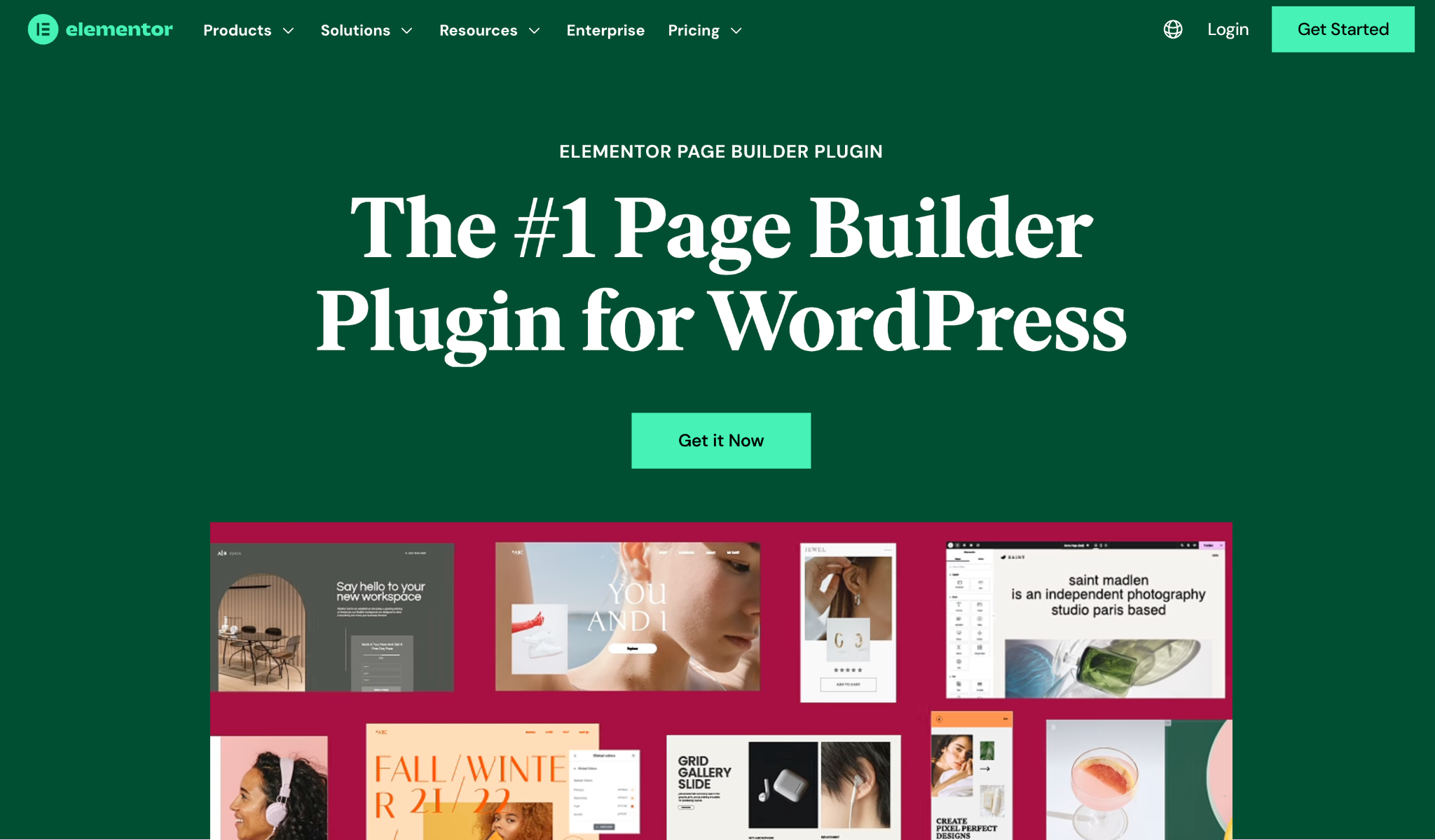
Elementor is one of the most popular WordPress page builders, known for its intuitive drag-and-drop interface and powerful WooCommerce integration. It allows you to create custom product pages, checkout pages, and category layouts effortlessly. With a large library of pre-built templates and blocks, Elementor Pro makes it easy to design responsive and professional-looking pages. Its dynamic content features allow you to display personalized offers and product details based on user behavior.
To fully leverage Elementor Pro for WooCommerce, you can combine its theme builder and WooCommerce widgets for a seamless online store experience.
Key Features:
Pricing:
Divi Builder by Elegant Themes is a flexible page builder that works perfectly with WooCommerce. Its visual editor allows you to see real-time changes as you design your pages. With hundreds of design elements and layout packs, you can create highly customizable WooCommerce pages without coding. Divi also includes advanced design settings like animations, hover effects, and responsive editing.
For store owners who want full creative control, Divi Builder is ideal for building unique product and category pages.
Key Features:
Pricing:
WPBakery Page Builder is a classic page builder for WordPress that remains a favorite for many WooCommerce store owners. It provides front-end and back-end editing options, making it versatile for different user preferences. WPBakery includes WooCommerce-specific elements for displaying products, categories, and carts. Its template library and shortcode support make creating consistent and reusable layouts simple.
If you’re looking for a builder that’s compatible with nearly all WordPress themes and plugins, WPBakery is a reliable choice.
Key Features:
Pricing:
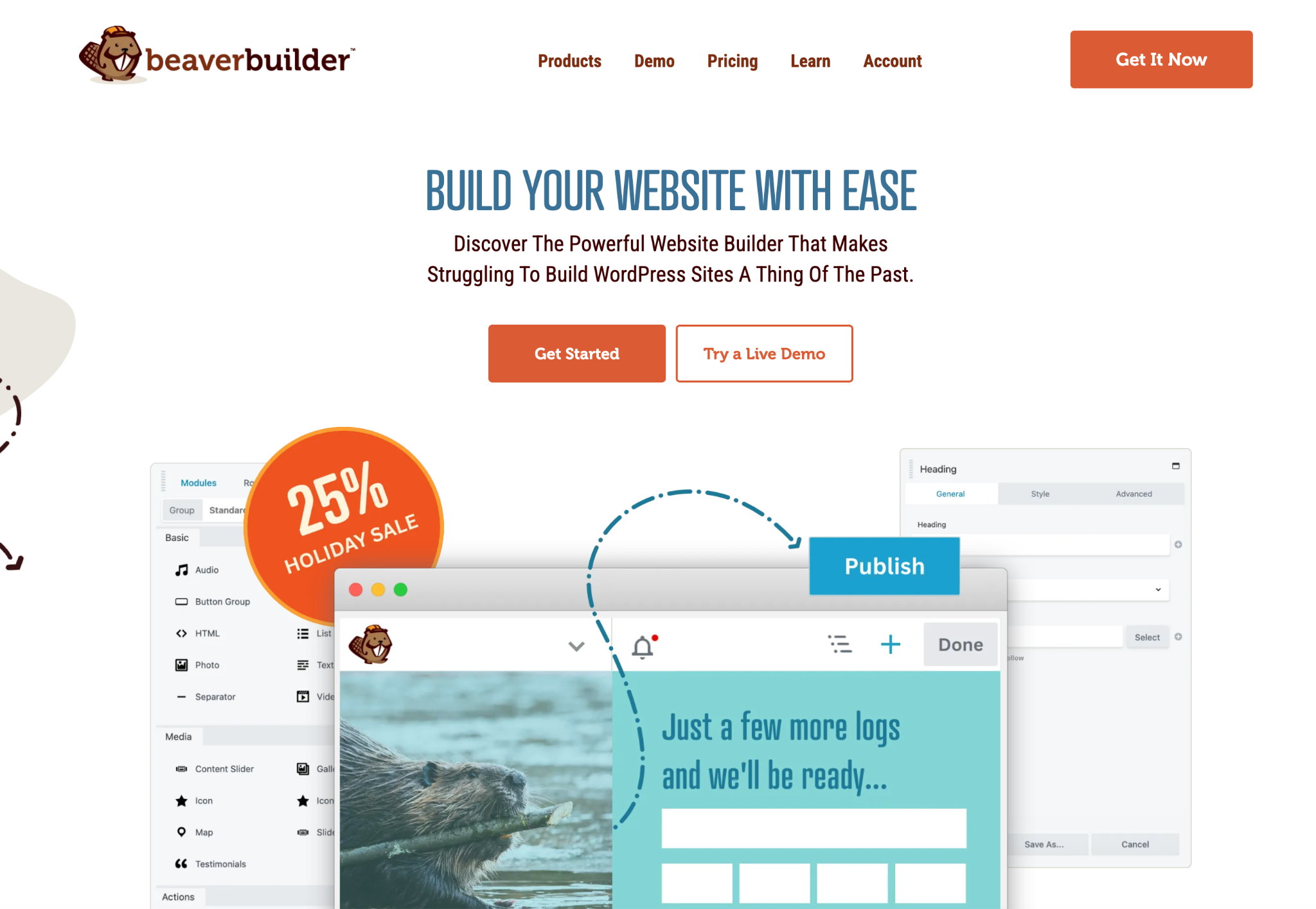
Beaver Builder is a beginner-friendly WooCommerce page builder that emphasizes simplicity and stability. It allows you to create beautiful pages using a visual editor without worrying about technical issues. Beaver Builder integrates with WooCommerce to let you design product pages, landing pages, and full store layouts. Its modular system enables you to drag, drop, and customize modules for products, testimonials, and call-to-actions.
For merchants who prioritize ease of use and speed, Beaver Builder provides a smooth and reliable building experience.
Key Features:
Pricing:
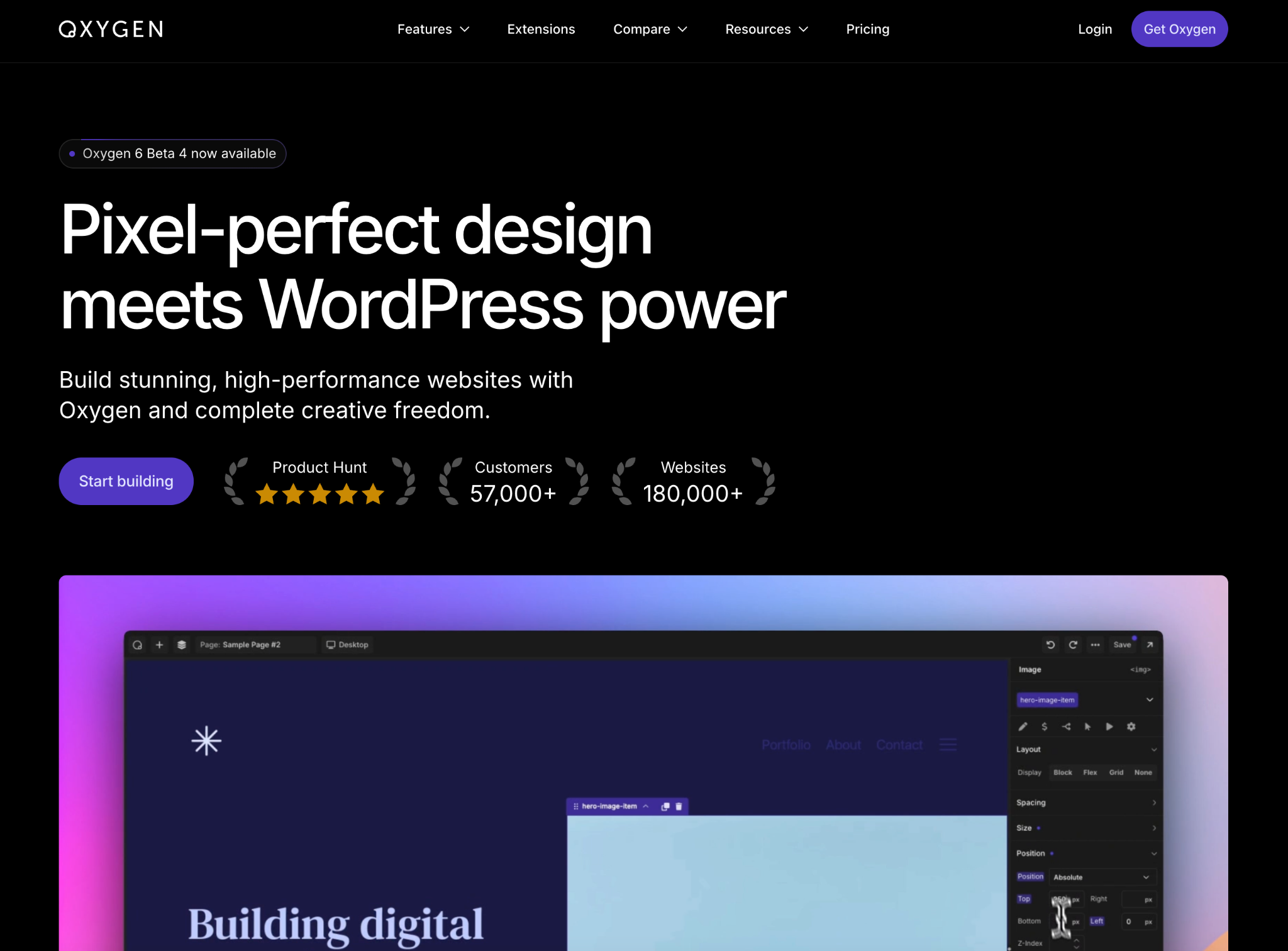
Oxygen Builder is a powerful page builder geared toward advanced users who want complete control over WooCommerce store design. Unlike traditional builders, Oxygen replaces the WordPress theme, allowing full customization of every element on your site. It supports dynamic WooCommerce content, letting you design unique product templates and checkout pages. With a lightweight code structure, Oxygen also helps improve site speed and SEO performance.
For developers and power users, Oxygen Builder offers unmatched flexibility and control over WooCommerce stores.
Key Features:
Pricing:
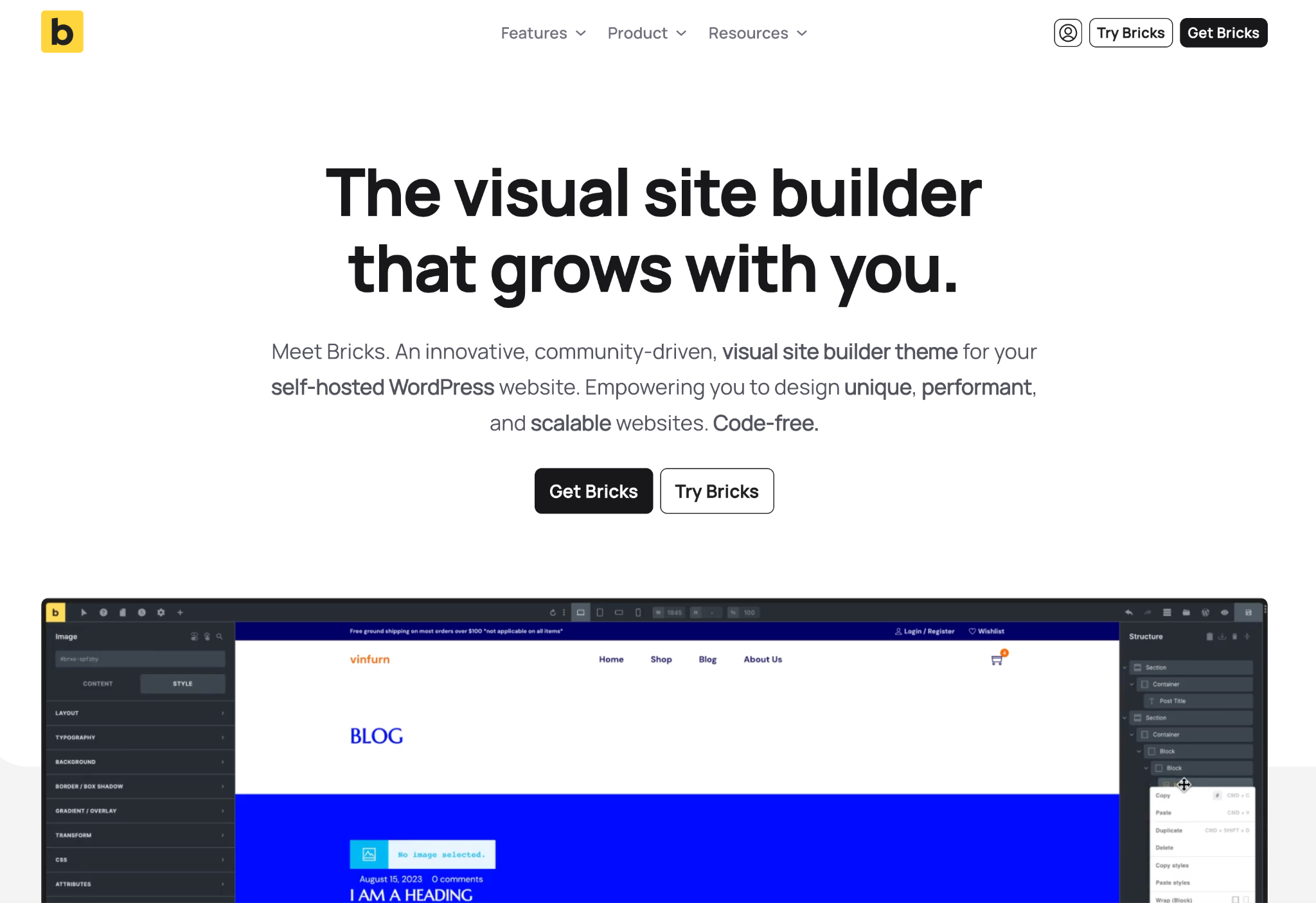
Bricks Builder is a fast-growing visual builder designed for performance-focused WooCommerce stores. Its interface is clean, lightweight, and tailored for developers and advanced users who want flexibility without sacrificing speed. Bricks offers dynamic data support, allowing you to build fully custom product templates with ease. It also includes built-in performance optimization tools, such as CSS loading control and server-side rendering.
For users who want a high-speed builder with deep WooCommerce customization, Bricks Builder delivers strong value.
Key Features:
Pricing:
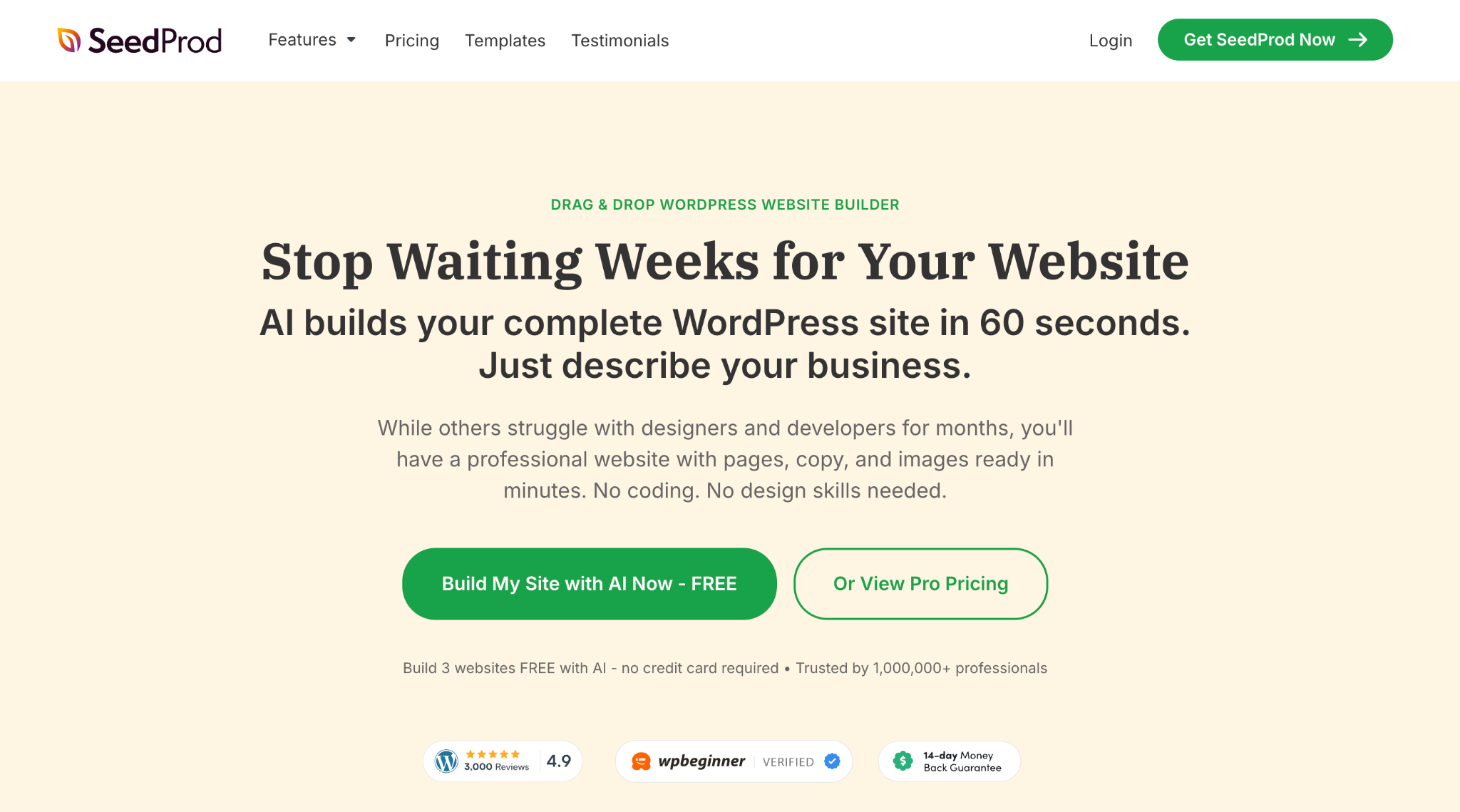
SeedProd is a powerful landing page and theme builder that integrates smoothly with WooCommerce. Originally known for creating high-converting landing pages, it now includes full theme-building capabilities for complete store customization. The drag-and-drop interface is extremely beginner-friendly, making it a great choice for non-technical users. SeedProd also offers conversion-focused blocks, such as countdown timers, opt-in forms, and product grids.
For store owners who want to build sales pages and funnels without complex customization, SeedProd is a strong and easy-to-use option.
Key Features:
Pricing:
Choosing the best WooCommerce page builder requires understanding your design needs, technical experience, and long-term store goals. Because each builder offers different levels of customization and flexibility, it’s important to evaluate what matters most for your workflow. By carefully comparing features, integrations, and performance, you can pick a tool that truly supports your store’s growth.
To help guide your decision smoothly, here are the key factors to consider:
Key Considerations:
Selecting the right WooCommerce page builder is crucial for creating a professional, high-converting online store. Whether you are a beginner looking for ease of use or an advanced user seeking complete design control, there is a page builder to fit your needs. Elementor and Divi are excellent for most users with their balance of flexibility and usability, while Oxygen is ideal for developers seeking full control. By considering factors like customization, WooCommerce integration, support, and pricing, you can choose the builder that helps your store stand out and drive more sales.




