 New to Shopify? Free trial, then $1/month for your first 3 months. Start free trial →
 Where is your store?
Ryviu works with both – pick yours to continue.








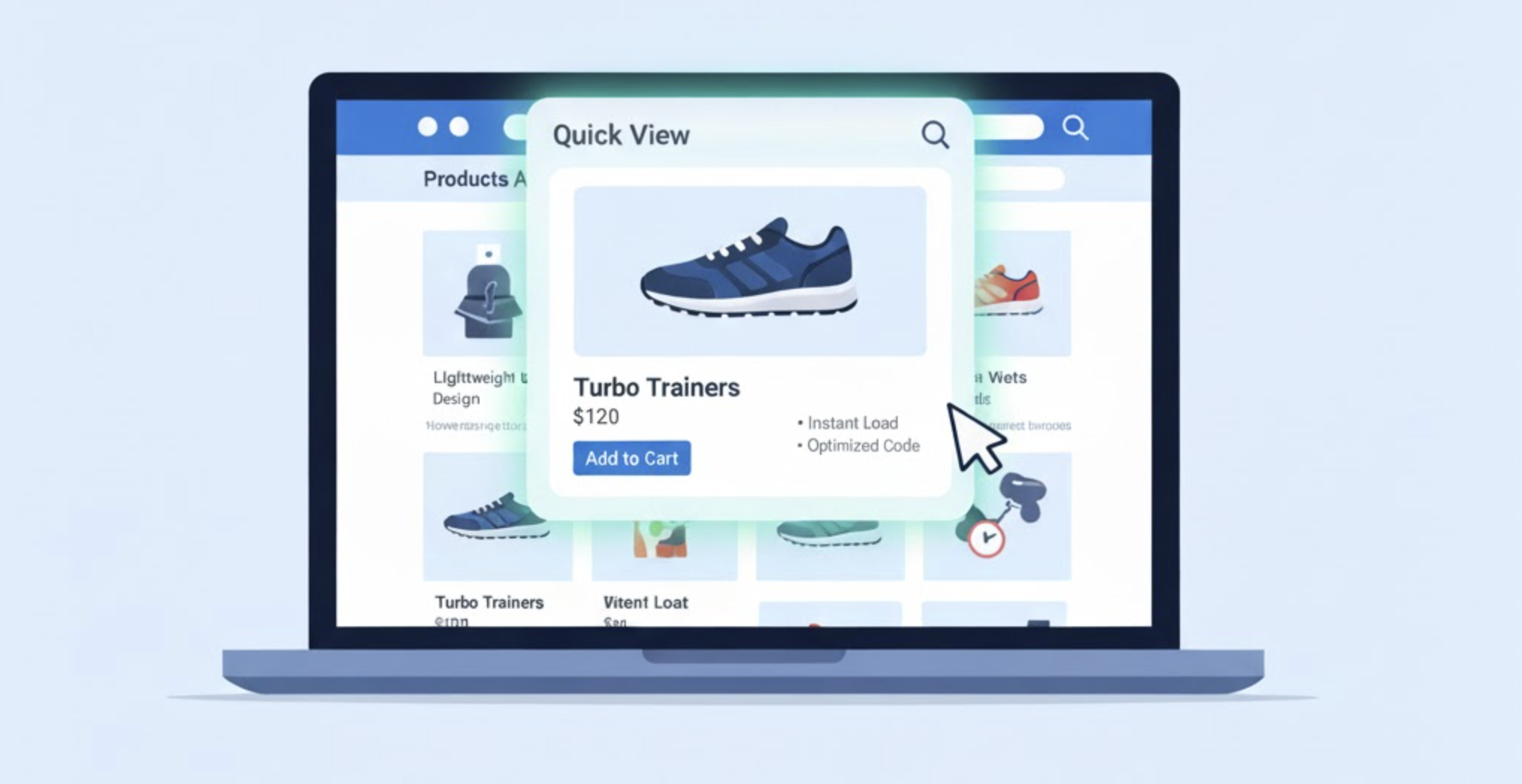
Quick View popups are an excellent tool for online stores. They allow customers to preview product details, images, and prices without leaving the product listing page. This convenience can improve engagement, reduce bounce rates, and increase conversions. However, poorly implemented Quick View popups can significantly slow down your website, harming the very metrics they’re meant to improve. Below is a step-by-step guide on integrating Quick View popups efficiently without sacrificing performance.
Quick View popups often rely on additional JavaScript, CSS, and sometimes even extra API calls. If all product details are loaded upfront, your page can become heavy and slow, especially for stores with hundreds of products. Common issues include:
Understanding these pitfalls helps you choose the right approach to maintain speed while offering a seamless shopping experience.
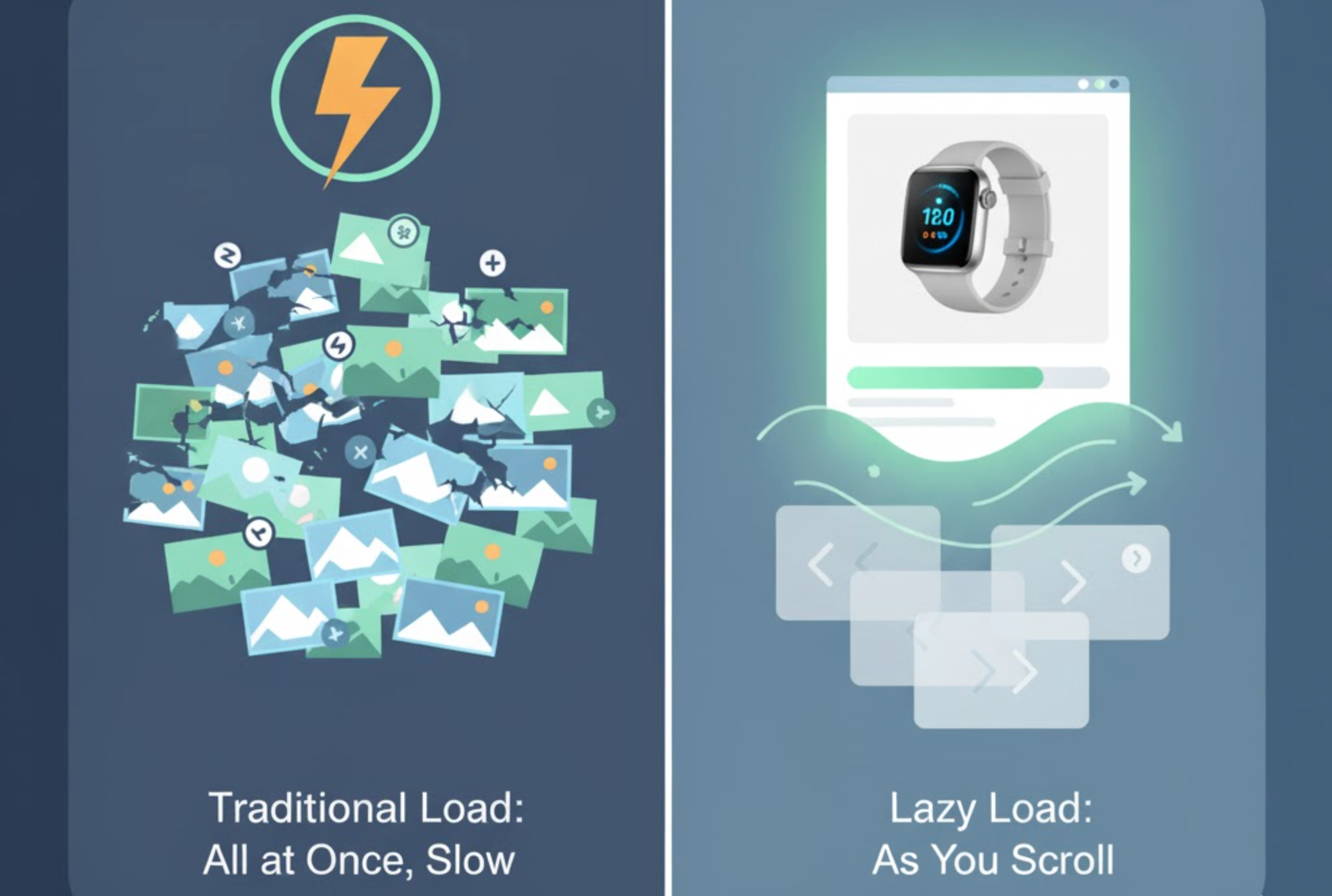
Loading all product images at once can make pages heavy and slow to display, particularly for stores with large catalogs. Users may experience delays even before interacting with the Quick View feature, which defeats the purpose of having a fast browsing experience. By loading images only when necessary, you can reduce the initial page weight and improve overall site performance. Lazy loading ensures that images appear when a customer actually wants to see them, keeping the page light and responsive.
Here are actionable steps to implement lazy loading effectively:
Many Quick View popups rely on JavaScript for functionality, but loading all scripts immediately can block the rest of the page from rendering. This often results in slower page load times and a poor user experience. By loading JavaScript asynchronously or deferring it until needed, you ensure that your site remains fast while still enabling the popup features. Asynchronous loading helps prioritize essential content, giving your users a faster, smoother browsing experience.
To implement this, consider the following:
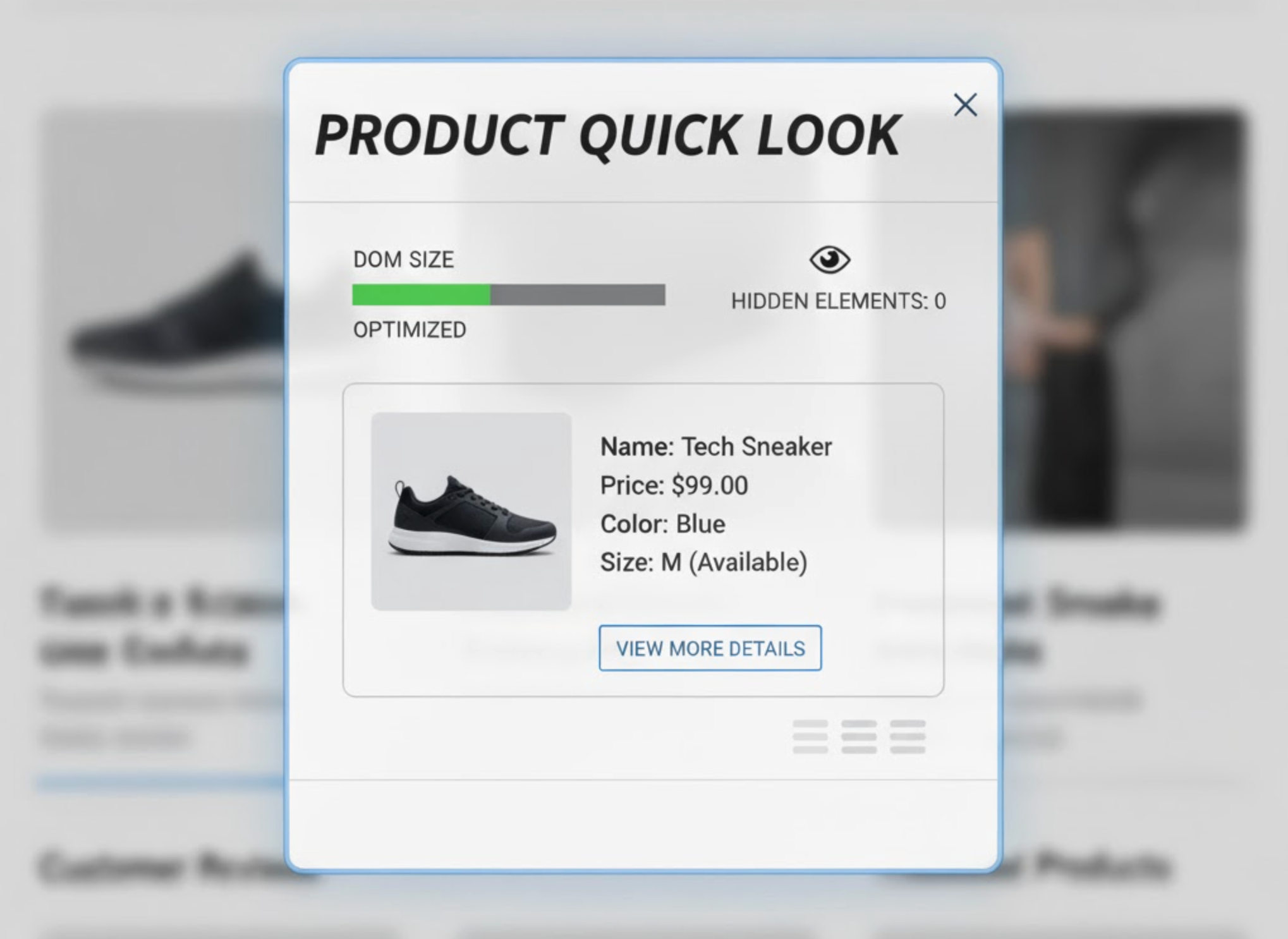
Rendering hidden product cards for all items on the page increases the DOM size and can slow down rendering. Large DOMs make the browser work harder to paint the page, reducing responsiveness and increasing load times. Instead, dynamically generating content only when the user requests it keeps the DOM lean and efficient. This method ensures that your Quick View popup appears instantly without overloading the page beforehand.
You can achieve this by following these steps:
Heavy CSS files for animations or styling can increase load times, particularly on mobile devices. Overly complex animations or unused styles slow down the browser and negatively impact performance. Optimizing the CSS for Quick View popups ensures they look polished while remaining lightweight and responsive. Streamlined CSS helps popups load quickly without causing jank or delays.
Here’s how to optimize your popup CSS:
Not all Quick View tools are created equal; some load unnecessary scripts or features, increasing page load time. Choosing a lightweight, performance-optimized plugin ensures the popup adds value without slowing your store. Evaluating apps for efficiency before integration helps maintain speed and reliability across your site.
To select the right plugin, consider these actions:
Even with optimized popups, repeatedly fetching product data can slow down performance. Leveraging caching and a Content Delivery Network (CDN) ensures content loads quickly for all visitors, regardless of location. This approach reduces server load, improves page speed, and enhances the overall user experience. Proper caching helps Quick View popups display instantly without repeated delays.
You can implement this effectively with:
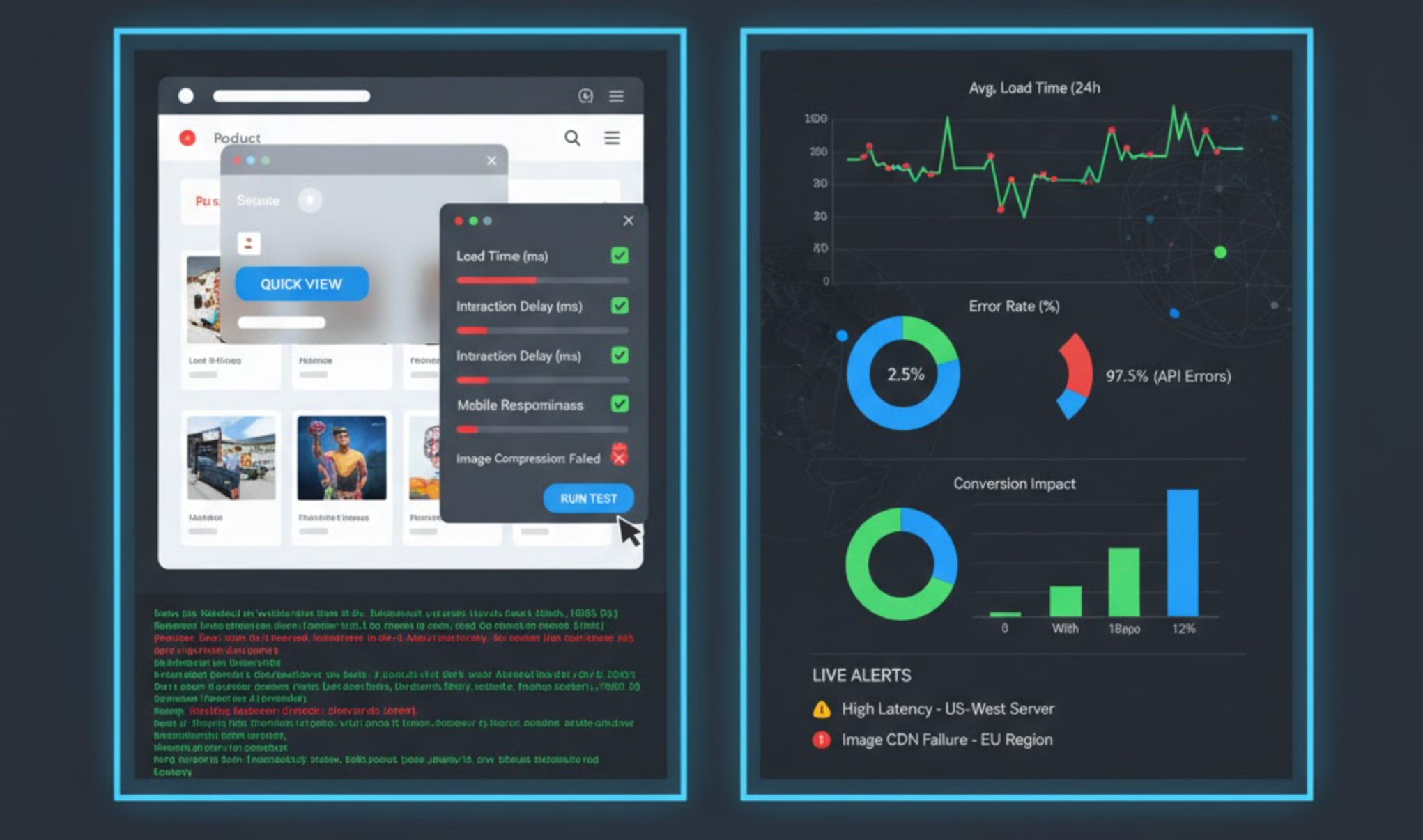
After adding Quick View popups, it’s crucial to regularly test your site to ensure they don’t slow down performance. Monitoring helps catch issues early and keeps the user experience fast and smooth.
Quick View popups can boost sales and user experience if implemented correctly. The key is to load content on-demand, optimize images and scripts, and keep the popup lightweight. By following these best practices, you can provide customers a seamless browsing experience without compromising your site’s speed. Remember, a fast site is not just good for users—it’s good for SEO and conversions too.




