 New to Shopify? Free trial, then $1/month for your first 3 months. Start free trial →
 Where is your store?
Ryviu works with both – pick yours to continue.








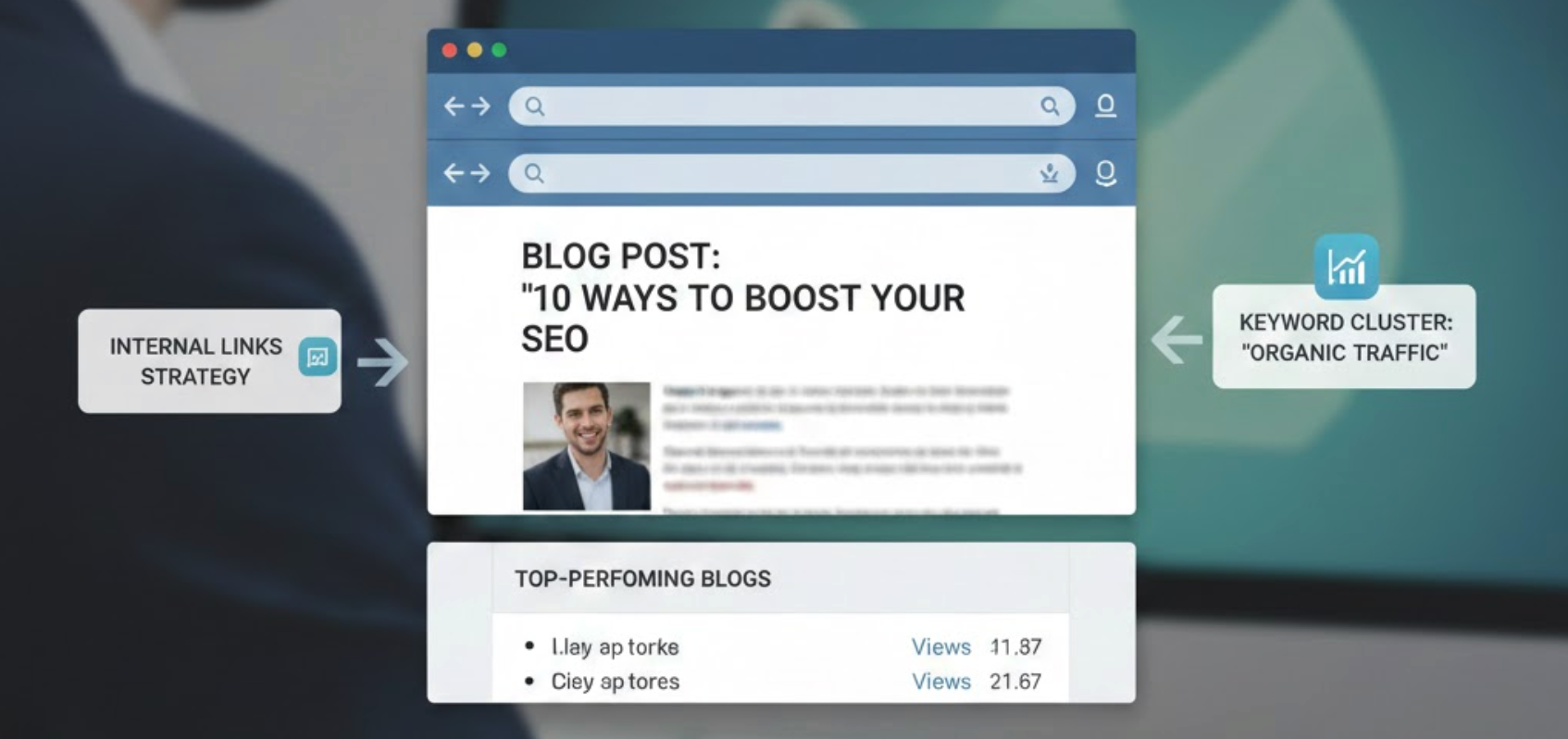
Many websites use product or content tabs purely as a design convenience, something that keeps pages clean and organized. At the same time, blogs are often treated as standalone traffic generators, existing separately from product or service pages. However, when tabs and blog content are intentionally connected, they become a powerful SEO and conversion strategy. Linking tabs to blog content helps search engines understand your site structure, improves topical authority, and guides users more naturally from research to action. This article explores how to link tabs to blog content correctly and why this approach delivers long-term SEO value.
Tabs are widely used on product pages, service pages, and landing pages to display supplementary information such as detailed descriptions, FAQs, technical specifications, usage guides, comparisons, or customer education. From a user experience perspective, tabs prevent information overload by breaking content into digestible sections. This allows visitors to focus on what matters most to them without scrolling endlessly.
From an SEO perspective, however, tabs must be handled carefully. Search engines prioritize content that is easily accessible, crawlable, and contextually relevant. If tab content is hidden improperly or loaded dynamically without proper indexing, it may receive less visibility or be ignored altogether. This can limit the SEO value of otherwise high-quality content.
By linking tab sections to in-depth blog articles, you ensure that important information is fully indexable, better structured, and connected to your wider content ecosystem. Instead of relying on tabs alone, you create a layered experience where tabs introduce topics and blogs expand on them.

Blog posts support product pages, product pages reinforce blog relevance, and tabs act as bridges between intent stages. Over time, this structure improves crawlability, strengthens topical authority, and increases organic traffic across your entire site.
More importantly, it creates a better experience for users, one that encourages learning, builds trust, and leads naturally to conversion. When done correctly, this strategy creates a tightly connected content ecosystem.
Internal linking is one of the most important yet underutilized SEO strategies. When tabs link to relevant blog posts, they create contextual pathways between high-intent pages and informational content. This helps search engines discover new pages faster, understand relationships between topics, and distribute ranking authority across your site more effectively.
Over time, this structure reduces orphaned content and ensures that your blog posts and product pages support each other rather than competing for attention.
Search engines increasingly evaluate websites based on topical depth rather than isolated keywords. Blog content often targets educational or long-tail search queries, while product pages focus on transactional intent. Linking tabs to blog articles reinforces semantic connections between these content types.
When multiple pages consistently reference and support the same topic, search engines are more likely to view your site as an authoritative resource. This improves ranking potential not just for individual pages, but for entire keyword clusters.
SEO is not only about keywords and links, but it’s also influenced by how users interact with your site. When visitors click from a tab into a relevant blog post, they naturally spend more time reading, scrolling, and exploring additional pages.
This behavior increases dwell time, reduces bounce rates, and encourages deeper navigation. While these signals are indirect, they strongly support overall SEO performance by demonstrating that users find your content valuable and relevant.
Many users are not ready to purchase immediately. They want explanations, comparisons, and reassurance. Tabs linked to blog content allow users to research without leaving your website or starting a new search.
This seamless transition from learning to buying builds trust and positions your brand as both informative and reliable. As a result, users are more likely to return to the product page and convert once their questions are answered.
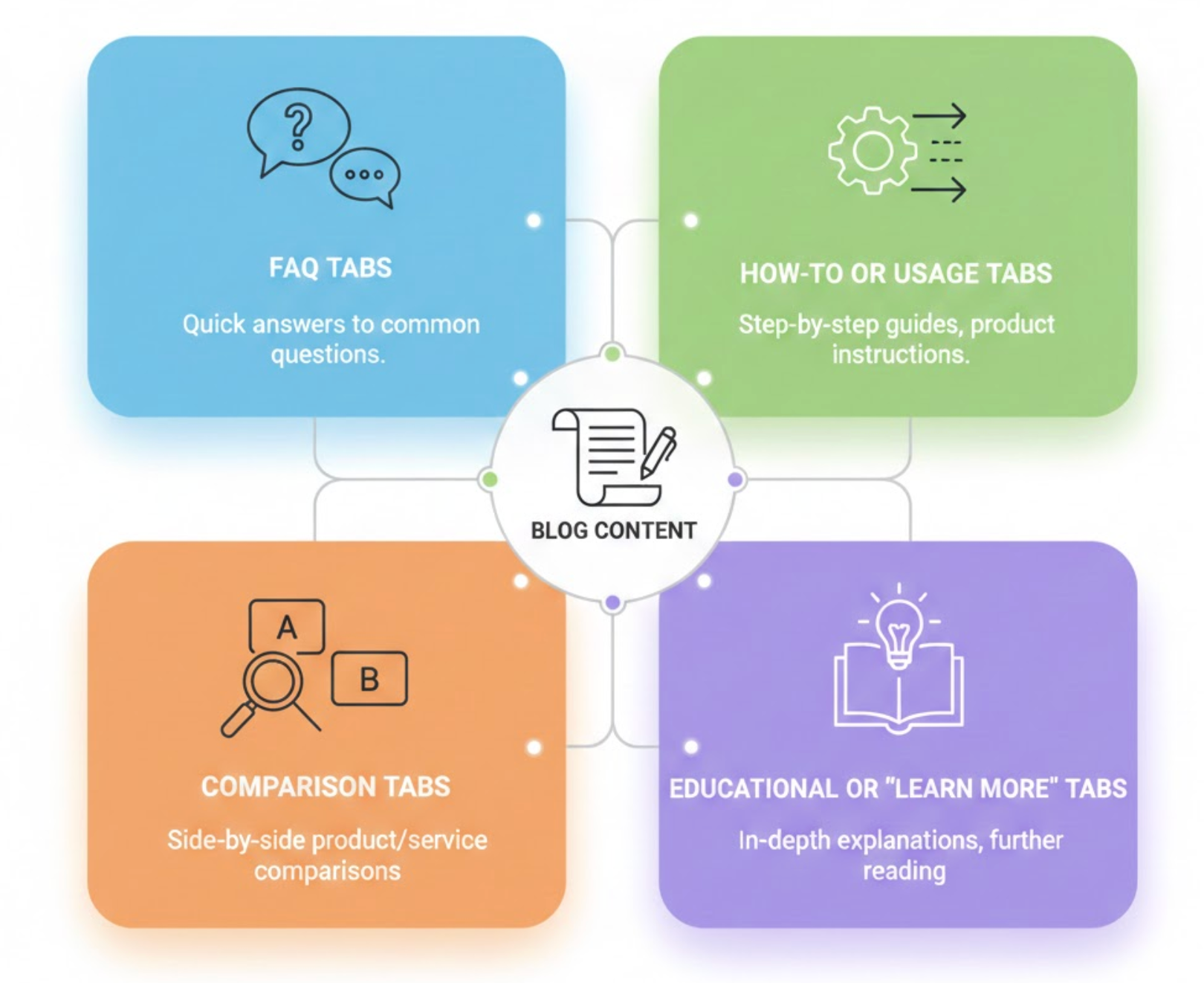
FAQ tabs often contain short answers due to space limitations. Linking each question or theme to a detailed blog article allows you to expand on complex topics without cluttering the product page. This approach improves clarity while capturing long-tail search queries related to user concerns.
Usage tabs typically explain how a product works or how it should be used. These tabs are ideal entry points for linking to step-by-step tutorials, troubleshooting guides, or best-practice blog posts. Doing so supports both beginner and advanced users while improving content depth.
Comparison tabs help users evaluate options, features, or alternatives quickly. By linking to blog posts that provide full comparisons, pros and cons, and real-world examples, you empower users to make confident decisions while targeting high-intent comparison keywords.
Educational tabs are especially effective for industries that require explanation or trust-building. These tabs can link to blog content covering background information, industry insights, case studies, or trends, positioning your brand as an expert rather than just a seller.
Linking tabs to blog content requires more than simply adding URLs. Each link should improve clarity, guide users naturally, and strengthen SEO signals across your site. Below are best practices explained in depth, with clear structure and smooth transitions.
Anchor text tells both users and search engines what to expect after clicking a link. When you use clear, keyword-aligned phrases instead of generic wording, you improve relevance, accessibility, and ranking potential for the linked blog content.
As a result, users feel more confident clicking the link, and search engines better understand the contextual relationship between the tab and the article.
Tabs should never hide important content from search engines. If your tab content is loaded dynamically or requires user interaction to appear, it may not be indexed properly, which reduces its SEO value.
Therefore, ensuring that tab content is present in the page’s HTML allows both tabs and linked blog posts to work together effectively.
Relevance is critical when linking tabs to blog posts. Every linked article should directly expand on the topic introduced in the tab, offering deeper explanation rather than a loosely related discussion.
By keeping relevance high, you maintain topical focus and avoid confusing both users and search engines.
Tab-to-blog links should feel like a natural continuation of the user’s thought process. When users click a link, the blog content should answer the exact question or curiosity raised in the tab.
This logical flow improves engagement and keeps users moving smoothly through your content ecosystem.
Links should be embedded where they add the most value, not forced into the layout. Placing links at logical breakpoints, such as after a summary or key point, encourages users to explore further without disrupting readability.
When links feel organic, users are more likely to click and trust the content.
Repeating full blog sections inside tabs can dilute SEO value and create redundancy. Tabs should summarize key ideas, while blog posts deliver the complete, in-depth explanation.
This separation keeps content unique and encourages users to engage with longer-form resources.
Consistency helps search engines recognize structural relationships across your site. When similar tabs consistently link to related blog topics, you reinforce topical authority and improve crawl efficiency.
Over time, this predictable structure strengthens both rankings and user trust.
Linking tabs to blog content is not a one-time task. Tracking user behavior helps you understand which links drive engagement, which need improvement, and where content gaps exist.
With ongoing optimization, your tab-to-blog linking strategy becomes more effective over time.
By following these best practices, you ensure that tab-to-blog links are not just functional, but strategic. When implemented correctly, they enhance SEO, improve user experience, and create a cohesive content journey that supports long-term growth.
Repeating blog content inside tabs can dilute SEO value and create redundancy. Instead, summarize key ideas within the tab and guide users to the full article for deeper insights.
Even though content is tabbed, it should still follow proper heading hierarchy. Organized headings improve readability and help search engines understand how tab topics relate to linked blog posts.
Blog articles linked from tabs should target informational and long-tail keywords that complement the product page’s primary keyword. This creates a cohesive keyword strategy that captures traffic at multiple stages of the buyer journey.
Use analytics tools to monitor click-through rates, time on page, and conversions from tab-to-blog links. Over time, refine your strategy by strengthening high-performing links and improving underperforming content.
Linking tabs to blog content can be highly effective, but only when done with clear intent. Avoiding common mistakes ensures your links support SEO, usability, and content flow rather than weakening them.
A common mistake is adding links to tabs without a clear purpose. When links are not strategically placed, users ignore them and search engines assign little value.
As a result, these links fail to improve engagement or rankings.
Tabs that point to outdated or thin blog posts can damage trust and increase bounce rates. Users expect linked content to provide accurate, helpful insights that expand on the tab.
Therefore, keeping linked blog content updated is essential.
If tab content is not crawlable, search engines may miss important context. This can reduce the SEO value of both the tabs and the linked blog posts.
Consequently, proper indexing is critical.
Adding too many links inside a tab can overwhelm users and dilute link value. Fewer, more relevant links create a clearer path forward.
For this reason, quality should always outweigh quantity.
Generic anchor text offers little context and weakens SEO signals. Descriptive wording improves clarity for both users and search engines.
Thus, anchor text should always be intentional.
By avoiding these mistakes, your tab-to-blog links remain focused, relevant, and effective, supporting stronger SEO performance and a smoother user journey.
Tabs should never be viewed as simple UI elements. When strategically linked to high-quality blog content, they become powerful SEO tools that enhance structure, relevance, and engagement. By aligning tab topics with educational blog resources, you create a seamless content journey that benefits both users and search engines.




