 New to Shopify? Free trial, then $1/month for your first 3 months. Start free trial →
 Where is your store?
Ryviu works with both – pick yours to continue.








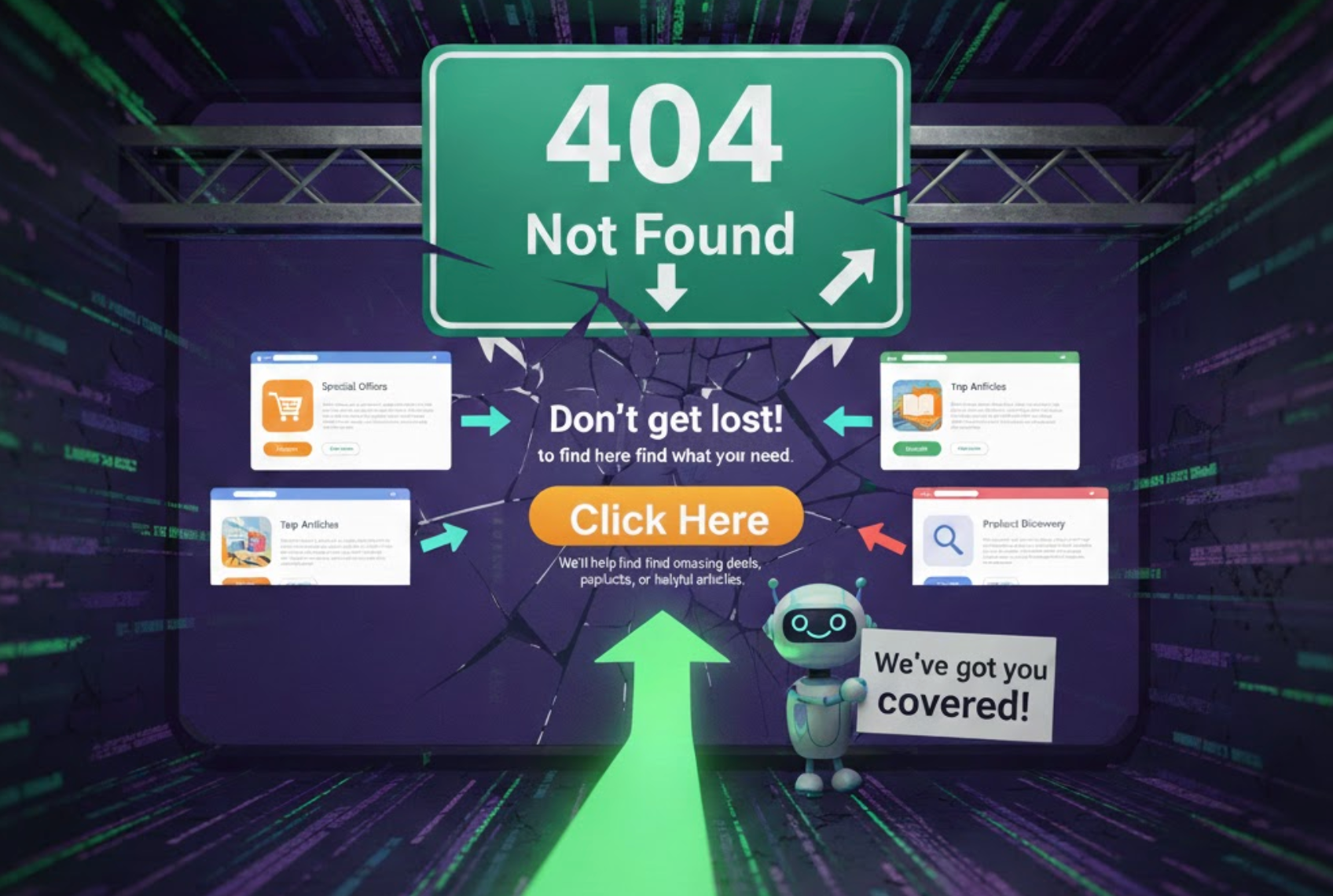
A 404 error page is usually seen as a dead end, the moment when a user reaches a page that no longer exists, has been moved, or was typed incorrectly. While most store owners treat 404s as unfortunate but inevitable, strategic brands see them as hidden opportunities. When handled thoughtfully, a 404 page can be a turning point that guides users back into your sales funnel rather than letting them abandon the site.
Redirecting users from 404 pages is one of the simplest yet most effective ways to recover lost traffic, preserve SEO value, and convert otherwise frustrated visitors into engaged shoppers. Instead of letting the journey stop at a broken URL, you can redirect users to a meaningful page that matches their intent, or even introduce them to products, promotions, or new arrivals they may have missed.
To help you leverage this often-overlooked tactic, this guide explores why 404 redirects matter, how to set them up, and the best strategies to maximize their conversion potential.
A 404 page is more than just a message saying “page not found.” It signals a moment of interruption in the user journey. This interruption often causes:
When users encounter an unexpected error, they tend to leave immediately, especially if they’re on mobile. But when you provide a smart and relevant redirect, you instantly recover their browsing flow and lead them to a page with purpose.
By guiding users back to a functional part of your site, you remove friction and keep them engaged. Even when they land on a dead link, the transition feels intentional rather than disruptive.
Old or deleted pages often carry valuable backlinks, ranking positions, or internal links. Redirects preserve link equity so that all SEO power flows to your new page rather than being wasted.
A user who would have left within seconds is now directed to a page with useful content or product options. This keeps users on your site longer, signaling higher quality to search engines.
Many users who land on a 404 originally intended to take action, view a product, explore a category, or learn about an offer. Redirecting them to a similar or upgraded alternative keeps their intent alive.
With these benefits in mind, redirects become more than a technical fix, they become a crucial conversion strategy.
To maximize conversions, the redirect destination must match user intent as closely as possible. Below are the most effective options, along with detailed reasoning behind each one.
If the original URL belonged to a product that is discontinued, sold out, or renamed, redirecting visitors to a similar product helps maintain the shopping momentum. This is especially effective in niches like fashion, electronics, or home décor, where customers often look for alternatives or different variations.
Why this works:
When customers land on a 404 for a product, they’re usually already motivated and in “buying mode.” If you redirect them to a comparable product, they’re far more likely to continue browsing rather than giving up. This redirect feels natural, almost as if the product evolved rather than disappeared.
But if you cannot find an equivalent product or the URL is no longer directly tied to one item, broader pages may work even better.
If the broken URL originally belonged to a broader niche or category, leading users back to the parent collection gives them a larger set of options to explore. For example:
Why this works:
Instead of showing one product, you give users a curated set of alternatives. This improves their chances of finding something else they like while keeping the browsing experience smooth.
However, when you’re unsure what the user was seeking, a more general destination may be more appropriate.

While not always the most targeted, the homepage is a reliable fallback. It serves as the central navigation point, making it easy for users to choose their next steps, whether that’s searching for products, reading content, or exploring promotions.
Why this works:
Homepage redirects are helpful when the broken link is unrelated to products, comes from external sources, or carries unclear intent. They provide a neutral but effective way to keep visitors engaged.
But if you want to maximize conversions, not just retain users, you may want to take a more proactive and promotional approach.
One of the most underrated strategies is turning a 404 moment into a conversion moment. You can redirect visitors to:
Why this works:
Instead of seeing an error, users see an exclusive opportunity. This not only reduces frustration but also transforms the experience into something rewarding.
Still, some users prefer navigating independently, which makes the next option ideal for user-led exploration.
If the broken URL contains keywords (e.g., “/black-running-shoes”), you can automatically run a site search and redirect users to the results page.
Why this works:
Users feel as if the site understood what they were looking for and provided options instantly. This reduces effort and increases the chance of finding a relevant match.
While the concept is simple, effective implementation is what ensures smooth user experience and SEO consistency.
Before you can redirect anything, you need to know which URLs are causing problems. Use tools like:
Why this step matters:
A single broken link may seem harmless, but collectively they can drain traffic and hurt SEO. Identifying them lets you take control.
Once you know what needs fixing, the next step is choosing the right redirect type.
There are two main redirect options:
After selecting the redirect type, your next task is mapping each broken URL to the appropriate destination for maximum relevance.
The goal is to match the original intent as closely as possible. For example:
Why relevance matters:
Misleading redirects create confusion, increase bounce rates, and can harm your SEO trust signals.
With your mapping in place, you’re ready to implement the redirects on your platform.
Different platforms offer different methods:
Once everything is set up, it’s crucial not to assume your work is done, redirects must be verified.
Testing ensures:
Monitor your redirects monthly, especially if you regularly update products or restructure content.
Redirects work best when guided by both user behavior and SEO principles. The following practices ensure every redirect contributes positively to your site’s performance.
Relevance directly affects whether the user continues browsing or leaves immediately. A user who wanted “blue silk dress” should not land on the general homepage or a blog post. Matching intent increases trust and keeps engagement high.
A redirect chain happens when URL A goes to B, which goes to C. This slows down loading time and weakens the user experience. Whenever possible, redirect old URLs directly to their final destination.
Even with redirects, some URLs will always slip through. A custom 404 page acts as your safety net. Add:
This ensures that even unredirected errors can still lead to conversions.
As your store grows, you may create dozens or even hundreds of redirects. Documenting them helps prevent duplicates, loops, or conflicts. It also helps you audit them periodically.
Check data such as:
This data gives you insights into user intent and helps refine your mapping strategy.
Even well-intentioned redirects can backfire if not executed carefully. Avoid these pitfalls:
The goal is not simply to get rid of the 404, it’s to guide users toward value.
Redirecting users after they encounter a 404 page is a powerful yet often underused strategy. Instead of losing potential customers at the very moment their journey is disrupted, you can turn that dead end into a new beginning, guiding them toward relevant products, categories, promotions, or search results.
When implemented thoughtfully, these redirects preserve SEO value, boost engagement, reduce bounce rate, and directly increase conversions. The key lies in understanding user intent, choosing the right redirect destination, and ensuring smooth, transparent navigation.
404 pages don’t have to be conversion killers. With a strategic redirect approach, they can become the bridge that leads users toward the next purchase.




