 New to Shopify? Free trial, then $1/month for your first 3 months. Start free trial →
 Where is your store?
Ryviu works with both – pick yours to continue.








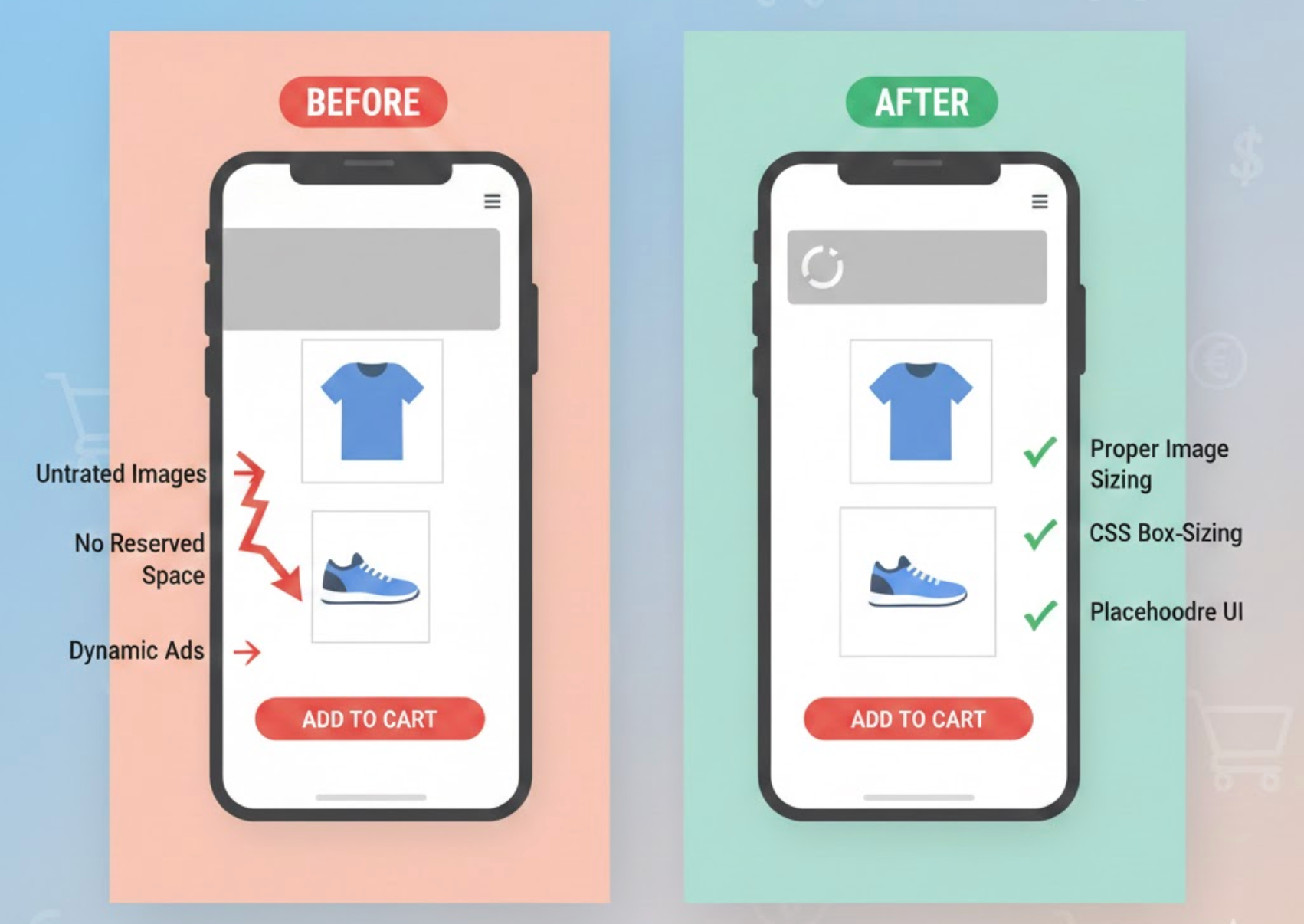
Cumulative Layout Shift (CLS) is one of Google’s Core Web Vitals, measuring how visually stable a page is while it loads. When elements suddenly move, resize, or shift position, users can lose their place, misclick buttons, or feel frustrated. On eCommerce pages, these issues are especially costly because they directly interfere with browsing, product selection, and checkout actions.
Reducing CLS is not only important for SEO rankings but also for building trust and delivering a polished shopping experience. Below are practical, proven ways to minimize CLS issues on eCommerce pages and keep layouts predictable from the first moment a page loads.
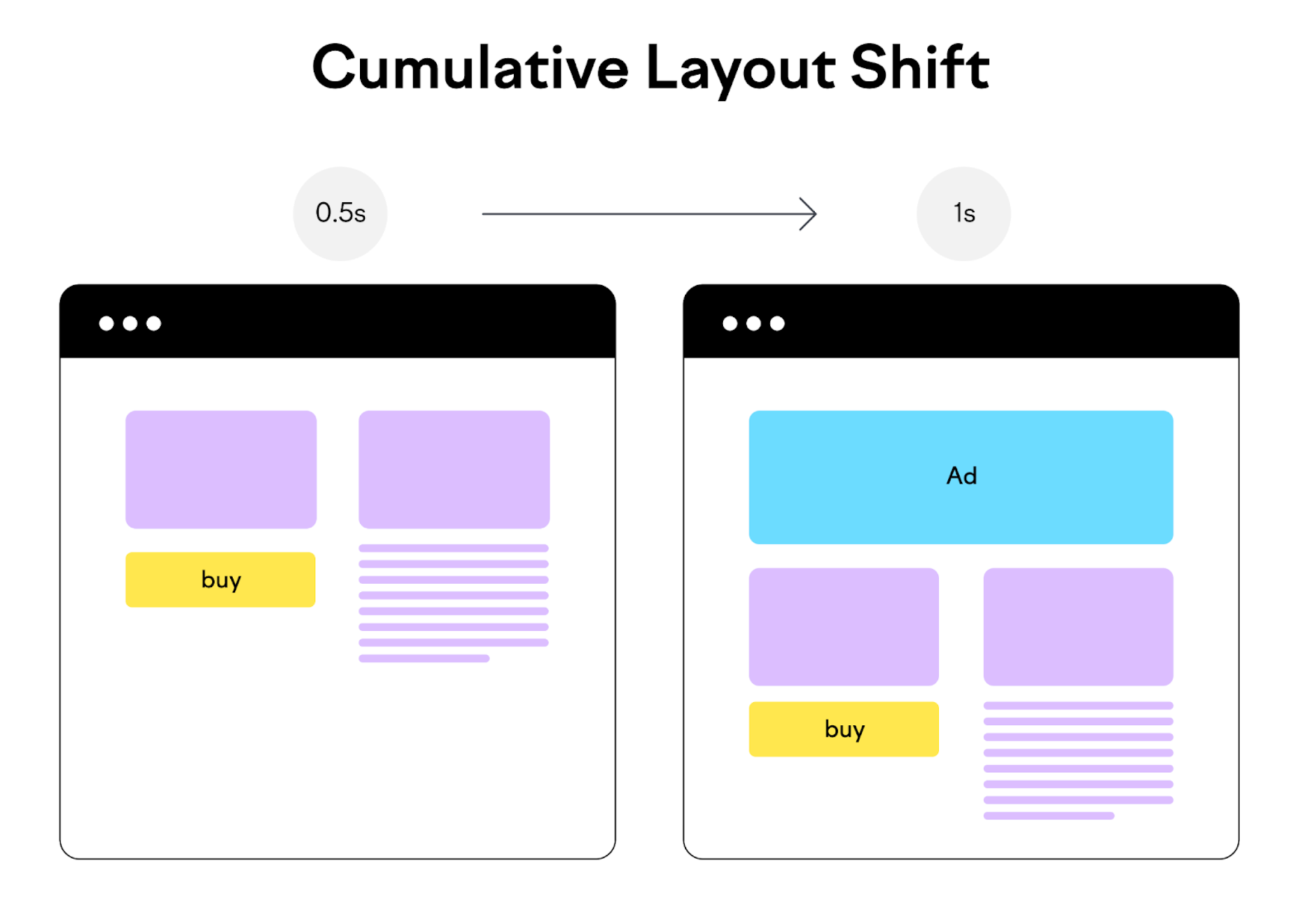
CLS (Cumulative layout shift) issues occur when visible elements on a webpage change position unexpectedly as the page loads or updates. These shifts usually happen because the browser renders content before knowing the final size or position of certain elements, such as images, fonts, or dynamic components. As a result, content that users are already viewing suddenly moves, creating a jarring experience.
On ecommerce pages, CLS issues are especially noticeable because layouts are dense and interaction-heavy. A product image loading late can push prices downward, or a banner appearing at the top can move the “Add to Cart” button just as a user tries to click it. These moments not only frustrate users but can also lead to lost sales and reduced trust.
Common causes of CLS issues include:
Understanding these root causes makes it much easier to prevent CLS problems during design and development.
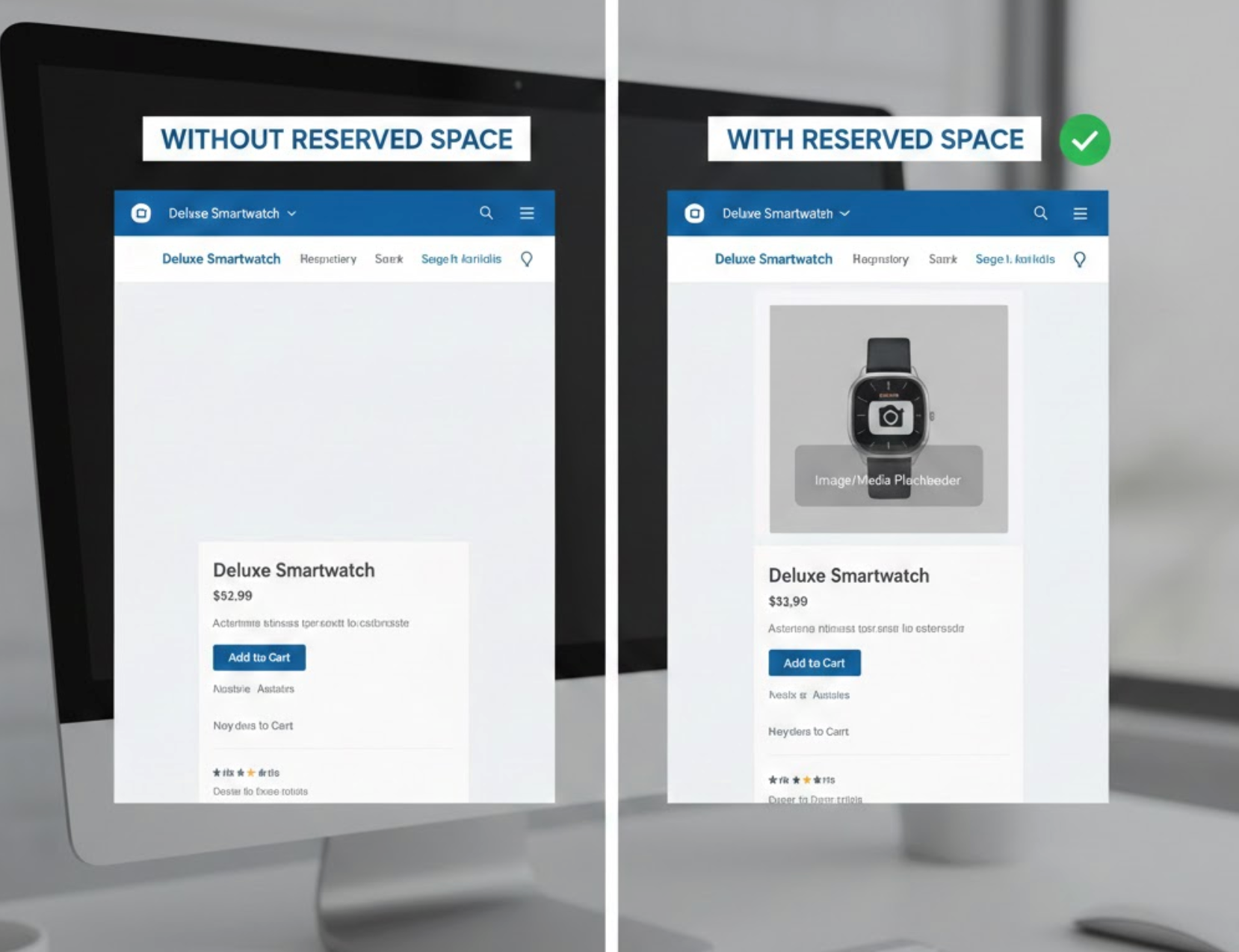
Images are one of the most common causes of layout shifts on eCommerce sites. When the browser doesn’t know an image’s size in advance, it renders surrounding content first and then pushes it down once the image loads. This sudden movement negatively impacts CLS and disrupts the user’s reading or scrolling flow.
To keep image loading from disrupting the layout, a few simple structural rules should always be applied.
Product listing pages are dynamic by nature, often including prices, ratings, discount labels, and stock indicators. If these elements appear after initial load or vary in size across products, they can cause surrounding items to shift, making the page feel unstable.
Creating a consistent product grid starts with designing cards that remain visually stable in every scenario.
Many eCommerce sites add content dynamically after the page loads, such as promotional banners, cookie notices, or urgency messages. When these elements are injected above existing content, they push everything else downward, causing noticeable layout shifts.
Instead of adding content that pushes the page downward, consider layout-friendly alternatives that preserve visual stability.
Custom fonts enhance branding, but they can introduce CLS if they load late and replace fallback fonts. When text suddenly changes size or spacing, it can push buttons, images, and surrounding content out of place.
Small adjustments to how fonts load can significantly reduce unexpected text movement during rendering.
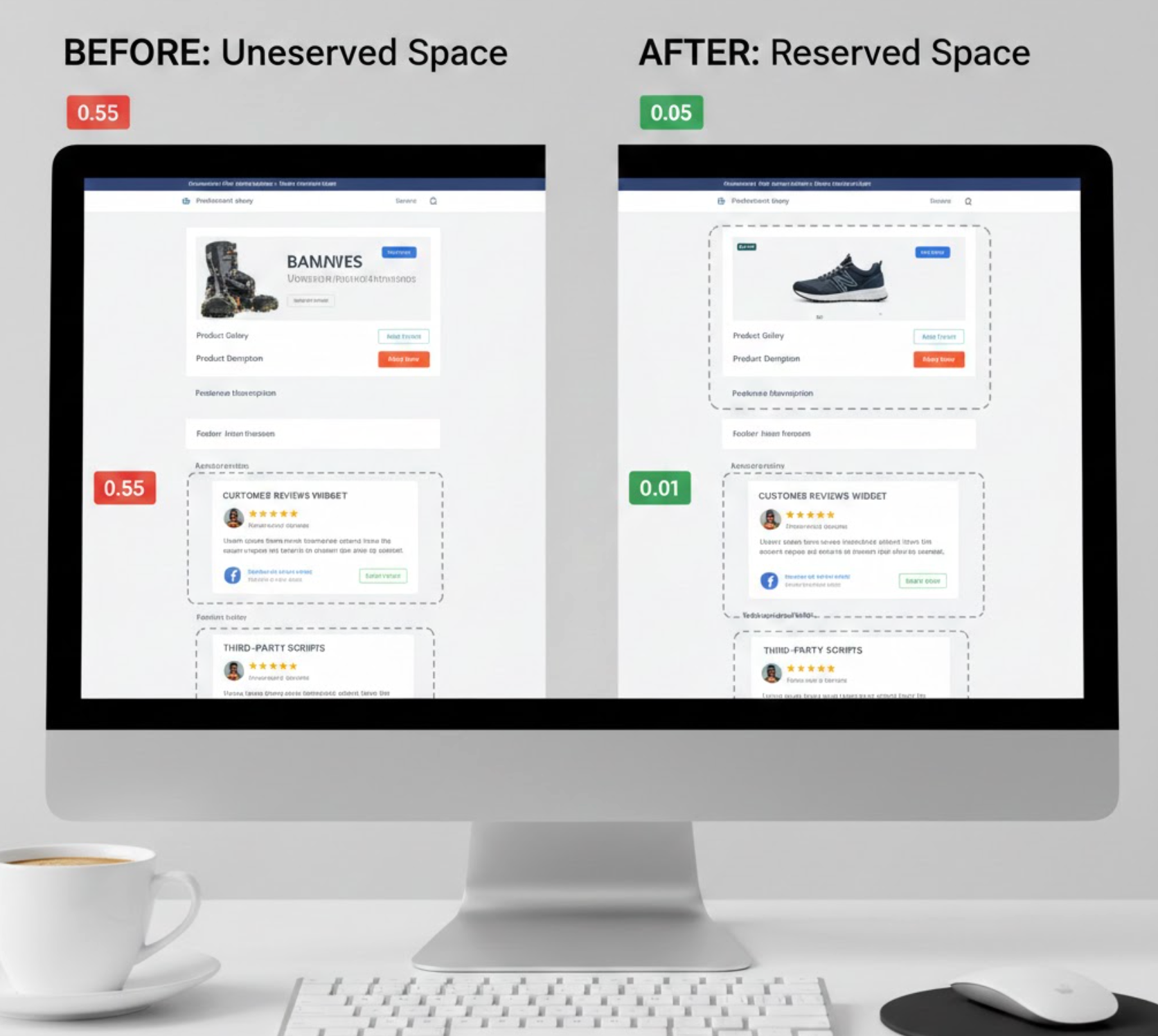
Third-party elements such as review tools like Ryviu, chat tools, recommendation blocks, and ads often load asynchronously. If space isn’t allocated in advance, these components can expand suddenly and push nearby content.
Managing third-party content carefully helps prevent late-loading elements from shifting the page layout.
Call-to-action buttons, filters, and add-to-cart sections are critical conversion points. Even small shifts in these elements can lead to accidental clicks or hesitation, directly affecting revenue.
Because CTAs directly impact conversions, they should be designed to stay visually consistent at all times.
CLS often occurs when secondary features load before essential layout elements. When the browser keeps adjusting the page as new components arrive, users experience repeated layout shifts.
A thoughtful loading sequence ensures the main layout settles before secondary enhancements are introduced.
CLS issues don’t always appear in design mockups or desktop testing environments. They are often more noticeable on mobile devices, slower networks, or lower-end hardware, conditions common among eCommerce shoppers.
Regular testing across tools and devices helps uncover layout shifts that may not be obvious during development.
Reducing CLS on eCommerce pages is ultimately about delivering a predictable and trustworthy experience. When shoppers can scroll, read, and interact without content jumping around, they feel more comfortable and in control. While technical optimizations like image sizing and font loading play a key role, thoughtful layout planning and content sequencing are just as important.
By reserving space, managing dynamic elements carefully, and testing consistently, eCommerce teams can significantly improve CLS scores while also enhancing usability and conversion performance. A stable page isn’t just good for metrics, it’s essential for building long-term customer trust.




