 New to Shopify? Free trial, then $1/month for your first 3 months. Start free trial →
 Where is your store?
Ryviu works with both – pick yours to continue.









Accessibility is a critical component of building a successful and future-proof Shopify store. An accessible store ensures that all users, including people with visual, auditory, motor, or cognitive disabilities, can navigate, understand, and complete purchases without unnecessary friction. When accessibility is treated as a core part of the user experience, it not only promotes inclusivity but also improves usability, SEO performance, and customer trust.
This guide explores the importance of accessibility and outlines detailed best practices Shopify merchants can apply to create a more inclusive shopping experience.
Accessibility directly affects how users interact with your store and whether they feel confident completing their purchase. If customers struggle to read content, navigate menus, or use forms, they are far more likely to abandon the site. By removing these barriers, you create a smoother and more welcoming experience for a wider audience.
From a business standpoint, accessibility helps you reach more customers, reduces bounce rates, and supports long-term growth. As regulations and platform standards continue to evolve, prioritizing accessibility also helps protect your store from compliance risks.
Improving accessibility requires thoughtful design and consistent implementation across your store. Each of the practices below focuses on a specific area that significantly impacts how users interact with your Shopify site. When applied together, these improvements create a more intuitive and inclusive shopping journey.
A clear site structure helps users quickly understand how your store is organized and where they can find information. For users relying on screen readers or assistive technologies, structure plays an essential role in interpreting content correctly. Consistency across pages reduces confusion and allows visitors to navigate with confidence.
To ensure your structure supports accessibility, focus on the following elements:
Many users navigate websites using only a keyboard due to mobility impairments or assistive device preferences. If your store cannot be fully navigated without a mouse, it creates a major accessibility barrier. Keyboard accessibility ensures that all interactive elements are usable by every visitor.
With that in mind, evaluate your store’s keyboard functionality by focusing on these areas:
Text readability is essential for users with low vision, color blindness, or reading difficulties. Poor contrast or overly decorative fonts can make important information difficult or impossible to read. Optimizing visual clarity benefits all users, not just those with disabilities.
To improve readability, pay close attention to these design considerations:

Images are central to eCommerce, but they must be accessible to users who cannot see them. Alt text allows screen readers to describe images and communicate their purpose to visually impaired users. Without alt text, key product details may be lost.
When adding alt text, focus on clarity and relevance:
Forms are one of the most critical interaction points in a Shopify store, especially during checkout. If users encounter unclear labels or confusing error messages, they may abandon their purchase altogether. Accessible forms help guide users smoothly through each step of the process.
To enhance form accessibility, prioritize the following practices:
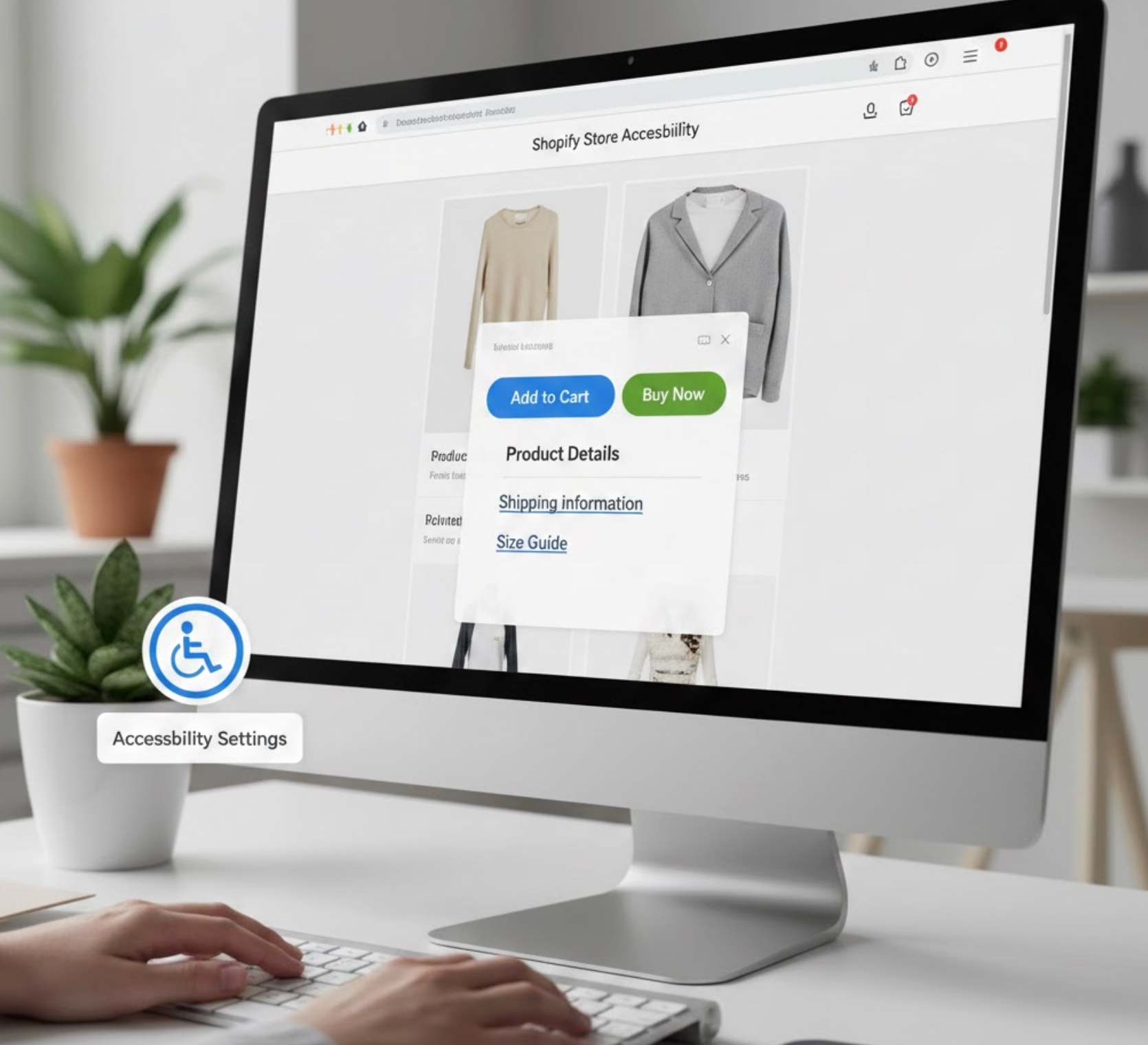
Buttons and links should clearly communicate their purpose to all users, including those using screen readers. Ambiguous labels or icon-only buttons can create uncertainty and reduce usability. Clear action cues improve both accessibility and conversion rates.
When designing buttons and links, keep these principles in mind:
Unexpected sounds, videos, or animations can overwhelm users and disrupt their browsing experience. Auto-playing content may also interfere with screen readers or cause discomfort for users with sensory sensitivities. Accessibility-focused design prioritizes user control.
To make media more accessible, follow these guidelines:
Accessibility is an ongoing process, not a one-time task. As you update themes, add apps, or publish new content, new accessibility issues can appear. Regular testing ensures your store remains usable for all visitors.
To maintain accessibility over time, adopt a consistent testing routine:
Shopify store accessibility is a powerful way to improve user experience while supporting inclusivity and long-term growth. By applying these best practices, you make your store easier to navigate, more welcoming, and more effective at converting visitors into customers. When accessibility becomes part of your ongoing strategy, it strengthens both your brand reputation and your business performance.




