 New to Shopify? Free trial, then $1/month for your first 3 months. Start free trial →
 Where is your store?
Ryviu works with both – pick yours to continue.








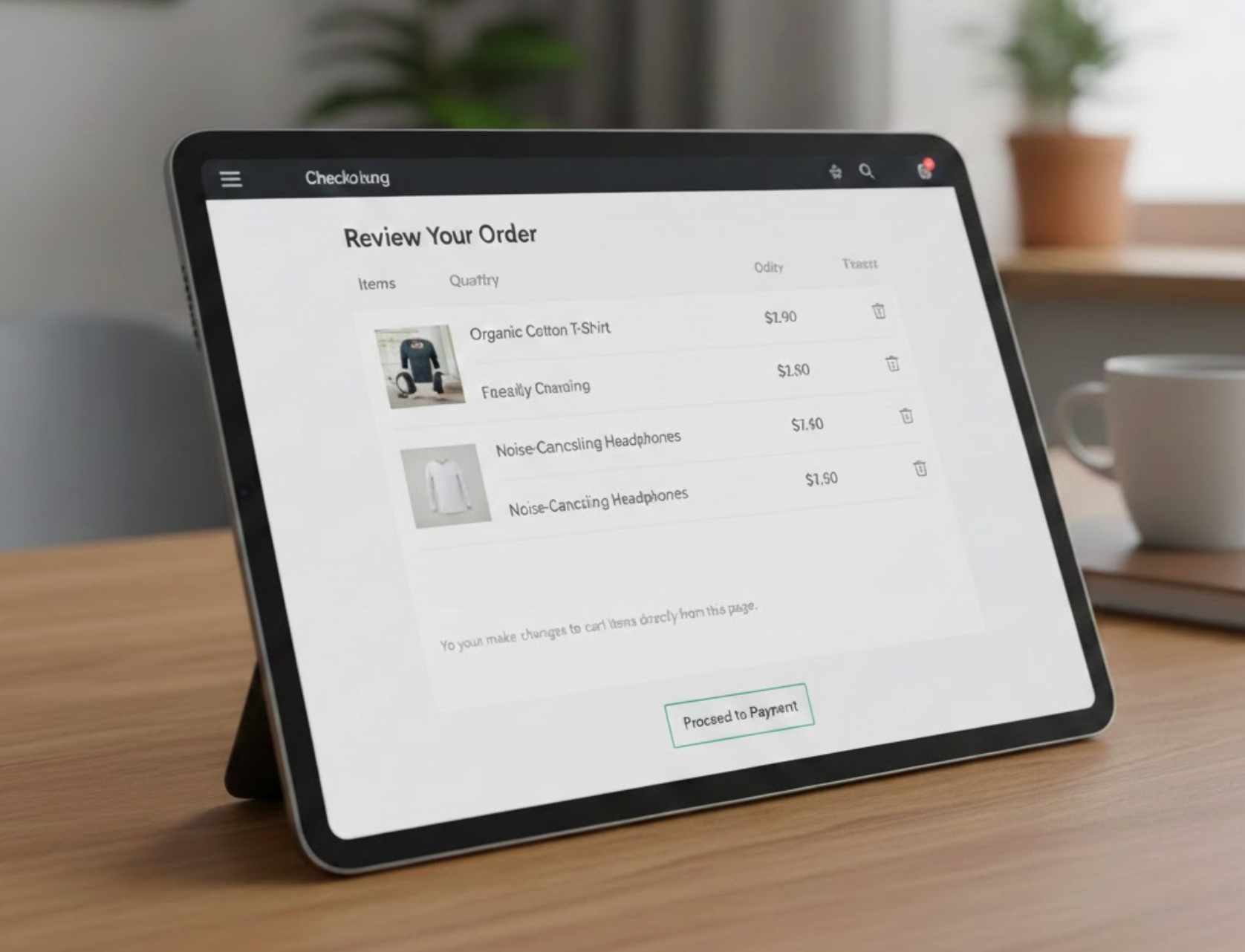
One of the most debated checkout design decisions in eCommerce is whether shoppers should be allowed to edit their cart directly on the checkout page. On one hand, cart editing can reduce friction and prevent abandonment caused by small mistakes. On the other hand, too many options at checkout may distract users from completing their purchase. Understanding when and how to allow cart editing can help you strike the right balance between flexibility and conversion.
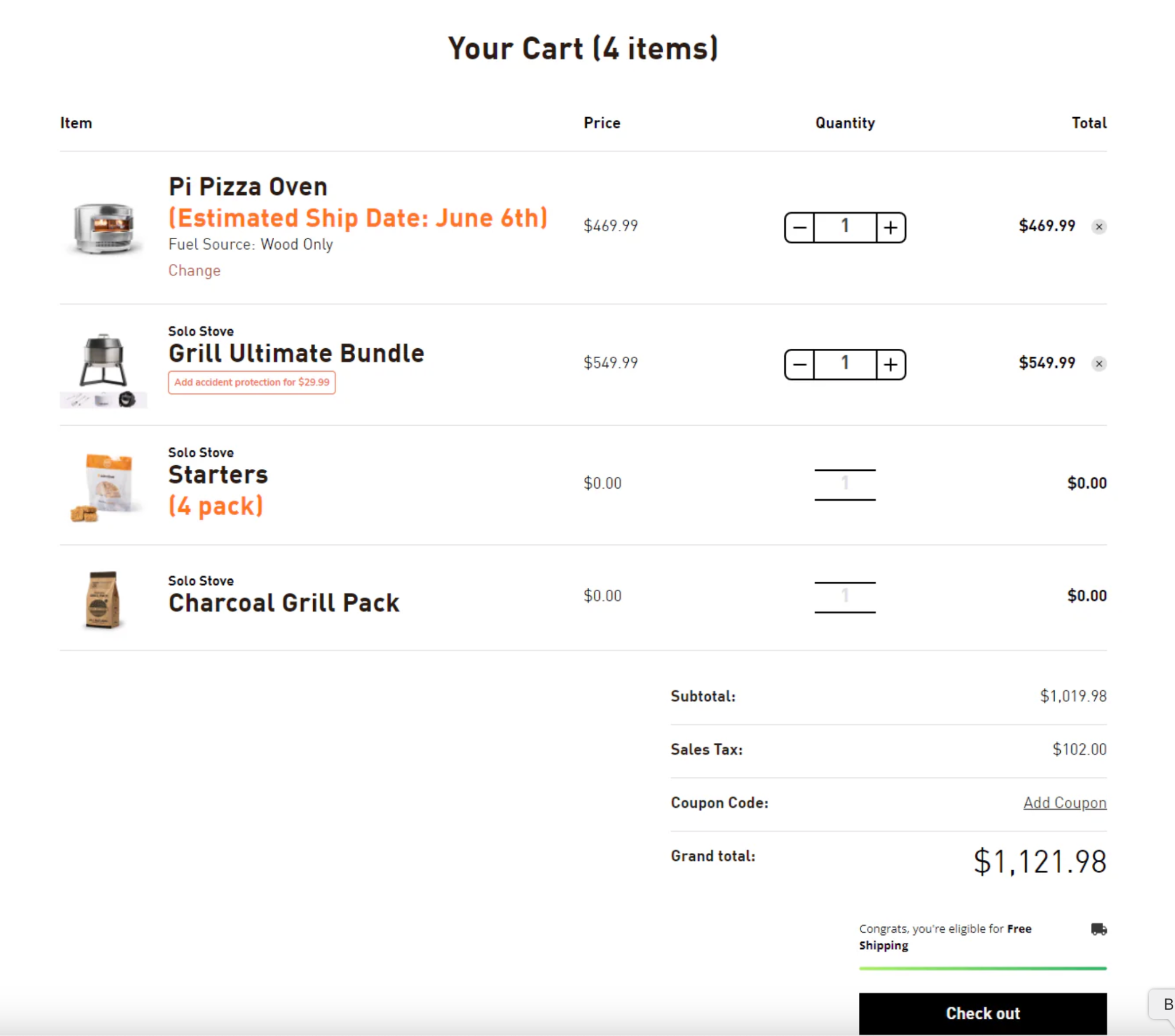
Cart editing on the checkout page refers to giving customers the ability to change their order without leaving the checkout flow. This can include adjusting quantities, removing items, changing variants, or applying discount codes. Instead of redirecting shoppers back to the cart page, these actions happen inline or through simple controls within checkout.
The goal of checkout-stage cart editing is to reduce unnecessary back-and-forth. When customers notice an issue at the last moment, they can fix it instantly rather than abandoning the process altogether.
Allowing limited cart editing during checkout can improve the overall user experience and protect conversions in several key ways.
First, it reduces friction caused by small errors. Customers often realize they selected the wrong quantity or variant only after seeing the final price. If they are forced to leave checkout to fix it, many never return.
Second, it builds a sense of control and confidence. Shoppers feel reassured knowing they can make quick changes without “breaking” the checkout process. This sense of flexibility can lower anxiety and increase completion rates.
Third, it supports mobile shoppers. On mobile devices, navigating back and forth between cart and checkout is especially frustrating. Inline editing minimizes taps, page loads, and cognitive effort.
Despite its advantages, cart editing at checkout is not always a clear win. Poorly implemented editing options can harm conversions.
One major risk is distraction. The checkout page should focus on a single primary action: completing the purchase. Too many editable elements can pull attention away from payment and shipping steps.
Another concern is technical complexity. Editing items at checkout can trigger price changes, tax recalculations, shipping updates, or inventory checks. If these updates feel slow or confusing, users may lose trust in the process.
Finally, excessive flexibility can lead to indecision. When shoppers keep adjusting quantities or removing items at the final step, it can prolong checkout and increase the chance of abandonment.
Cart editing at checkout is most effective when it directly reduces friction without undermining purchase intent. In certain shopping scenarios, customers benefit greatly from being able to make quick adjustments at the final step. Understanding these situations helps ensure that cart editing supports conversions rather than complicating the checkout flow.
With that in mind, the following cases highlight when allowing cart editing at checkout is both practical and conversion-friendly.
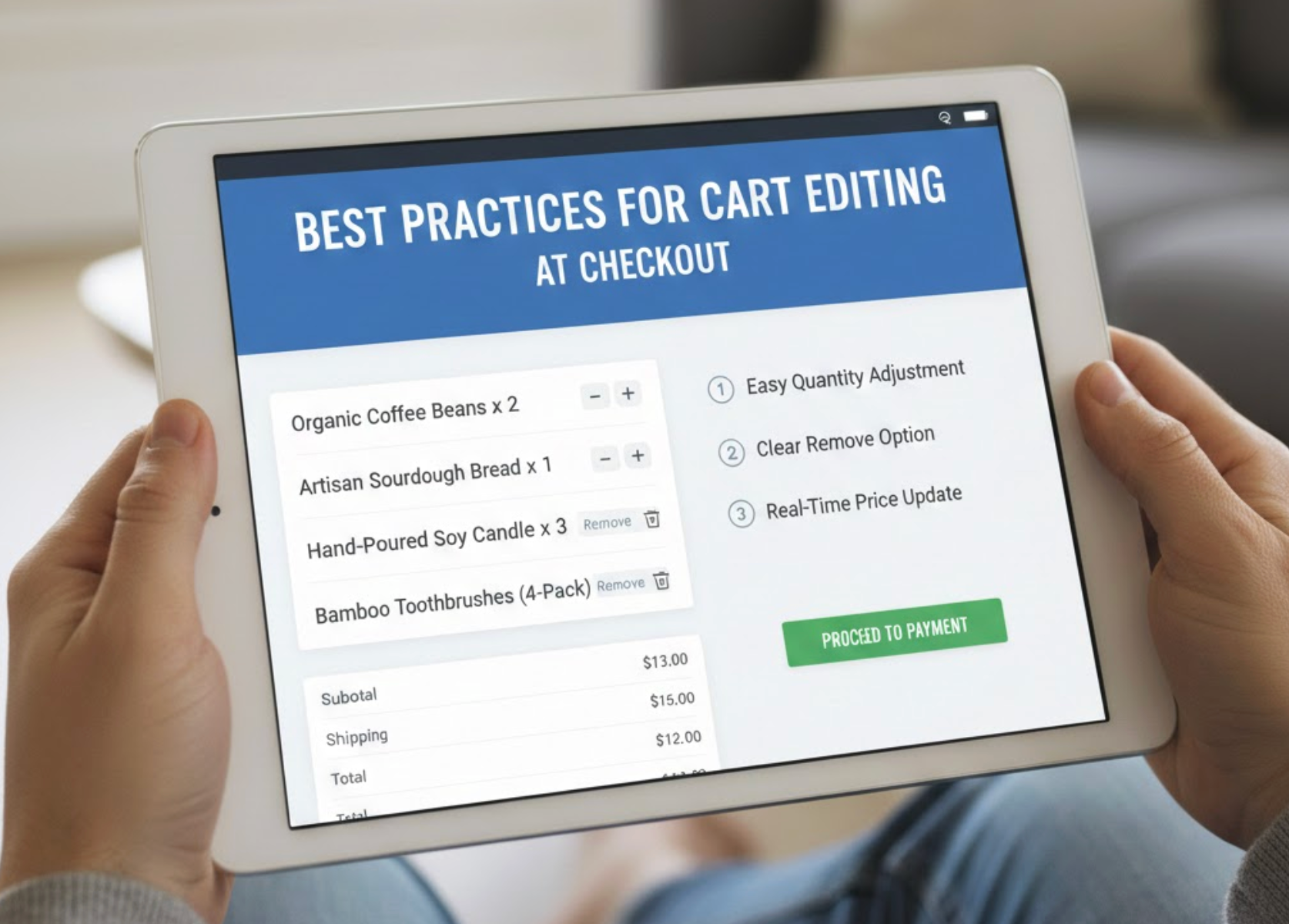
Allowing customers to edit their cart at checkout can enhance convenience, but only when it is implemented with clear intent and restraint. The checkout stage should remain focused on completion, so any editing options must support that goal rather than compete with it. Well-designed cart editing acts as a safety net for small corrections instead of becoming a source of distraction.
To achieve this balance, merchants should follow a few proven best practices that prioritize clarity, speed, and conversion.
The real question is not simply “Should you allow cart editing on the checkout page?” but rather “How much editing is helpful without becoming distracting?” Checkout is the final and most sensitive stage of the customer journey, where clarity and momentum matter most. The best-performing stores understand that cart editing should act as a quiet safety net, not a feature showcase that competes with payment and confirmation steps.
When implemented with restraint, minimal and well-designed editing options can significantly reduce frustration. They help recover conversions that might otherwise be lost due to small errors, unexpected totals, or last-minute changes of mind. However, giving shoppers too much freedom at this stage can weaken urgency, prolong decision-making, and shift focus away from completing the purchase.
Allowing cart editing on the checkout page can be a powerful, conversion-friendly feature when implemented thoughtfully and with clear boundaries. It works best when edits are simple, fast, and instantly reflected in pricing, ensuring customers always understand the impact of their changes. Most importantly, cart editing should never interrupt or reset the checkout flow.
For most eCommerce stores, limited cart editing, such as adjusting quantities or removing items, offers the best balance between flexibility and focus. This approach reassures shoppers while preserving the momentum needed to finalize the order. By prioritizing clarity, speed, and a strong checkout flow, you can boost customer confidence without sacrificing conversion performance.




