 New to Shopify? Free trial, then $1/month for your first 3 months. Start free trial →
 Where is your store?
Ryviu works with both – pick yours to continue.








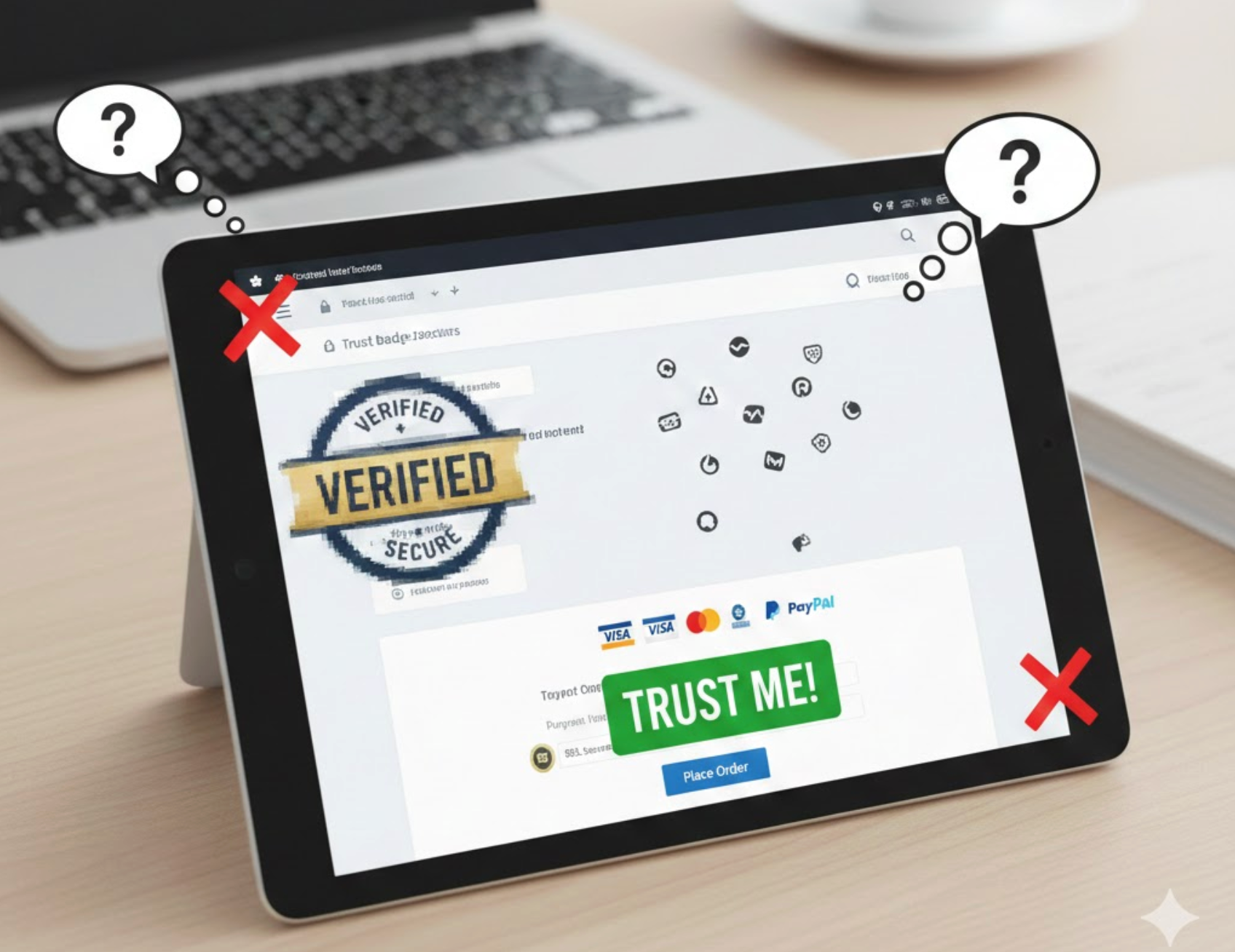
Trust badges are one of the simplest yet most powerful elements for building confidence in an ecommerce store. When used correctly, they reassure visitors, reduce hesitation, and gently guide shoppers toward completing a purchase. However, trust badges are only effective when they are placed thoughtfully and aligned with user behavior. Without a clear strategy, even well-known trust badges can lose their impact or, worse, damage credibility.
To avoid that outcome, it’s important to understand not just what mistakes to avoid, but why they happen and how to correct them. Below are the most common trust badge placement mistakes, and practical ways to fix each one.
One of the most frequent mistakes is positioning trust badges in areas users don’t focus on when making buying decisions. While footers and secondary sections may seem like safe placements, they are rarely seen at moments of hesitation. As a result, trust reassurance arrives too late in the customer journey. When users are deciding whether to click “Add to Cart” or proceed to checkout, trust signals need to be immediately visible.
Because trust is time-sensitive, distance reduces its effectiveness. The farther a badge is from the action, the weaker its influence becomes.
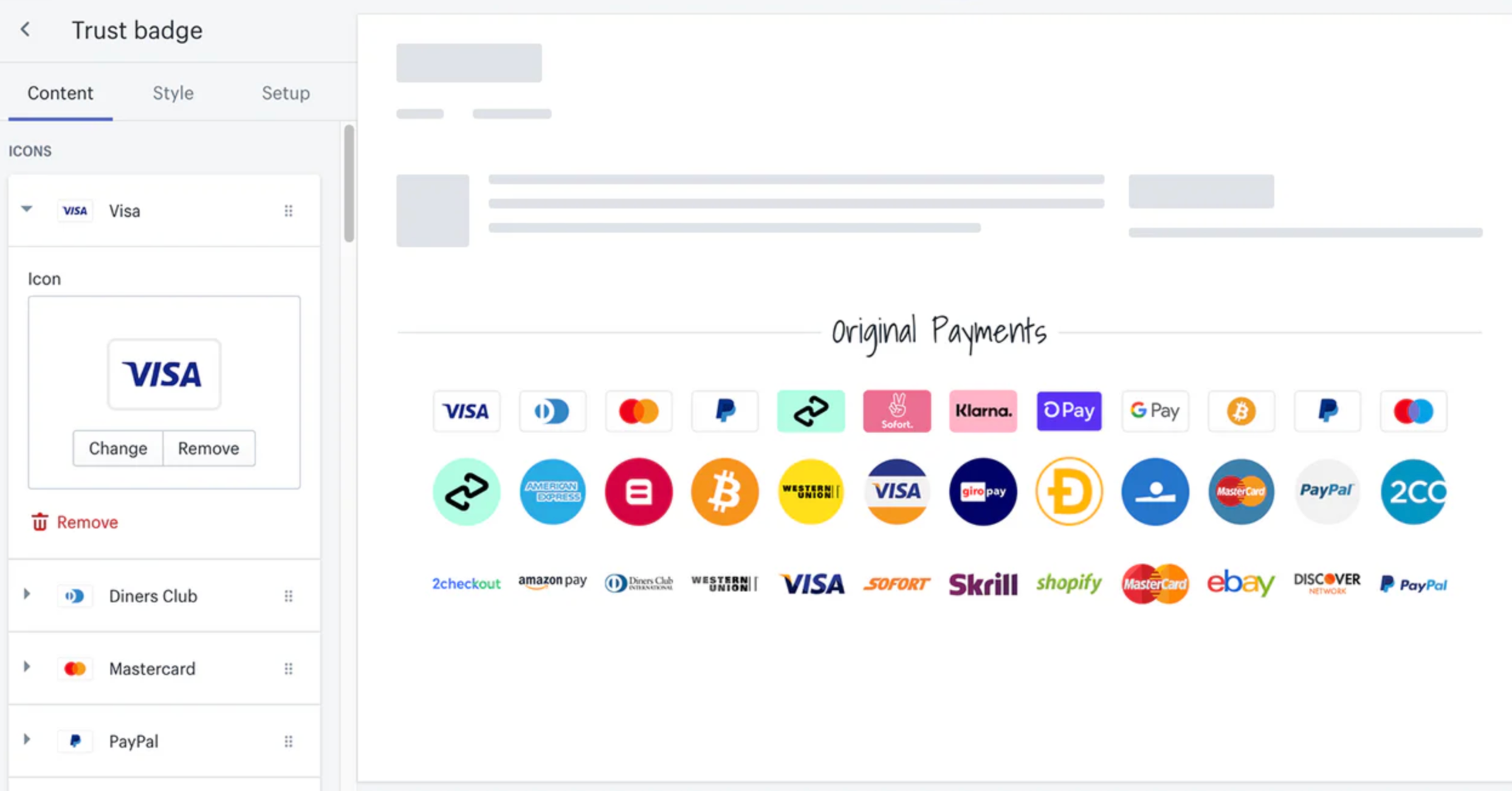
While it may feel safer to display as many trust badges as possible, this approach often backfires. Instead of increasing confidence, an overload of badges creates visual clutter and confusion. When users see too many signals competing for attention, they may start questioning which ones actually matter. In some cases, excessive badges can even make the page feel spammy or untrustworthy.
Rather than signaling strength, overuse weakens credibility by diluting focus.
Even when trust badges are well placed, they can still fail if users don’t understand what they represent. Not all shoppers recognize every logo, especially newer or less common certifications. Without context, badges become decorative icons rather than meaningful reassurance tools. This disconnect reduces their persuasive value and leaves user concerns unaddressed.
By adding clarity, you transform passive visuals into active trust builders.

Homepage trust badges help with first impressions, but relying on them alone is a major mistake. As users move deeper into product pages and checkout steps, uncertainty naturally increases. If trust signals disappear at these critical moments, confidence drops. This gap often leads to cart abandonment, even if the homepage initially felt trustworthy.
To maintain reassurance, trust must be consistent throughout the journey.
Trust badges are only effective if users believe them. Outdated designs, unknown providers, or fake-looking icons can immediately trigger doubt. Modern shoppers are highly aware of online scams, and anything that feels off can break trust instantly. Instead of offering reassurance, poor-quality badges raise red flags.
Because trust is fragile, credibility must be earned, not assumed.
With mobile traffic dominating ecommerce, overlooking mobile trust badge placement is a costly mistake. Badges that look perfect on a desktop may be hidden, shrunk, or misplaced on smaller screens. Since mobile shoppers are often more cautious due to screen size and input limitations, missing trust signals can significantly impact conversions.
Optimizing for mobile ensures reassurance remains visible where it matters most.
Why this hurts conversions
How to fix it
Finally, one of the most subtle mistakes is treating trust badges as purely decorative elements. When added just to “look professional,” they rarely address real customer objections. Trust badges are most effective when they directly respond to fears around payment security, data privacy, or refunds. Without that alignment, their impact remains minimal.
When used strategically, trust badges become powerful persuasion tools.
Why this hurts conversions
How to fix it
Trust badges are not just visual accessories, yet they are strategic conversion assets. Mistakes such as poor placement, overuse, lack of context, and ignoring mobile users can quietly undermine their effectiveness. By using trust badges intentionally, placing them near decision points, and aligning them with real user concerns, you create a smoother, more confident buying experience. When implemented correctly, trust badges actively reduce friction and guide users toward conversion.




