 New to Shopify? Free trial, then $1/month for your first 3 months. Start free trial →
 Where is your store?
Ryviu works with both – pick yours to continue.









Most WooCommerce store owners spend their time optimizing product pages, improving images, or adjusting keyword strategies. Yet, one crucial structural component quietly shapes how search engines discover and understand your site: pagination. When pagination is overlooked or implemented incorrectly, it creates weak crawling, diluted ranking signals, and poor product discoverability. Many stores unknowingly hide dozens or even hundreds of products because search engines cannot reach them.
That is why pagination SEO deserves far more attention. When you optimize pagination correctly, you give Google a clear roadmap, strengthen your internal linking, and ensure deep category pages contribute to your overall ranking authority. In this guide, we explore the most overlooked yet highly impactful WooCommerce pagination SEO practices and explain how to apply each one in a seamless, natural workflow.
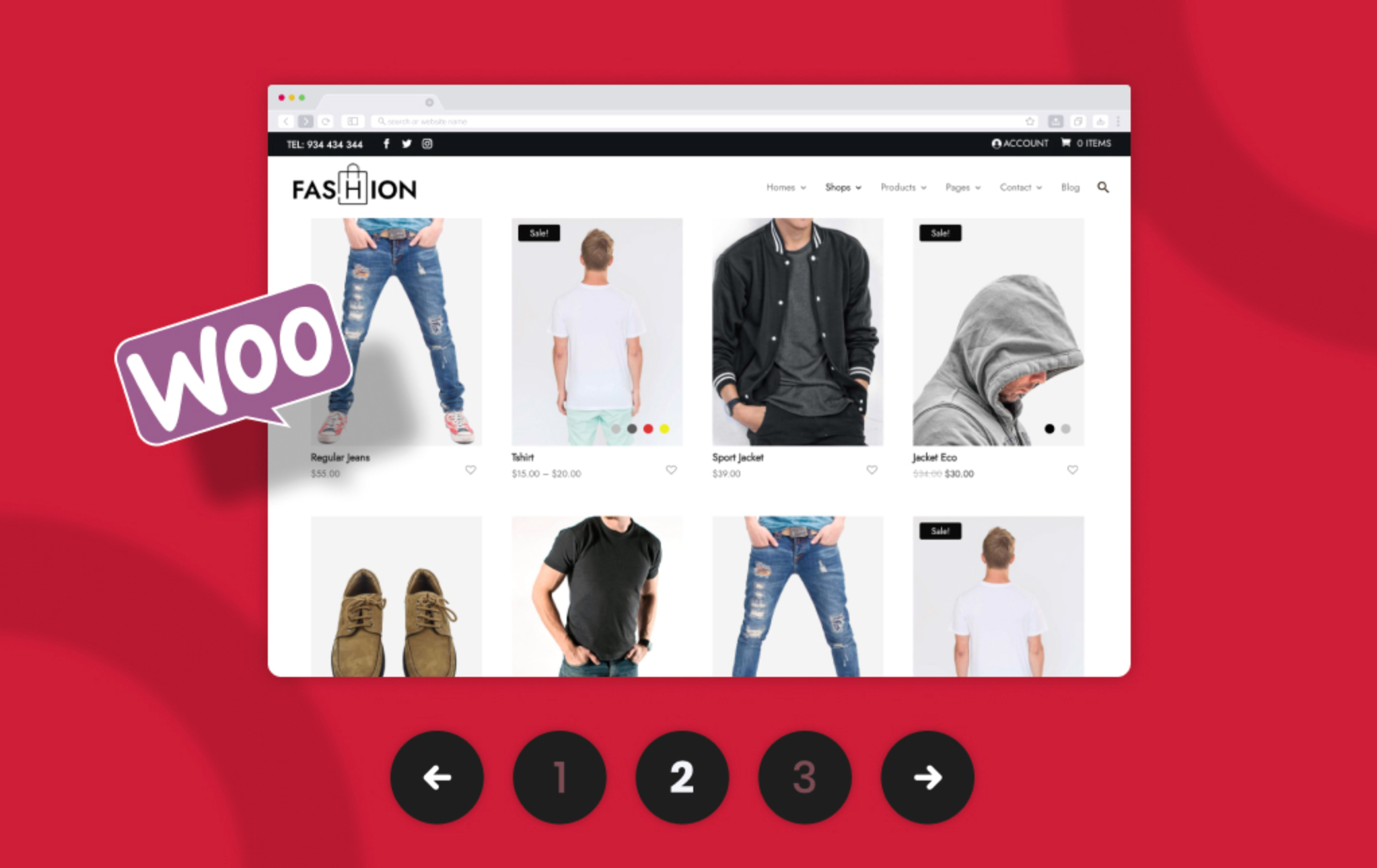
Before diving into best practices, it is important to understand what pagination actually does. Pagination is the system of dividing large product listings across multiple pages, such as Page 1, Page 2, Page 3, and so on. By breaking long lists into smaller chunks, WooCommerce helps shoppers browse more comfortably while maintaining reasonable page load times.
To make this clearer, WooCommerce typically offers three patterns:
This uses static URLs such as /shop/page/2/. It is predictable, easy for search engines to crawl, and forms the foundation of most SEO-friendly setups.
Instead of clicking through pages, users can reveal more products on the same page. Although this feels modern and user-friendly, it requires careful SEO handling, or search engines will fail to load additional products.
Products load automatically as users scroll. This creates a seamless user experience, but by default, Google cannot follow infinite scroll interactions without traditional pagination links present in the HTML.
As you can see, pagination is not simply a design choice; it affects how your catalog is crawled, understood, and ranked.
Before we explore best practices, it is essential to understand why pagination impacts rankings so significantly. Think of your WooCommerce store like a library. If books are shelved neatly and connected by a clear cataloging system, they are easy to find. But if books are scattered or mislabeled, readers and librarians struggle to locate them.
Pagination acts as the cataloging system for your product collections. When the structure is unclear, products become invisible to search engines.
Here is how pagination affects SEO on multiple levels:
Search engines crawl content link by link. If your pagination does not expose Page 2, Page 3, or beyond correctly, Google may never reach them. This reduces product visibility, especially for large catalogs.
Faulty pagination can cause duplicate URLs, parameter overload, and missing canonical tags. All of these issues confuse search engines and weaken your listing pages.
Internal linking helps distribute link equity. If pagination is not structured properly, Page 1 absorbs most authority while deeper pages, and the products on them, receive very little SEO benefit.
Users rely on pagination to explore your catalog smoothly. If the navigation is slow, unstable, or confusing, they leave sooner, which indirectly affects SEO.
When you view pagination through this lens, it becomes clear why it is not just a minor technical detail, but a key driver of organic performance.
Below are the essential, yet commonly overlooked, pagination SEO strategies. Each includes explanations and transition sentences to make the article smooth and actionable.
A strong pagination strategy begins with clean, consistent URLs. When pagination URLs stay tidy, search engines can understand the order and hierarchy of your pages without confusion. However, many WooCommerce themes and filtering plugins introduce messy query parameters, creating unnecessary complexity.
For example, URLs like /shop/?page=2&sort=price&filter=blue often cause Google to see multiple versions of the same page, which can dilute SEO signals.
Best Practices
To keep your URL structure clean and search-friendly:
By keeping URLs predictable and clean, you give search engines a strong foundation to understand your paginated structure.
Once you have clean URLs, the next step is telling Google how each page relates to the next. This is where canonical tags play a critical role. Unfortunately, many WooCommerce stores misuse canonicals, often because SEO plugins apply generic settings.
The biggest mistake is pointing every paginated page back to Page 1. This signals to Google that Page 2, Page 3, and beyond are duplicates, which results in deeper pages being ignored entirely.
Below is the correct approach to maintain clarity:
This self-referencing method ensures that each page is treated as unique, indexable, and valuable.

Pagination links alone are not always enough, especially for stores with hundreds or thousands of products. Internal linking is a powerful way to guide both users and search engines deeper into your catalog. By adding more contextual links, you strengthen the relationship between categories and distribute link equity more effectively.
To Strengthen Crawlability, consider adding:
These internal bridges give crawlers and shoppers multiple paths to navigate deeper pages, improving indexation and engagement simultaneously.
While product grids provide structure, they often lack descriptive content needed to give search engines a deeper understanding of your category. Adding well-written content helps SEO and reassures users that they are in the right place.
What to Add?
Above the Fold (Short Intro): A brief explanation that introduces the category and reinforces the primary keyword.
Below the Fold (Longer SEO Block):
This layered content strategy transforms thin paginated pages into rich resources that attract more traffic.
Modern UI patterns like infinite scroll feel smooth and intuitive, but they often break SEO if not implemented properly. Without static pagination links, search engines cannot see content beyond Page 1, which means most products remain hidden.
For SEO-Friendly Solution, you should create a hybrid implementation:
This ensures Google gets clean, discoverable links while shoppers enjoy a seamless browsing experience.
Page 1 is the most important category page, and it needs to feel distinct. If Page 1 and Page 2 are identical in terms of products, layout, and content, this weakens SEO and confuses users.
How to Differentiate Page 1
The more unique Page 1 becomes, the stronger your category ranking potential is.

Fast-loading pages are essential for modern SEO, and pagination pages are no exception. These pages often load dozens of products, thumbnails, and scripts simultaneously, making performance optimization critical.
Performance Enhancements
Optimizing your pagination speed boosts SEO, conversions, and user satisfaction.
Structured data helps Google understand the purpose and content of each page. Even if category pages do not qualify for full Product schema, adding structured data improves indexation.
Recommended Schema Types
These schema types work together to strengthen category context and improve indexation accuracy.
A common misconception is that paginated pages are thin content that should be set to noindex. This approach is harmful because it blocks entire sections of your product catalog from being discovered.
Why This Is a Mistake
The better approach is to keep paginated pages fully indexable so that every page contributes to your store’s visibility and internal architecture.
Finally, consistency matters more than most people realize. When products shuffle between pages with each load, Google struggles to understand the hierarchy of your listings.
Best Practices
This clarity helps search engines maintain accurate indexing across paginated pages.
For smaller categories, a “View All” page can consolidate all products into one highly relevant URL. However, this option is not ideal for every store or category.
A thoughtful approach ensures performance is not compromised while maximizing SEO benefits.
While pagination SEO is largely structural, the right plugins can enhance and simplify implementation.
A well-chosen plugin stack improves both performance and SEO clarity.
WooCommerce pagination is not just a technical detail; it is the backbone of how search engines understand and navigate your store. By optimizing URL structures, canonical tags, internal linking, page content, performance, and structured data, you create a strong, interconnected environment where every product has the chance to be discovered.
When most stores ignore pagination SEO, you gain a significant competitive advantage by mastering it. With deeper indexation, stronger category pages, and improved user experience, your store becomes more visible, more organized, and far more profitable.




