 New to Shopify? Free trial, then $1/month for your first 3 months. Start free trial →
 Where is your store?
Ryviu works with both – pick yours to continue.








For WooCommerce stores with large product catalogs, proper pagination is a critical SEO factor. When your category pages, shop pages, or product listings span multiple pages, search engines need a clear way to understand the order of content. This is where rel="next" and rel="prev" tags become important. These tags indicate to search engines the sequence of paginated pages, helping consolidate ranking signals, prevent duplicate content issues, and improve crawl efficiency.
In this guide, we’ll explain what these tags are, why they are important, and how to implement them in WooCommerce using both plugins and manual methods.
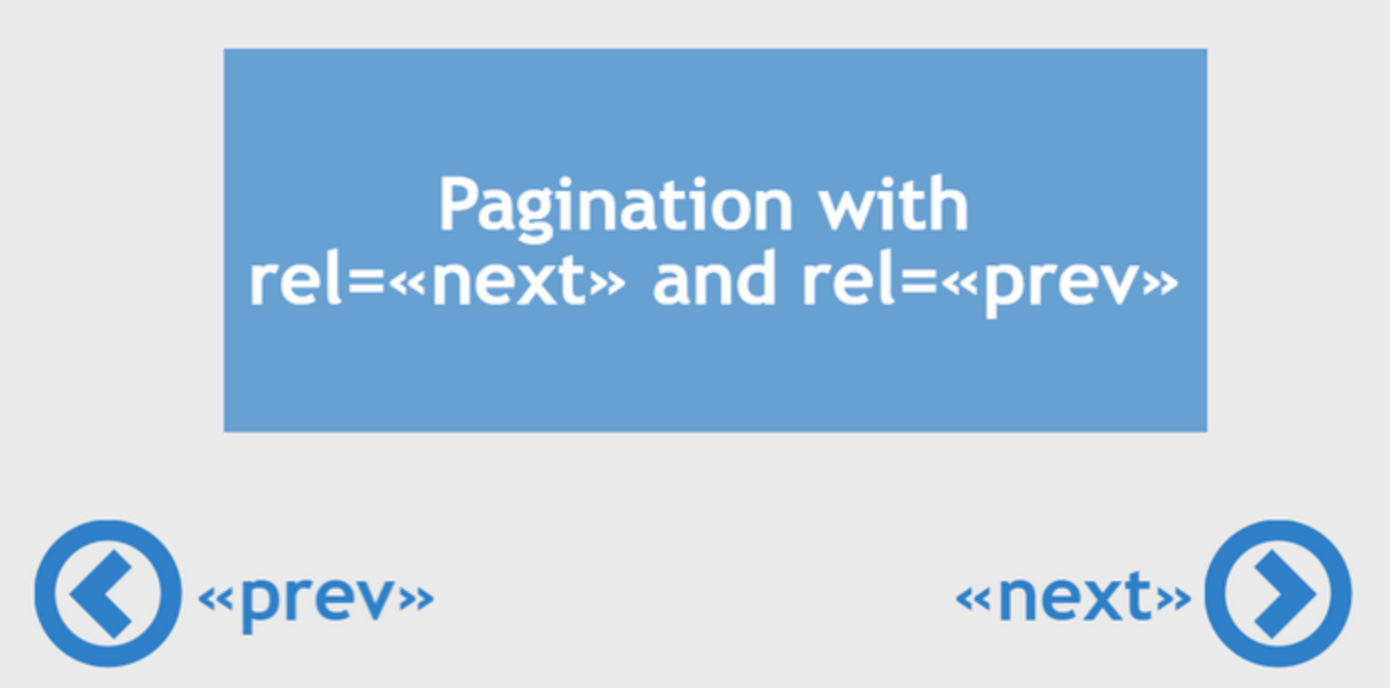
The rel-next and rel-prev tags are HTML link attributes that define the relationship between sequential pages. Specifically:
For example, if your WooCommerce shop page has three paginated pages, the tags would look like this:
Without these tags, search engines might treat each paginated page as separate content, which can dilute the link authority of your main category or shop page. Rel-next and rel-prev help search engines understand that these pages are part of a sequence, consolidating ranking signals and ensuring the main page retains its authority.
To make the most of this setup, always include these tags on all paginated pages to improve indexing and SEO performance.
WooCommerce uses the standard WordPress pagination system for product categories and shop pages. The URL structure usually looks like this:
https://yourstore.com/shop/page/2/
https://yourstore.com/shop/page/3/
By default, many WooCommerce themes generate pagination links at the bottom of the page but often do not include rel="next" and rel="prev" in the <head> section. Without these tags, search engines must guess the order of pages, which can lead to missed SEO opportunities or duplicate content issues if they index each page separately.
Proper pagination SEO helps search engines understand your site’s structure, giving your main category or shop page a better chance to rank higher while letting subsequent pages support it rather than compete against it.
You can check if your current pagination setup is optimized by viewing the page source to see if rel-next and rel-prev links are included.
There are two main approaches to implementing these tags: using SEO plugins or adding them manually. Let’s look at both methods in detail.
The simplest and most reliable way to implement rel-next and rel-prev is with a WordPress SEO plugin such as Yoast SEO or Rank Math. These plugins automatically handle pagination links and insert them in the <head> section of paginated pages.

Using a plugin minimizes errors and ensures WooCommerce pagination is correctly recognized by search engines. After enabling these features, clear your site cache so that the tags appear correctly.
For store owners who prefer a lightweight solution without additional plugins, you can manually add rel-next and rel-prev tags using PHP code in your theme’s functions.php file or a custom plugin.
Here’s an example:
function add_rel_prev_next_links() { if (is_paged() && (is_shop() || is_product_category())) { global $wp_query; $current_page = max(1, get_query_var('paged')); $total_pages = $wp_query->max_num_pages; if ($current_page > 1) { echo '<link rel="prev" href="' . get_pagenum_link($current_page - 1) . '" />' . "\n"; } if ($current_page < $total_pages) { echo '<link rel="next" href="' . get_pagenum_link($current_page + 1) . '" />' . "\n"; } }}add_action('wp_head', 'add_rel_prev_next_links');This code checks whether the current page is paginated and belongs to a WooCommerce shop or category. It calculates the previous and next page links dynamically and inserts them in the <head> section so search engines can follow the page sequence.
To verify it’s working, inspect the page source of your paginated pages and confirm that rel-next and rel-prev URLs match your pagination structure.
Canonical URLs are crucial for avoiding duplicate content issues, even when rel-next and rel-prev are in place. WooCommerce and most SEO plugins automatically handle canonical URLs:
Rel-next and rel-prev indicate the page order, while canonical URLs tell search engines which page is the primary version. Avoid setting all paginated pages to canonical the first page, as this can confuse search engines and negatively affect indexing.
Check canonical URLs for all paginated pages to ensure they accurately reflect each page’s actual URL.
After implementing rel-next and rel-prev, it’s essential to confirm they work correctly.
Testing ensures your pagination strategy is working as intended and that search engines are interpreting the page structure correctly.
Implementing rel-next and rel-prev incorrectly can reduce the SEO effectiveness of your WooCommerce store. Here are the most common pitfalls and how to avoid them:
Many WordPress themes, especially free ones, generate pagination links at the bottom of category or shop pages but do not automatically include the rel-next and rel-prev tags in the <head> section. Without these tags, search engines may treat each paginated page as a separate piece of content rather than as part of a series. This can dilute link equity, making it harder for your main category page to rank.
How to fix it: Use a reliable SEO plugin like Yoast SEO or Rank Math, or add the rel-next/prev code manually to your theme to ensure these tags are present on all paginated pages.
Sometimes, rel-next and rel-prev tags are present, but the URLs they point to are incorrect or broken. This can happen if your pagination structure changes, your permalinks are misconfigured and direct to a 404 error, or there is a conflict with custom plugins. Broken or incorrect URLs confuse search engines and prevent proper indexing of paginated content.
How to fix it: Regularly check your paginated pages by viewing the source code and ensure the rel links point to the correct page URLs. Tools like Screaming Frog or Sitebulb can crawl your site and detect broken pagination links automatically.
Using multiple SEO plugins or adding manual code while a plugin is active can create conflicts. For example, one plugin may remove rel-next/prev tags added by another plugin or by your custom code. Such conflicts can result in missing or duplicate tags, reducing the clarity of your pagination structure for search engines. So that you need to solve plugin conflict in your WooCommerce store.
How to fix it: Stick to one SEO plugin that handles pagination properly. If adding custom code, test thoroughly and temporarily disable other SEO plugins to check for conflicts.
Even with rel-next and rel-prev tags correctly in place, incorrect canonical URLs can undermine your efforts. A common mistake is setting all paginated pages to canonical the first page. This can signal to search engines that only the first page matters, causing the subsequent pages to lose their indexing potential and their contribution to link equity.
How to fix it: Ensure canonical URLs match the actual page URLs. Page 1 should be canonical to the main shop URL, Page 2 to /page/2/, and so on. SEO plugins usually handle this automatically, but it’s important to double-check, especially after theme changes.
Many store owners implement rel-next and rel-prev once and never check them again. Over time, plugin updates, theme changes, or URL structure changes can break your pagination tags without you noticing. Failing to monitor these tags can lead to indexing issues, duplicate content, or missed SEO opportunities.
How to fix it: Make testing rel-next/prev a regular part of your SEO maintenance. Inspect page source for each paginated page, run periodic site crawls, and monitor Google Search Console for indexing issues.
Some WooCommerce stores use custom templates for mobile or specific categories. In these cases, rel-next and rel-prev tags may not appear on all versions of the page. Search engines crawling mobile-first may then miss the pagination structure entirely.
How to fix it: Check that rel-next and rel-prev tags are present on both desktop and mobile versions of your shop and category pages, including any custom templates you use.
By avoiding these common mistakes and carefully implementing rel-next and rel-prev tags, you ensure that your WooCommerce store’s paginated content is fully optimized for search engines, consolidating link equity and improving overall SEO performance.
Implementing rel="next" and rel="prev" in WooCommerce is a small adjustment that can have a significant impact on SEO. These tags help search engines understand the sequence of paginated pages, consolidate ranking signals, and prevent duplicate content issues. Whether you use a trusted SEO plugin or manually add the tags via code, it is important to verify and maintain the implementation. Combined with correct canonical URLs and periodic testing, rel-next and rel-prev tags ensure your WooCommerce store performs optimally in search results, boosting visibility, authority, and ultimately, sales.




